Your brand, set up once

How do I make AI Instagram posts in my brand style?

Paste your website or Instagram handle. Tweenery learns your colors, fonts, logo and voice, so every carousel comes out on-brand.

Free signup, then setup starts with your link and takes about 2 to 3 minutes. Want someone else's look instead? Copy a post's style or recreate a carousel.

From one link

What Tweenery learns from one link

Brand setup is a background run of the same agent that makes your posts. It reads your site and socials once, then writes your brand page. Here it is setting up Paddlefin, one of the example brands below.

  1. 01

    Your look, measured from the code

    Colors with how often and where each is used, the real font names and files, corner radius, borders, buttons, and your photo or illustration style.

  2. 02

    Your logo

    Your main logo and its other versions, plus which backgrounds each one works on.

  3. 03

    What you offer

    What you sell, to whom, and at what price, from your home page and the few pages that explain it. Claims are kept word for word with where they came from.

  4. 04

    Your best posts

    Your Instagram and TikTok are found from your site's links, and your top posts are read: captions, covers and slides.

  5. 05

    Who you talk to

    Your audience, written in plain words on your brand page.

  6. 06

    How you talk

    Your tone of voice, with a few real lines saved from your captions and your site.

  7. 07

    Where the last slide sends people

    Your call to action: book, shop, sign up or visit.

It all lands on your brand page, which you can edit. When you ask for a post, the agent reads that page, decides how much of the brand the post needs, and states only facts your brand gives it.

Examples

3 made-up brands, 9 carousels that sound like them

Each brand kit below is what setup would put on the brand page. The carousels under it were made from that kit on different topics. The brands, people and logos are invented.

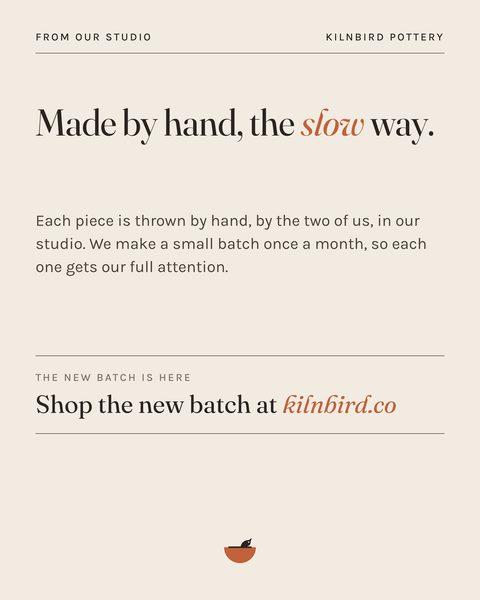
Kilnbird Pottery, a two-person ceramics studio

Kilnbird Pottery logo
Brand
Kilnbird Pottery
kilnbird.co
Colors
#F2EBE1Background#2A2420Text#C2613AAccent#8E9C7ESecondary
Fonts
Frauncesheadings · Karla body
Voice
WarmStory
Slow, plain, a little poetic. No exclamation marks.
Audience
First-home buyers and gift shoppers who want a mug they keep for twenty years

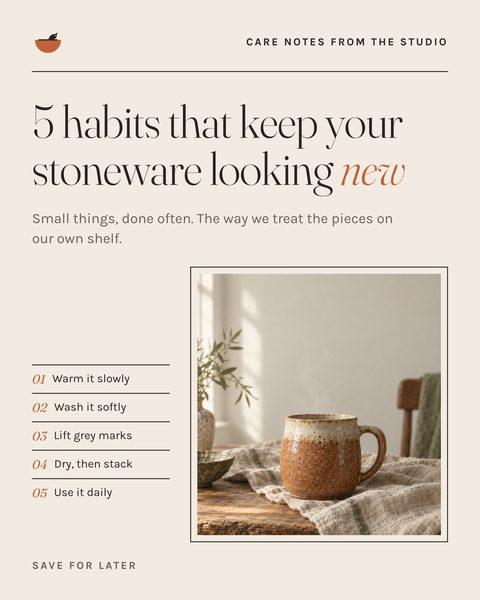
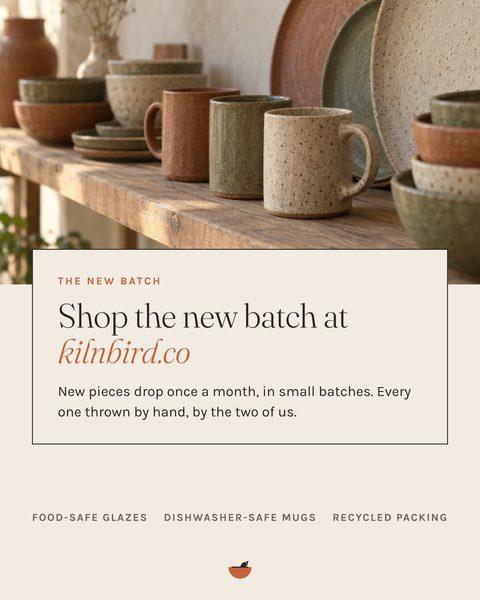
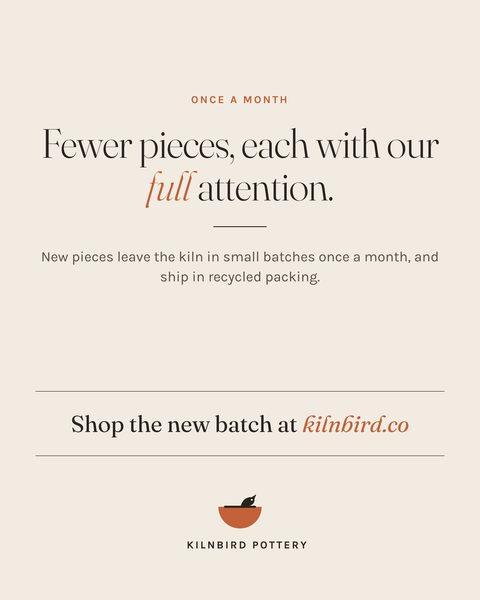
Bone paper, charcoal serif headlines with one terracotta italic word, linen-and-window-light photos of the pieces, small caps labels. Every last slide sends people to the monthly batch.
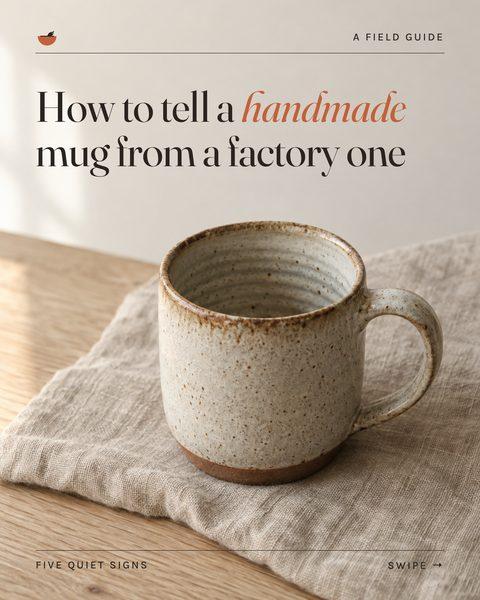
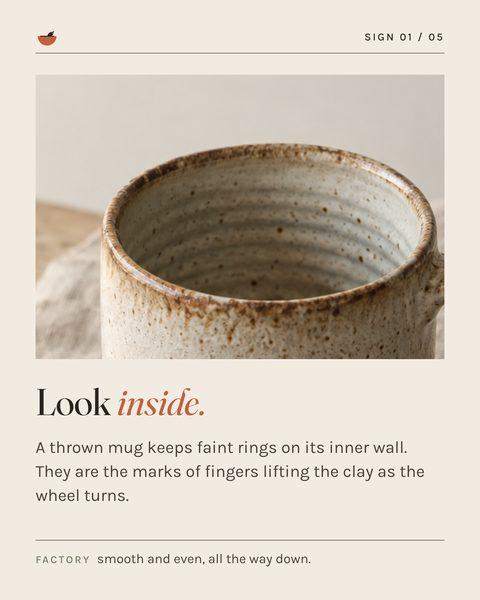
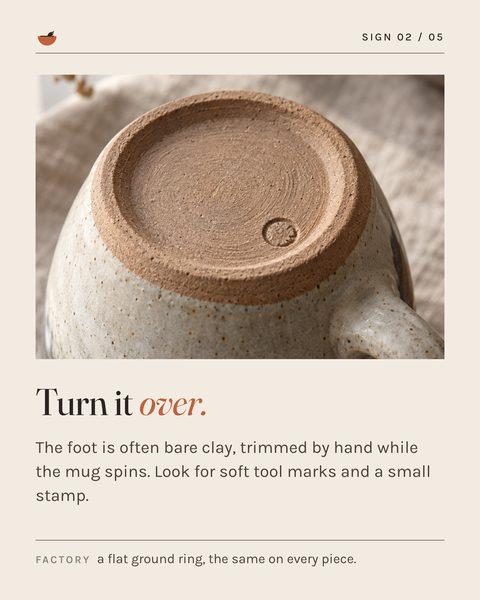
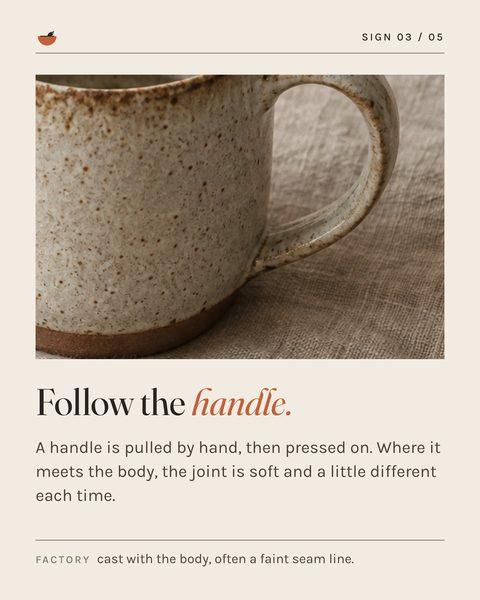
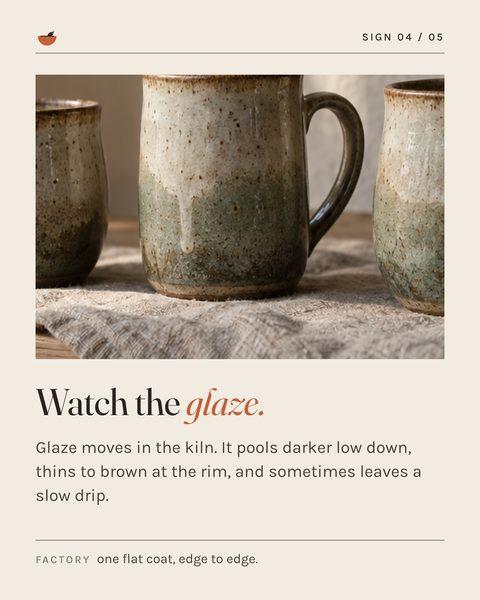
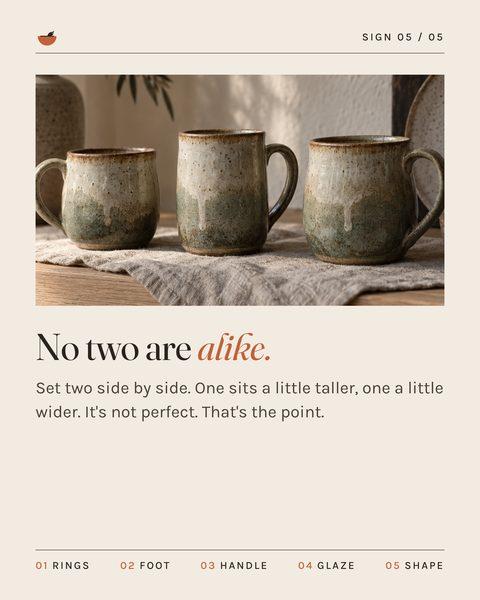
How to tell a handmade mug from a factory oneA field guide: five quiet signs (rings, foot, handle, glaze, shape), each with what a factory piece does instead.
Kilnbird Pottery: How to tell a handmade mug from a factory one, slide 1 of 7Kilnbird Pottery: How to tell a handmade mug from a factory one, slide 2 of 7Kilnbird Pottery: How to tell a handmade mug from a factory one, slide 3 of 7Kilnbird Pottery: How to tell a handmade mug from a factory one, slide 4 of 7Kilnbird Pottery: How to tell a handmade mug from a factory one, slide 5 of 7Kilnbird Pottery: How to tell a handmade mug from a factory one, slide 6 of 7Kilnbird Pottery: How to tell a handmade mug from a factory one, slide 7 of 7
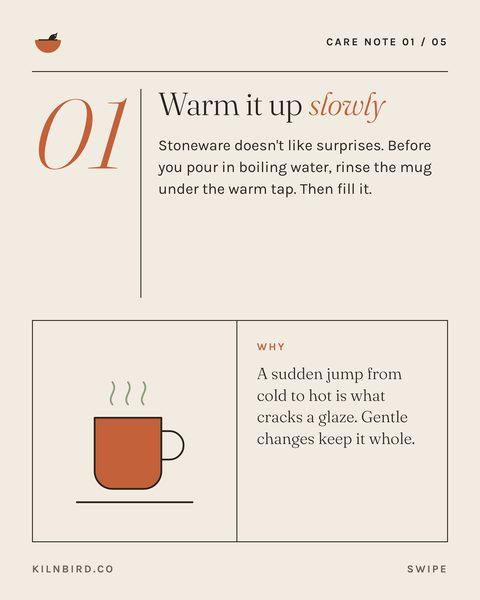
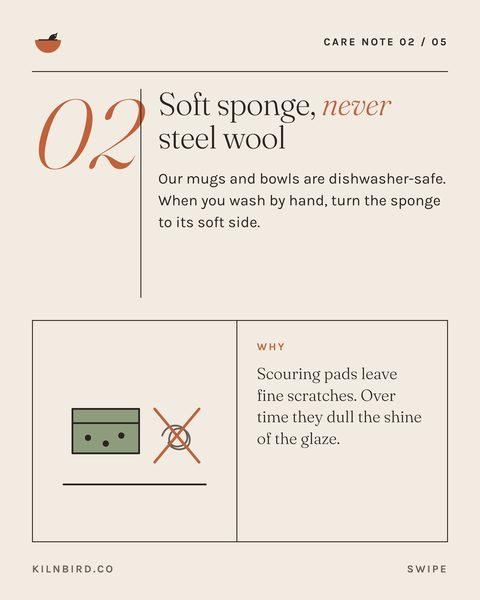
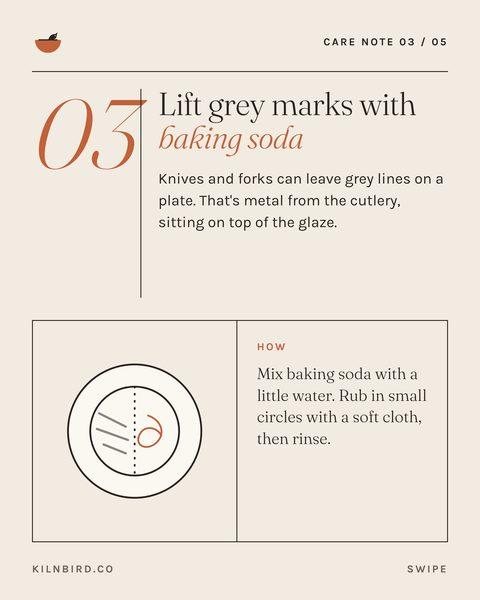
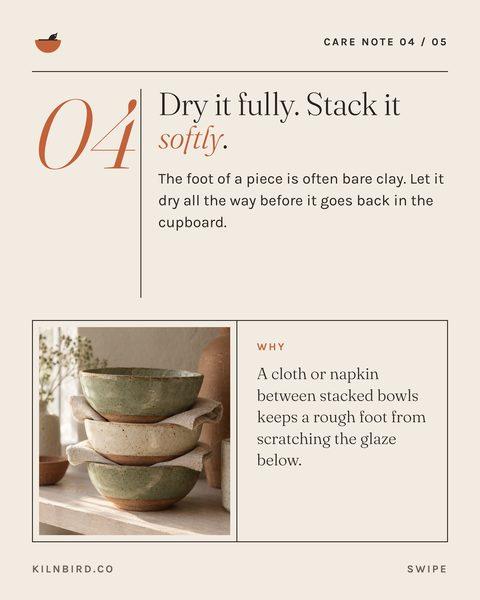
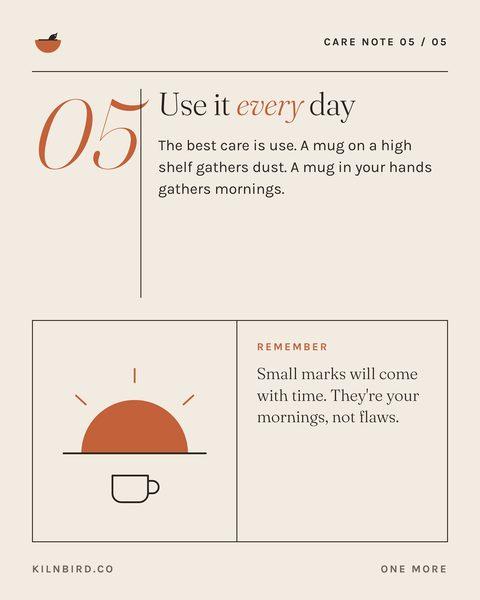
5 habits that keep your stoneware looking newNumbered studio care notes with a small drawing and a one-line reason under each habit.
Kilnbird Pottery: 5 habits that keep your stoneware looking new, slide 1 of 7Kilnbird Pottery: 5 habits that keep your stoneware looking new, slide 2 of 7Kilnbird Pottery: 5 habits that keep your stoneware looking new, slide 3 of 7Kilnbird Pottery: 5 habits that keep your stoneware looking new, slide 4 of 7Kilnbird Pottery: 5 habits that keep your stoneware looking new, slide 5 of 7Kilnbird Pottery: 5 habits that keep your stoneware looking new, slide 6 of 7Kilnbird Pottery: 5 habits that keep your stoneware looking new, slide 7 of 7
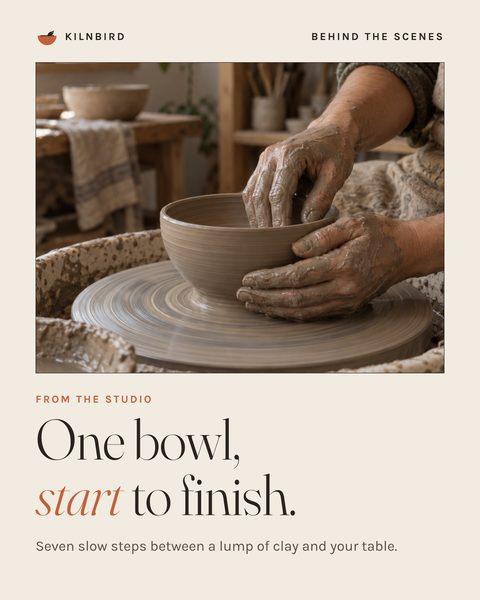
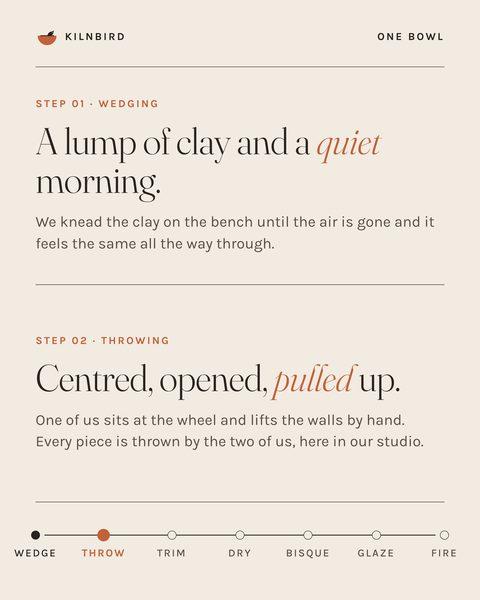
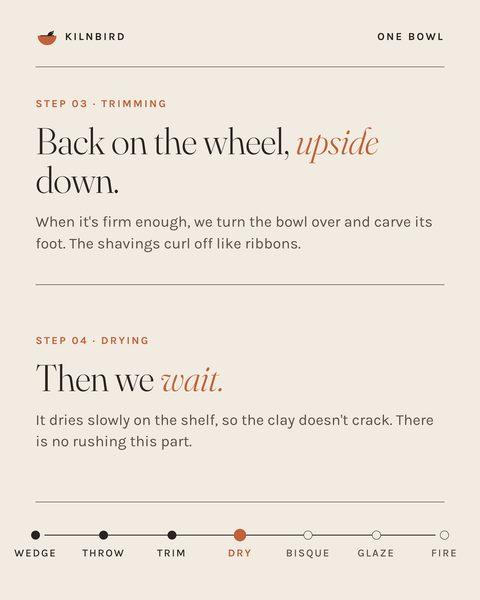
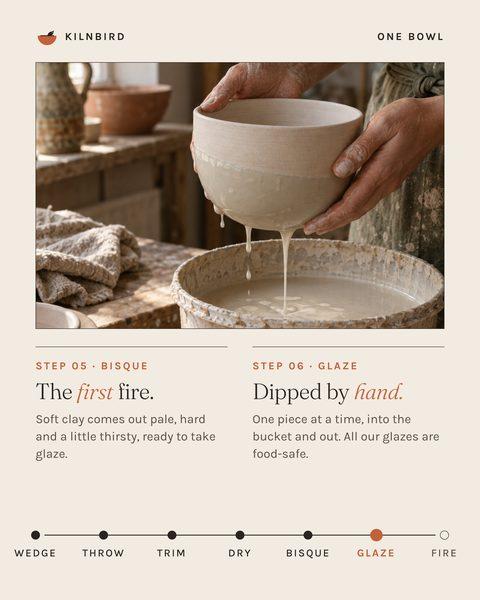
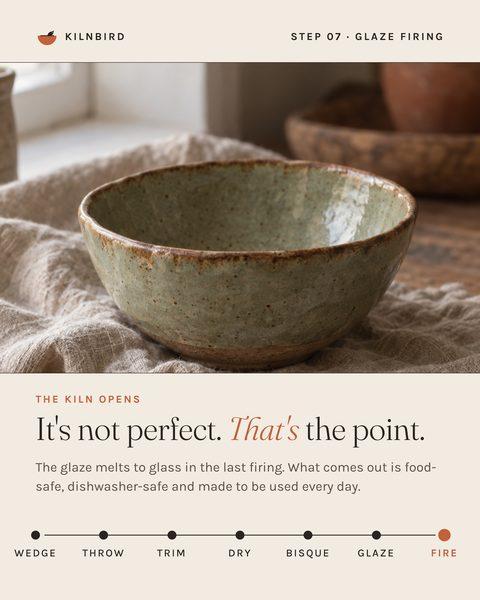
One bowl, start to finishBehind the scenes: a seven-stop timeline from wedging to the last firing fills in as you swipe.
Kilnbird Pottery: One bowl, start to finish, slide 1 of 6Kilnbird Pottery: One bowl, start to finish, slide 2 of 6Kilnbird Pottery: One bowl, start to finish, slide 3 of 6Kilnbird Pottery: One bowl, start to finish, slide 4 of 6Kilnbird Pottery: One bowl, start to finish, slide 5 of 6Kilnbird Pottery: One bowl, start to finish, slide 6 of 6

Paddlefin Swim School, a swim school for kids aged 3 to 10

Paddlefin Swim School logo
Brand
Paddlefin Swim School
paddlefinswim.com
Colors
#0B3A5BPrimary#FFC93CAccent#36C2CESecondary#F4FBFCBackground
Fonts
Fredokaheadings · Nunito body
Voice
PlayfulWarm
Cheerful and reassuring, like a coach crouching at the pool edge.
Audience
Parents of kids 3 to 10, especially nervous first-time swimmers

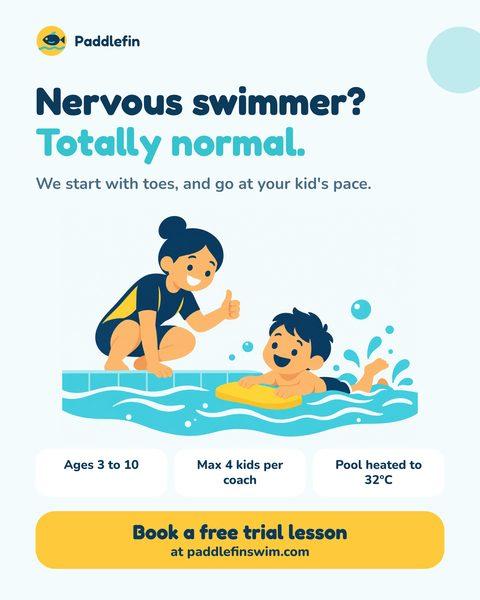
Chunky rounded headlines, wavy dividers, bubbles and yellow number stickers on foam white. Copy a parent can read in two seconds, and only the school's own facts: ages 3 to 10, 4 kids per coach, a 32°C pool, a free first lesson.

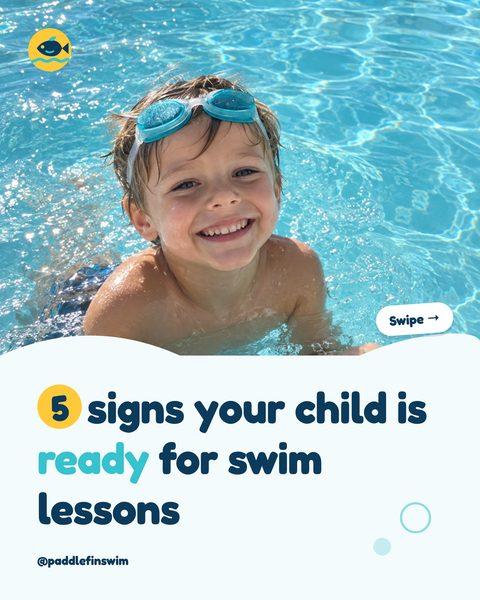
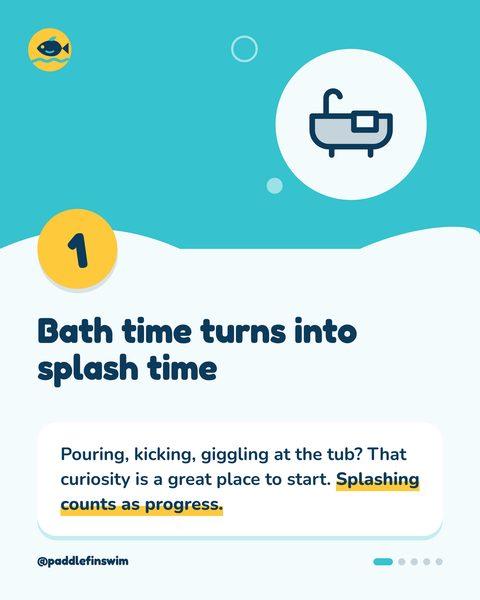
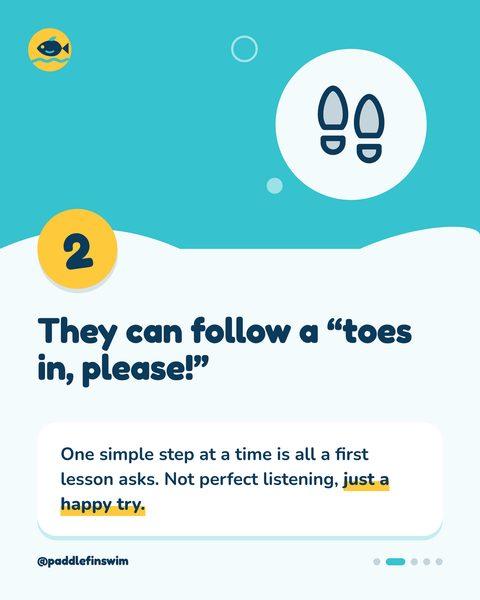
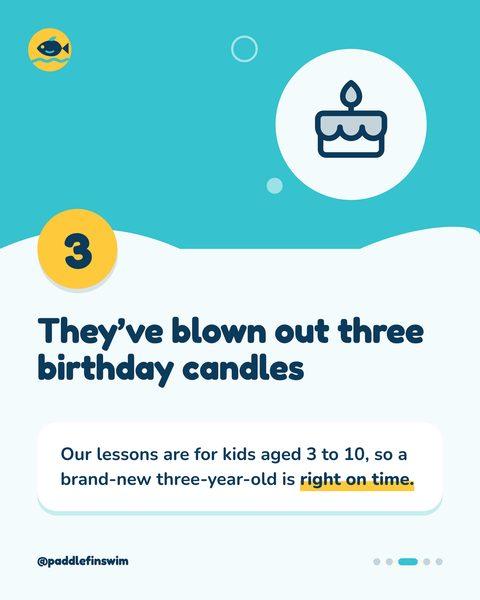
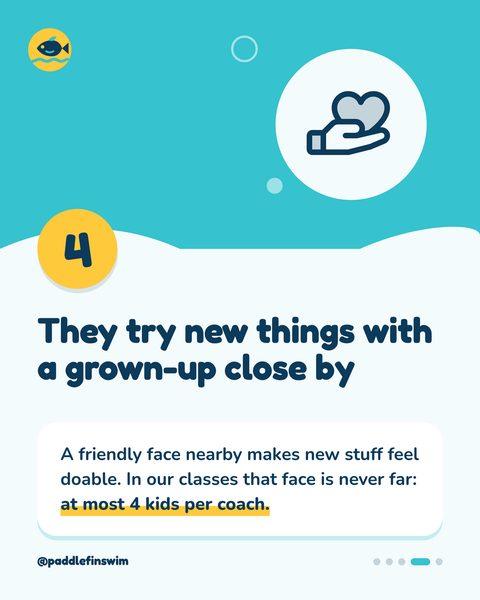
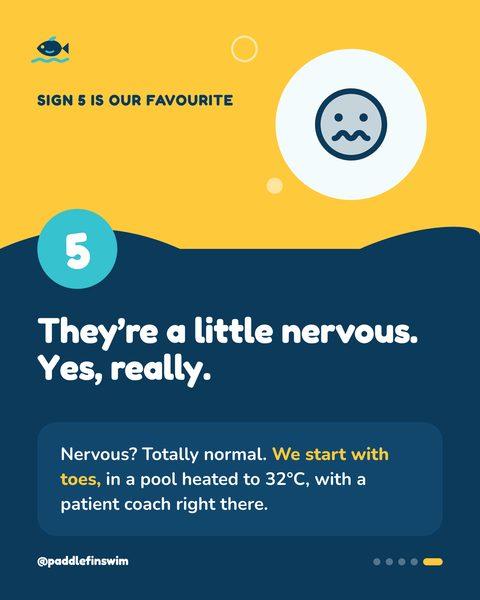
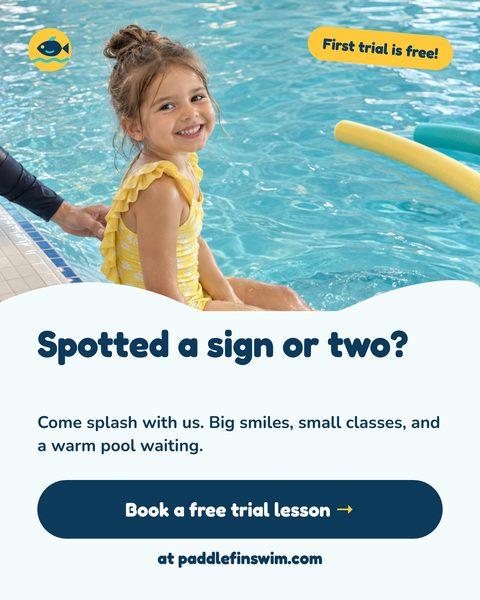
5 signs your child is ready for swim lessonsFive gentle signs on aqua-and-foam cards, ending on a photo and the free trial lesson.
Paddlefin Swim School: 5 signs your child is ready for swim lessons, slide 1 of 7Paddlefin Swim School: 5 signs your child is ready for swim lessons, slide 2 of 7Paddlefin Swim School: 5 signs your child is ready for swim lessons, slide 3 of 7Paddlefin Swim School: 5 signs your child is ready for swim lessons, slide 4 of 7Paddlefin Swim School: 5 signs your child is ready for swim lessons, slide 5 of 7Paddlefin Swim School: 5 signs your child is ready for swim lessons, slide 6 of 7Paddlefin Swim School: 5 signs your child is ready for swim lessons, slide 7 of 7
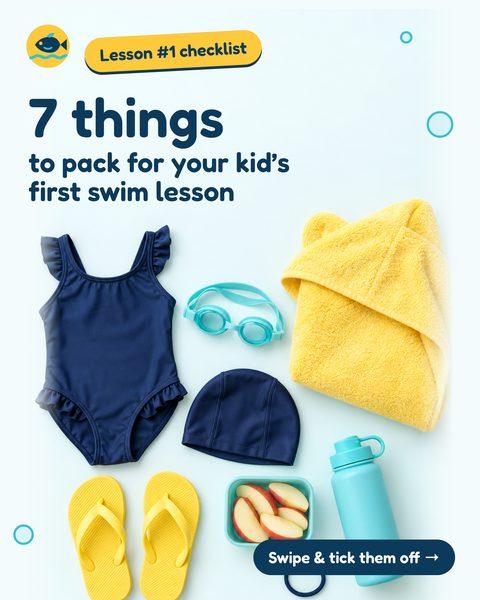
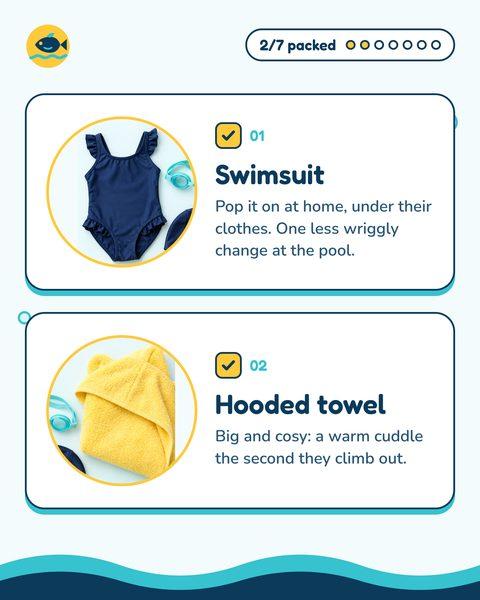
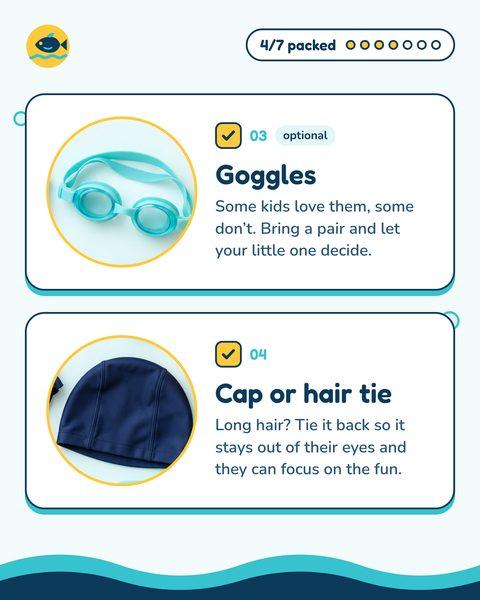
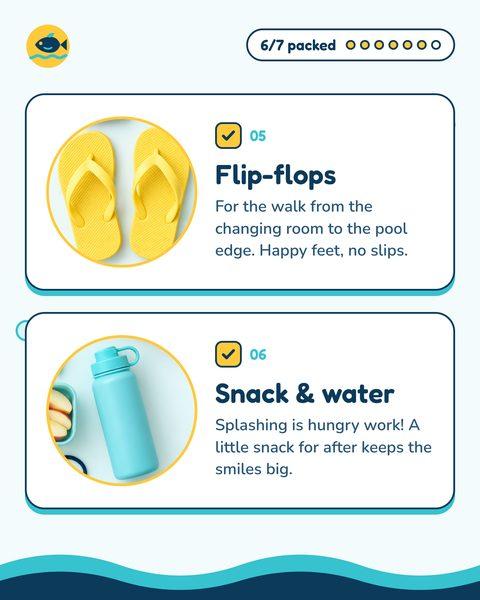
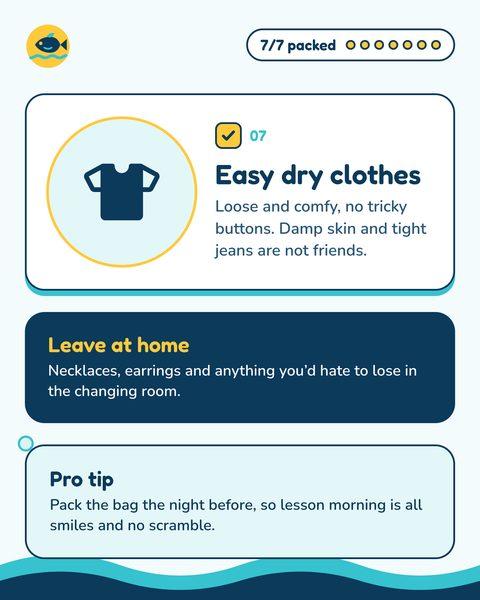
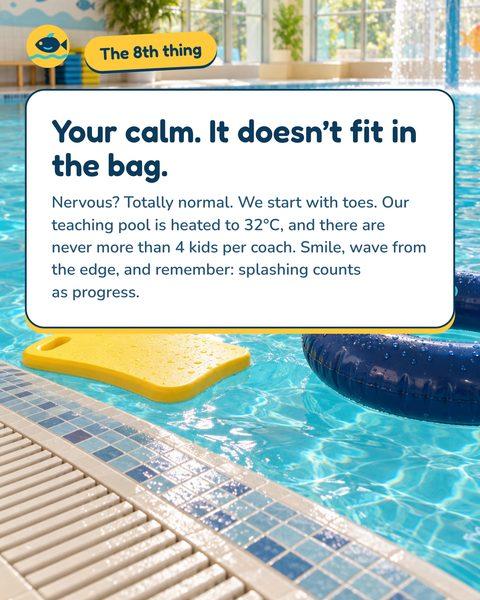
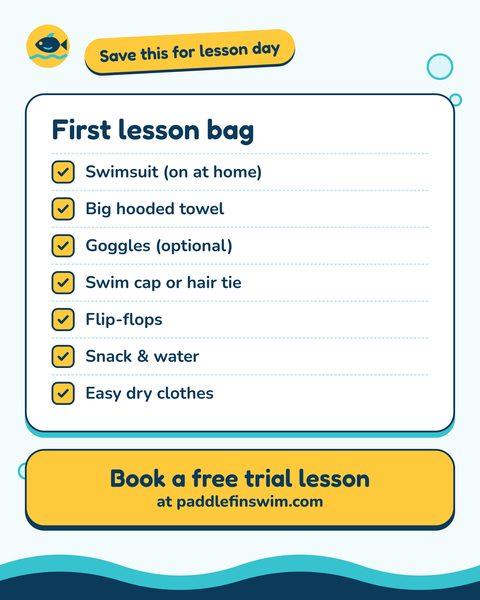
7 things to pack for your kid's first swim lessonA ticked checklist with a 'packed' tracker, cut from one flat-lay photo, plus a save-it list at the end.
Paddlefin Swim School: 7 things to pack for your kid's first swim lesson, slide 1 of 7Paddlefin Swim School: 7 things to pack for your kid's first swim lesson, slide 2 of 7Paddlefin Swim School: 7 things to pack for your kid's first swim lesson, slide 3 of 7Paddlefin Swim School: 7 things to pack for your kid's first swim lesson, slide 4 of 7Paddlefin Swim School: 7 things to pack for your kid's first swim lesson, slide 5 of 7Paddlefin Swim School: 7 things to pack for your kid's first swim lesson, slide 6 of 7Paddlefin Swim School: 7 things to pack for your kid's first swim lesson, slide 7 of 7
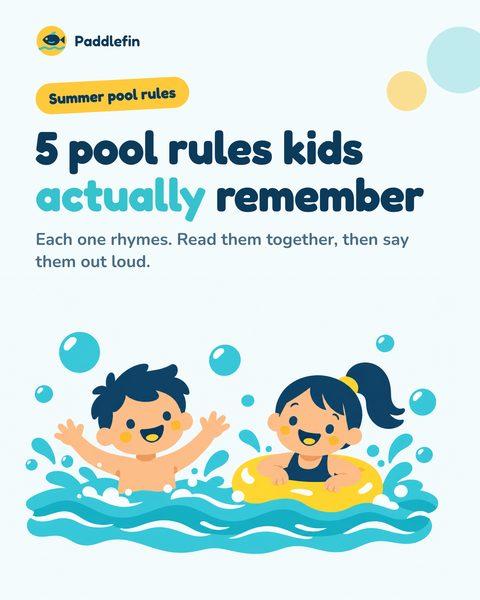
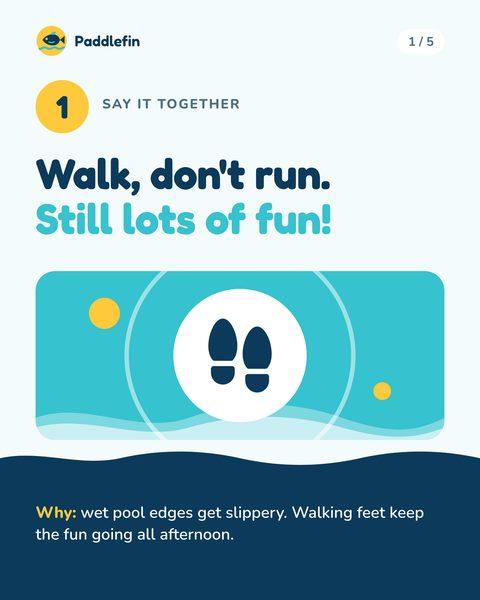
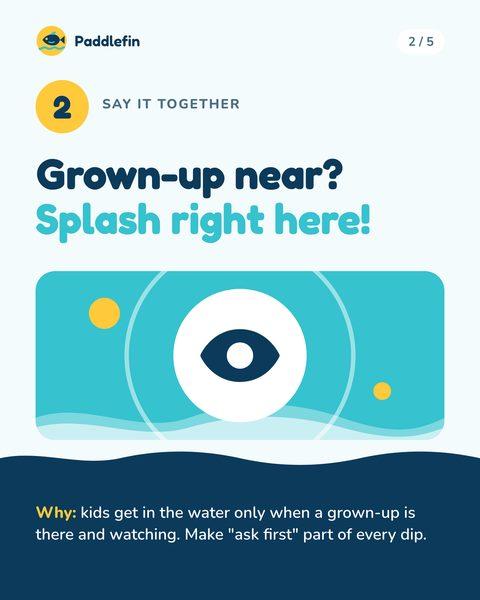
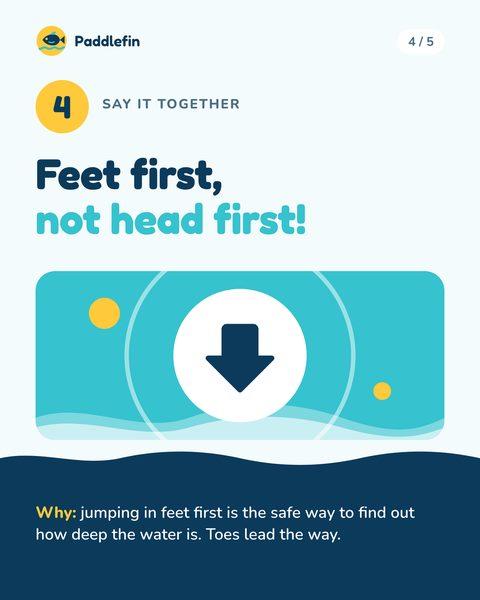
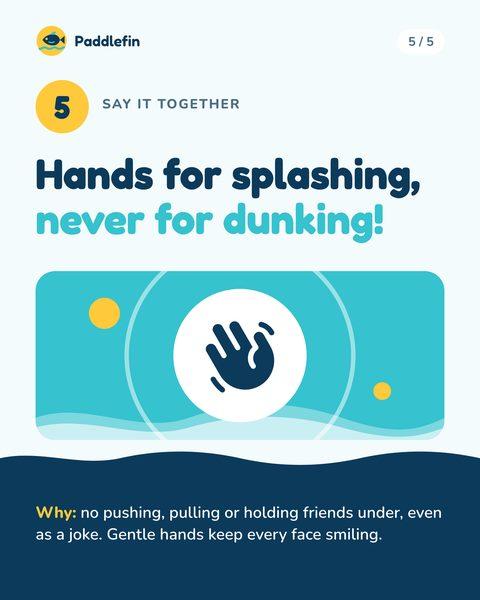
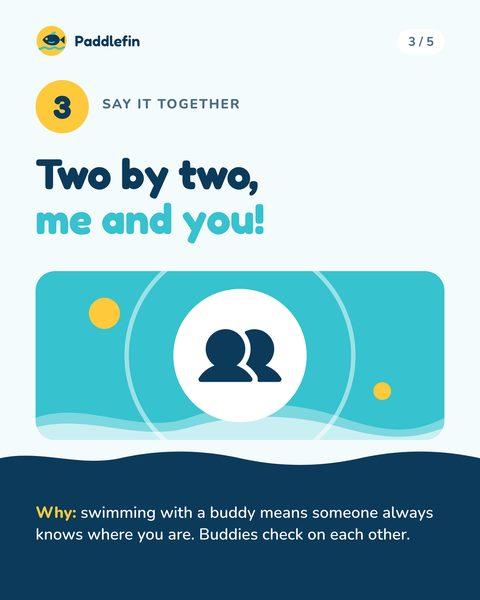
5 pool rules kids actually rememberEach rule is a rhyme to say out loud, with one plain line for the parent on why it matters.
Paddlefin Swim School: 5 pool rules kids actually remember, slide 1 of 7Paddlefin Swim School: 5 pool rules kids actually remember, slide 2 of 7Paddlefin Swim School: 5 pool rules kids actually remember, slide 3 of 7Paddlefin Swim School: 5 pool rules kids actually remember, slide 4 of 7Paddlefin Swim School: 5 pool rules kids actually remember, slide 5 of 7Paddlefin Swim School: 5 pool rules kids actually remember, slide 6 of 7Paddlefin Swim School: 5 pool rules kids actually remember, slide 7 of 7

Brieflane, a web app for freelance designers

Brieflane logo
Brand
Brieflane
brieflane.app
Colors
#121316Background#F4F4EFText#C8F45AAccent#6B7080Secondary
Fonts
Space Groteskheadings · Inter body
Voice
DirectBold
Blunt and a bit dry. Name the problem, then the fix.
Audience
Freelance designers and small studios who'd rather design than chase clients

Near-black slides with huge lowercase grotesk type, one lime word per slide and flat interface mockups instead of photos. No emoji, no hype words.

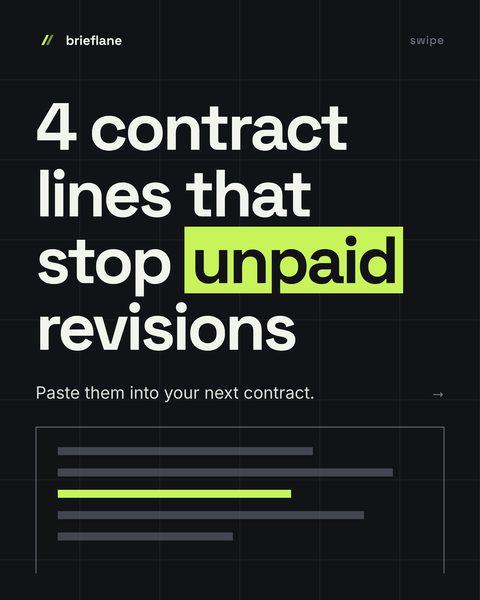
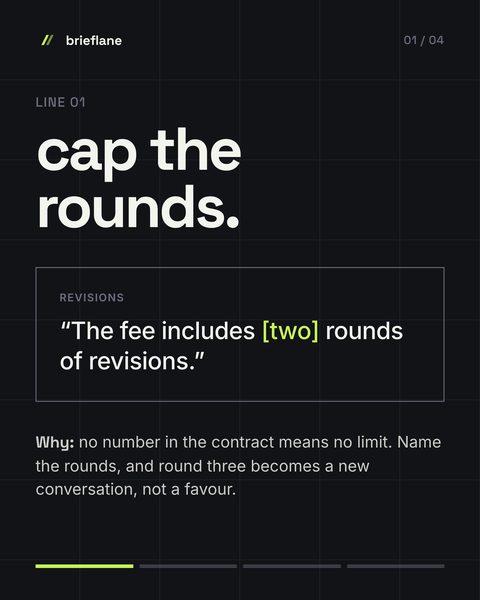
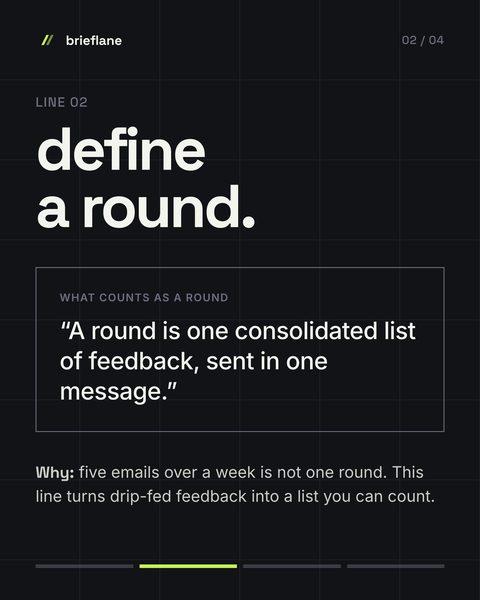
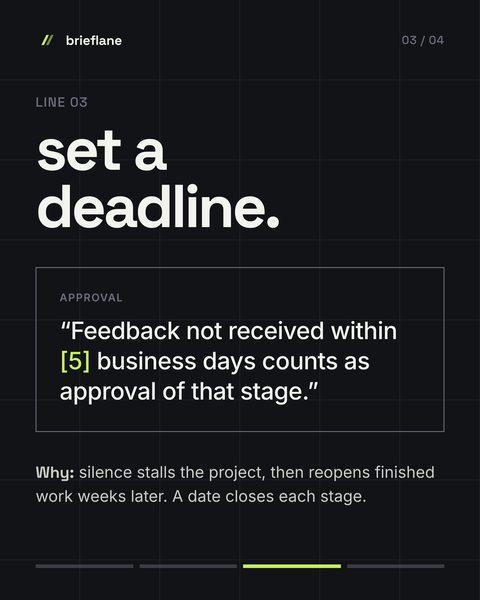
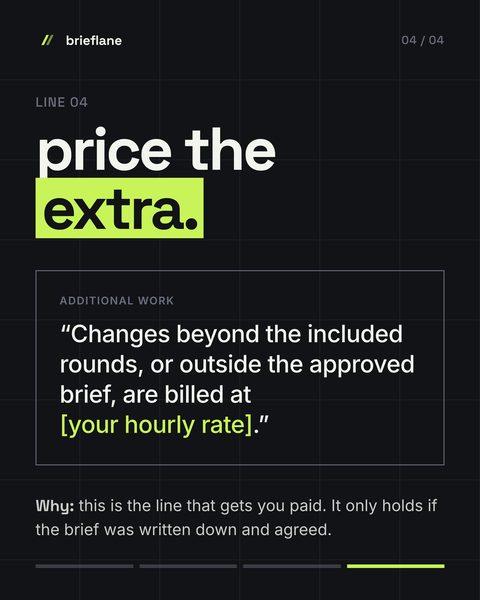
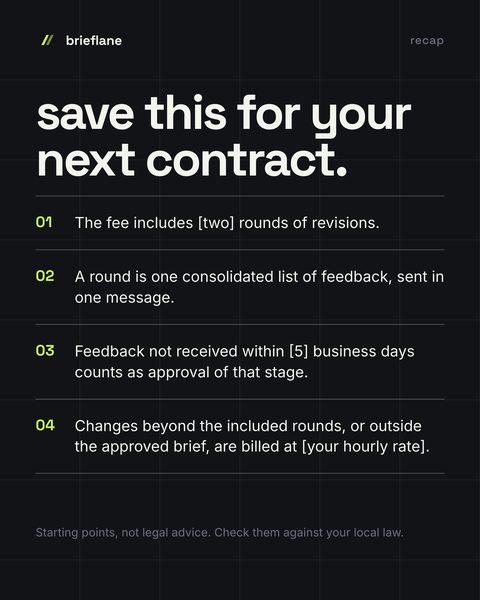
4 contract lines that stop unpaid revisionsOne clause per slide in a framed quote, a 'why' under it, and a recap to save.
Brieflane: 4 contract lines that stop unpaid revisions, slide 1 of 7Brieflane: 4 contract lines that stop unpaid revisions, slide 2 of 7Brieflane: 4 contract lines that stop unpaid revisions, slide 3 of 7Brieflane: 4 contract lines that stop unpaid revisions, slide 4 of 7Brieflane: 4 contract lines that stop unpaid revisions, slide 5 of 7Brieflane: 4 contract lines that stop unpaid revisions, slide 6 of 7Brieflane: 4 contract lines that stop unpaid revisions, slide 7 of 7
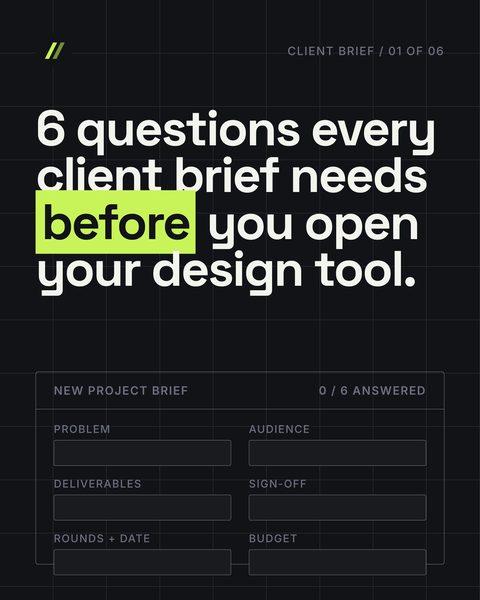
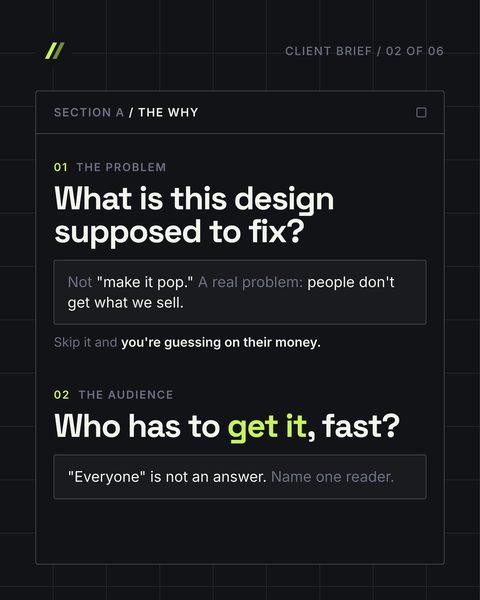
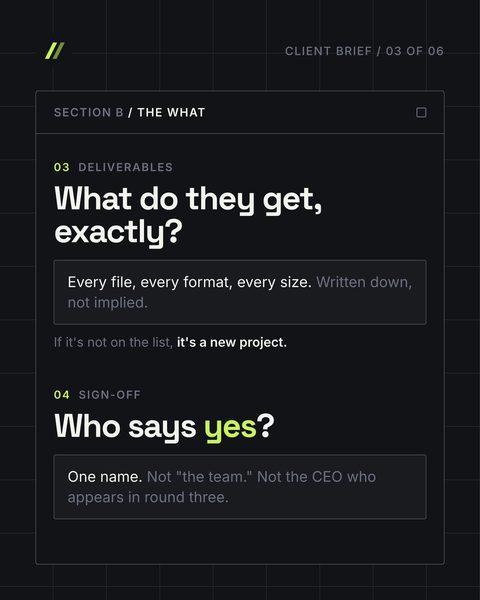
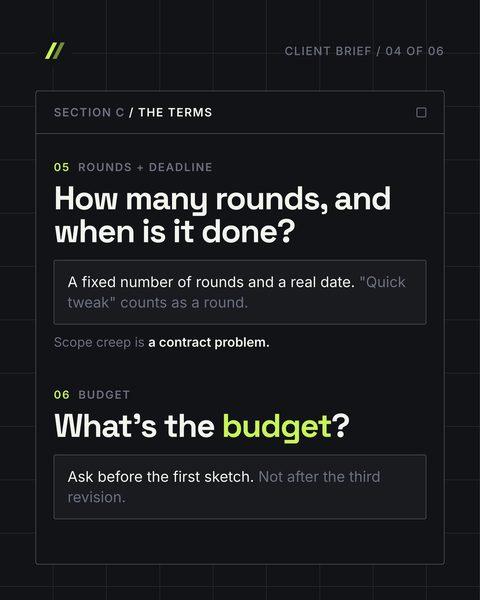
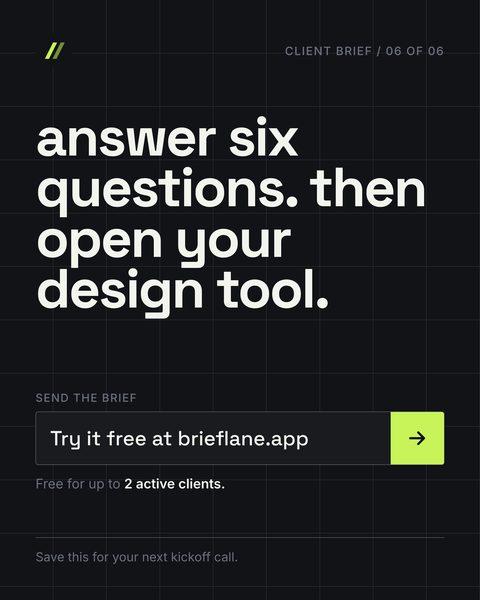
6 questions every client brief needs before you open your design toolDrawn as a brief form: sections, numbered fields and answer boxes, filled in slide by slide.
Brieflane: 6 questions every client brief needs before you open your design tool, slide 1 of 6Brieflane: 6 questions every client brief needs before you open your design tool, slide 2 of 6Brieflane: 6 questions every client brief needs before you open your design tool, slide 3 of 6Brieflane: 6 questions every client brief needs before you open your design tool, slide 4 of 6Brieflane: 6 questions every client brief needs before you open your design tool, slide 5 of 6Brieflane: 6 questions every client brief needs before you open your design tool, slide 6 of 6
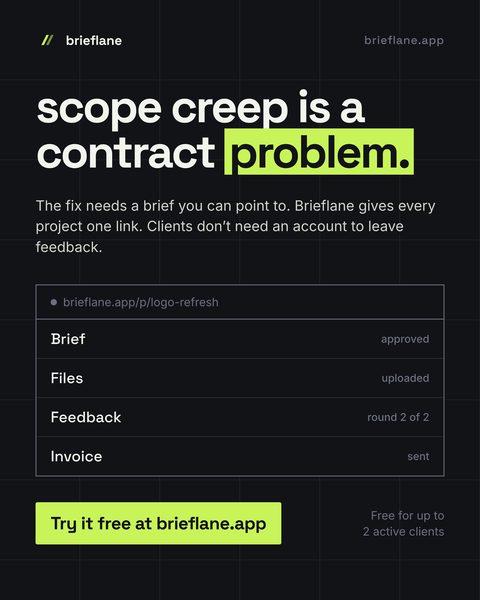
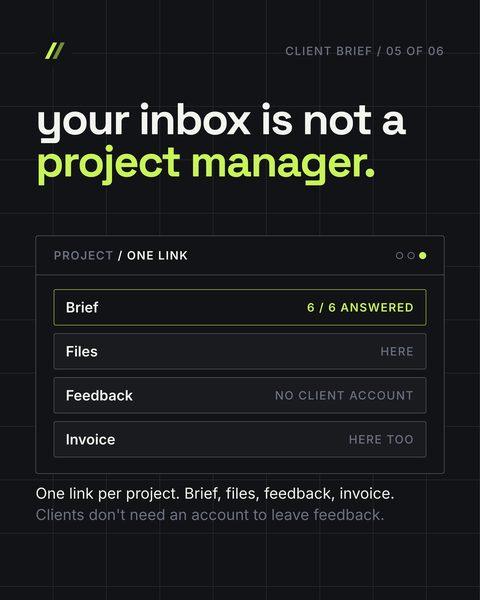
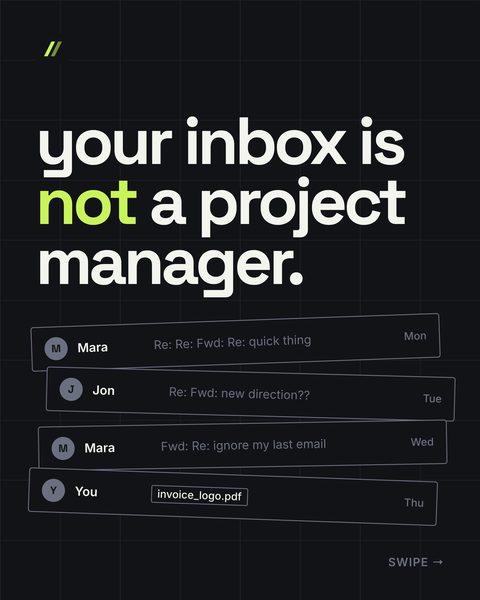
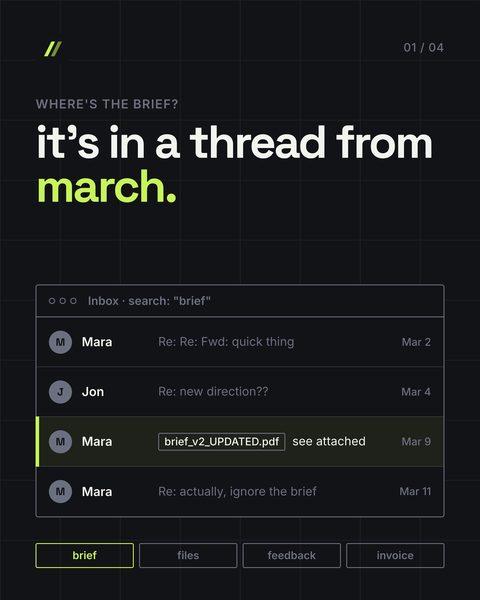
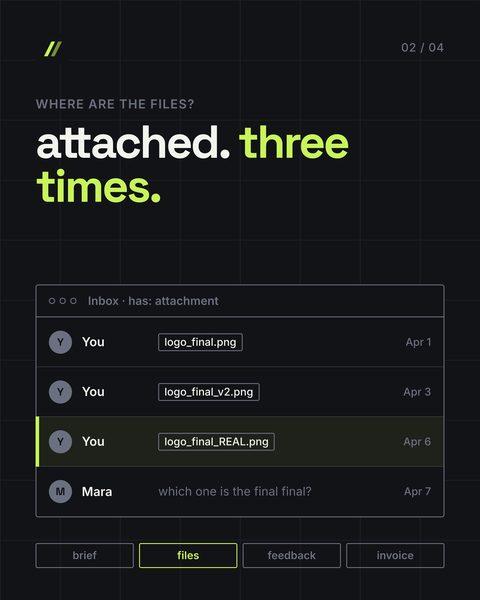
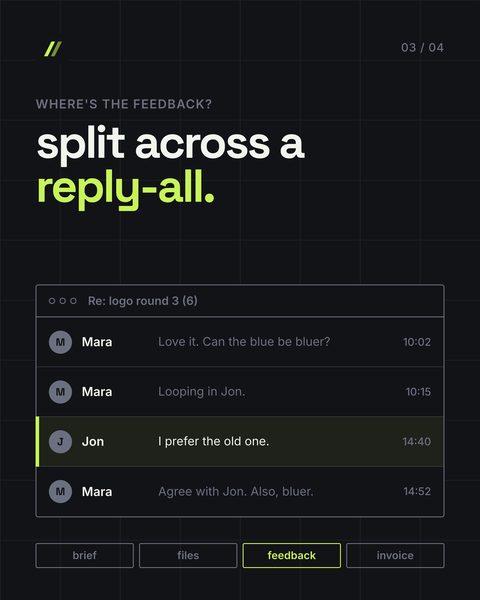
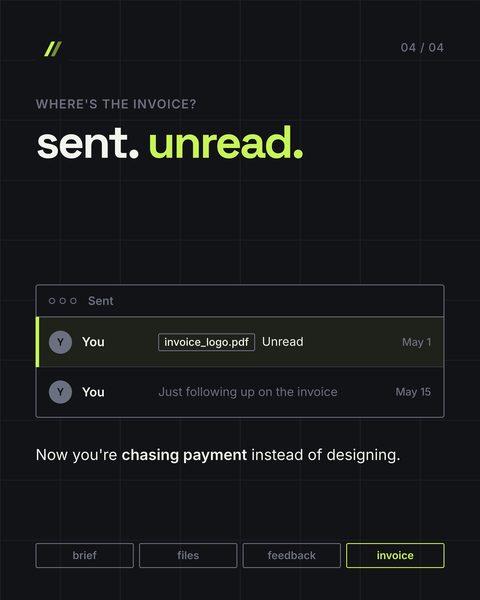
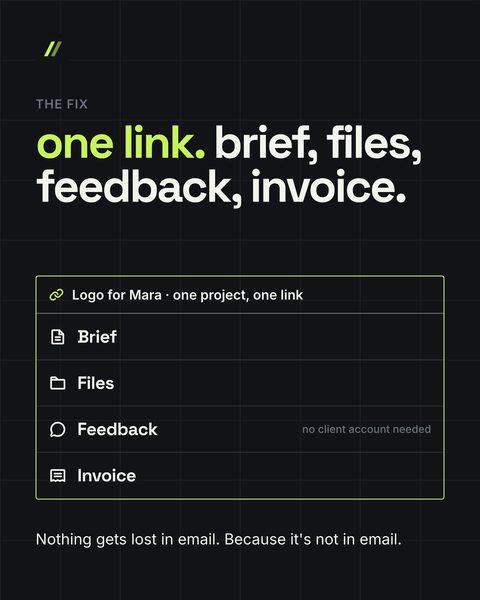
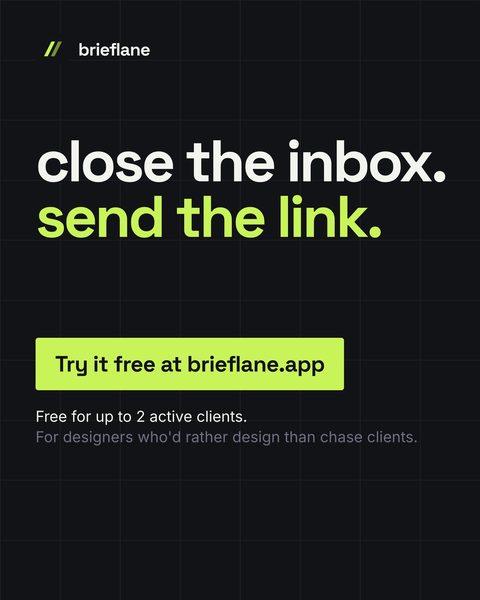
Your inbox is not a project managerProduct marketing: four flat inbox mockups lose the brief, files, feedback and invoice, then one project link holds all four.
Brieflane: Your inbox is not a project manager, slide 1 of 7Brieflane: Your inbox is not a project manager, slide 2 of 7Brieflane: Your inbox is not a project manager, slide 3 of 7Brieflane: Your inbox is not a project manager, slide 4 of 7Brieflane: Your inbox is not a project manager, slide 5 of 7Brieflane: Your inbox is not a project manager, slide 6 of 7Brieflane: Your inbox is not a project manager, slide 7 of 7
How it works

Set up your brand once, then just ask for posts

  1. 01

    Paste your link

    Your website, your Instagram handle or any social profile. Setup runs in the background for about 2 to 3 minutes.

  2. 02

    Check your brand page

    Open My setup and read what was found. Fix a color, a fact or a line about your voice; your edits win over what research found.

  3. 03

    Make posts

    Ask for a carousel in plain words. It comes out in your colors, fonts and voice, and you change any slide by asking.

Other ways to stay on-brand

Canva Brand Kit, a chat AI, a designer, or Tweenery

QuestionCanva Brand KitChatGPT or another chat AIHiring a designerTweenery
Setting up your brandYou add colors, fonts and logos by handYou describe it again in new chatsA brief and a kickoff callPaste one link, about 2 to 3 minutes
Your voice and audienceMostly visuals; you write each postWhatever you paste in or its memory keepsLearned over a few projectsResearched once, kept on your brand page
Who makes the slidesYou, starting from a templateYou, putting its text and images togetherThe designerThe agent, slide by slide
ChangesYou edit each slideAsk again and rebuildA new round, often daysAsk in chat; only that slide changes
CostA Canva planA chat subscriptionPaid per projectFree to start, then from $20 a month
FAQ

Brand-style posts, answered.

How much does it cost?

Signing up is free and gives you 200 credits, enough for about 2 to 3 carousels, with no card. Paid plans: Creator $20 a month (2,000 credits), Pro $45 a month (5,000 credits), Agency $200 a month (25,000 credits). Paying yearly costs 10 months, so Creator is $200 a year. Brand setup itself costs no credits.

How long does brand setup take?

About 2 to 3 minutes. You can ask for your first carousel right away: it waits for your brand to be ready, so it comes out on-brand.

I don't have a website. What do I paste?

Your Instagram handle (like @yourbrand) or a link to any social profile, such as TikTok or LinkedIn. Setup starts from a link or a handle, so a plain description won't work as the starting point; add those details on your brand page afterwards.

Can I change what it learned about my brand?

Yes. Everything on your brand page (about, audience, voice, colors, fonts, facts, call to action and files) edits in place and saves itself. Your edits win over what research found, and you can also correct it in chat.

Does it put my logo on the posts?

Setup saves your main logo and its versions from your site, and you can upload your own files on My setup. The agent decides per post whether the logo belongs on it; ask for it and it goes on every slide.

Can I set up more than one brand?

Not yet. Each account has one brand for now.

Which platforms does it work for?

Instagram (4:5, 3:4 and 1:1), TikTok photo slideshows (9:16), Pinterest pins and LinkedIn. You download slides as images; there's no PDF export yet, so for a LinkedIn document carousel you combine the images into a PDF yourself.

Can I edit a carousel after it's made?

Yes, by asking. Say "make the hook shorter" or "rewrite slide 4" and the agent changes just that, keeping your brand and the other slides as they are.

Written by Martin, the founder of Tweenery. Questions about brand setup? Email martin@tweenery.com.

Last updated .

Your brand, in every post

Paste one link today. Your next carousel uses your colors, fonts and voice.

Set up my brand free