How many slides should an Instagram carousel have? Data from 280 viral posts

In this guide ›
- How many slides can an Instagram carousel have?
- What we studied
- The most common carousel length is 9 or 10 slides
- Does carousel length change likes and comments?
- How many slides you need, by type of carousel
- Short or long: which should you post?
- How to make a long carousel people finish
- Instagram carousel size
- FAQ
An Instagram carousel can have up to 20 slides, but most viral ones use 8 to 10. We studied 280 viral Instagram carousels: the median had 9 slides, and 10 was the single most common length. Short carousels did just as well on likes, though. What changed with length was conversation: carousels with more than 10 slides got more than twice the comments of ones with 5 or fewer.
How many slides can an Instagram carousel have?
Up to 20 slides. Instagram raised the carousel limit from 10 to 20 photos or videos in August 2024. There's no minimum beyond 2, and you can mix photos and videos in one post.
Only 9 of the 280 viral carousels we studied used all 20. Most creators had room to spare and didn't use it.
What we studied
In November 2026 we collected over 1,000 viral Instagram carousels and TikTok photo slideshows. This guide uses the 280 Instagram carousels among them. Each had at least 10,000 likes when we found it (Instagram hides views and saves on other people's posts, so likes were the bar). We went through every one slide by slide: slide count, words per slide, format, size and call to action.
One caveat: every post here is a winner, so the numbers compare winners with winners. They show how long viral carousels are, not a length that guarantees reach.

Cover
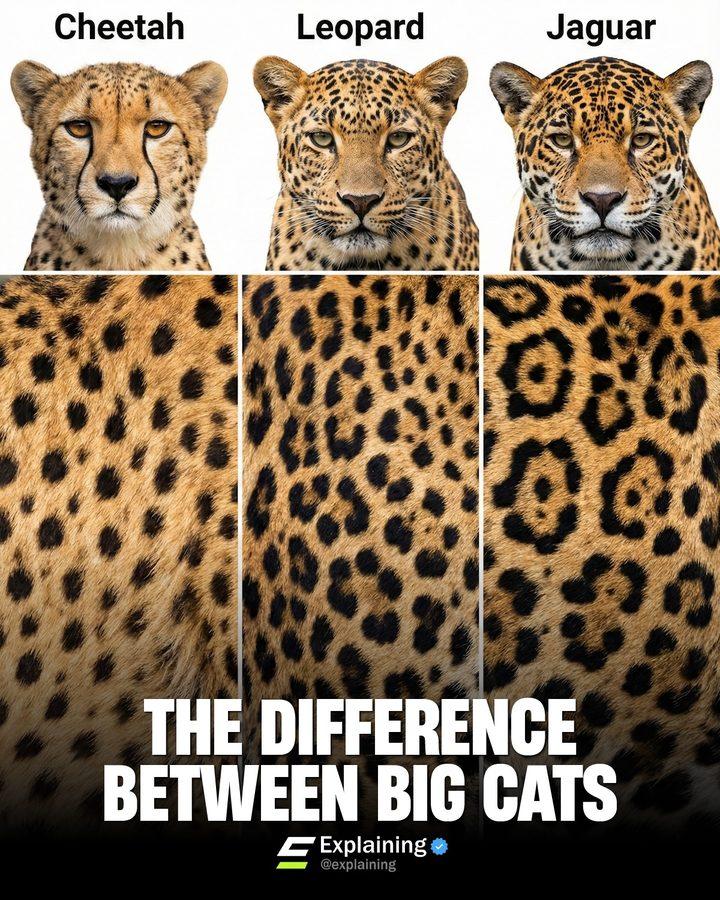
Big cats

Alligators vs crocodiles

Dog body language

Last slide
The most common carousel length is 9 or 10 slides
| Slides | Share of the 280 viral carousels |
|---|---|
| 2 to 3 | 4% |
| 4 to 6 | 24% |
| 7 to 9 | 34% |
| 10 | 15% |
| 11 to 15 | 15% |
| 16 to 20 | 9% |
Half of the viral carousels had 7 to 10 slides. Ten on its own was the most common count (42 posts), probably because it was the old limit and still feels like a full post. Among the 25 most-liked carousels, the median was 10 slides.
Does carousel length change likes and comments?
Likes: not in a straight line. Comments: yes.
| Slides | Posts | Median likes | Median comments |
|---|---|---|---|
| 5 or fewer | 44 | 7.4K | 121 |
| 6 to 10 | 171 | 5.3K | 180 |
| 11 or more | 65 | 7.3K | 296 |
Short and long carousels had about the same median likes. Middle-length ones had fewer, but they were also the biggest and most mixed group, so don't read that as "avoid 6 to 10".
Comments grew with length. Part of that is the call to action: 88% of the long carousels ended with one, often "comment a keyword and I'll send you the guide". But even among posts with no comment prompt, carousels with 11 or more slides had a median of about 150 comments, against about 95 for 5 or fewer. A long carousel gives people more to react to.
Instagram's head, Adam Mosseri, has also said that a carousel someone scrolls past can come back in their feed showing the second slide. A carousel with more than one strong slide gets that second chance.

Cover

Slide 2

Slide 3

Slide 9

Last slide
How many slides you need, by type of carousel
The best length is the number of ideas you have, one per slide. Here's the median slide count for the most common formats among the viral carousels:
| Format | Posts | Median slides |
|---|---|---|
| Infographic / data | 15 | 7 |
| How-to / tutorial | 49 | 8 |
| Listicle | 60 | 9 |
| Reference / cheat sheet | 28 | 9 |
| Photo dump | 15 | 9 |
| Story | 12 | 9.5 |
| Comparison | 10 | 10 |
A rough guide from that:
- 5 to 7 slides: one framework, a quick how-to, a before/after, or a single chart broken into parts.
- 8 to 10 slides: listicles, tutorials and cheat sheets. This is the default if you're unsure.
- 11 to 20 slides: stories, photo dumps and big lists, where each extra slide is one more thing to react to.

Cover
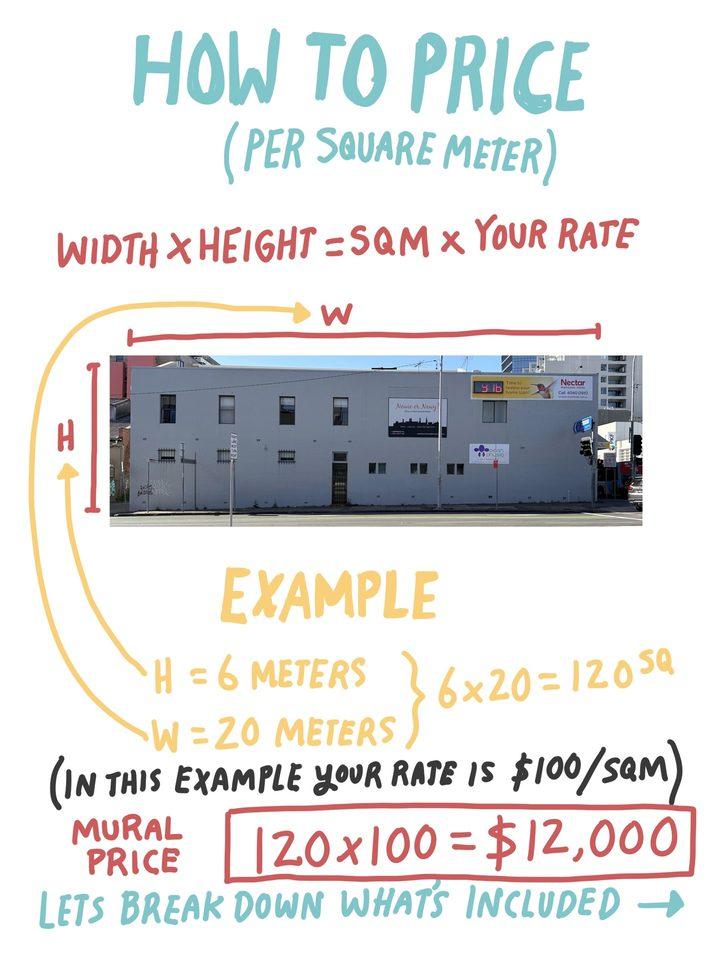
The formula
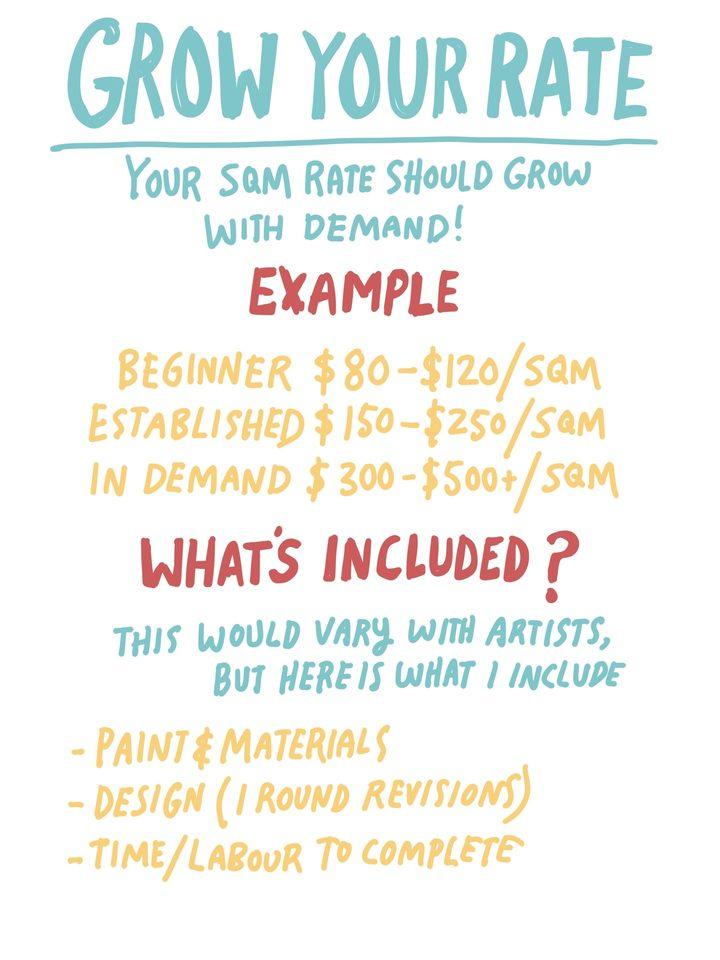
Your rate

Last slide
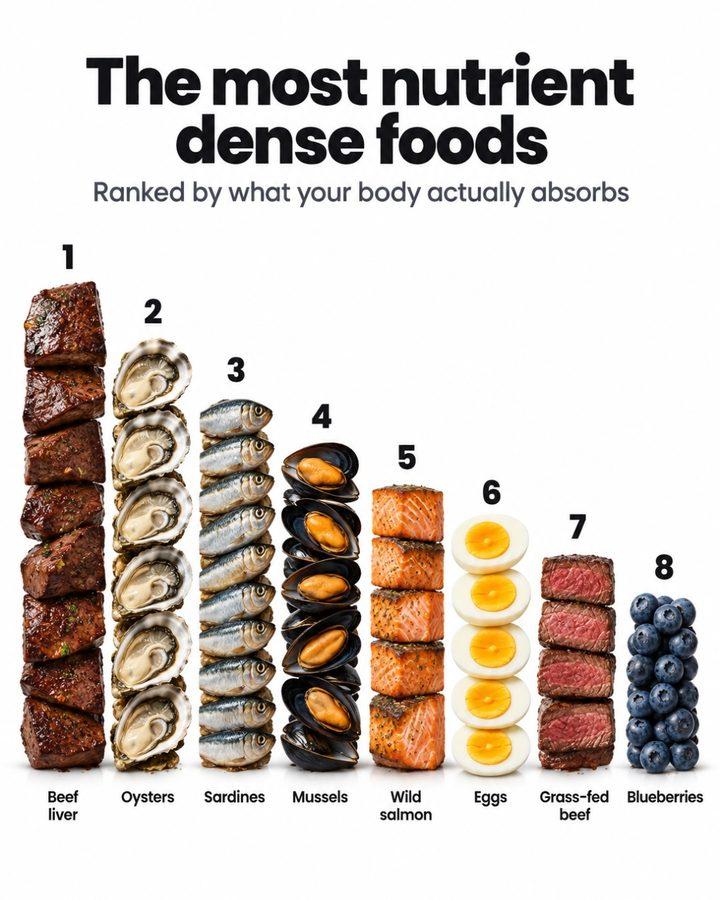
Cover

Vitamin B12
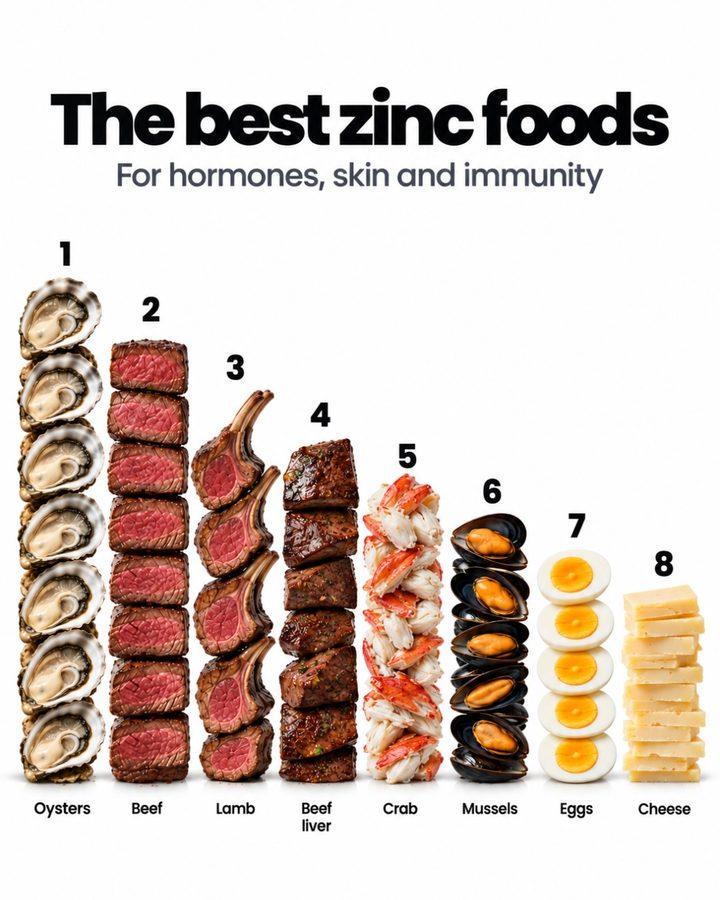
Zinc

Omega-3

Cover

Blockbuster

No group chat

Photos on the wall

Last slide
Short or long: which should you post?
Go shorter if:
- You have one idea and the slides would just repeat it.
- Each slide is text-heavy. About 34 words a slide was typical; 10 dense slides is a lot to read on a phone.
- You're new to carousels. A tight 7-slide post is easier to make good than a 15-slide one.
Go longer if:
- Each slide adds something new: another item, another step, another punchline.
- You want comments or saves. Lists and references that run long give people a reason to come back.
- The slides are quick to read. Long viral carousels used slightly less text: 45% were light on text, against 38% of shorter ones.
What every length had in common was a cover that promises one clear thing and a layout that stays the same from slide to slide, so swiping feels easy.

Cover

Slide 2

Slide 4

Slide 6

Last slide
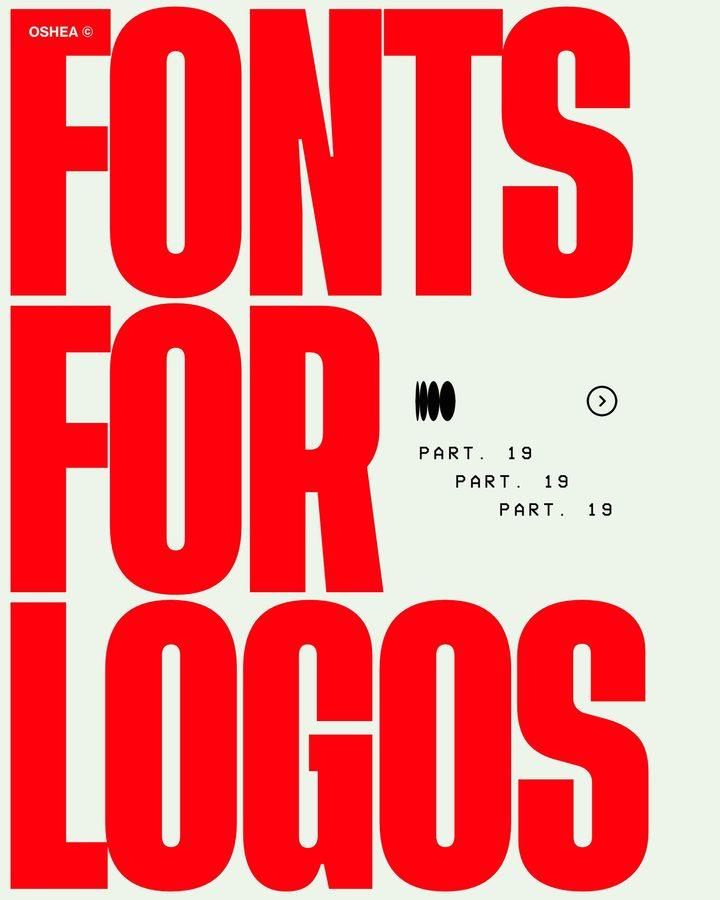
Cover

Font 1

Font 2

Font 4

Last slide
How to make a long carousel people finish
- Make slide 1 a promise. Say what's inside and, if it's a list, how many: "8 fonts for logos" tells people the swipe is worth it. Our Instagram carousel hooks has 90 to copy.
- One idea per slide. If a slide needs two headlines, split it.
- Keep one template. Same font, same layout, same spot for the text. Only the content changes.
- Give slide 2 a reason to keep going. It's the slide Instagram may show on the second pass, so don't spend it on an intro.
- Save something good for the end. The best item, the punchline, or the answer.
- End with one ask, if any. Follow, save, or comment a keyword. Not all three.
For full slide-by-slide outlines, see viral carousel structure.
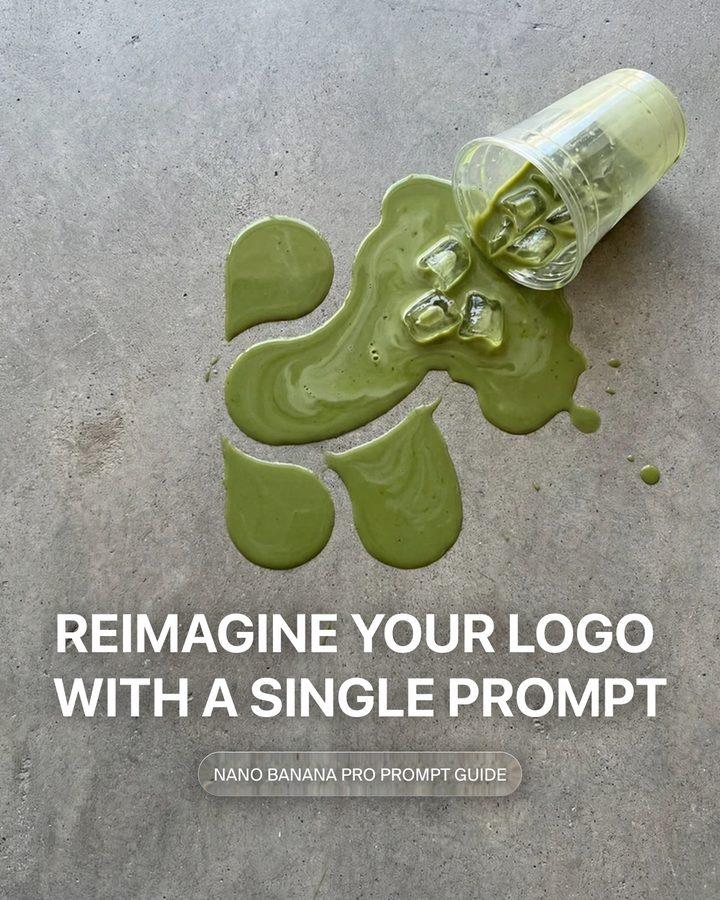
Cover

Example 1

Example 2
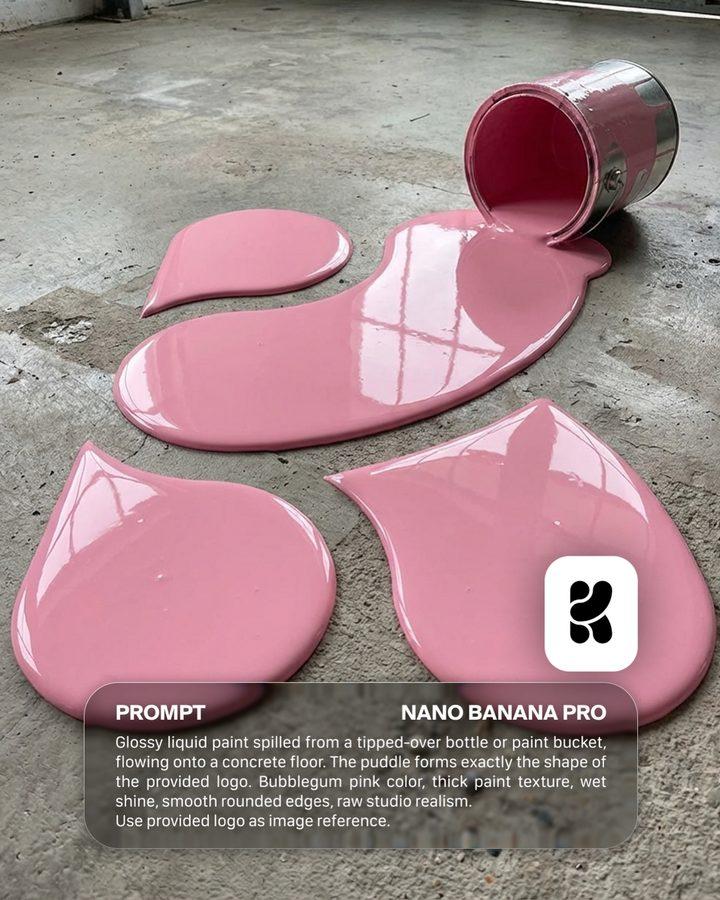
Example 3

Example 5

Cover

Tip 1

Tip 4

Tip 7

Last slide
Instagram carousel size
Post at 1080x1350 (4:5) or 1080x1440 (3:4). 71% of the viral carousels used 4:5 and 26% used 3:4. Square (1:1) was rare: 3 posts out of 280. Every slide in a carousel shares the first slide's shape, so make them all the same size.
FAQ
How many slides should an Instagram carousel have?
8 to 10 for most posts. The median viral carousel in our study had 9 slides, and 10 was the most common count. Use fewer when you have one idea, more when each slide adds a new item.
What is the maximum number of slides in an Instagram carousel?
20 photos or videos, since August 2024. Before that the limit was 10.
Do more slides get more engagement on Instagram?
More slides went with more comments, not more likes. Viral carousels with 11 or more slides had a median of 296 comments, against 121 for 5 slides or fewer, while median likes were about the same.
Is 10 slides too many for an Instagram carousel?
No. 10 was the most common length among the 280 viral carousels we studied, and the 25 most-liked had a median of 10 slides.
What's the minimum number of slides for a carousel?
Two slides. Only 4% of viral carousels had 2 or 3 slides, so if your post fits on that few, a single image may do the job just as well.
Should TikTok slideshows have the same number of slides?
Close. Viral TikTok slideshows had a median of 7 slides, and the 10-to-14 group had the highest median views. See why a TikTok slideshow isn't getting views.