TikTok slideshow not getting views? 9 fixes from 1,000+ viral posts
In this guide ›
- First: is it really 0 views?
- What we studied
- Fix 1: Your follower count isn't why your slideshow gets no views
- Fix 2: Rewrite the cover slide
- Fix 3: Cut the text on every slide
- Fix 4: Use 7 to 14 slides and put the best item last
- Fix 5: Pick a format people stop for
- Fix 6: Post at 3:4, not only 9:16
- Fix 7: Add a sound and write a real caption
- Fix 8: Drop the hard sell
- Fix 9: Keep posting, but don't repost
- Checklist before you post a slideshow
- FAQ
If your TikTok slideshow is not getting views, the cause is almost always the first slide, not your follower count. We studied over 1,000 viral posts, including 730 TikTok slideshows. Half of those slideshows came from accounts with fewer than 10,000 followers, and 92 came from accounts with fewer than 1,000. What they shared was a short cover that names one clear payoff, little text per slide, a sound, and a caption that says what the post is about.
First: is it really 0 views?
Before you change anything, rule out the simple causes:
- Wait a few hours. View counts can lag. A brand-new post at 0 often catches up the same day.
- Check the post's analytics and your account status. In TikTok Studio, open the post and look for a notice that it isn't eligible for the For You feed. If there is one, TikTok has limited it under its rules: fix the reason or post something new.
- Check privacy. A post set to Friends or Only me won't get any For You traffic.
- Check you posted it as a photo post. A slideshow made with a video template plays as a video and is judged as one.
- Check the content rules. TikTok's guidelines say content is ineligible for the For You feed if it includes unoriginal or reused material with nothing new added. Reposting someone else's slides is the fastest way to get 0 views.
If all of that checks out, the slideshow itself is the problem. The rest of this guide is about fixing it.
What we studied
In November 2026 we collected 1,018 viral Instagram carousels and TikTok photo slideshows. This guide uses the 730 TikTok slideshows among them, each with at least 100K views, or 10K likes, saves or shares. We went through every one slide by slide: cover text, slide count, words per slide, format, size, call to action, caption, hashtags and sound.
One honest caveat: every post in the set is a winner, so the numbers compare winners with winners. They show what viral slideshows have in common, not a formula that guarantees views. Where a group is small, we say so.
Here's one from the set, a 27-slide moodboard at 3:4:
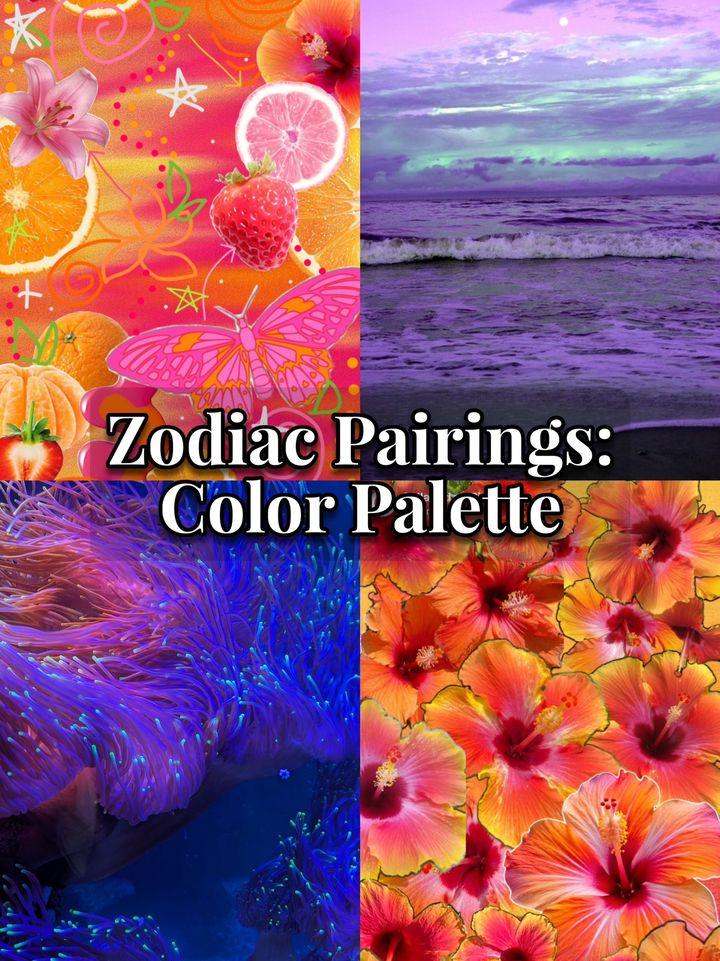
Cover

Pairing 1
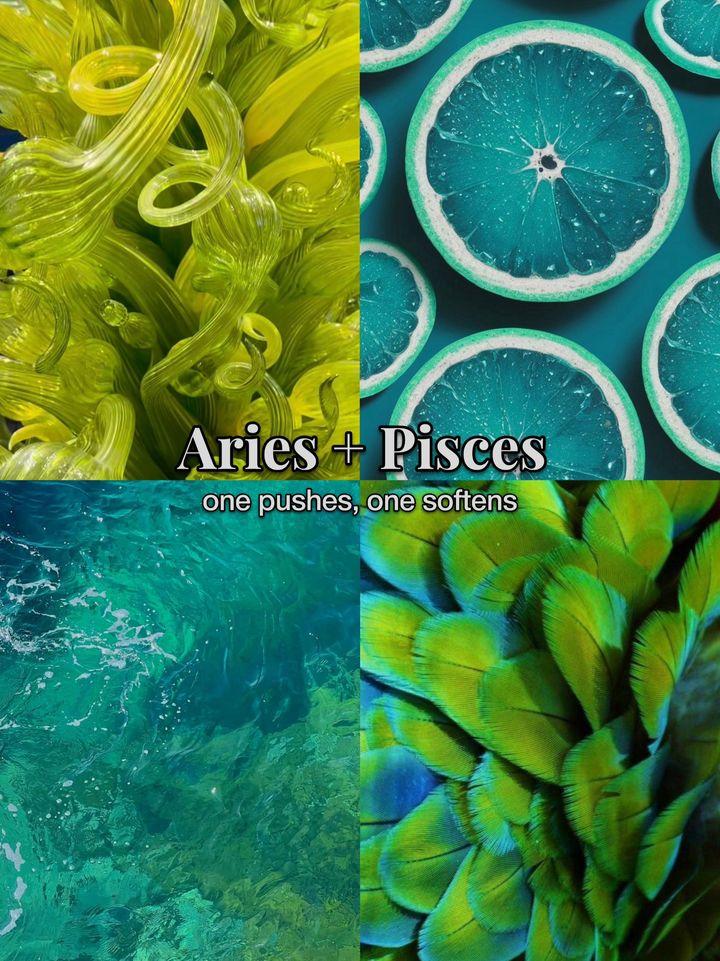
Pairing 2

Pairing 3

Pairing 4
Fix 1: Your follower count isn't why your slideshow gets no views
TikTok says that neither follower count nor previous high-performing videos are direct factors in what it recommends. Our data agrees:
| Followers | Share of the 730 viral slideshows |
|---|---|
| Under 1,000 | 13% |
| Under 5,000 | 36% |
| Under 10,000 | 48% |
| Under 50,000 | 78% |
57 accounts with fewer than 10K followers got over 1 million views on a slideshow. And 77% of all the slideshows got at least 10 times more views than the account had followers.
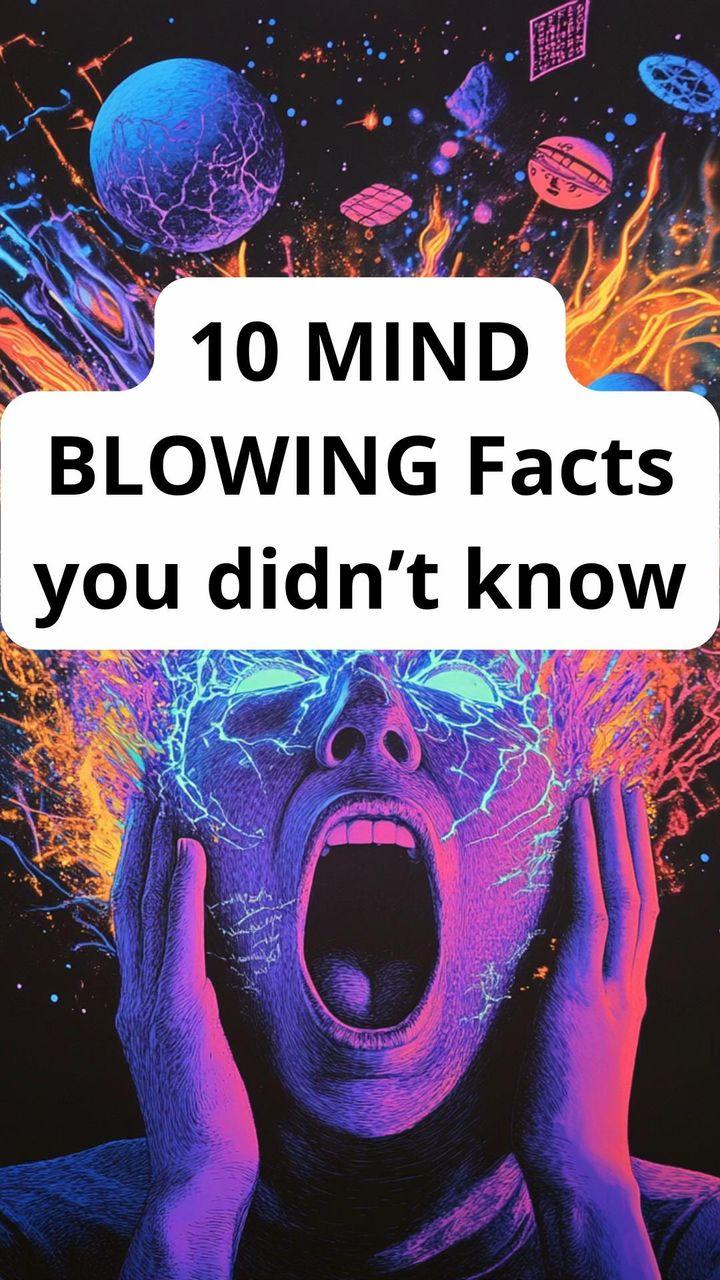
Cover

Fact 1

Fact 2

Fact 5
So if your slideshows get 200 views and stop, TikTok showed them to a small test audience and that audience swiped away. The fixes below are about making that first group stay.
Fix 2: Rewrite the cover slide
The cover is the only slide most people see. If it doesn't stop the scroll, nothing else matters.
- Keep it to about 8 words. That's the median cover length in our set, and the middle half ran 5 to 11 words.
- Promise one specific thing: a number, a surprising fact, or something the viewer recognizes about themselves.
- Turn questions into statements. Question covers had the lowest median views of any hook type (240K). Relatable covers had the highest (644K).
| Cover type | Example | Median views |
|---|---|---|
| Relatable | "My three rules in a relationship" | 644K |
| Curiosity | "Facts that sound fake but are true" | 432K |
| Bold claim | "A weeks worth of Walmart dinners for under $100" | 406K |
| Number | "Top ten movies with the best plot twists" | 372K |
| Question | "How long should you cook it in the air fryer?" | 240K |
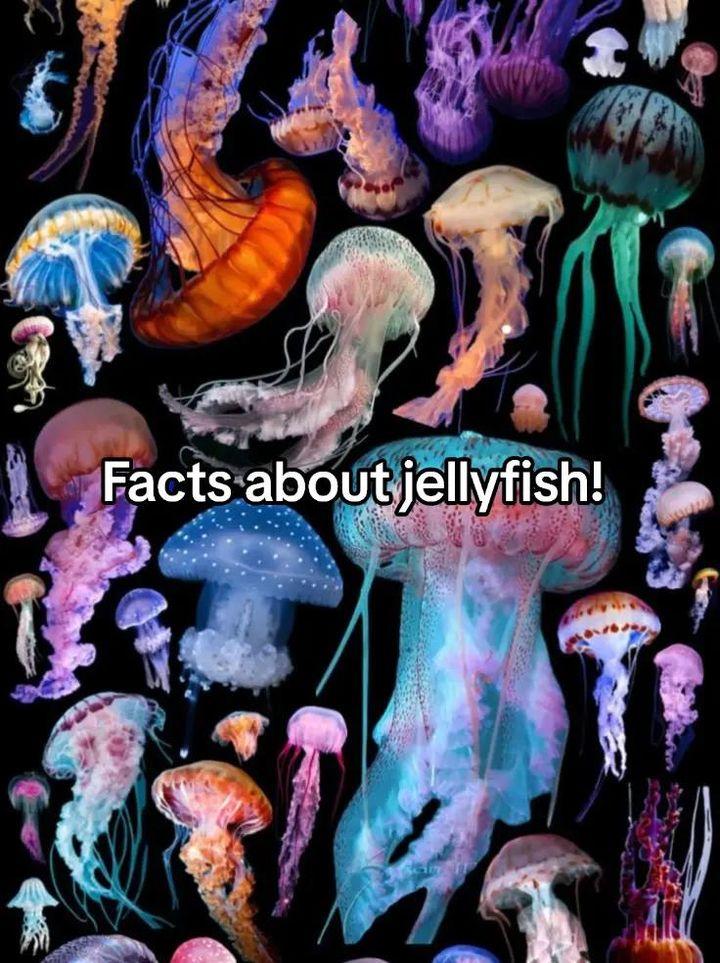
Cover

Fact 1

Fact 2

Fact 4
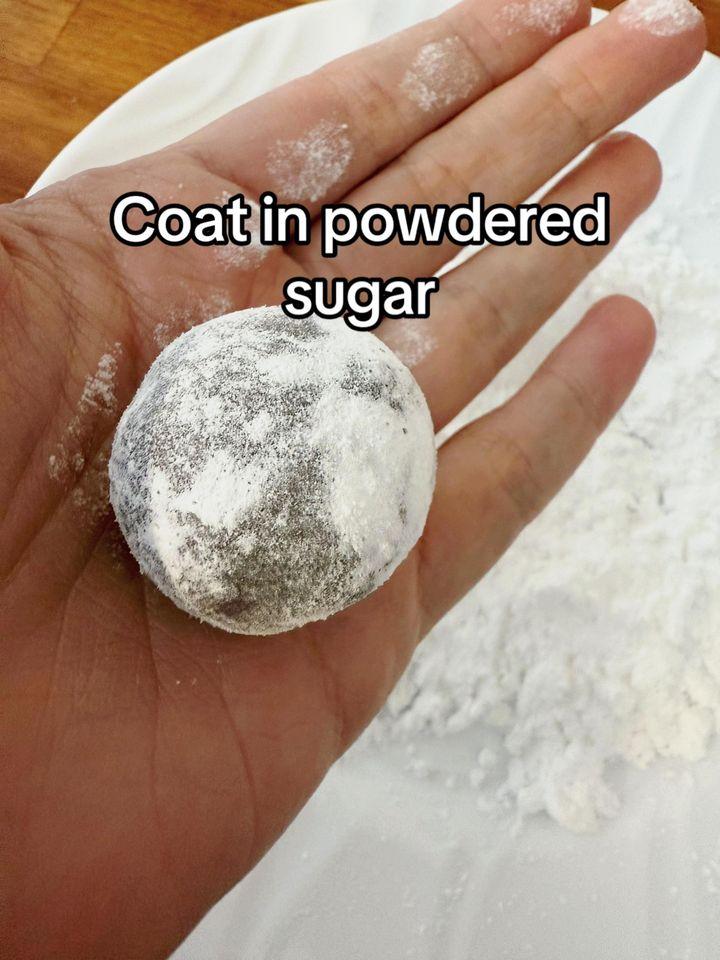
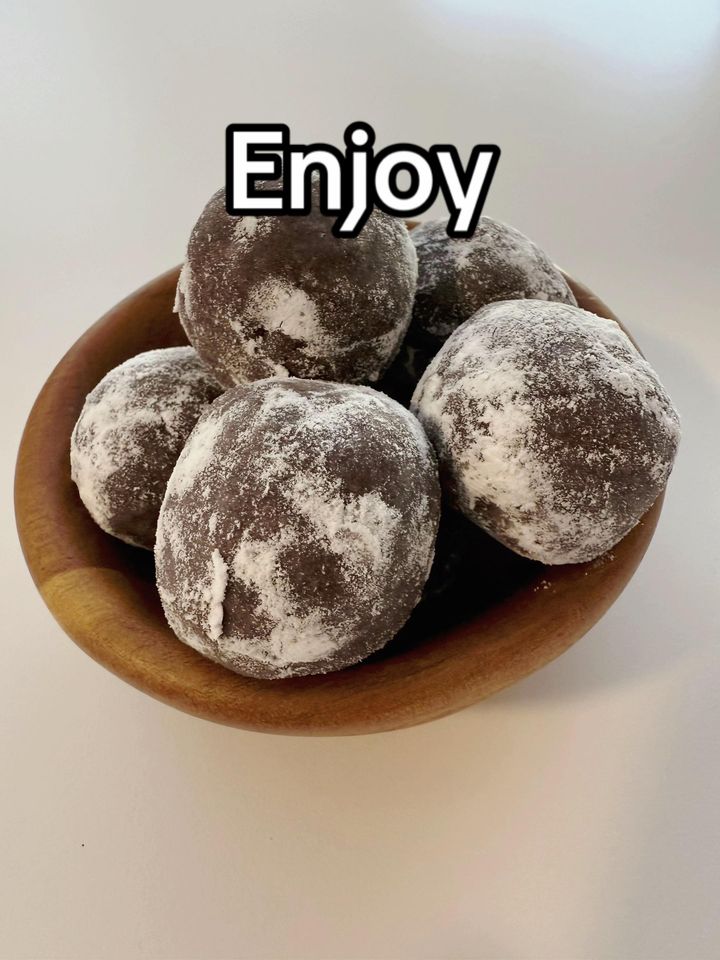
Fix 3: Cut the text on every slide
People decide in a second whether to keep swiping. A wall of text makes them leave.
| Text per slide | Median views |
|---|---|
| Low (a line or two) | 385K |
| Medium | 356K |
| High (a paragraph) | 245K |
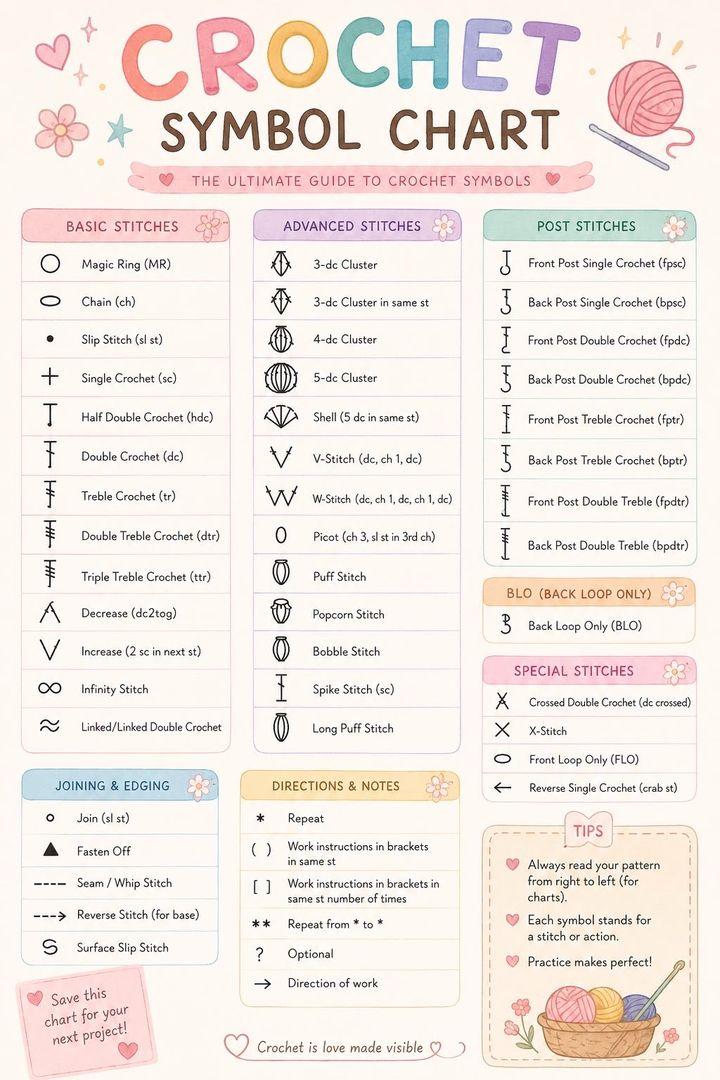
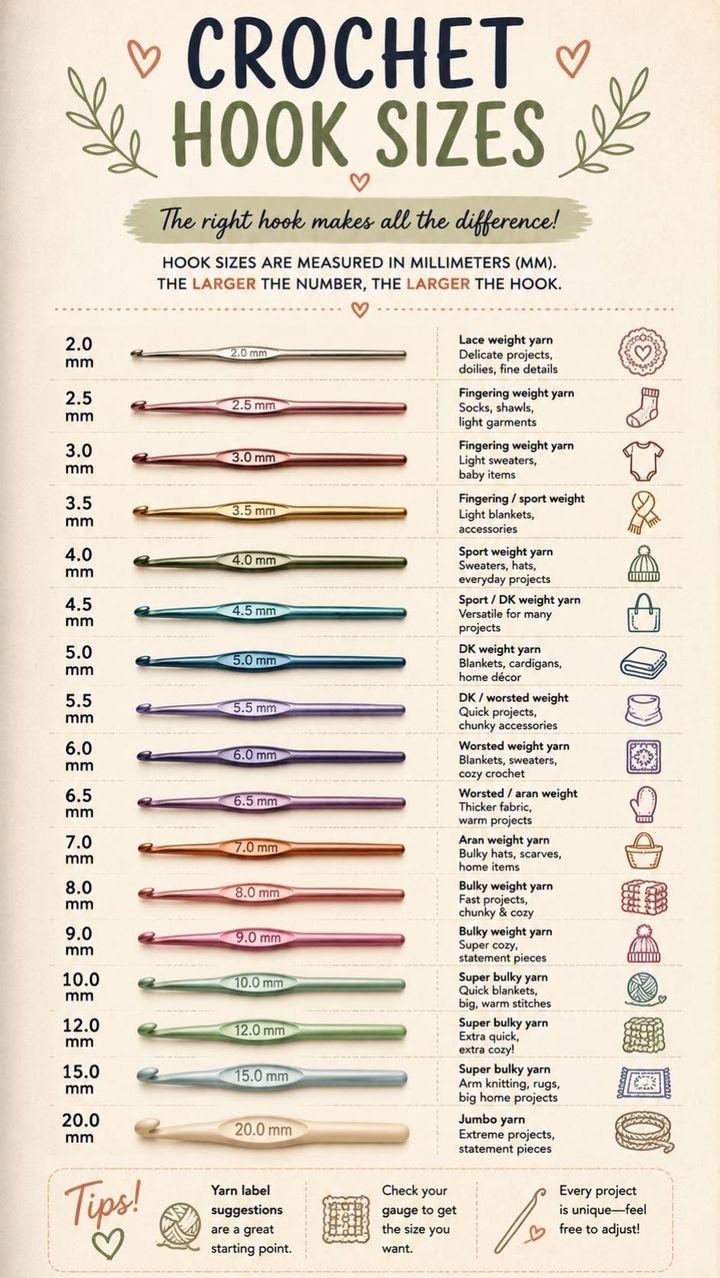
The exception is posts made to be saved, like recipes, checklists and guides. Those had more text and many more saves per like, but fewer views. If you want views, keep it short. If you want saves, put the full answer on the slide.
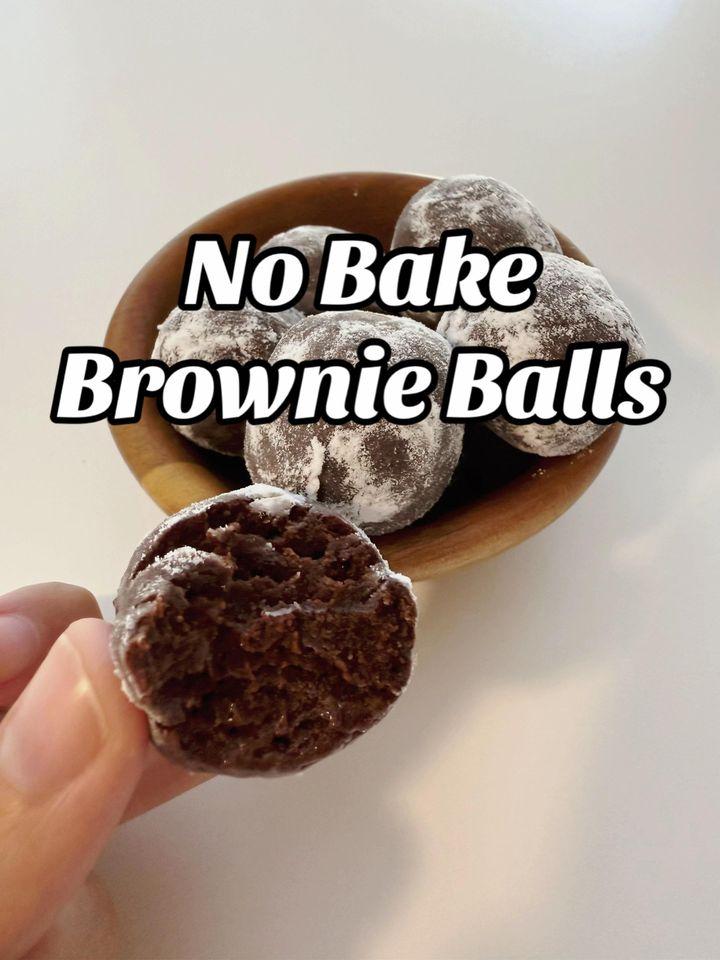
Cover
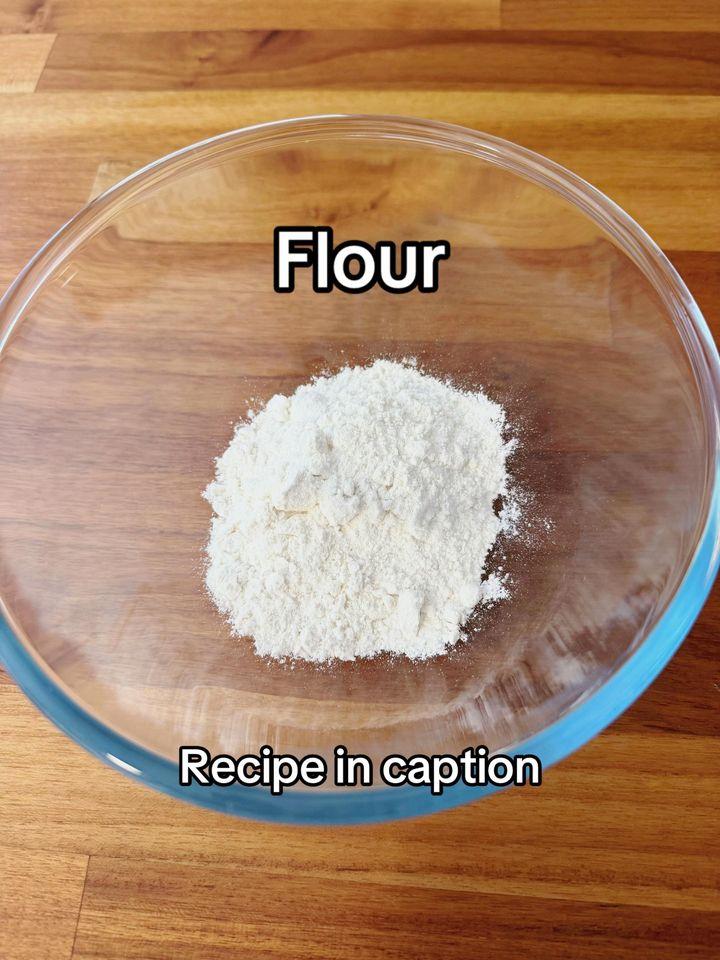
Step 1
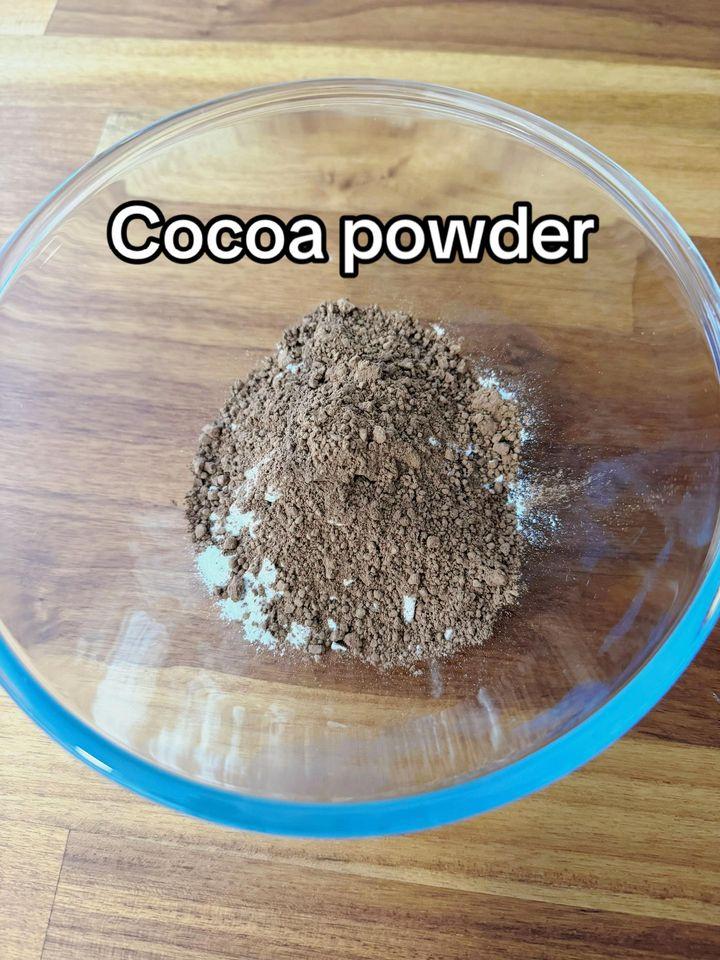
Step 2
Step 8
Last slide
And a post made for saves, with the full reference on every slide:

Cover
Symbols
Hook sizes
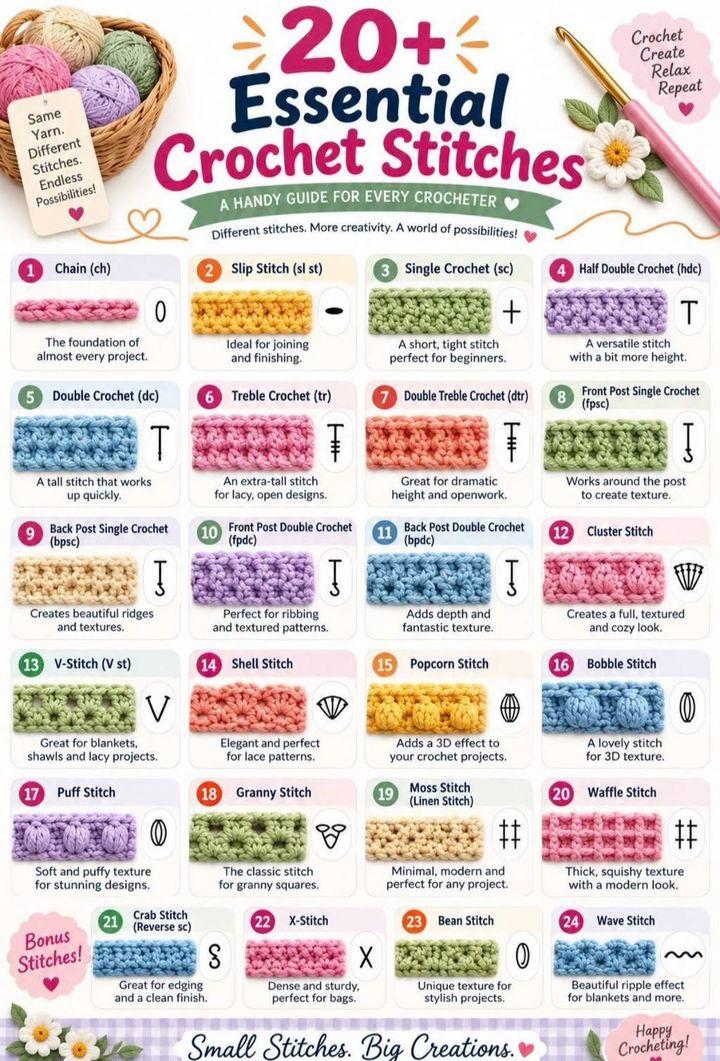
Stitches
Fix 4: Use 7 to 14 slides and put the best item last
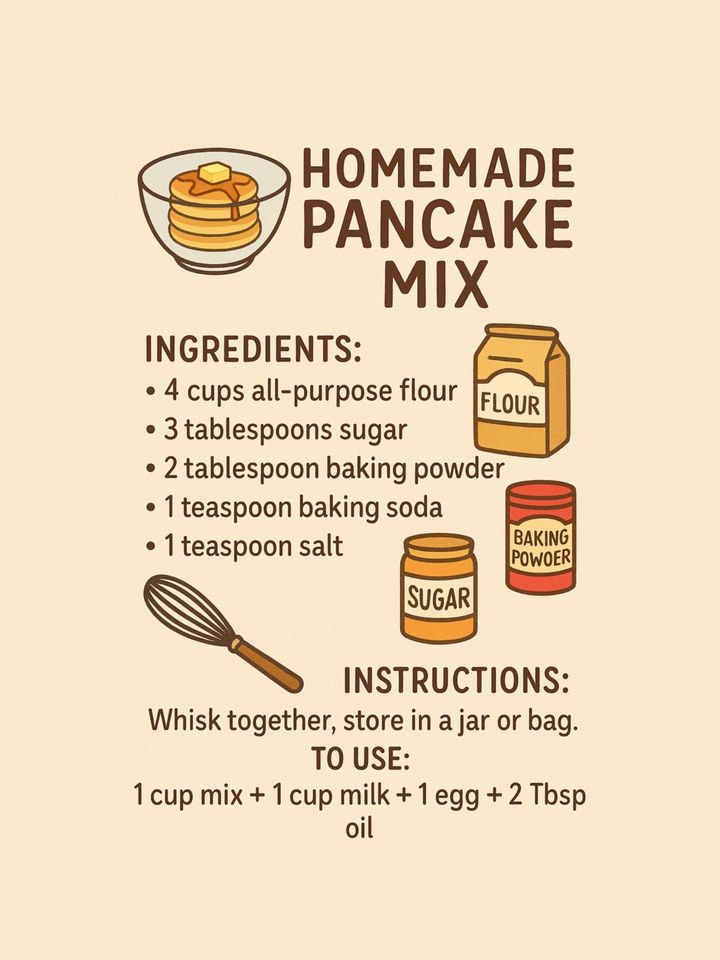
The median viral slideshow had 7 slides. The 10-to-14-slide group had the highest median views (512K). Slideshows with 2 or 3 slides went viral too, most often memes and single infographics.
- One idea per slide, in the same layout every time.
- Number the items so people know how far they've got.
- Put the best item, the total or the twist last. People swipe to the end to get it, which keeps them on your post longer.
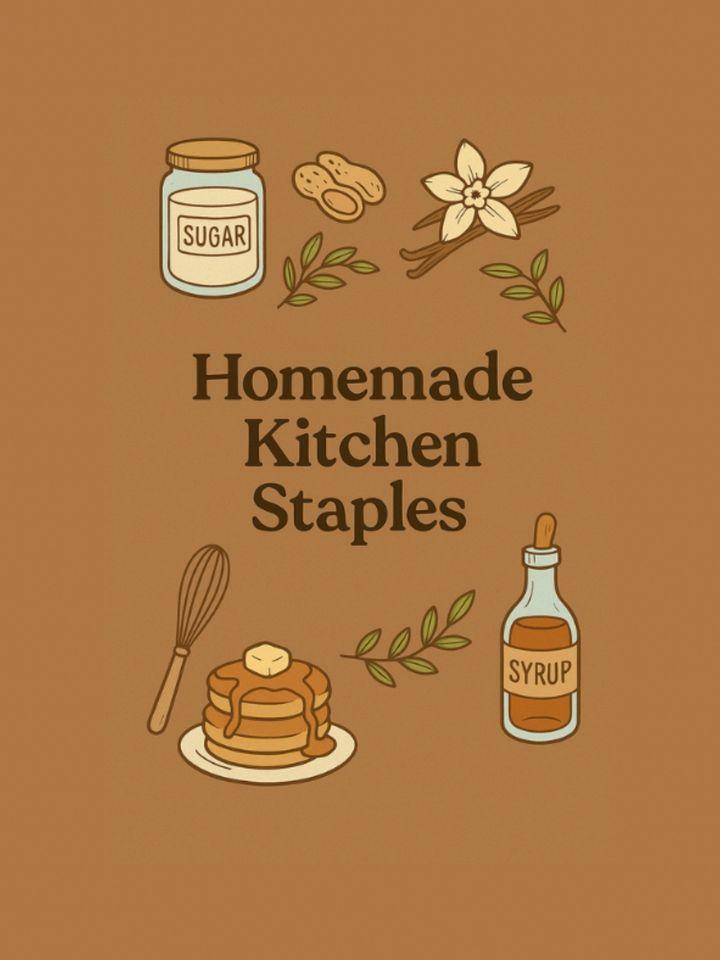
Cover
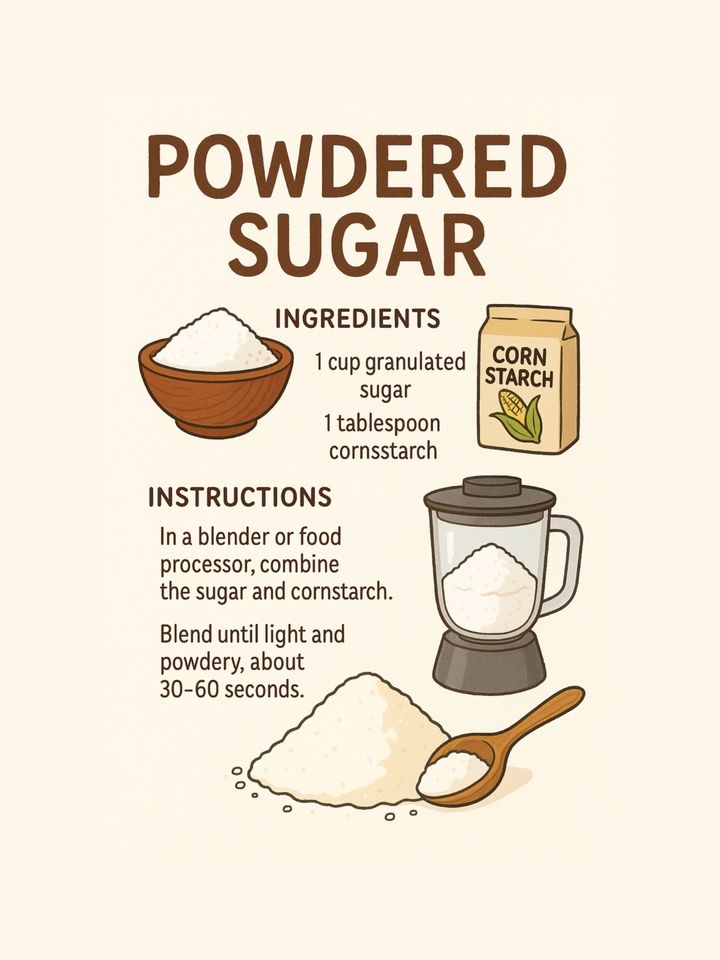
Staple 1
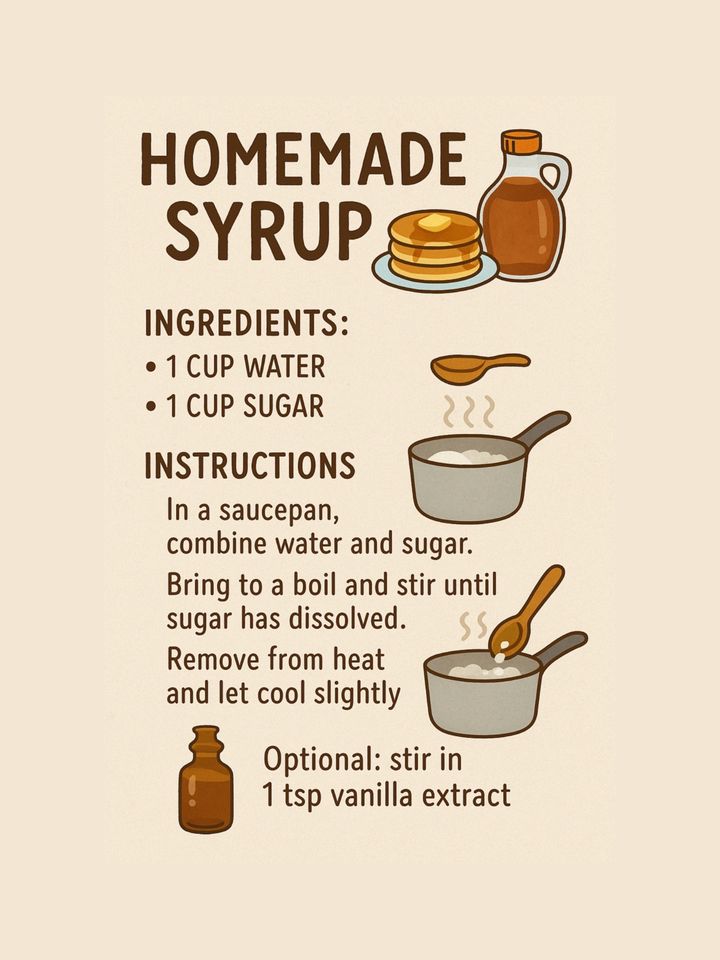
Staple 2
Staple 5
Fix 5: Pick a format people stop for
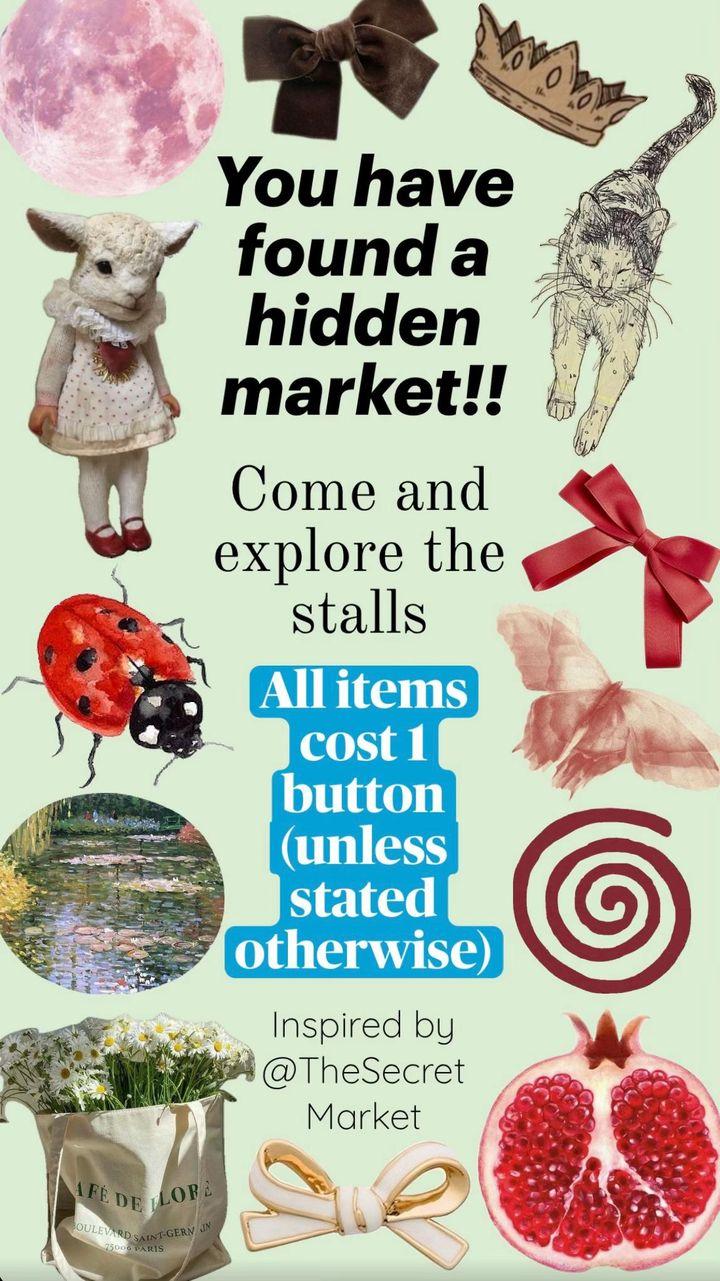
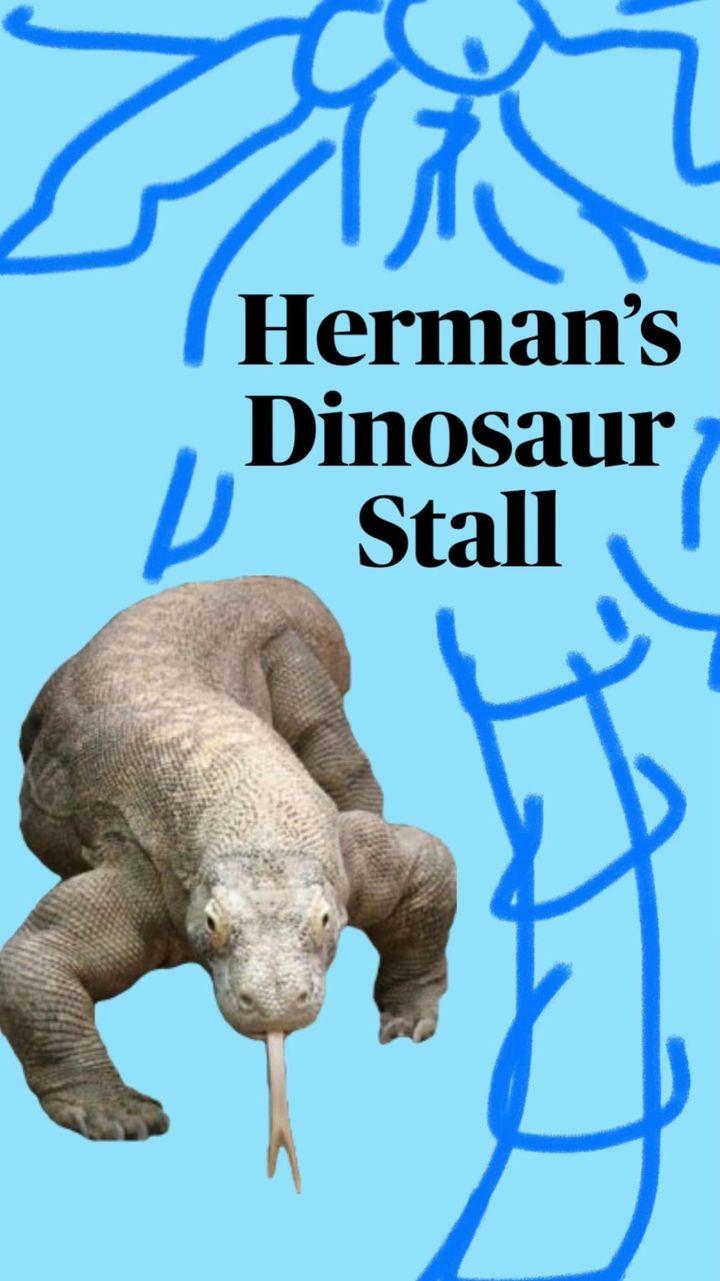
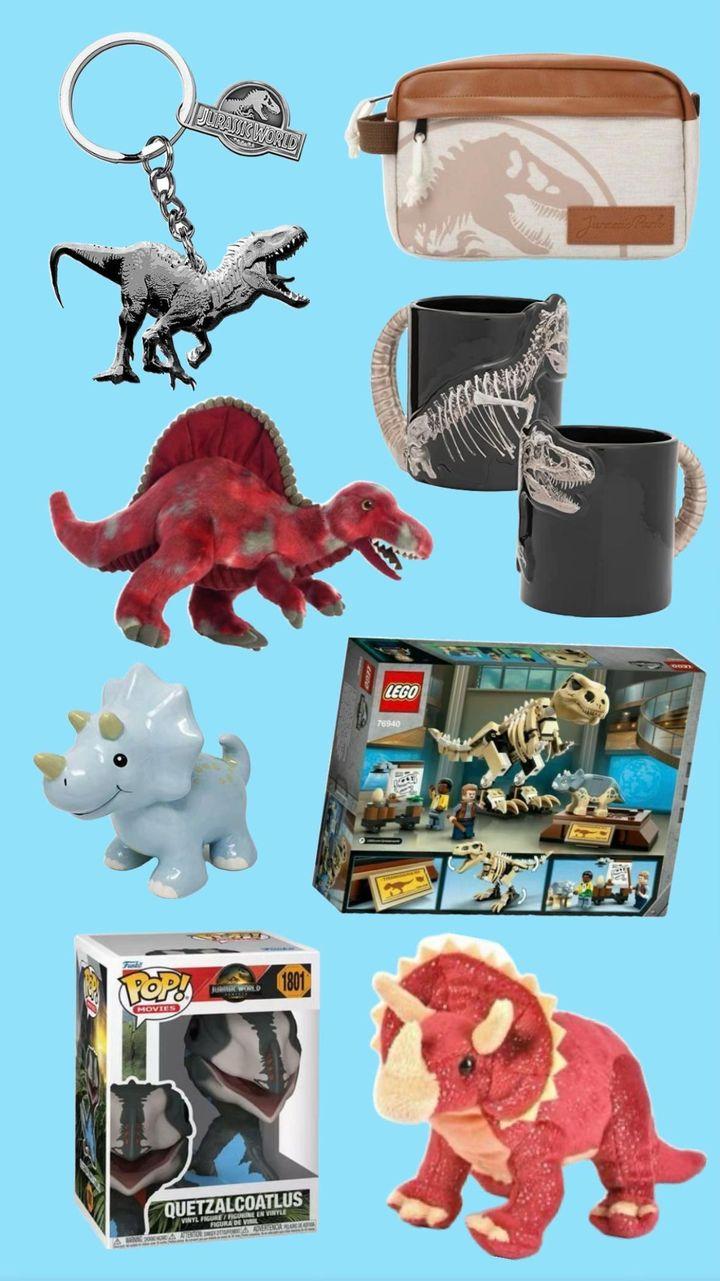
Some formats get far more views than others. Among the formats with enough posts to compare:
| Format | Posts | Median views |
|---|---|---|
| Quiz / pick one | 13 | 1.5M |
| Screenshot explainer | 10 | 1.0M |
| Meme | 44 | 609K |
| Tier list / ranking | 42 | 463K |
| Listicle | 153 | 380K |
| How-to | 72 | 275K |
| Product showcase | 21 | 162K |
The quiz and screenshot groups are small, so treat them as promising rather than proven. The pattern is clear, though: formats that ask the viewer to react (pick, guess, rank, disagree) beat formats that only show things.
Cover

How to play
Stall 1
Stall 1 items
Fix 6: Post at 3:4, not only 9:16
Most people assume TikTok slides must be 9:16. Among the viral slideshows, 3:4 was the most common shape by far:
| Aspect ratio | Posts | Median views |
|---|---|---|
| 3:4 (1080x1440) | 290 | 430K |
| 9:16 (1080x1920) | 165 | 335K |
| 4:5 (1080x1350) | 86 | 306K |
| 1:1 (1080x1080) | 80 | 327K |
This is a pattern among winners, not proof that 3:4 gets more reach, but there's no reason to force 9:16. Whatever size you pick, keep key text away from the right edge and the bottom fifth of the slide, where TikTok's buttons and caption sit. Our guide to making a TikTok slideshow with text shows exactly where it's safe.
Fix 7: Add a sound and write a real caption
Sound. Every one of the 730 viral slideshows had a sound attached. About half used a named song; the rest used an "original sound", which on slideshows is often a song clip someone else uploaded. A quiet, steady track works best behind text people need to read.
Caption. 99% of the viral slideshows had a caption, and the median was 18 words. TikTok uses the caption, sound and hashtags to understand what a post is about and who to show it to. Describe the topic in plain words people would search for, like "easy overnight oats recipe for work", not "😍😍".
Hashtags. The median was 5 hashtags. Only 34% used #fyp, #foryou or #viral, so they're clearly not required. Use a few tags that name the topic instead.
Fix 8: Drop the hard sell
73% of the viral slideshows had no call to action at all. Promotional slideshows had a median of 270K views, against 382K for the rest.
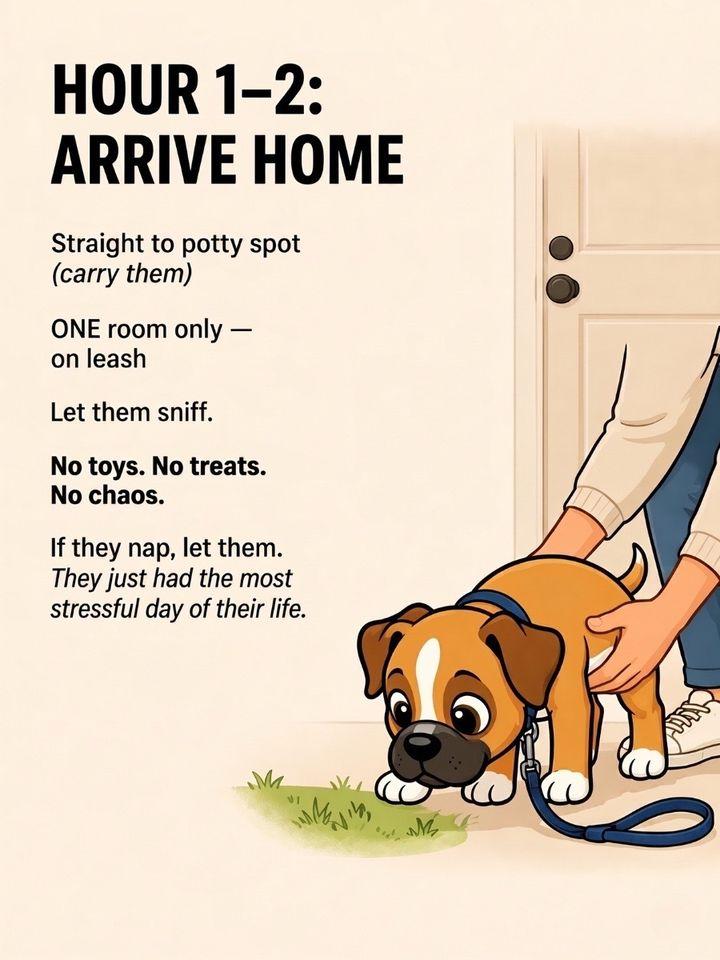
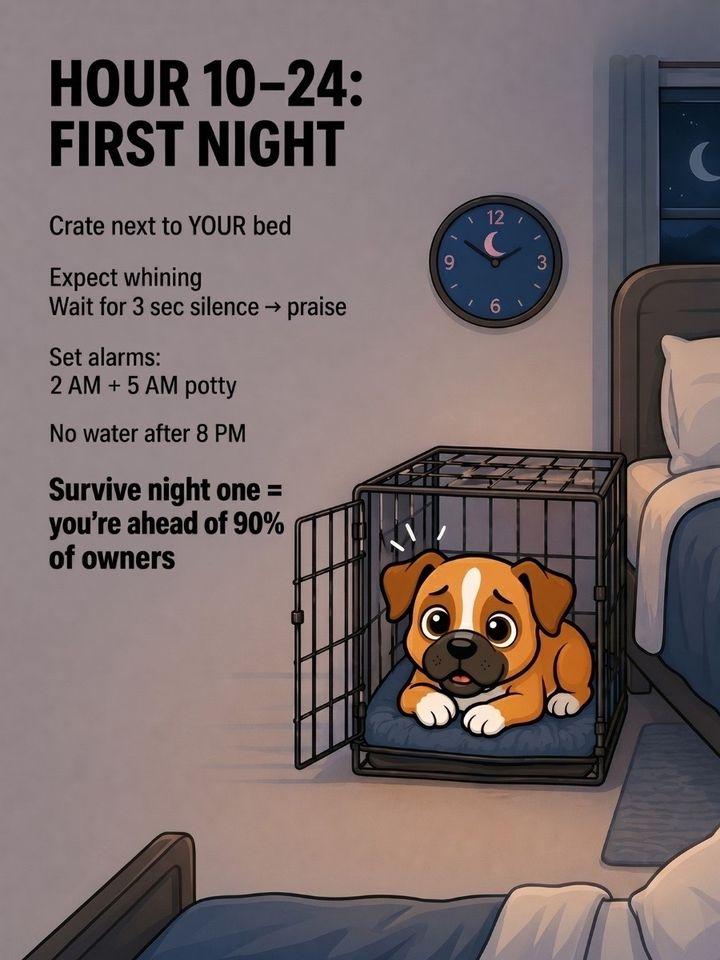
That doesn't mean brands can't win. Jobber, a software company, got 59.9M views with a slideshow of businesses to start that never mentions its product. This dog-training app gives its product a single slide:

Cover
Hours 1-2

The app
Hours 10-24
If you sell something, make the post useful first. Then mention the product once, on the last slide or as one item in the list, never on the cover.
Fix 9: Keep posting, but don't repost
- Don't delete and repost the same slideshow. TikTok's rules make reused material without anything new ineligible for the For You feed.
- Change one thing per post (the cover, the format or the slide count) so you can tell what worked.
- Post the same kind of content consistently, so TikTok learns who to show it to.
- Copy a format, not a post. Take a structure that works (a top-10 ranking, a cost breakdown, a quiz) and fill it with your own topic and your own images.
Checklist before you post a slideshow
| Check | Target |
|---|---|
| Cover | About 8 words, one specific promise, not a question |
| Text per slide | One line or two (more only if you want saves) |
| Slides | 7 to 14, best item last |
| Format | Something people react to: ranking, quiz, list, before/after |
| Size | 1080x1440 (3:4), key text away from the right and the bottom |
| Sound | Always add one |
| Caption | A full sentence naming the topic, plus 3 to 5 topic hashtags |
| Call to action | None, or one soft one on the last slide |
| Original | Your own slides, not reposted ones |
For topics to try, see these TikTok slideshow ideas and our breakdown of viral carousel structure.
FAQ
Why is my TikTok slideshow getting 0 views?
Usually one of four things: the view count hasn't updated yet, the post isn't eligible for the For You feed (check its analytics in TikTok Studio), it's set to private, or the content is reused from someone else. If none of those apply, rewrite the cover slide.
Do TikTok slideshows get less views than videos?
We didn't compare slideshows with videos, so we can't say which gets more. Slideshows clearly can go viral: the median in our set was 354K views, and the top one had 59.9M.
Can a small account go viral with a slideshow?
Yes. 48% of the viral slideshows we studied came from accounts under 10K followers. One account with 694 followers reached 2.3M views.
How many slides should a TikTok slideshow have?
7 to 14 works for most topics. The median viral slideshow had 7 slides, and the 10-to-14 group had the highest median views.
Do hashtags help TikTok slideshows get views?
A few topic hashtags help TikTok understand the post. The median among viral slideshows was 5, and most didn't use #fyp or #viral.
What size should TikTok slideshow images be?
1080x1440 (3:4) was the most common size among viral slideshows, ahead of 1080x1920 (9:16).