Viral carousel structure: slide-by-slide formats that work
In this guide ›
A viral carousel follows a simple skeleton: a hook that stops the scroll, a promise slide, one idea per value slide, a re-hook in the middle, a payoff and a CTA. The format changes (list, myth vs truth, story) but the skeleton rarely does. Below is what each slide must do, the mistakes that kill it, and 8 formats with slide-by-slide outlines.
Why structure matters more than design
Instagram head Adam Mosseri has said the top three ranking signals are watch time, likes and sends. On a carousel, watch time comes from swiping, and sends come from people thinking "my friend needs this." Both depend on structure.
A beautiful carousel with a flat structure loses people on slide 3. A plain one with a strong structure gets read to the end. Get the order right first, then design.
The anatomy of a viral carousel, slide by slide
Here is the skeleton for a 7-10 slide carousel. Shorter posts compress the middle; longer ones add value slides and a second re-hook. Instagram allows up to 20 photos or videos per carousel, but most strong educational carousels use far fewer.
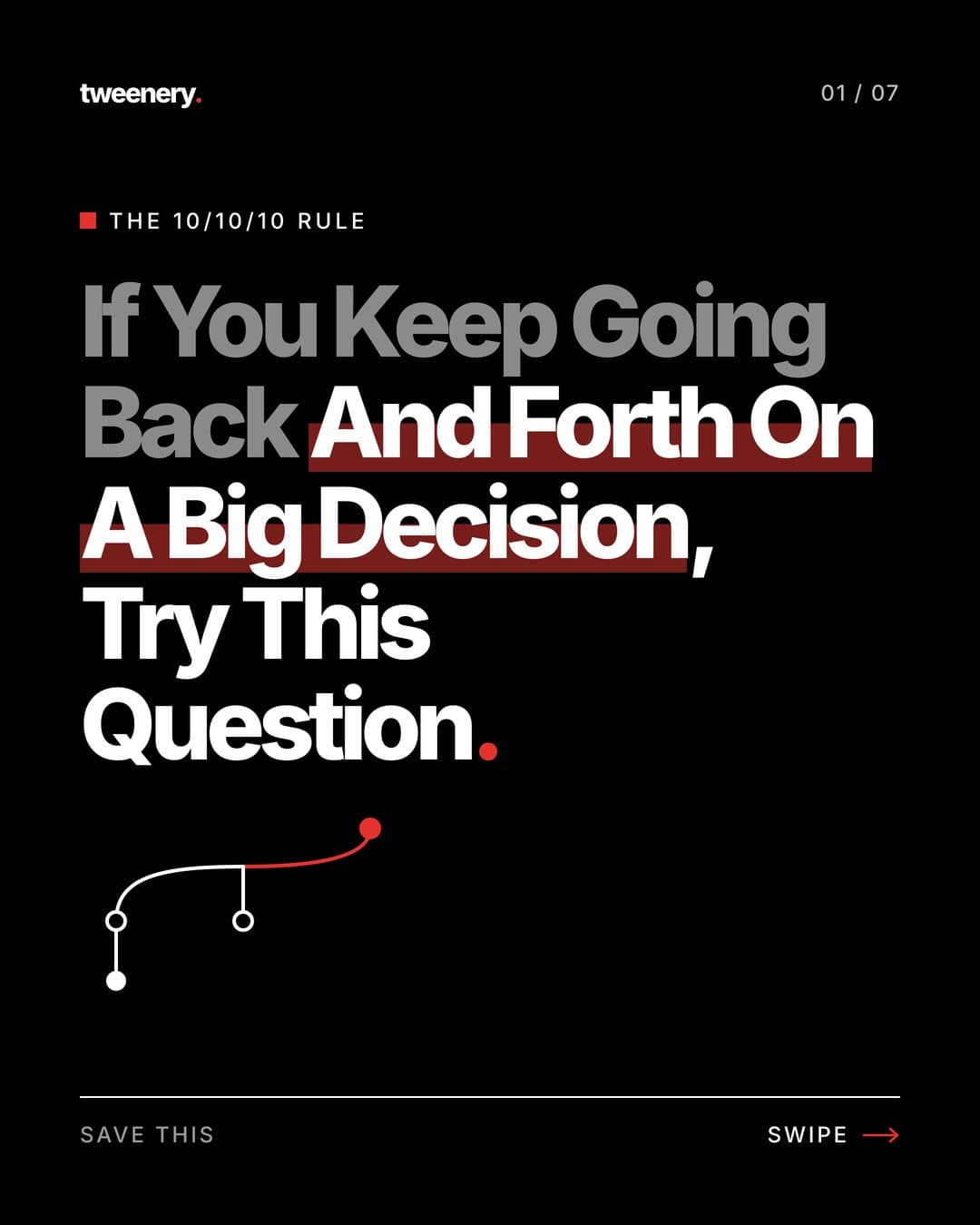
Hook
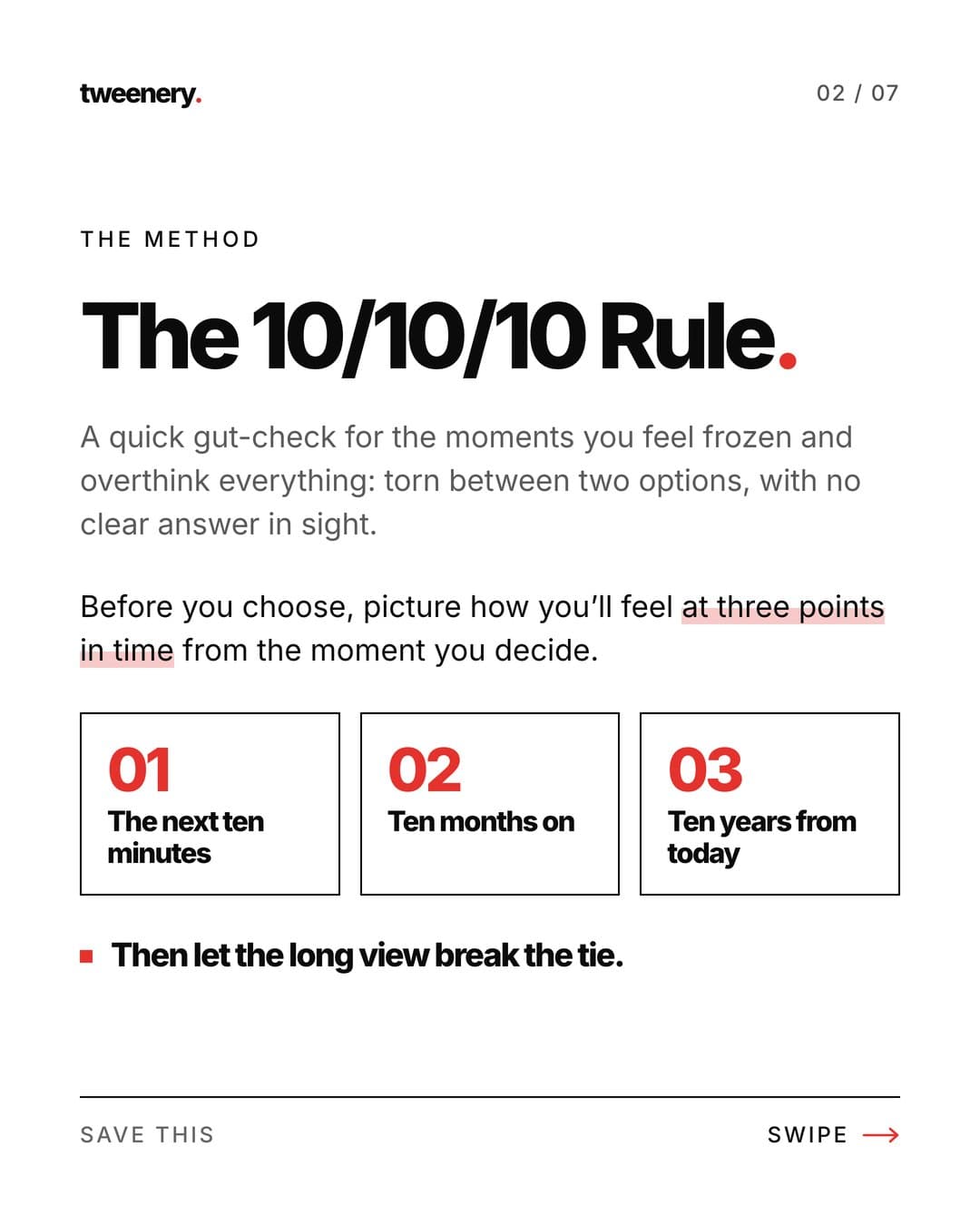
Promise
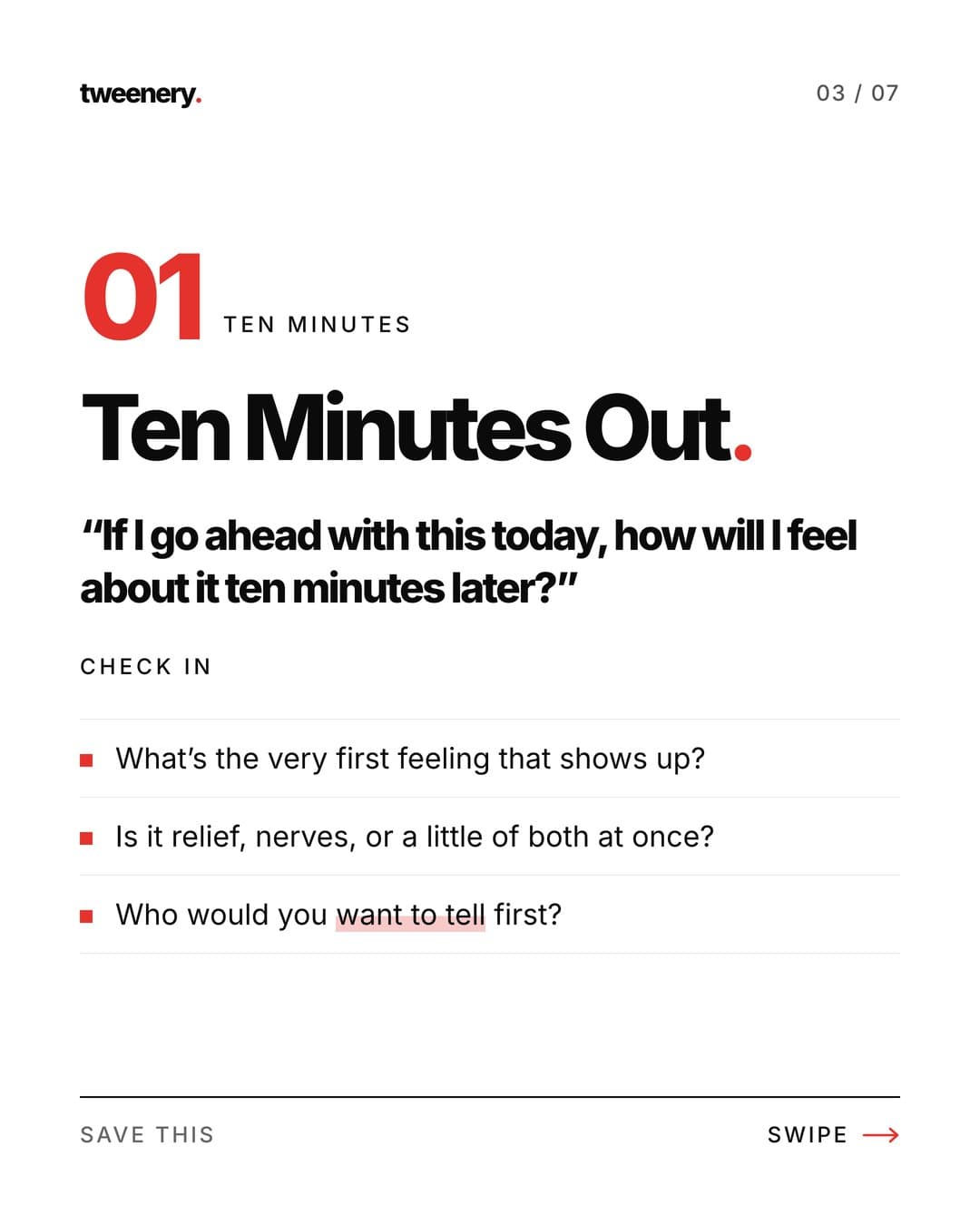
Value 1
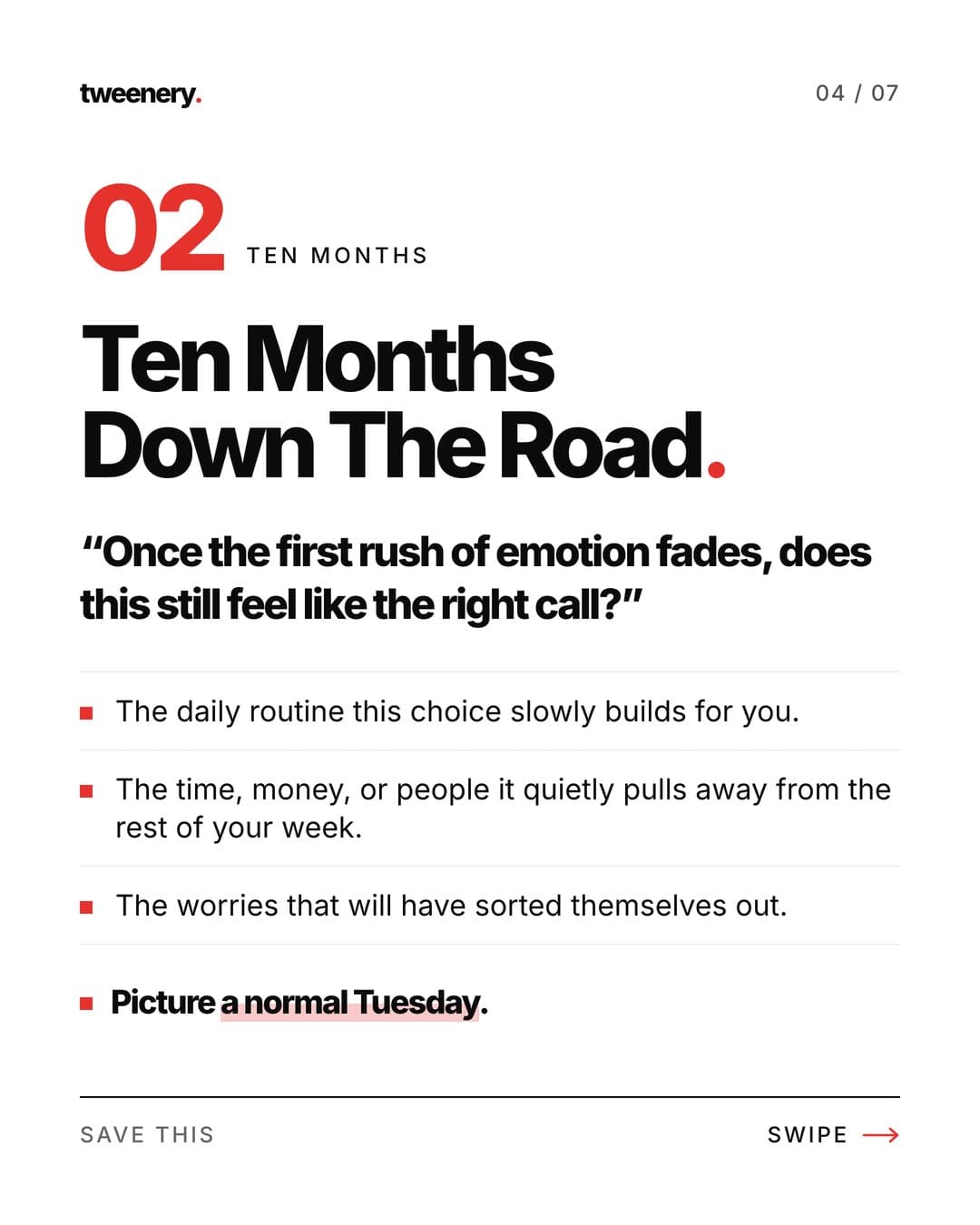
Value 2
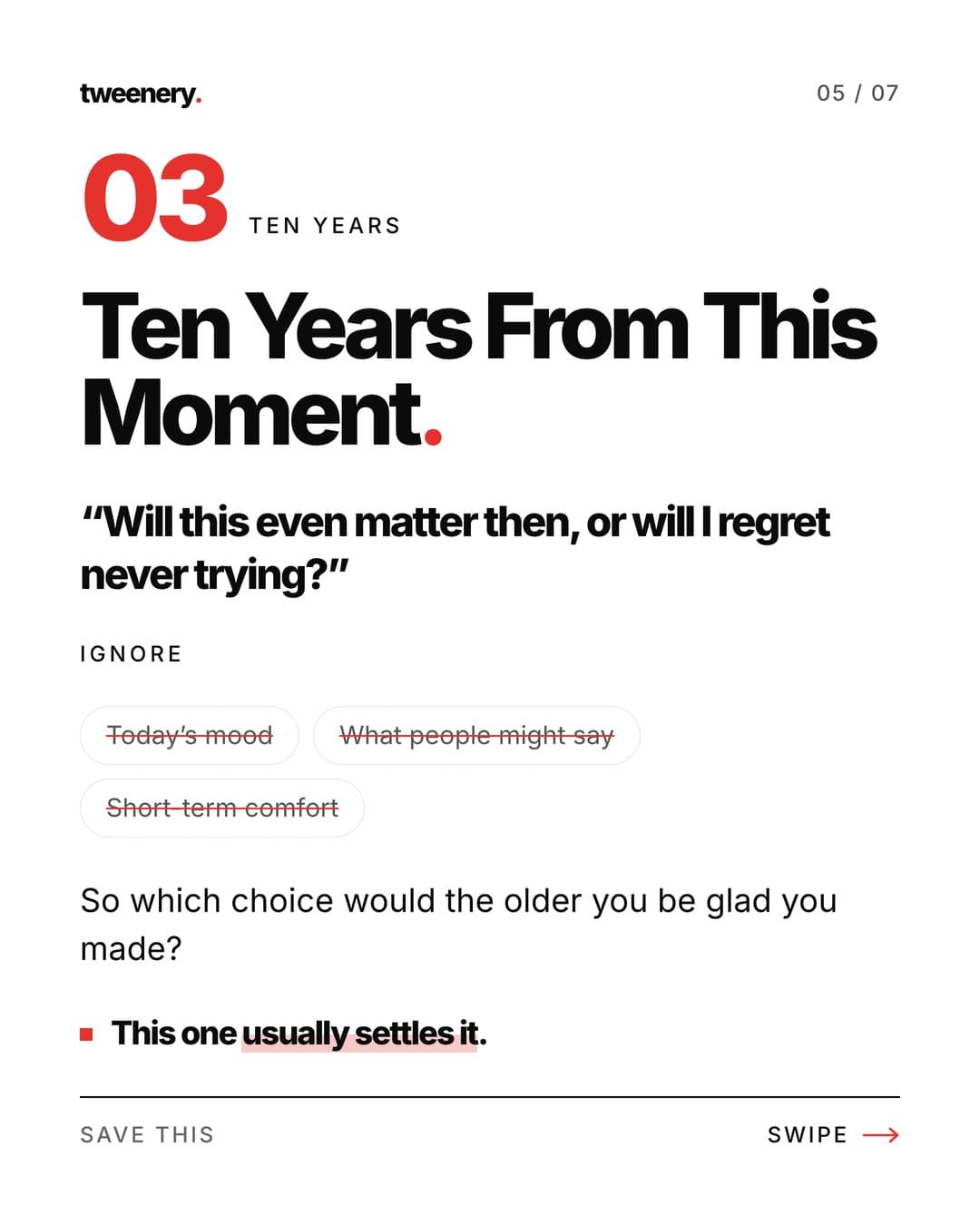
Value 3
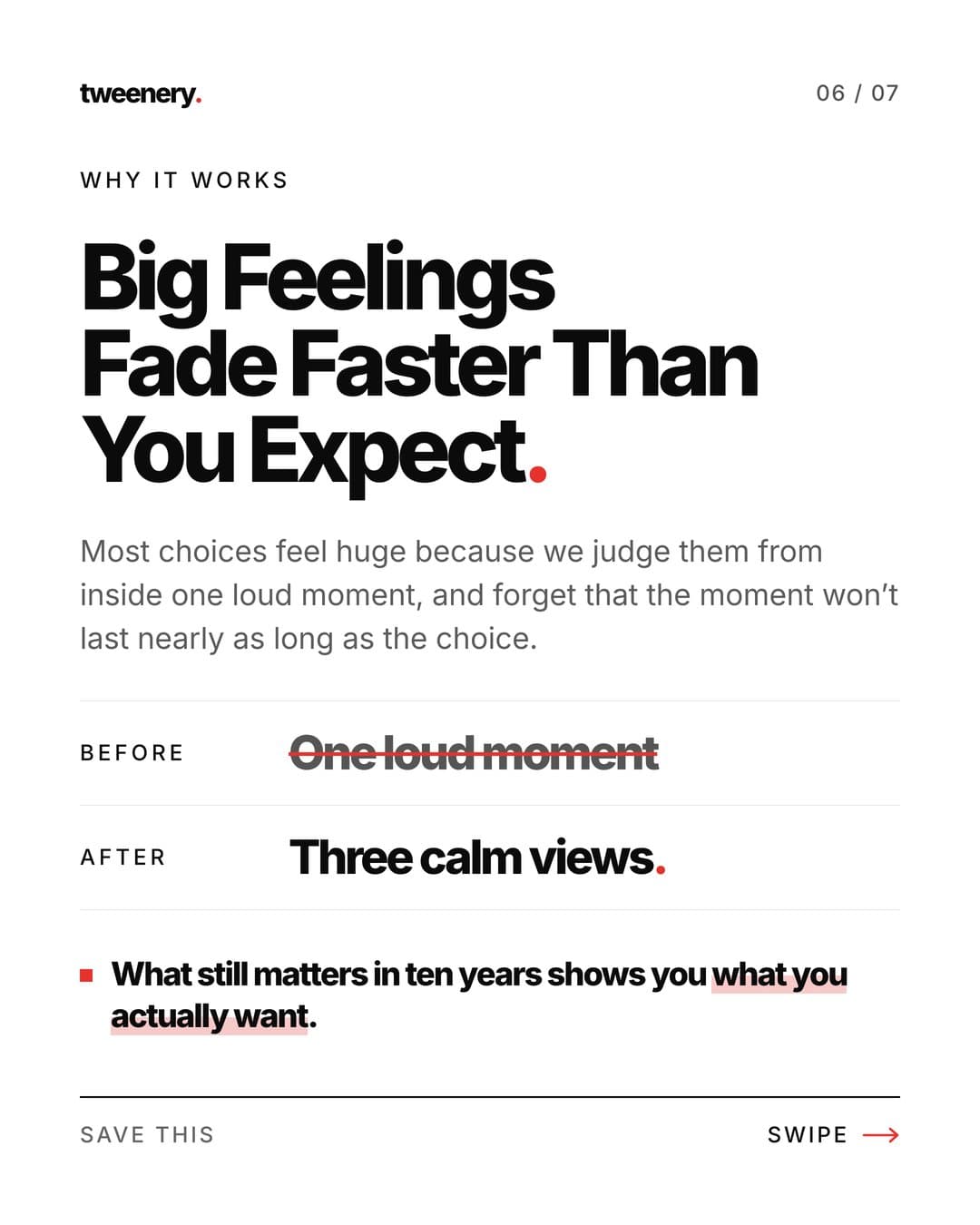
Payoff
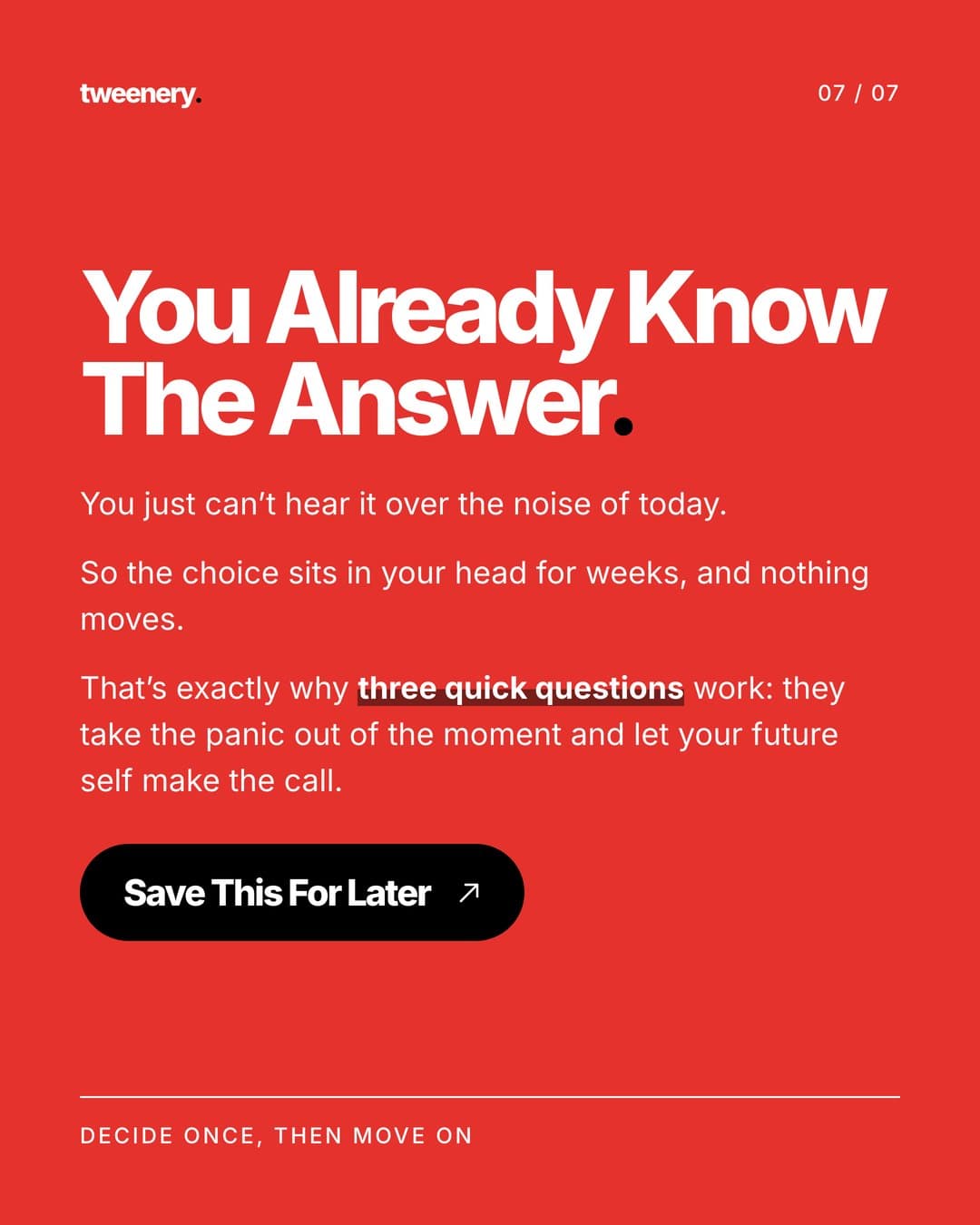
CTA
Slide 1: the hook
What it must do: stop the scroll and give one clear reason to swipe.
- One headline, big type, readable at feed size.
- A specific promise: a number, an audience, a result or a mistake.
- A swipe cue: an arrow, a "swipe" label or an element running off the edge.
Common mistakes: too many words, a vague topic ("Tips for better sleep"), a title card instead of a hook, or a promise the slides can't keep. For lines to start from, see the 90 templates in Instagram carousel hook ideas.
Slide 2: tension and promise
What it must do: reward the first swipe and make the reader commit.
Mosseri has said that when someone doesn't swipe, Instagram will often show the carousel again moved to the second slide. So slide 2 is also a hook for people who skipped slide 1.
- Name the problem: "Most people do X. It's why Y keeps happening."
- Raise the stakes: what getting this wrong costs.
- State the promise: "By the last slide you'll know how to Z."
Common mistakes: "Let's get started," a long intro about yourself, or repeating slide 1.
Slides 3 to 6: value slides
What they must do: deliver the promise, one idea per slide.
- A short headline and 1-3 lines of support.
- The same layout on every value slide, so reading feels effortless.
- Something concrete: an example, a number or exactly what to do.
Common mistakes: walls of text, two ideas on one slide, generic advice, and burying the best point last.
The re-hook
What it must do: re-energize readers drifting in the middle.
- A teaser: "The next one is the one most people get wrong."
- A pattern break: a different background, a bold quote, one big number.
- Your strongest point, moved forward on purpose.
Common mistakes: skipping it in a long carousel, or pure filler ("Still with me?").
The payoff slide
What it must do: deliver the biggest insight and make the post worth saving or sending.
This is the slide people screenshot: the final step, the summary checklist or the framework that ties it together.
Common mistakes: ending on your weakest point, or hiding the payoff in the caption.
The CTA slide
What it must do: turn attention into one specific action.
- Save for reference content: checklists, steps, cheat sheets.
- Share for relatable "my friend needs this" content.
- Follow for series: "Part 2 next week."
- Comment when you genuinely want answers.
Common mistakes: asking for five things at once, a CTA unrelated to the content, or no last slide at all.
The structure at a glance
| Slide | Role | Job | Biggest mistake |
|---|---|---|---|
| 1 | Hook | Stop the scroll, open a loop | Vague or overloaded |
| 2 | Tension and promise | Reward the swipe, act as backup hook | Throat-clearing intro |
| 3-6 | Value | One idea per slide | Walls of text |
| Middle | Re-hook | Restart attention | Missing in long posts |
| Second to last | Payoff | The screenshot moment | Weakest point last |
| Last | CTA | One clear action | Asking for everything |
8 viral carousel formats with slide-by-slide outlines
Each format fits the same skeleton. The outlines assume about 8-10 slides; adjust the middle to fit your content.
1. Listicle
The most reliable format, because the number is the promise.
- Hook: "[Number] [things] for [audience/goal]"
- Why this list matters or who it's for
- Item 1 (a strong one, not filler)
- Item 2
- Item 3
- Re-hook: "This next one surprised me most"
- Item 4
- Item 5 (your best)
- CTA: save it for later
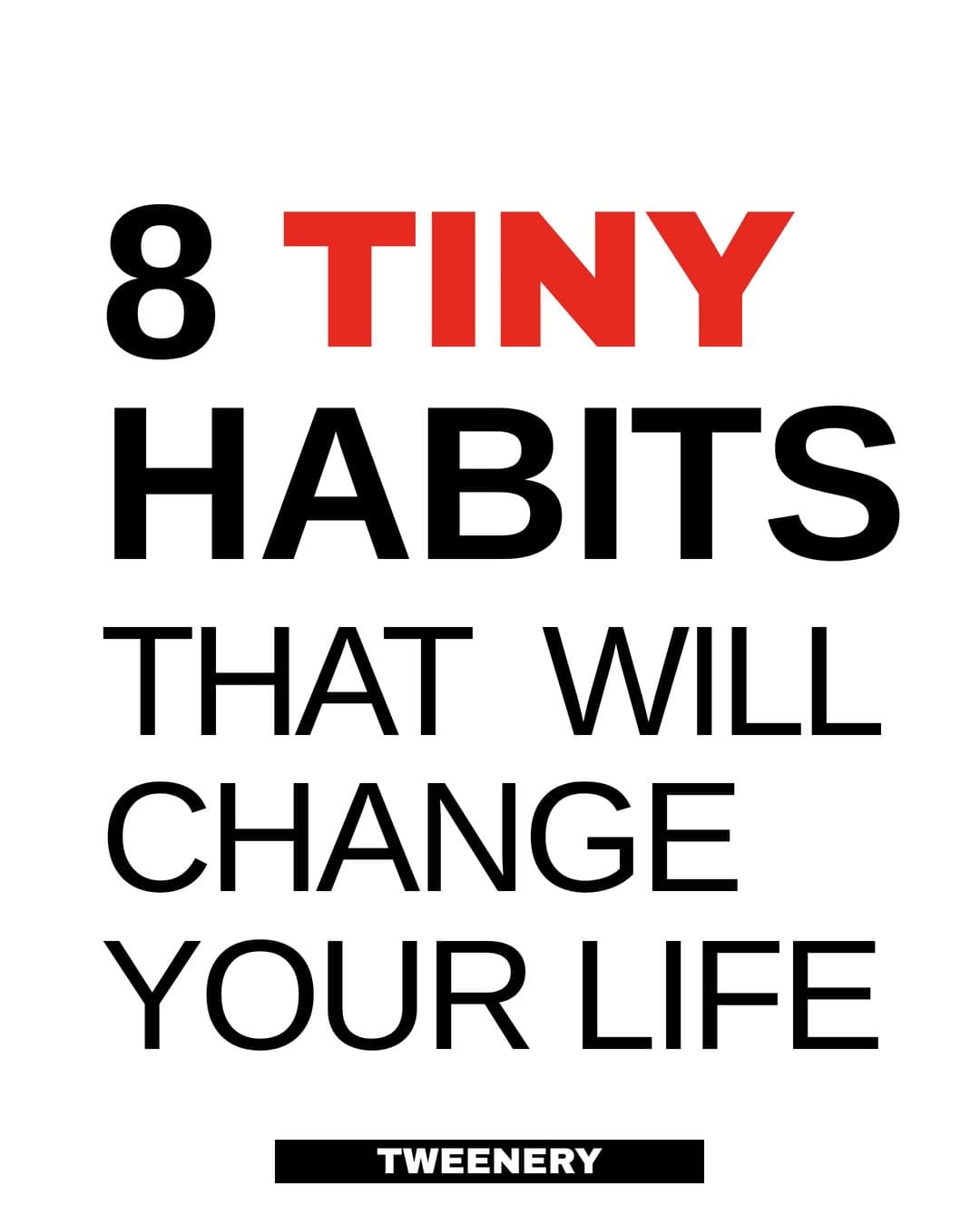
Hook
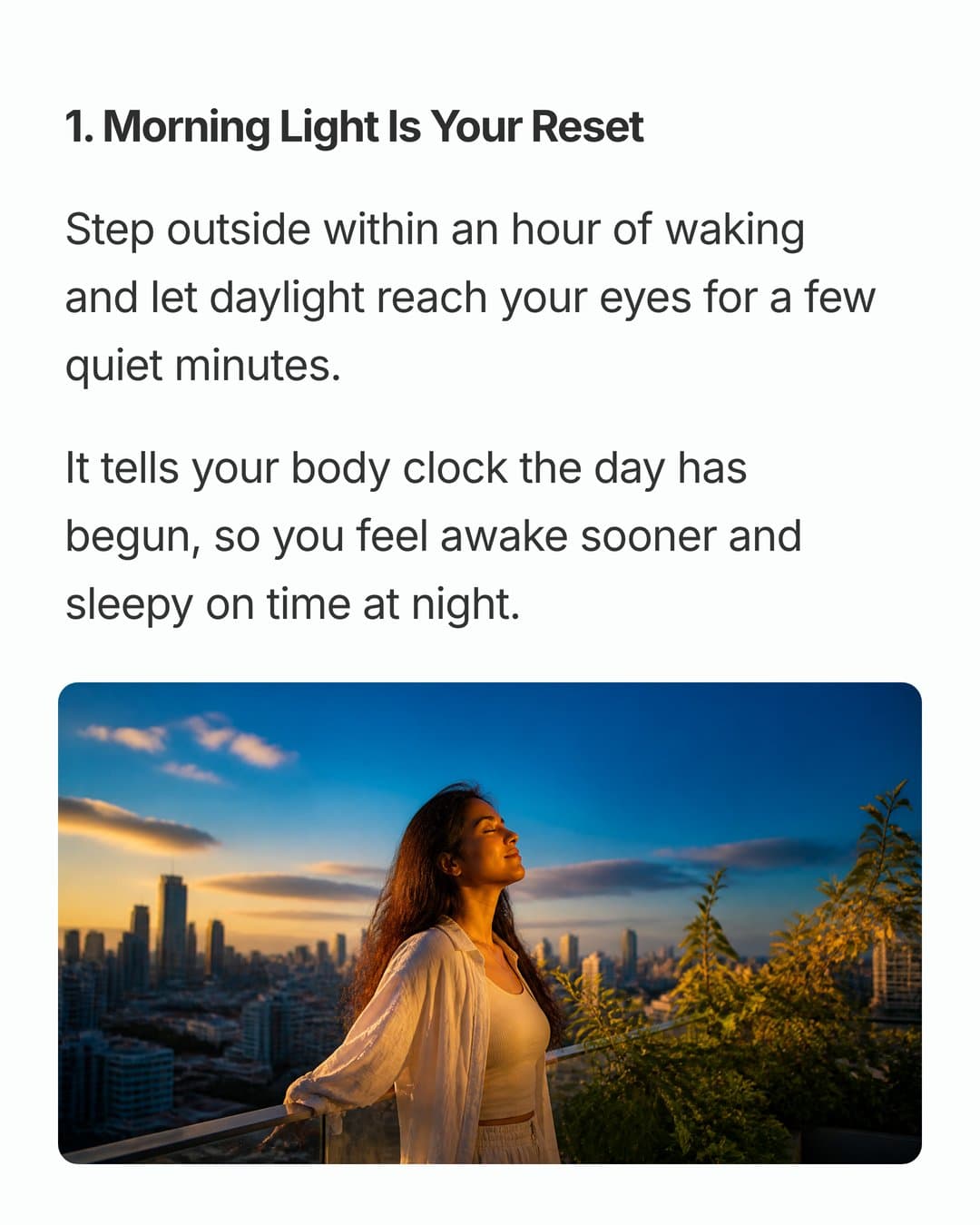
Item 1
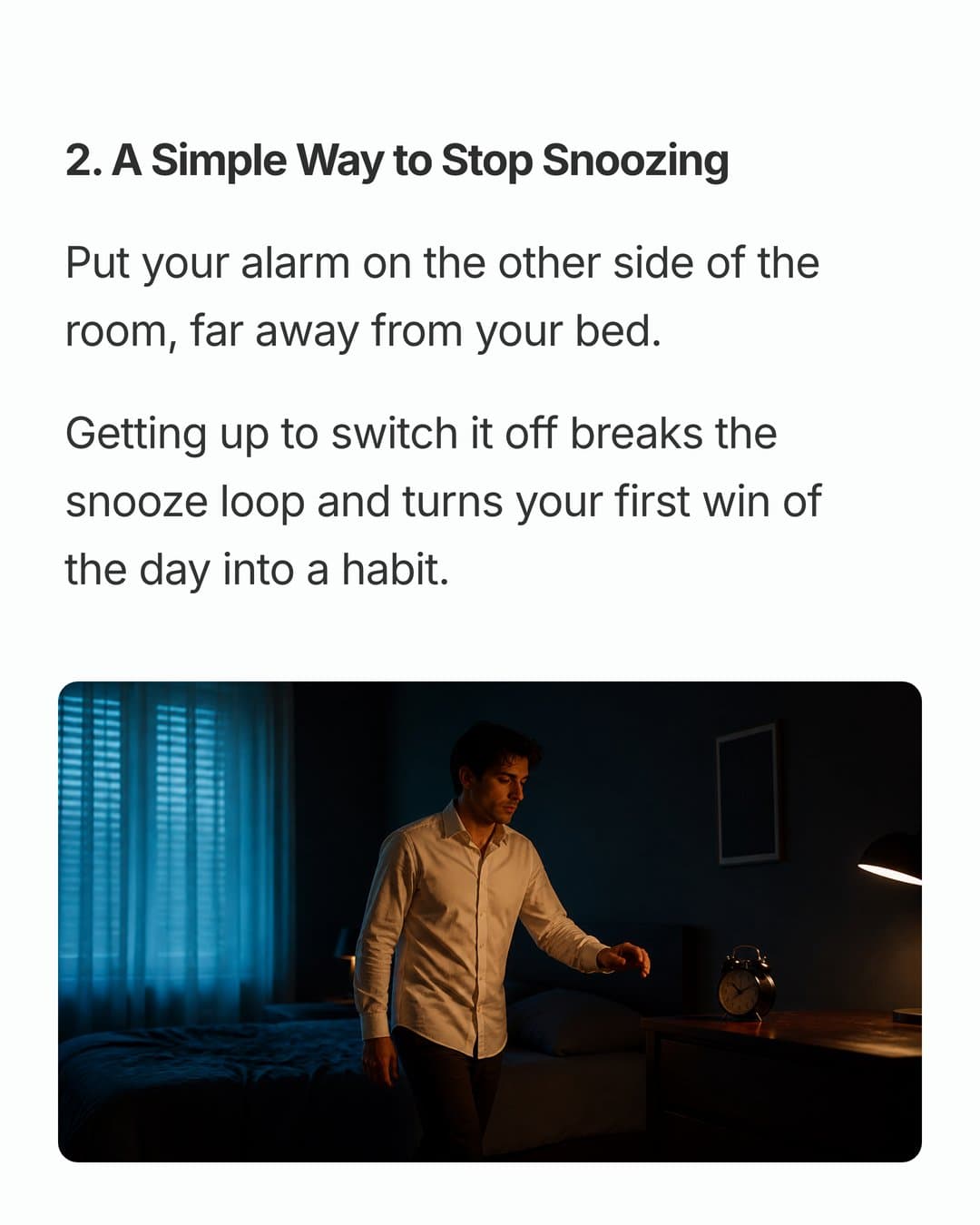
Item 2
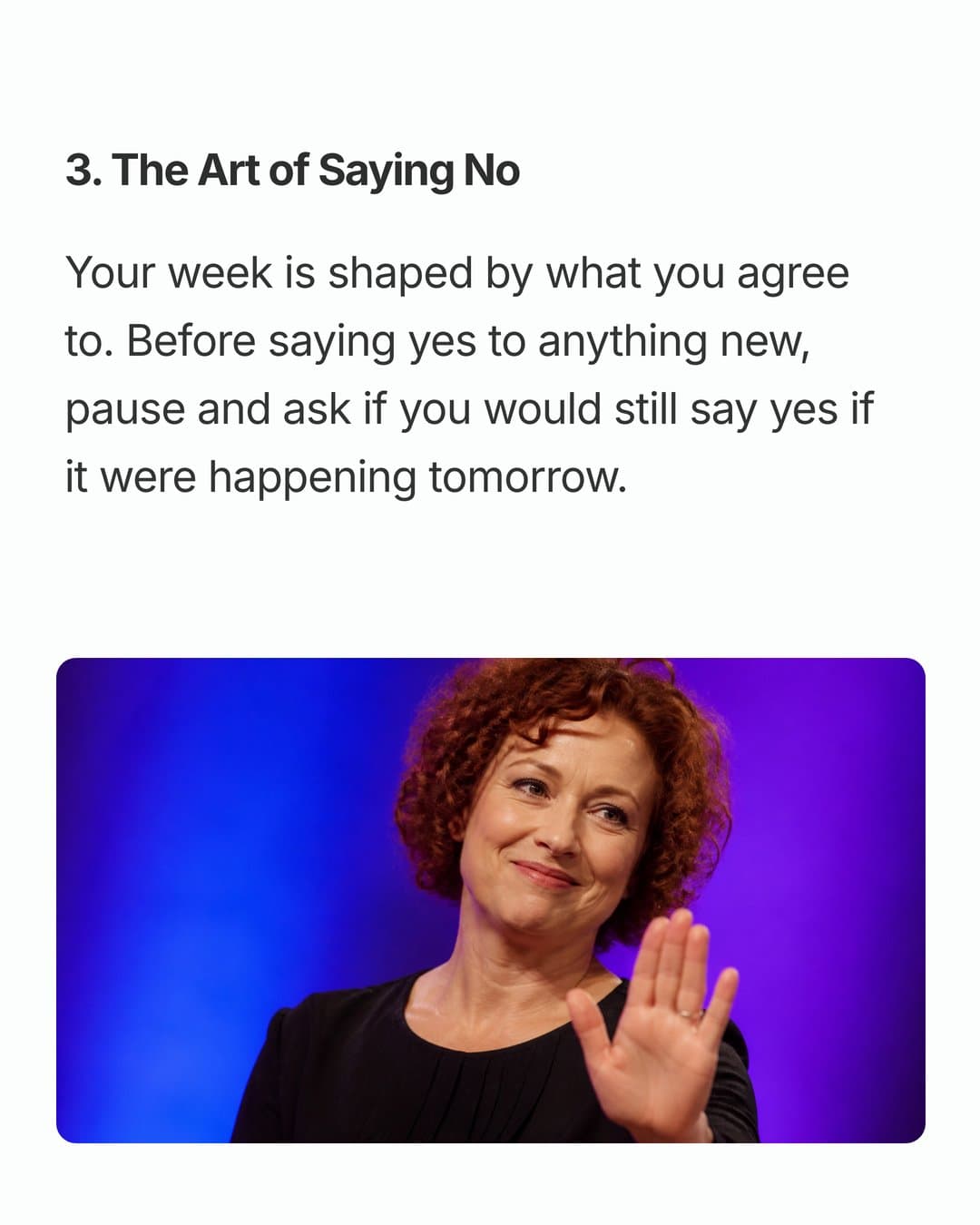
Item 3
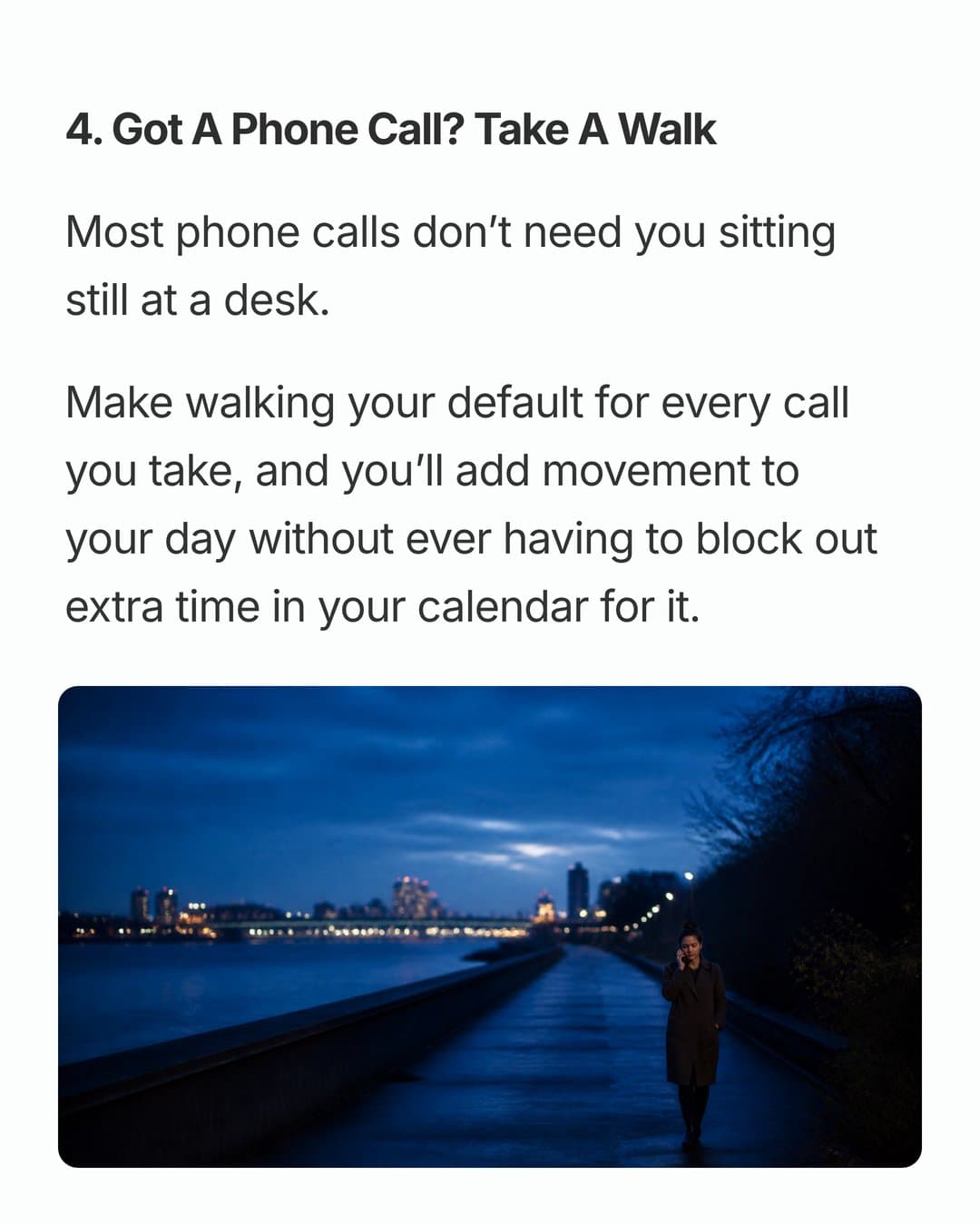
Item 4
Watch out for: padding the list to hit a number. Seven solid items beat ten weak ones.
2. Myth vs truth
For niches full of bad advice: fitness, nutrition, money, marketing.
- Hook: "[Number] [topic] myths you still believe"
- Why these myths stick around
- Myth 1 (big "MYTH" label)
- Truth 1 (with the reason or evidence)
- Myth 2
- Truth 2
- Myth 3
- Truth 3
- Summary: the truths in one list
- CTA: send it to someone who needs it
Watch out for: "truths" you can't back up. If a claim is contested, say so.
3. Step-by-step
For processes people repeat: setups, recipes, routines, tutorials.
- Hook: "How to [result] in [number] steps"
- What you need, or the end result
- Step 1
- Step 2
- Step 3
- Re-hook: the step most people skip
- Step 4
- Step 5 and the finished result
- CTA: save for when you do this
Watch out for: skipping steps that feel obvious to you. Beginners are the ones saving this.
4. Before/after
For any visible change: design, fitness, finances, rooms, writing, habits.
- Hook: the "after," or the gap ("From X to Y in Z")
- The "before" with context
- Change 1 and why it mattered
- Change 2
- Change 3
- Re-hook: the change that made the biggest difference
- The full "after"
- Side-by-side comparison
- CTA: follow for more transformations
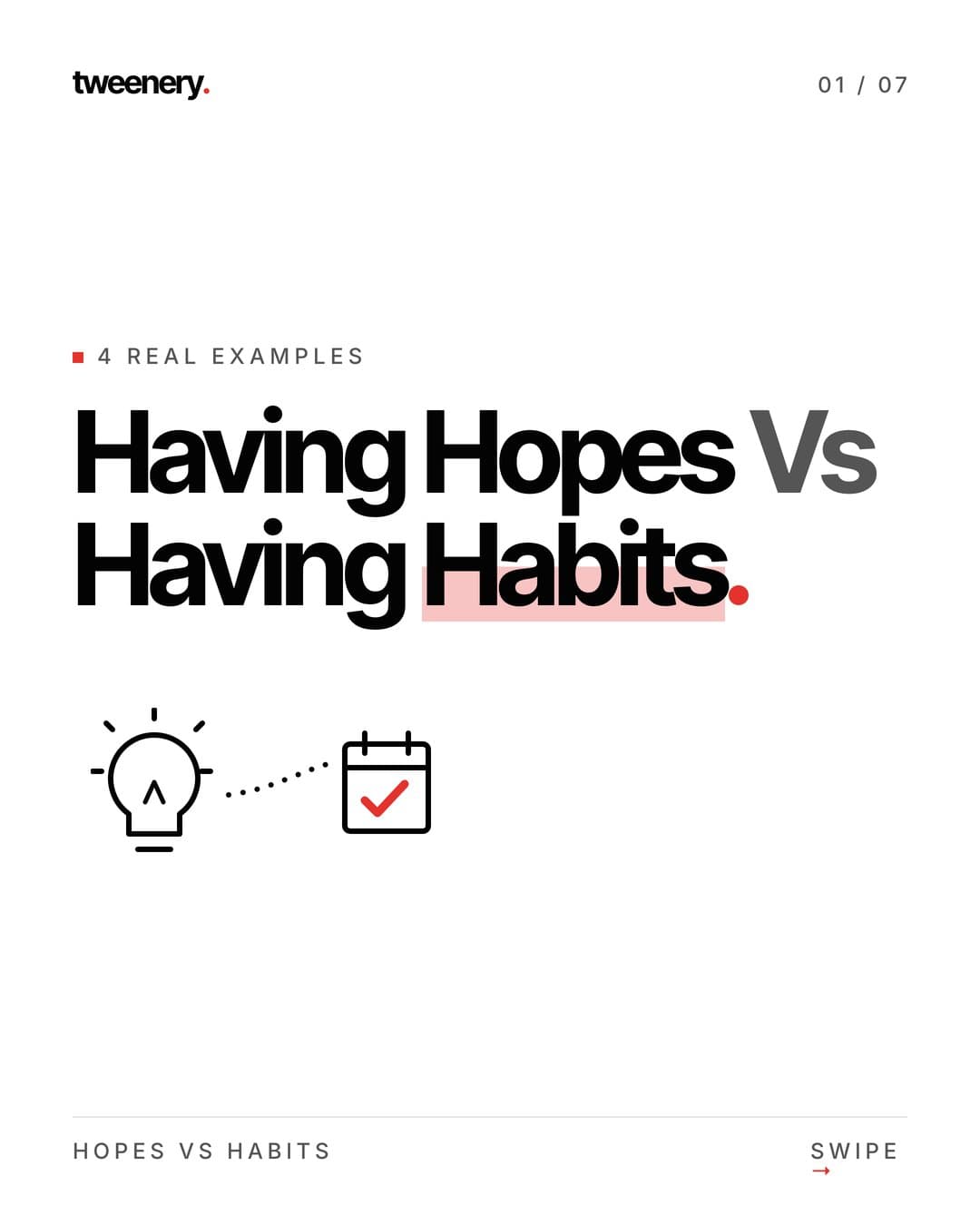
Hook
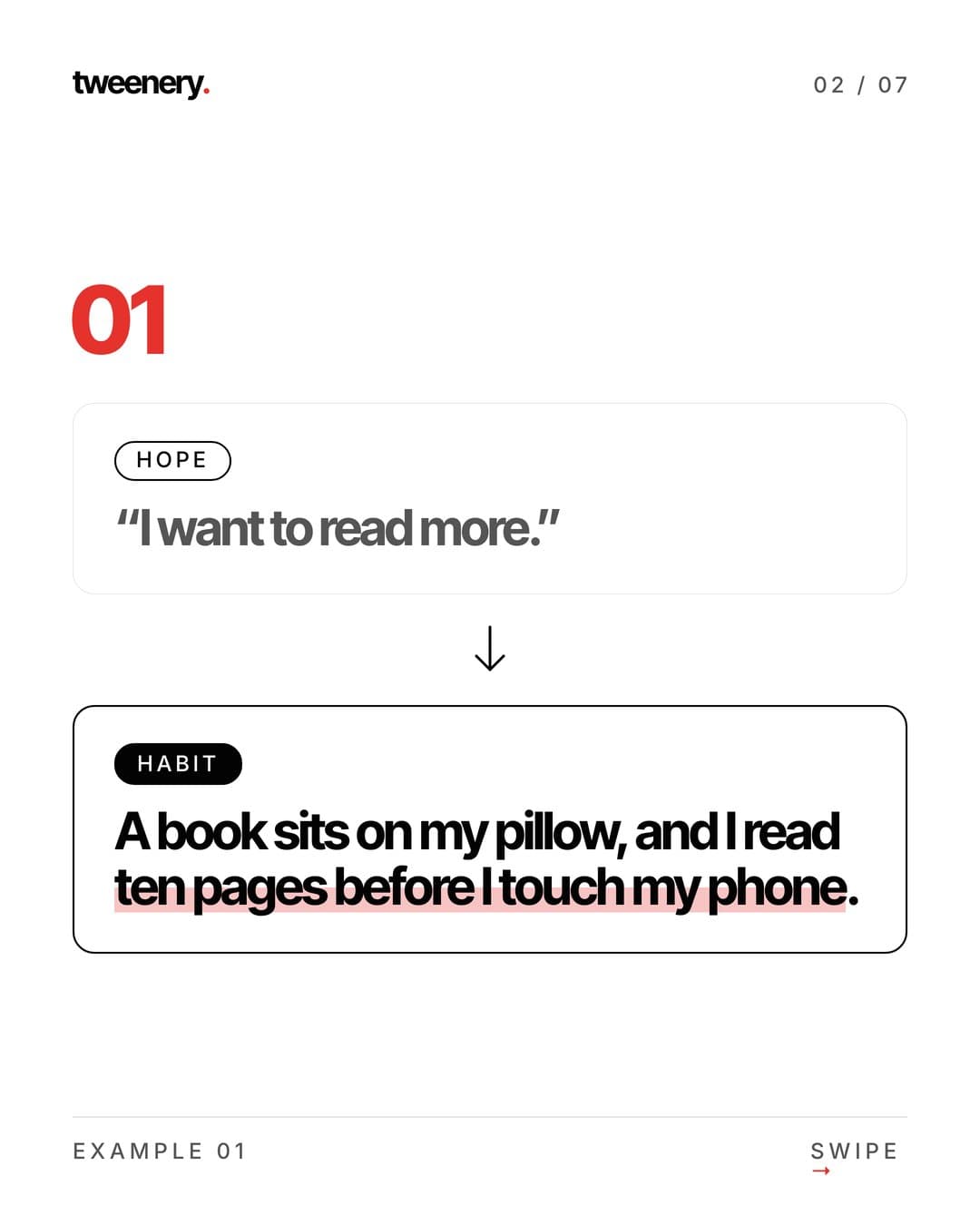
Example 1
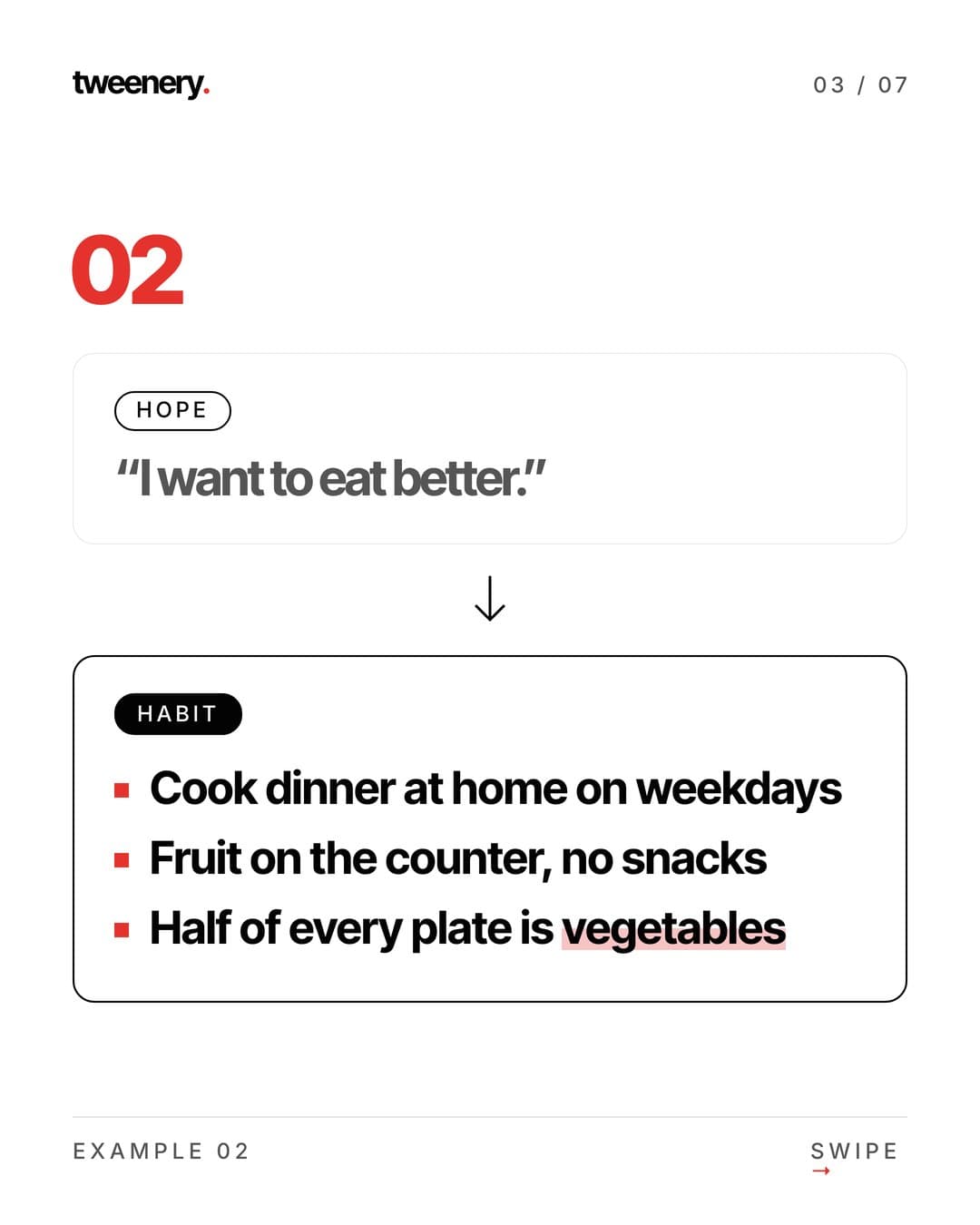
Example 2
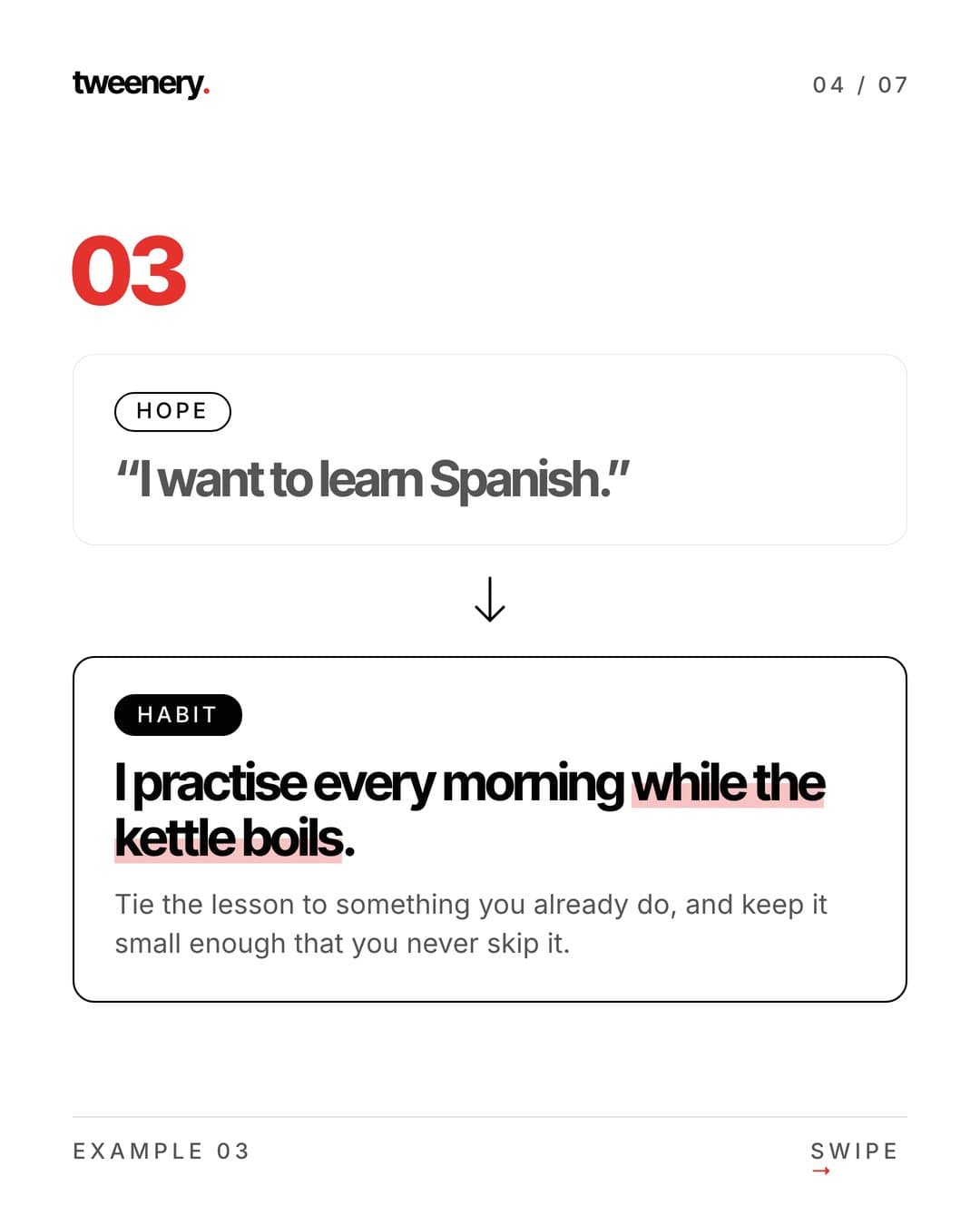
Example 3
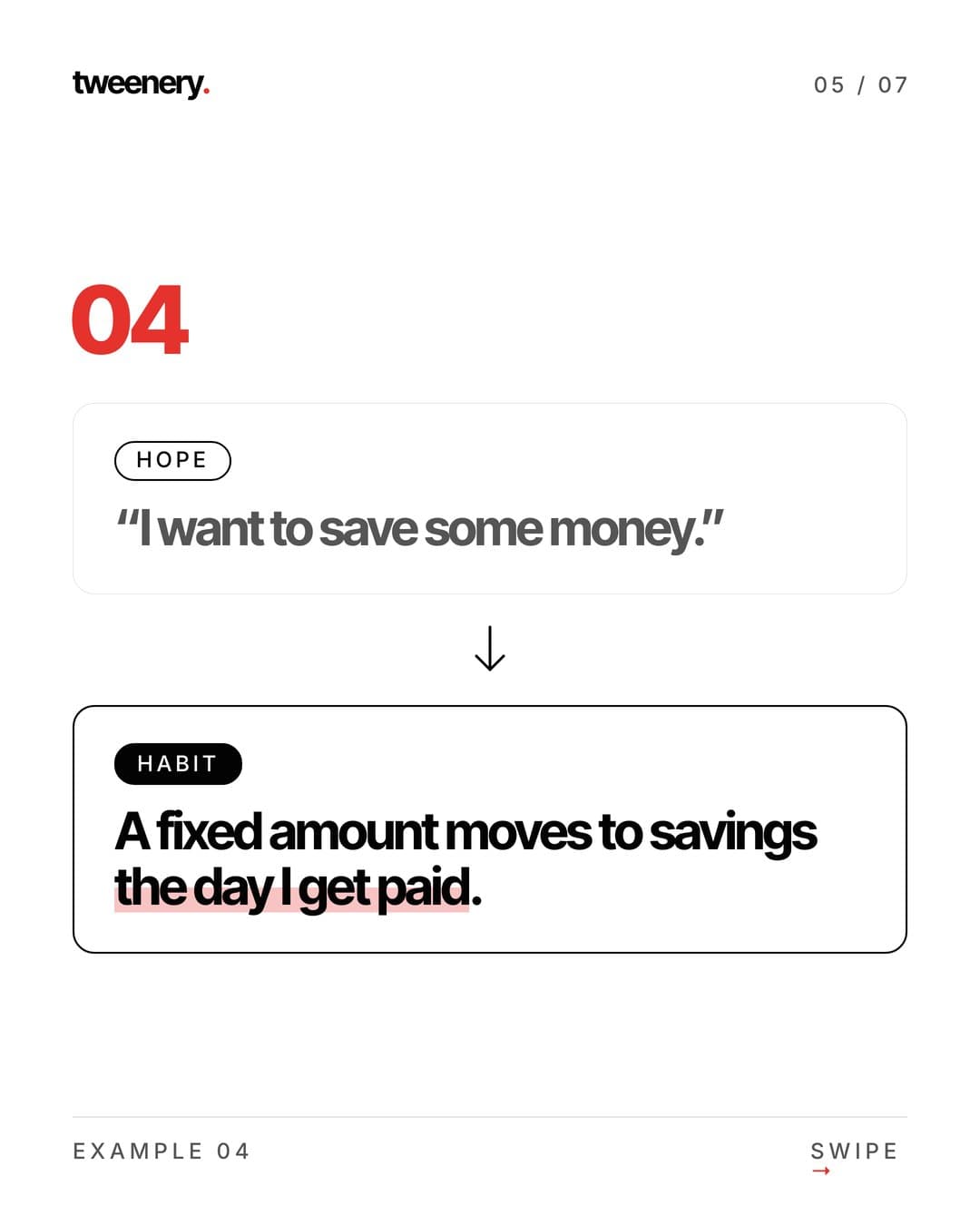
Example 4
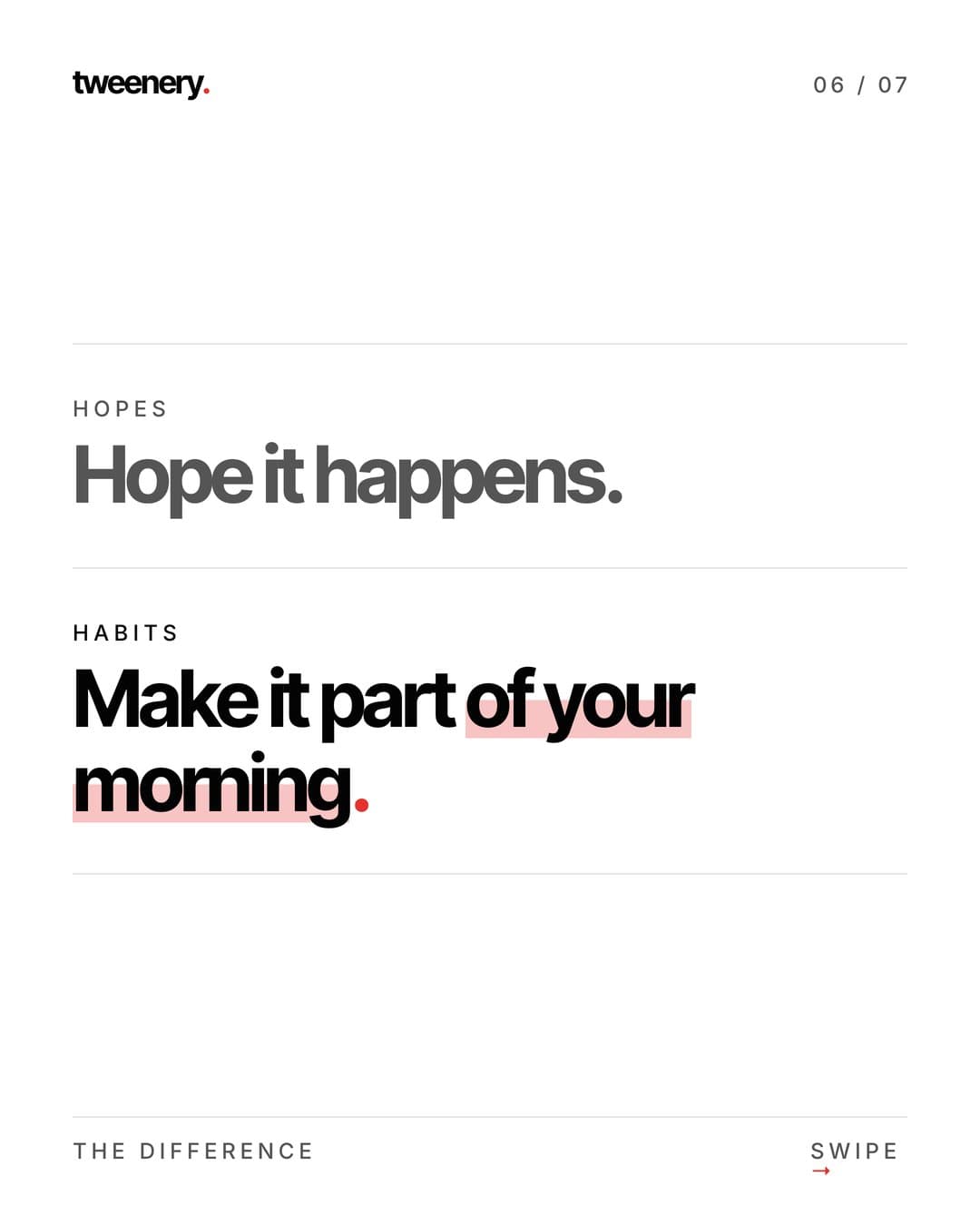
Side by side
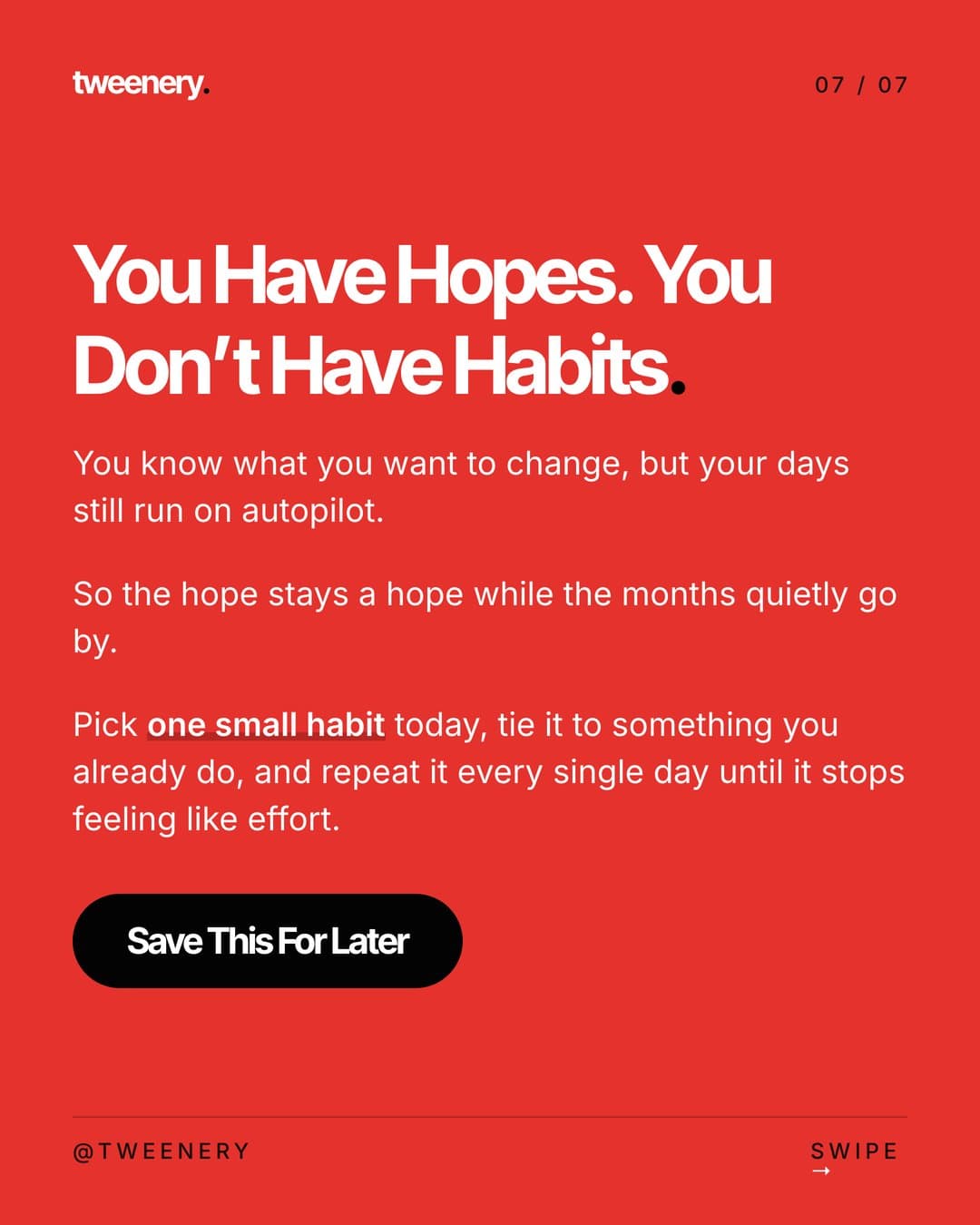
CTA
Watch out for: a huge gap with no explanation. People save the "how," not the result.
Tweenery's agent can lay out any of these formats from one message.
5. Story
For personal brands and founders: tension first, lesson last.
- Hook: start mid-moment ("I almost quit on a Tuesday")
- Context: who you were and what was at stake
- The problem gets worse
- The turning point
- What you tried
- Re-hook: what actually worked (or the surprise)
- The result
- The lesson, stated plainly for the reader
- CTA: share with someone in the same spot
Watch out for: a story with no takeaway. Add a slide that says what the reader should do with it.
6. Comparison
"This vs that" posts invite opinions and are easy to scan.
- Hook: "[Option A] vs [Option B]: which is actually better?"
- Who this comparison is for
- Criterion 1: A vs B
- Criterion 2: A vs B
- Criterion 3: A vs B
- Re-hook: the factor most people overlook
- Criterion 4: A vs B
- Verdict: when to pick A, when to pick B
- CTA: comment which one you use
Watch out for: a verdict of "it depends" with nothing more. Say what it depends on.
7. Framework
For experts and educators: name a method and walk through it.
- Hook: "The [name] framework for [result]"
- The problem it solves
- The whole framework on one slide
- Part 1 explained
- Part 2 explained
- Part 3 explained
- Re-hook: an example of it in action
- A quick checklist version
- CTA: save it and try it this week
Watch out for: a clever acronym with weak parts. The framework slide is the payoff, so make it screenshot-worthy.
8. Mistakes
Fear of getting it wrong motivates. Pair every mistake with the fix.
- Hook: "[Number] [topic] mistakes that [cost]"
- Why these mistakes are so common
- Mistake 1 and the fix
- Mistake 2 and the fix
- Mistake 3 and the fix
- Re-hook: "The last one costs the most"
- Mistake 4 and the fix
- Mistake 5 and the fix
- Recap: the fixes as a checklist
- CTA: save before you [action]
Watch out for: mistakes without fixes. That's a complaint, not a carousel.
How to reverse-engineer a viral carousel in your niche
The fastest way to learn structure is to take apart posts that already worked for your audience.
- Find outliers. Look for posts that did far better than that account's usual posts. The gap means the content did the work.
- Collect 5-10 of them. One viral post can be luck; a pattern is a structure.
- Map each slide. One line per slide: what it says and its job (hook, promise, value, re-hook, payoff, CTA).
- Note the visual style. Text size, words per slide, colors, photos, how slide 1 differs.
- Compare. Slide counts, hook length, CTA type. Find what the outliers share.
- Make your own version. Keep the structure, change the topic, examples and voice. Don't copy anyone's words or exact design.
Tweenery can do steps 3 to 6 for you. Paste an Instagram or TikTok post link (or upload screenshots) and your topic, and the agent makes an original carousel in that structure and style. Then refine it by chatting ("make slide 3's hook punchier," "cut it to 7 slides") and export each slide as PNG or JPEG, or all as a ZIP.
Working from long-form content instead? See how to turn a blog post into an Instagram carousel.
Common structure mistakes
- The hook and content don't match. People feel tricked and don't save or share.
- Slide 2 wastes the swipe. An intro or bio loses people right after you earned them.
- No rhythm change. Eight identical slides feel long. Add a re-hook.
- The best point is buried. Put it at the re-hook or the payoff.
- Too much text per slide. If it needs zooming or rereading, split it.
- No clear ending. The last slide should say what to do next.
- The wrong size. Use 4:5 (1080x1350) for the Instagram feed so slides take more of the screen than a square.
FAQ
What is the best structure for an Instagram carousel?
Hook, tension and promise, one idea per value slide, a re-hook in the middle, a payoff and a CTA asking for one action. Most formats fit inside that skeleton.
How many slides should a viral carousel have?
Enough to deliver the promise and no more. Many strong educational carousels use about 7-10 slides; Instagram allows up to 20.
What is a re-hook in a carousel?
A mid-carousel slide that restarts attention: a teaser for the best point, a design pattern break or a single bold number.
Can I copy the structure of a viral carousel?
Yes. Lists, myth vs truth and step-by-step aren't owned by anyone. Copying someone's words or exact design is not fine, so make the content your own.
Which carousel format gets the most saves?
Reference content: step-by-step guides, checklists, cheat sheets and frameworks, because people come back to them. Story and comparison posts tend to get more shares and comments.
Pick a format above and get a finished, on-structure carousel in one message.