Turning a blog post into Instagram carousels: full workflow
In this guide ›
- Which blog posts make good carousels
- Step 1: Pick the one core idea
- Step 2: Compress paragraphs into slide-sized lines
- How many carousels can one blog post become?
- Step 3: Design the slides
- Step 4: Write the caption and link back to the post
- Doing it manually vs with AI
- A repeatable workflow for every new post
- FAQ
To turn a blog post into an Instagram carousel, pick one idea from the post, cut it into 7 to 10 slides with one point per slide, and rewrite the headline as a hook for slide one. Design at 1080x1350, export the images, and send people back to the post through your bio link, since caption links aren't clickable. Most of the work is editing, not design.
Which blog posts make good carousels
A carousel is a sequence of short, swipeable beats, so the posts that convert well already have structure.
Posts that work:
- Listicles. "7 mistakes first-time freelancers make" is almost a carousel already.
- How-tos. Steps map cleanly to slides, and people save them.
- Frameworks. Anything with a name and parts ("the 3-bucket budget") gives each part a slide.
- Opinion pieces. "Stop posting every day" works if the post makes 4 or 5 distinct arguments.
- Data roundups. One stat per slide, with a line on why it matters.
- Comparisons. "Bad vs good cold email" splits into paired slides.
Posts that don't:
- Personal essays where the value is in the flow of the writing.
- Deep technical tutorials that need code or exact steps on a laptop. Make a teaser at most.
- News that will be stale by the time you design it.
- Thin posts. If you can't find 5 distinct points, it's a single image, not a carousel.
A quick test: list the post's H2 headings. If 5 or more make sense on their own, it's carousel-ready.
How-to guide

Listicle
Named set of parts
Step 1: Pick the one core idea
A carousel has room for one promise and its support. Ask: if a reader remembers one sentence from this post, what is it? That sentence is your carousel.
- The summary carousel. The main promise, each section compressed into one slide. Good for listicles and how-tos.
- The deep-dive carousel. One section, expanded. Good when one section is clearly the strongest.
Unsure? Start with the deep dive. Specific beats complete on a phone screen.
Step 2: Compress paragraphs into slide-sized lines
A paragraph does not become a slide by shrinking the font. You have to rewrite it:
- One idea per slide. If a slide needs "and also", it's two slides.
- Around 10 to 30 words per slide. A headline plus one or two supporting lines.
- Cut the throat-clearing. "It's important to note that" and "In many cases" disappear.
- Turn explanations into claims. "Many freelancers find that pricing hourly can create problems" becomes "Hourly pricing punishes you for being fast."
- Keep one concrete detail. A number, an example or a name keeps the slide from sounding like a fortune cookie.
- Split by tension, not by length. End a slide on a question or setup the next slide answers. That's what makes people swipe.
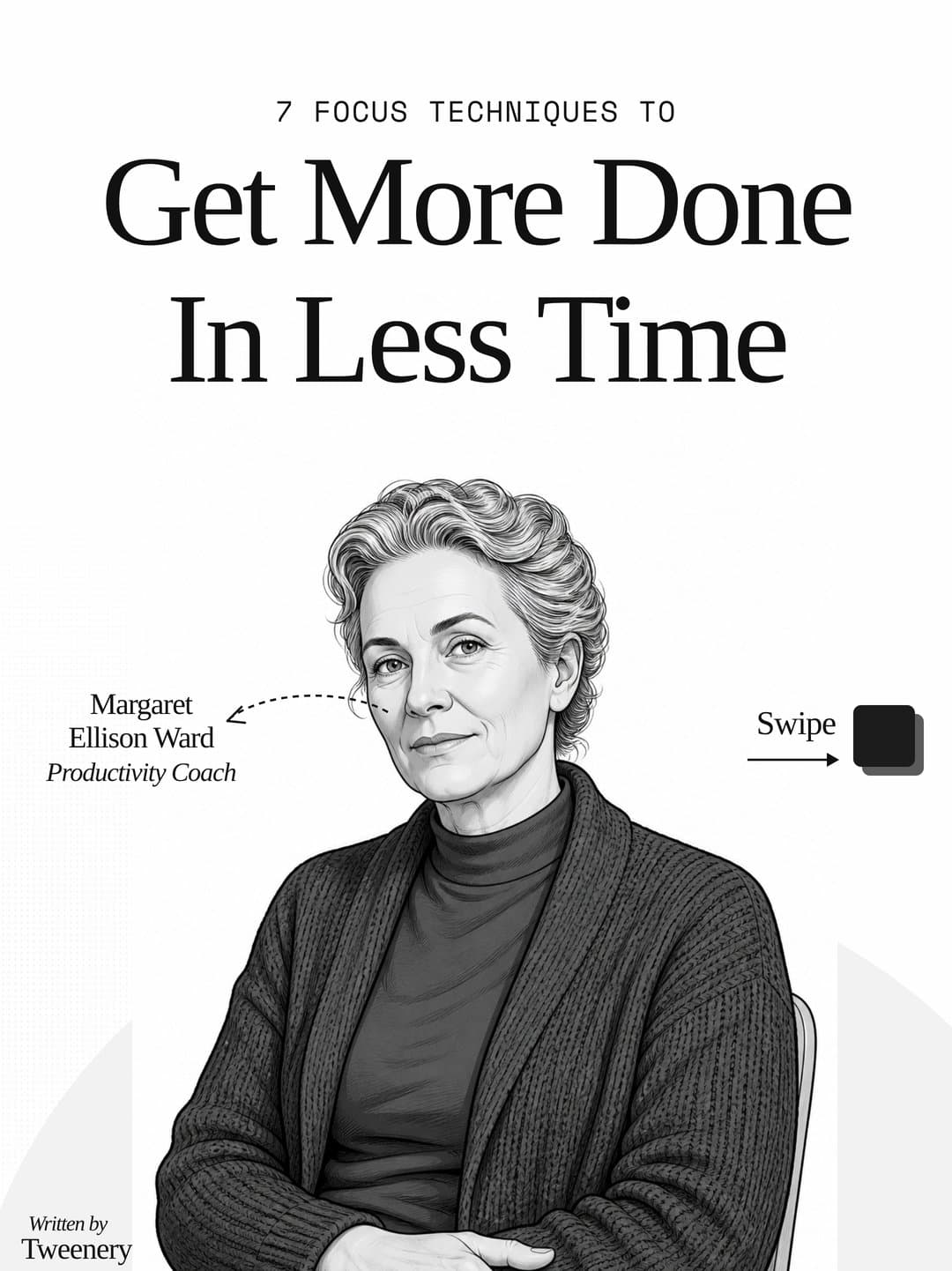
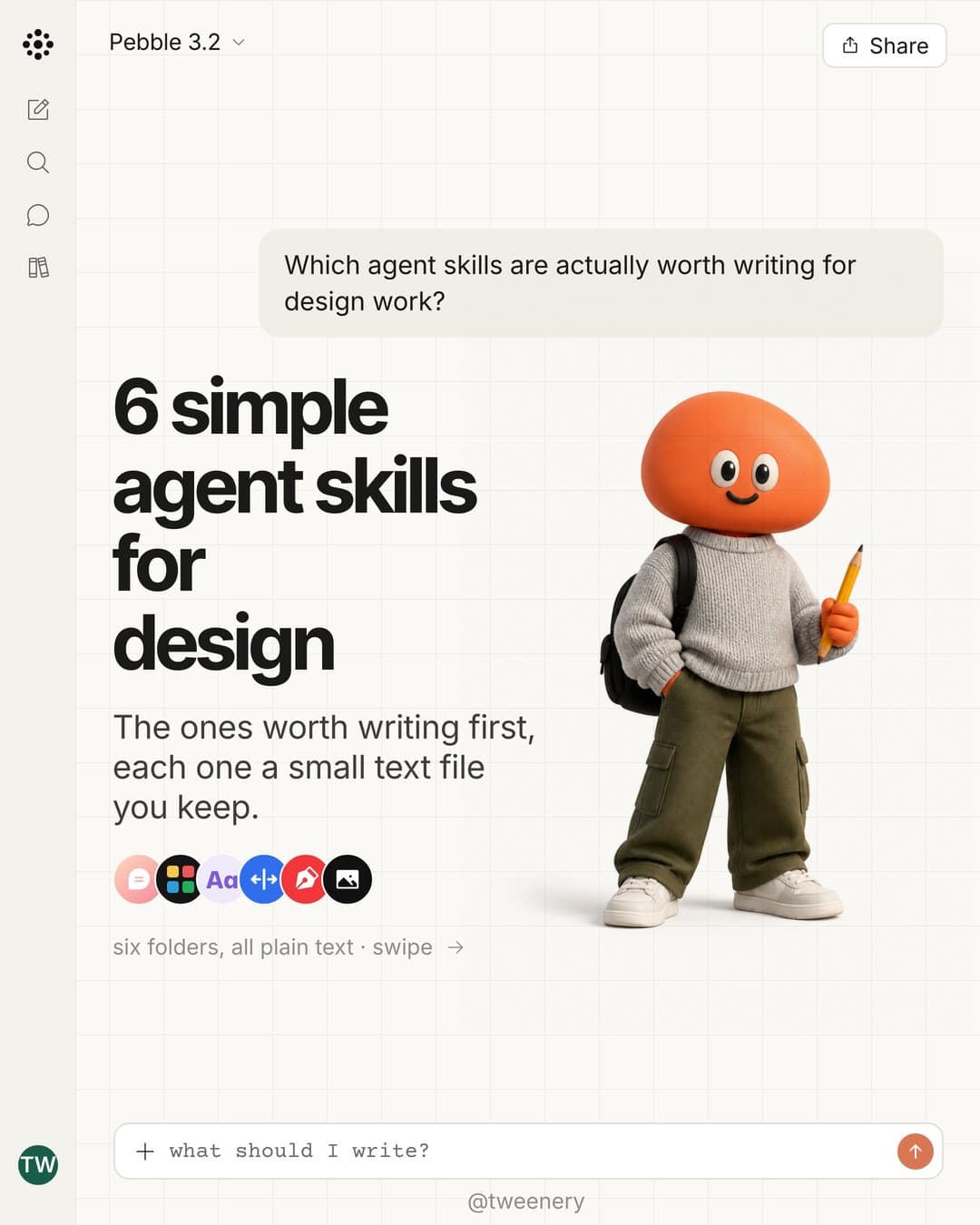
Here's what that looks like on a guide with seven techniques: a title slide, a short intro, then one technique per slide, each with a heading, a few lines and one example.
Hook
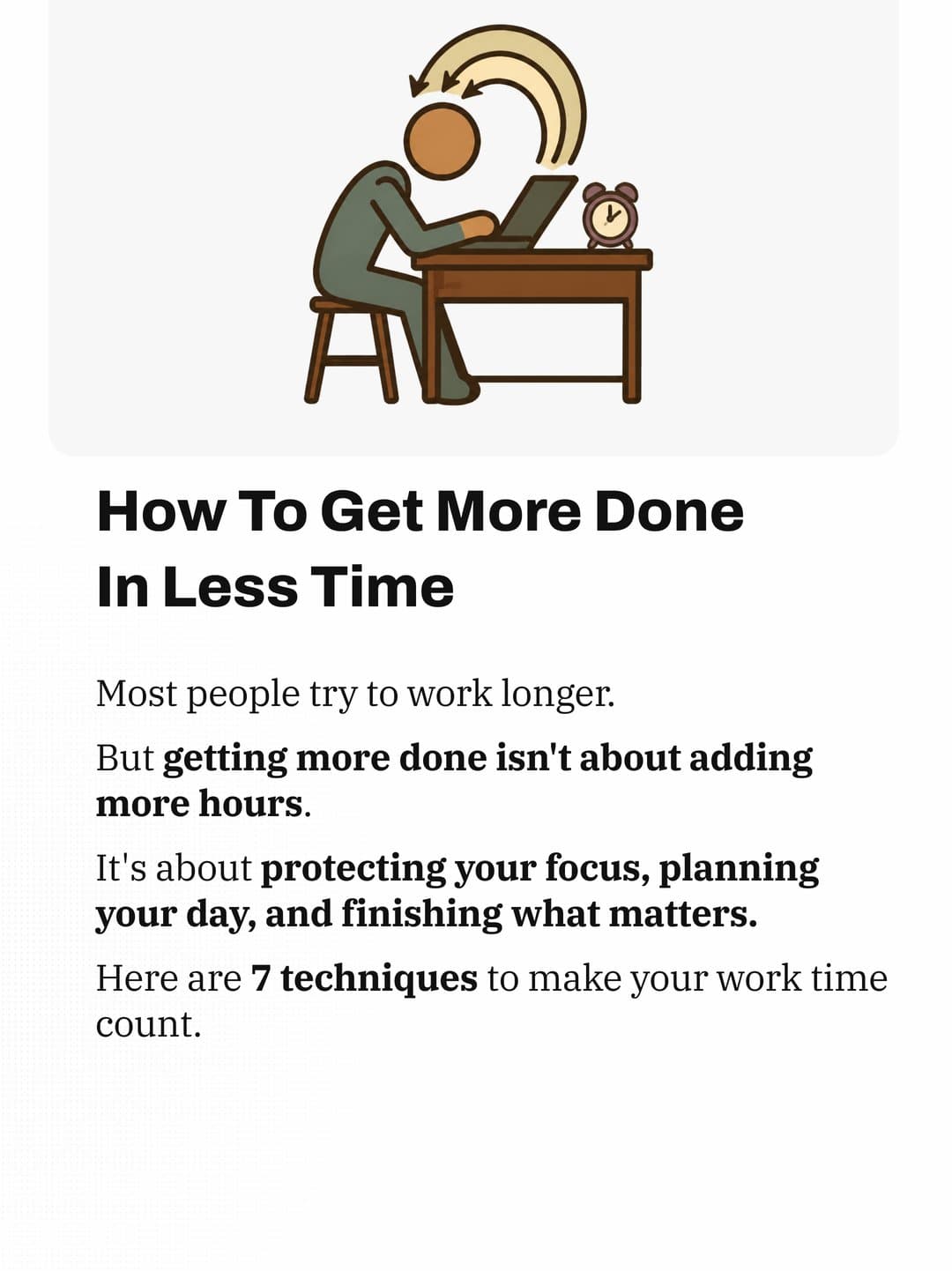
Intro
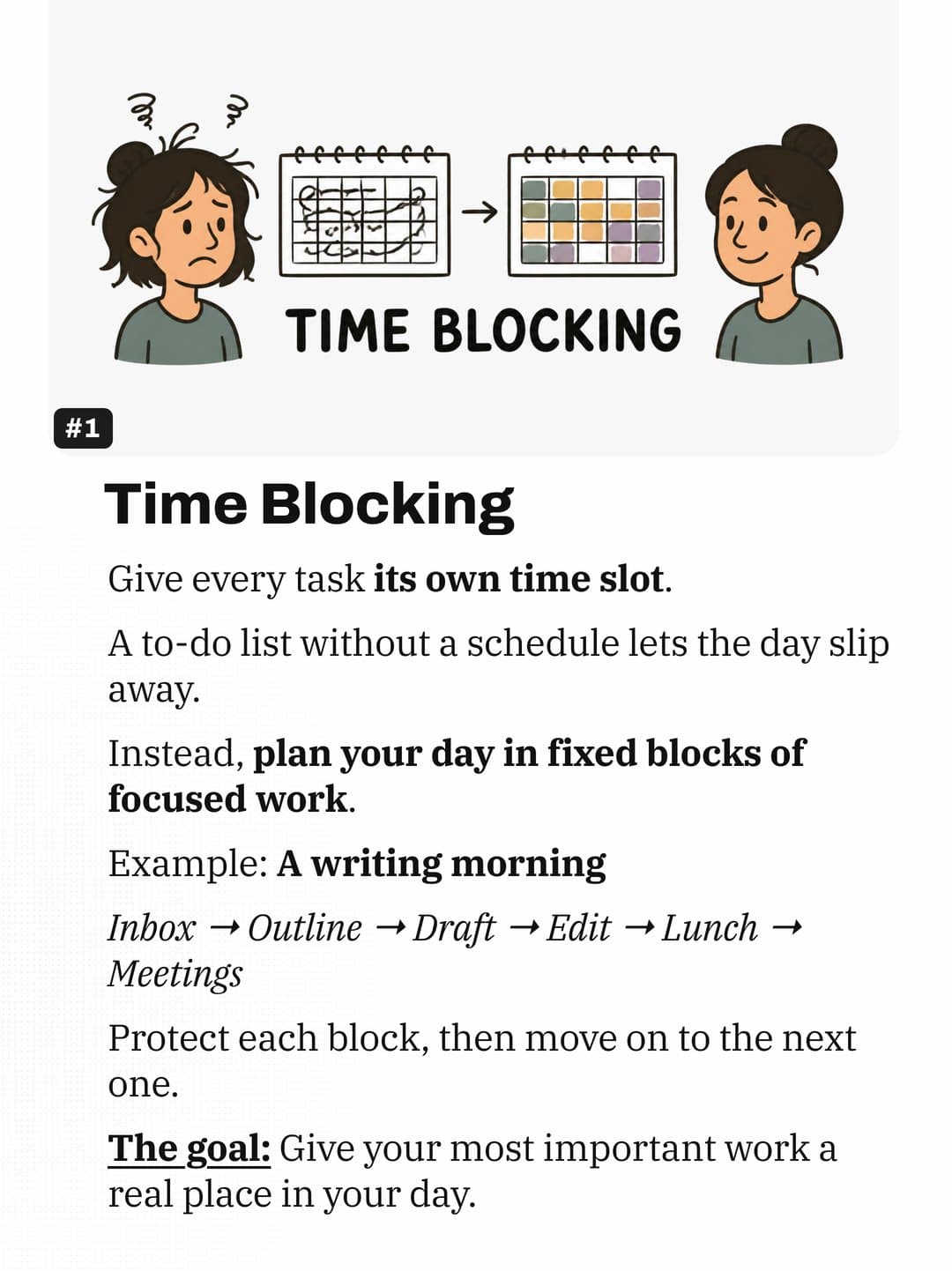
Technique 1
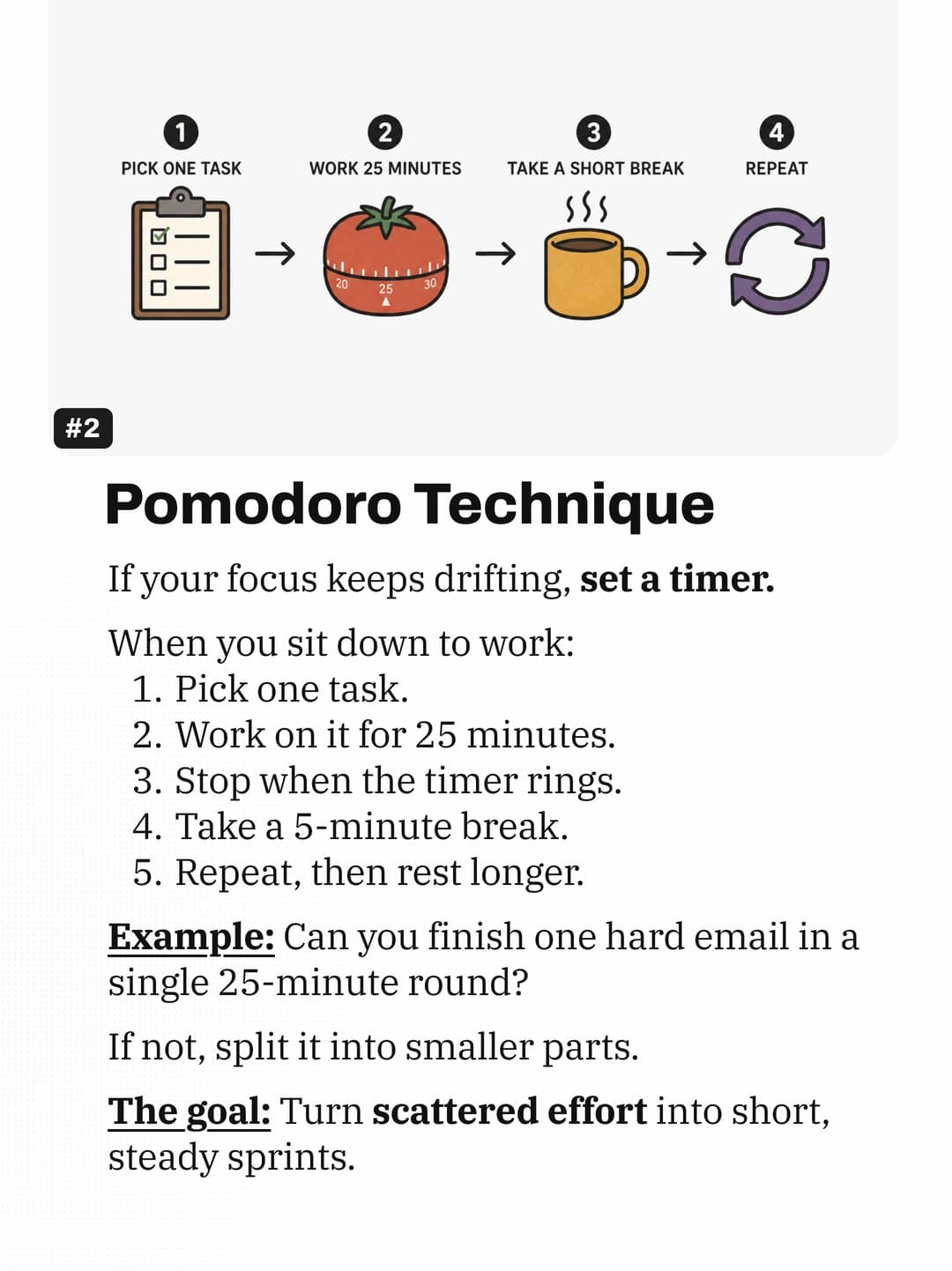
Technique 2
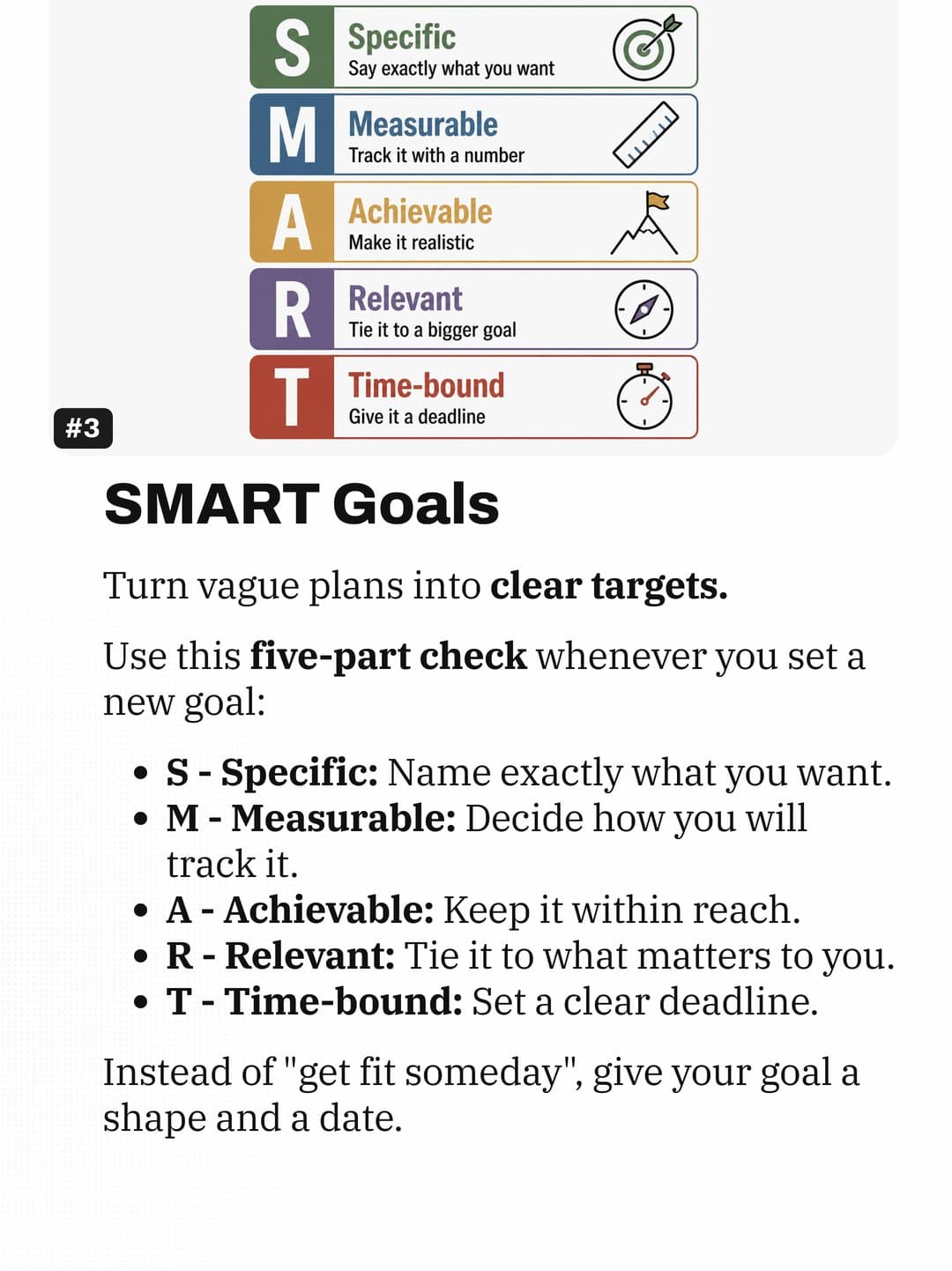
Technique 3
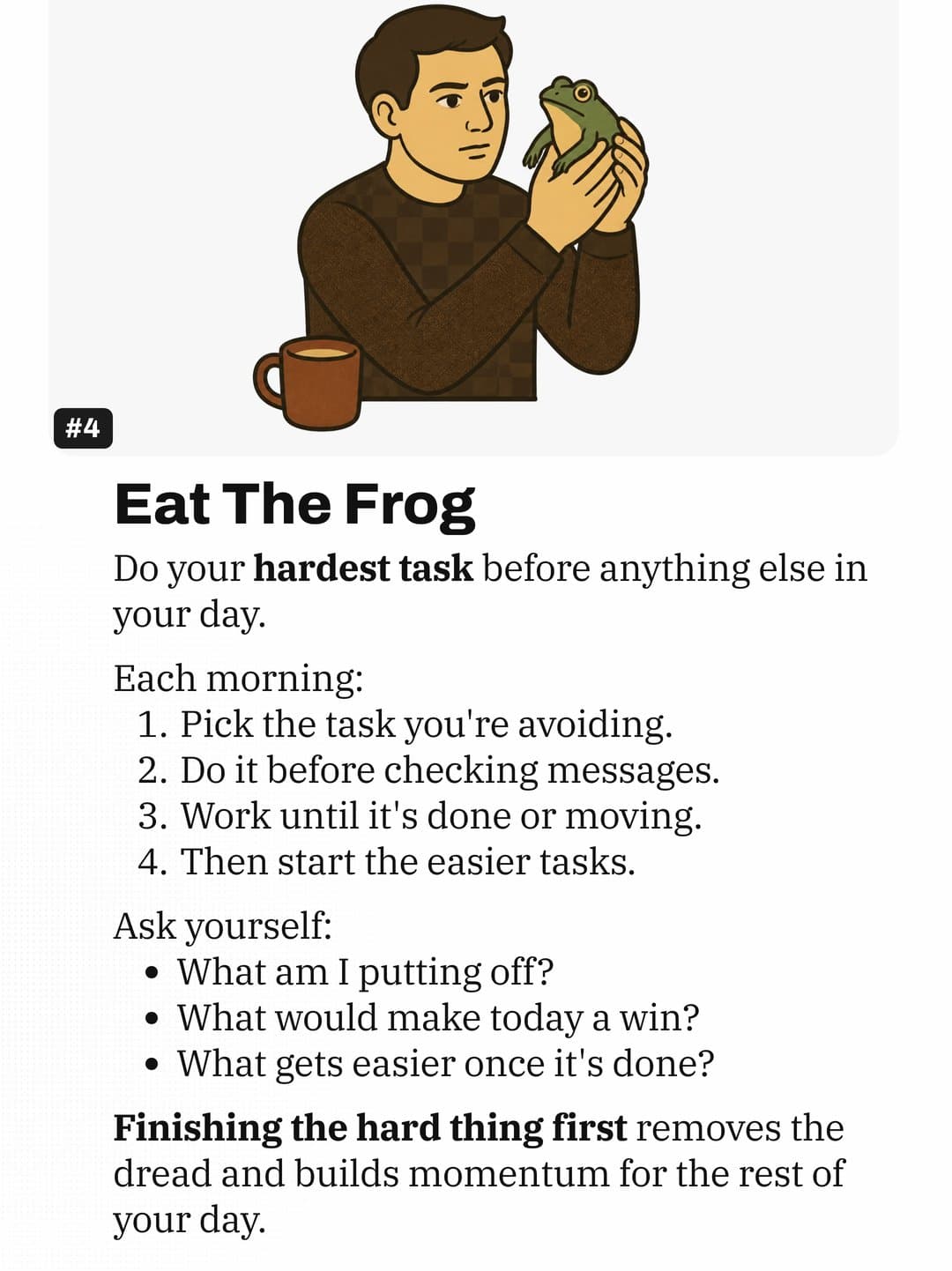
Technique 4
Worked example: one paragraph, turned into a carousel
A sample paragraph from a fictional post called "How to price your freelance design work":
Most new freelancers start by charging hourly because it feels safe and easy to explain. The problem is that hourly pricing punishes you for getting better. As you gain experience, you finish the same logo in 6 hours instead of 15, and your income drops even though the client gets a better result. Clients also start watching the clock and questioning every revision. A better approach is project pricing: estimate the hours, multiply by your target rate, add a buffer for revisions, and quote a single number. Over time, you can move to value-based pricing, where the price reflects what the work is worth to the client's business rather than how long it took you. Start by switching your next small project to a fixed quote and see how the conversation changes.
That's about 140 words. Here's the 8-slide carousel it becomes:
| Slide | On the slide | Job |
|---|---|---|
| 1 | Hourly pricing is quietly costing you money. (small line: freelance designers, swipe) | Hook. Names the reader and the pain. |
| 2 | You got faster. A logo used to take 15 hours. Now it takes 6. | Setup with a concrete number. |
| 3 | At the same hourly rate, you just took a 60% pay cut for doing better work. | The twist. Makes the problem obvious. |
| 4 | It gets worse: clients start watching the clock and questioning every revision. | Second cost, keeps tension up. |
| 5 | Fix: quote the project, not the hour. Estimated hours × your target rate + a revision buffer = one number. | The method, as a formula. |
| 6 | Example: 10 hours × $80 + 20% buffer = a $960 quote. The client sees one price. You keep the upside of being fast. | Worked numbers make it real. |
| 7 | Next level: value-based pricing. Charge for what the work is worth to their business, not how long it took. | Shows where this leads. |
| 8 | Try it on your next small project. Full pricing guide: link in bio. | Call to action and link back. |
Slide 3 states a number the paragraph only implied (6 out of 15 hours is a 60% drop), and slide 6 adds a worked example that wasn't there at all. Good repurposing often adds one concrete detail per slide.
For more slide-one patterns, see our Instagram carousel hooks. For the middle and end, see the viral carousel structure guide.
How many carousels can one blog post become?
A 1,500 to 2,500-word post with 5 to 8 sections can usually give you:
- 1 summary carousel covering the whole post.
- 1 deep-dive per strong section, often 2 to 4.
- 1 myth or mistake carousel if the post corrects a common belief.
- 1 example carousel from a case or before/after.
- 1 stat or quote carousel if the post has data or quotable lines.
Space them over a few weeks and change the hook angle each time: a mistake ("Stop doing X"), a how-to or a question.
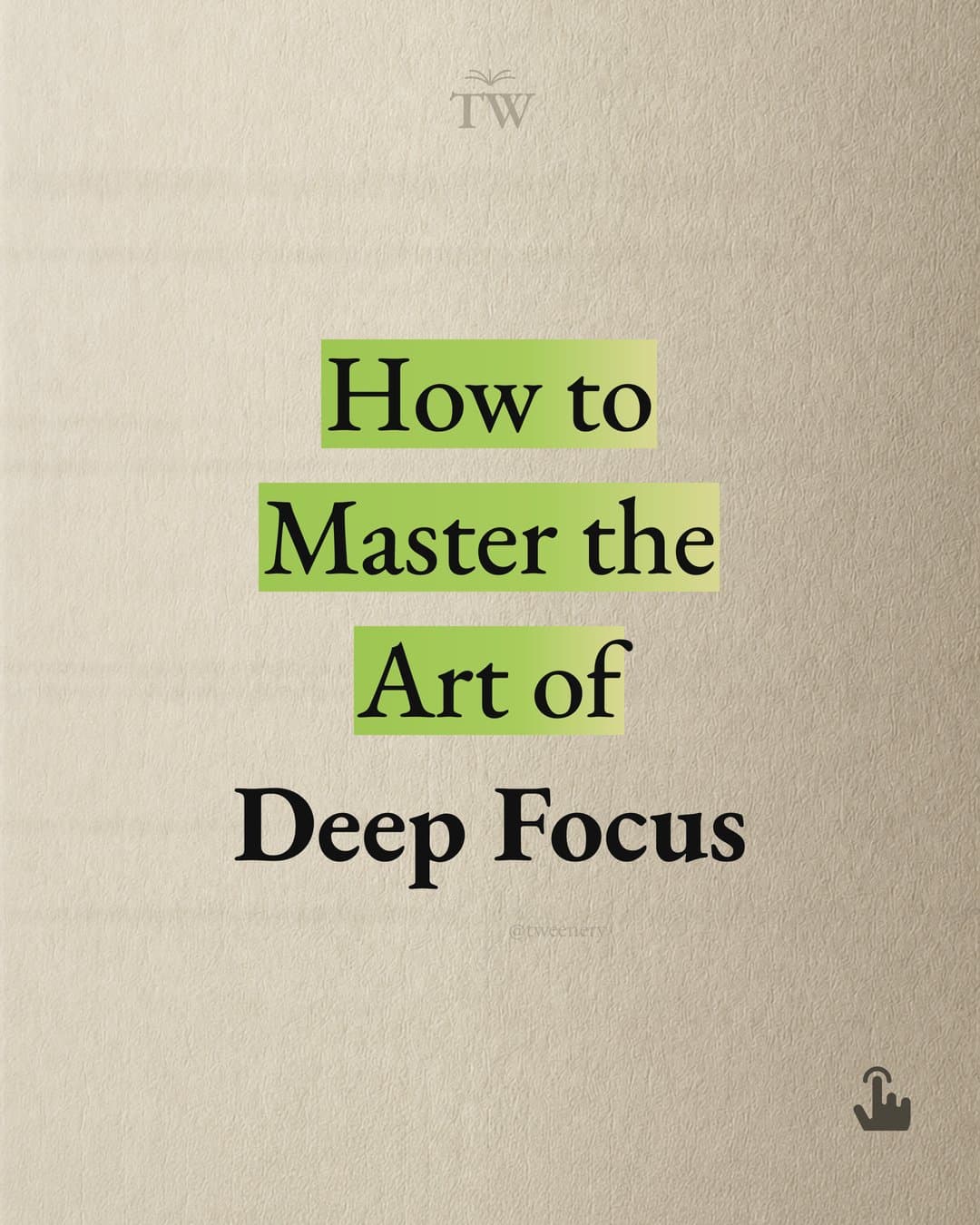
Title
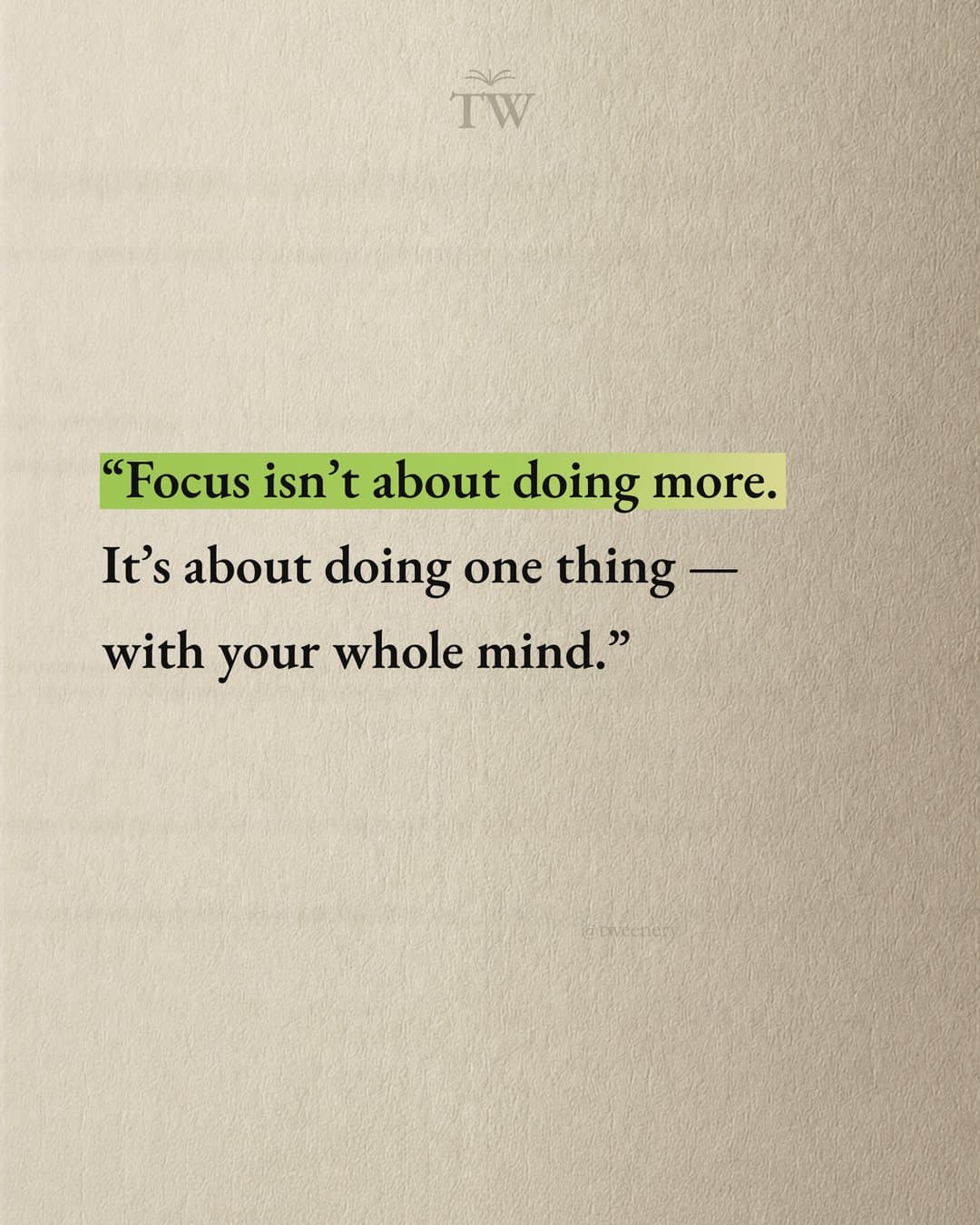
Quote
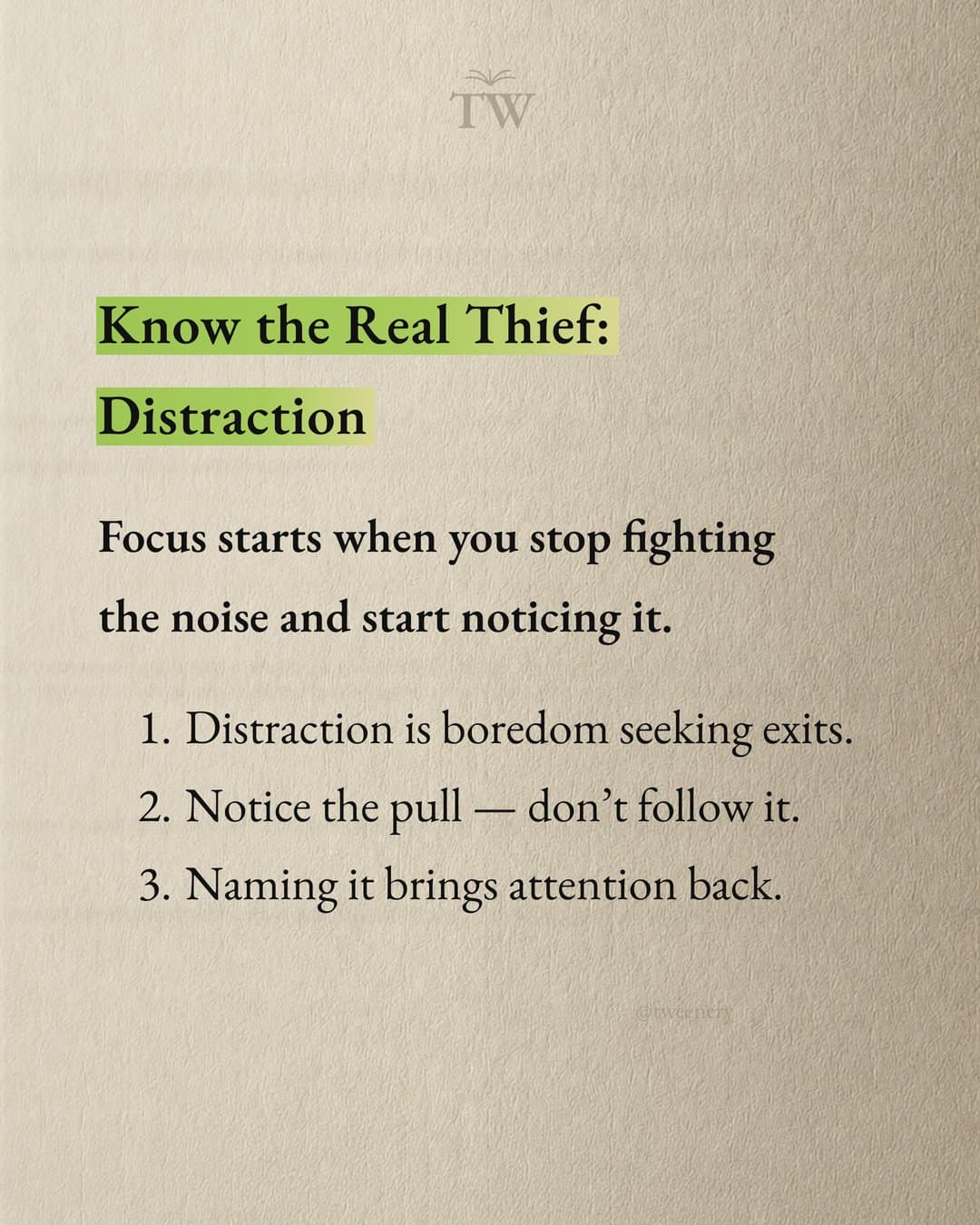
Point
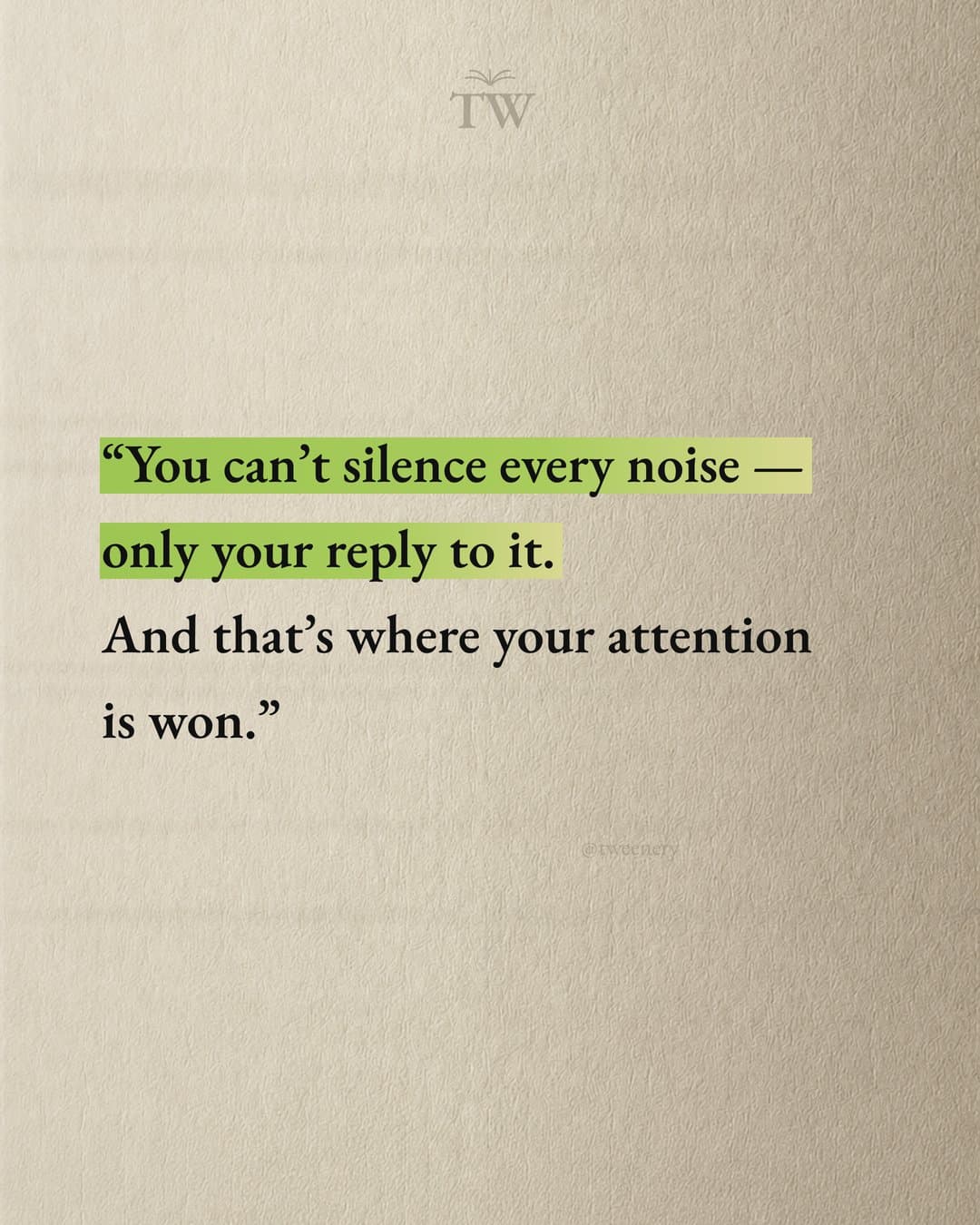
Quote
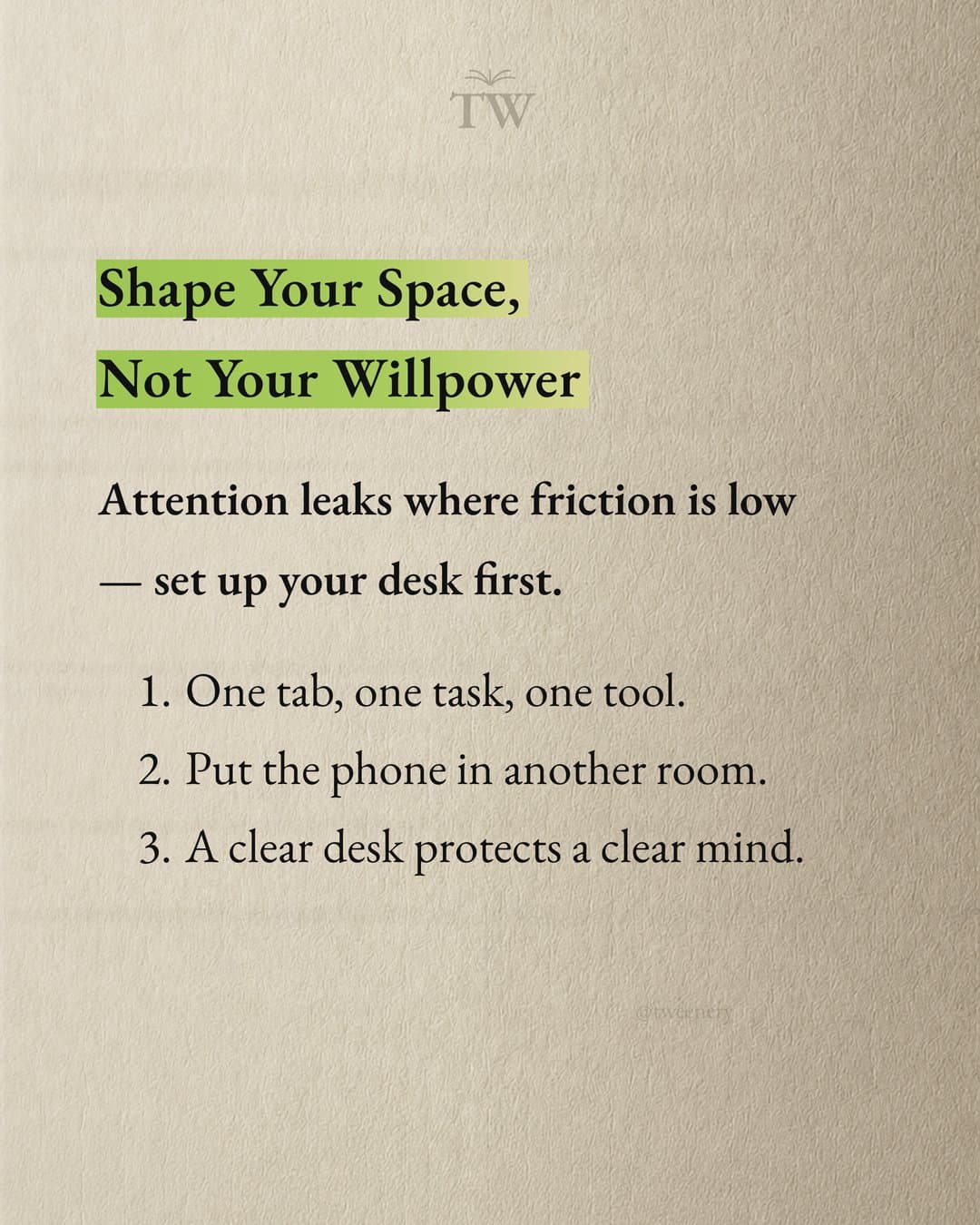
Point
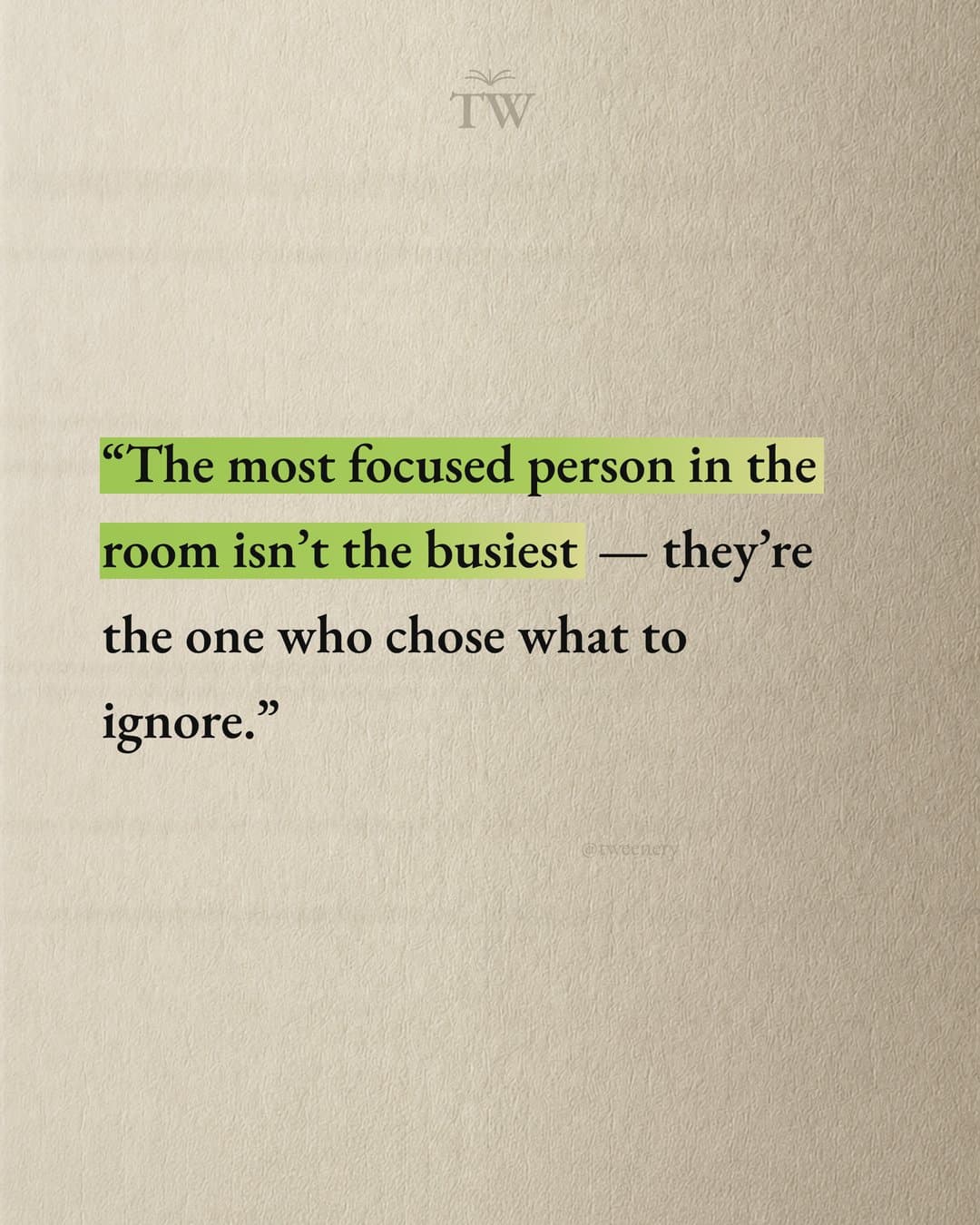
Quote
Step 3: Design the slides
Once the outline is written, design is mostly consistency and readability.
- Size. 4:5 portrait (1080x1350 px) fills more of the feed than a square. 1:1 also works.
- Slide count. Instagram raised the limit from 10 to 20 per post in August 2024, as MacRumors reported. For a repurposed post, 7 to 10 is enough.
- Type and hierarchy. One bold headline font, one clean body font. The main line should read in under 2 seconds.
- Consistent layout. Same margins, text position and colors on every slide. Change one element to mark a shift, like problem to solution.
- Continuity. A progress marker or a "swipe" cue on slide one helps people keep going.
- Brand. Your handle small in a corner, so screenshots shared out of context still point back to you.
- Images. Use the blog's charts only if they're readable at phone size. Usually simplify to one number.
For the text-on-slide side, see how to make an Instagram carousel with text. Or hand the outline (or the whole post) to an agent and get finished slides back.
Step 4: Write the caption and link back to the post
Instagram shows URLs in feed post captions as plain text, so use these instead:
- Your bio link. Instagram has allowed up to 5 bio links since April 2023 (Gizmodo coverage). Put the post at the top and write "link in bio" on the last slide.
- A Story link sticker. Share the carousel to your Story with a link sticker to the post. Instagram opened link stickers to all accounts in 2021 (Business Today), though very new accounts may not see it right away.
- A keyword in the caption. "Comment PRICING and I'll send you the guide" works if you can reply to DMs, manually or with an automation tool.
A caption structure that works for repurposed posts:
- First line: extend the hook. Only the first line or two show before "more".
- 2 to 4 short lines adding something the slides didn't: a story, a caveat.
- The pointer: "The full guide is linked in my bio."
- An easy question ("Hourly or project pricing, which do you use?").
- A few specific hashtags if you use them.
Add alt text if your slides carry the message in text, so screen reader users can follow along.
Doing it manually vs with AI
Manually
With Google Docs plus Canva or Figma, you control every word. Expect 1 to 2 hours per carousel at first, and most people stall on the design step.
With a generic AI chatbot
ChatGPT, Claude or Gemini are good at the outline: ask for "an 8-slide carousel outline, one idea per slide, under 25 words each." You still design every slide, and the text turns generic unless you push for concrete numbers.
With a carousel agent like Tweenery
- Paste the blog text or link, or describe the post in a sentence.
- The agent picks the angle, writes every slide and designs the images in one go.
- Save a brand profile (logo, colors, fonts, tone) once, so every carousel looks like yours.
- Edit by pointing at a slide: "make slide 1's hook punchier". The other slides stay as they are.
- Export slides as PNG, JPEG or a ZIP and upload them yourself. Tweenery doesn't post for you.
- It's free to start, no card needed.
The best results combine both: let the tool draft and design, then spend your time on the hook and the concrete details.
A repeatable workflow for every new post
- Publish the blog post.
- List its H2 sections and pick the summary angle plus 2 to 3 deep-dive angles.
- For each carousel, write the hook first, then 6 to 9 one-idea slides.
- Design at 1080x1350 with your handle on every slide.
- Put the post link at the top of your bio.
- Post with a caption ending in "link in bio" and a question.
- Share it to your Story with a link sticker.
- Schedule the other carousels over the next few weeks with different hooks.
FAQ
Can I convert text to an Instagram carousel automatically?
Yes. A chatbot can give you a slide outline to design yourself, or a carousel tool can do both. In Tweenery you paste the text, link or a description, and the agent writes and designs every slide for you to download.
How many slides should a blog post carousel have?
7 to 10 for most posts. Instagram allows up to 20, but if you have more than 10 strong points, split them into two carousels.
Can I put a clickable link in an Instagram carousel caption?
No. Use your bio link, a Story link sticker or a comment keyword you answer by DM.
Should I post the whole blog post as a carousel?
Usually not. A carousel covering a whole post ends up too dense for a phone. Make several carousels from one post instead.
Is repurposing a blog post into a carousel duplicate content?
No. The carousel is a set of images rewritten for a different format, not a copy of your web page. Link back to the post so it sends readers there.
Have a blog post ready? Try turning it into a carousel now.