How to make an Instagram carousel with text (2026 guide)
In this guide ›
To make an Instagram carousel with text, design each slide as an image with the text on it, export all slides at the same size (1080x1350 is safest), then upload them together as one post. Use Instagram's Edits app, a design tool like Canva, or an AI tool that writes and designs the slides.
Instagram carousel limits and sizes
Changing the size later means redoing every slide, so set it first.
| Spec | What to use |
|---|---|
| Slides per carousel | Up to 20 photos or videos |
| Recommended size | 1080x1350 (4:5 portrait) |
| Other option | 1080x1080 (1:1 square) |
| File types | JPEG or PNG for image slides |
| Aspect ratio | Keep every slide the same |
- 20 slides. Instagram raised the limit from 10 to 20 in August 2024 (9to5Mac). Some older guides still say 10.
- 4:5 is the default pick. A portrait slide takes up more of the feed than a square, giving your text more room.
- Keep one size. By default, the carousel's shape follows the first slide and later slides get cropped to match. Instagram has been rolling out a mixed or original size option (Lindsey Gamble), but a crop can cut off words, so export every text slide at the same size.
- The grid crop. Your profile grid shows a cropped first slide. Keep the hook text near the center.
Can you add text to carousel images in Instagram itself?
Partly, and it depends on your account.
- The main Instagram composer. A native text tool for carousel images has reached only some users (Lindsey Gamble). No text option when editing a multi-photo post means you don't have it.
- Per-slide captions are not on-image text. Since mid-2026 Instagram has been rolling out one caption per slide (iGeeksBlog), but that text sits below the post.
- The Edits app. Instagram's Edits app added a carousel editor in October 2026. You add photos, videos and text on a canvas, reuse saved text styles and post straight to Instagram. At launch it's iOS only, with Android "coming soon" (PetaPixel).
Three ways to make a text carousel
1. Instagram's Edits app
Open Edits, go to Projects, tap the plus button and choose Carousel. Add blank slides or photos, type your text on each, then share to Instagram.
- Pros: free, made by Instagram, posts directly, text styles carry across slides.
- Cons: iOS only for now, and you write and lay out every slide on a phone screen.
2. A design tool like Canva, done manually
Create a 1080x1350 design, add a page per slide, put text on each, then download all pages as PNGs.
- Pros: full control over fonts, layout and brand colors. Works on desktop.
- Cons: slow. You write the copy and fix spacing on every slide, and templates look like templates unless you change them a lot.
3. An AI carousel tool like Tweenery
Describe the carousel in one message ("8 slides on why your sourdough is flat, for beginners"). Tweenery's AI agent writes the text for every slide, designs them at 4:5 or 1:1, and exports PNG, JPEG or a ZIP. It can research the topic on the web first so the slides have real substance.
- Pros: fast. Edit one slide by pointing at it ("make slide 3's headline shorter") and the rest stay put. Paste an Instagram post whose look you like to get an original carousel on your topic in that style. A saved brand profile keeps your logo, colors and fonts consistent.
- Cons: read every slide before posting, as with any AI writing. It doesn't post for you.
Typography and layout rules for text slides
Words per slide
One idea per slide: a headline of a few words plus one or two short supporting lines. If you're writing a paragraph, split it into two slides.
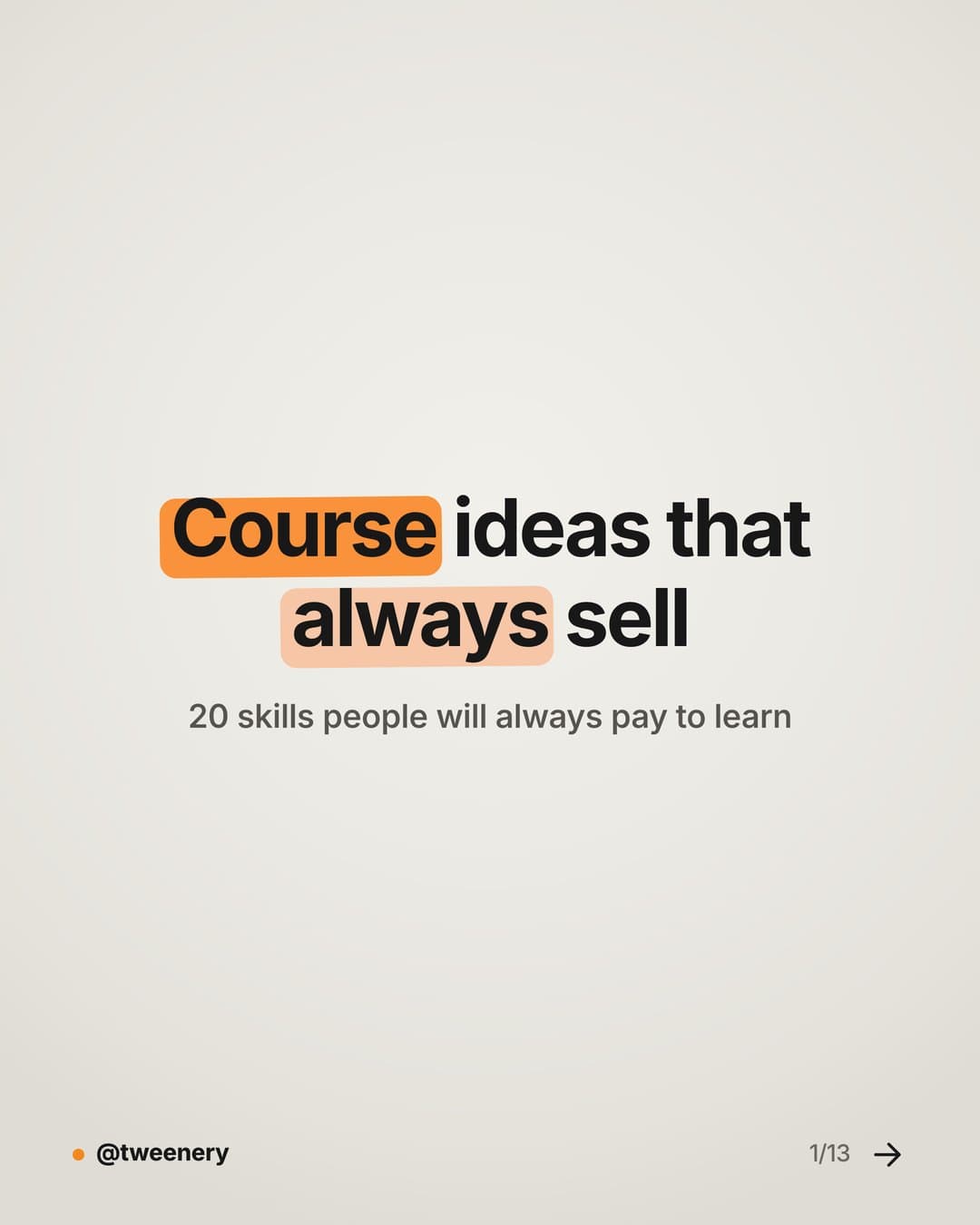
Cover
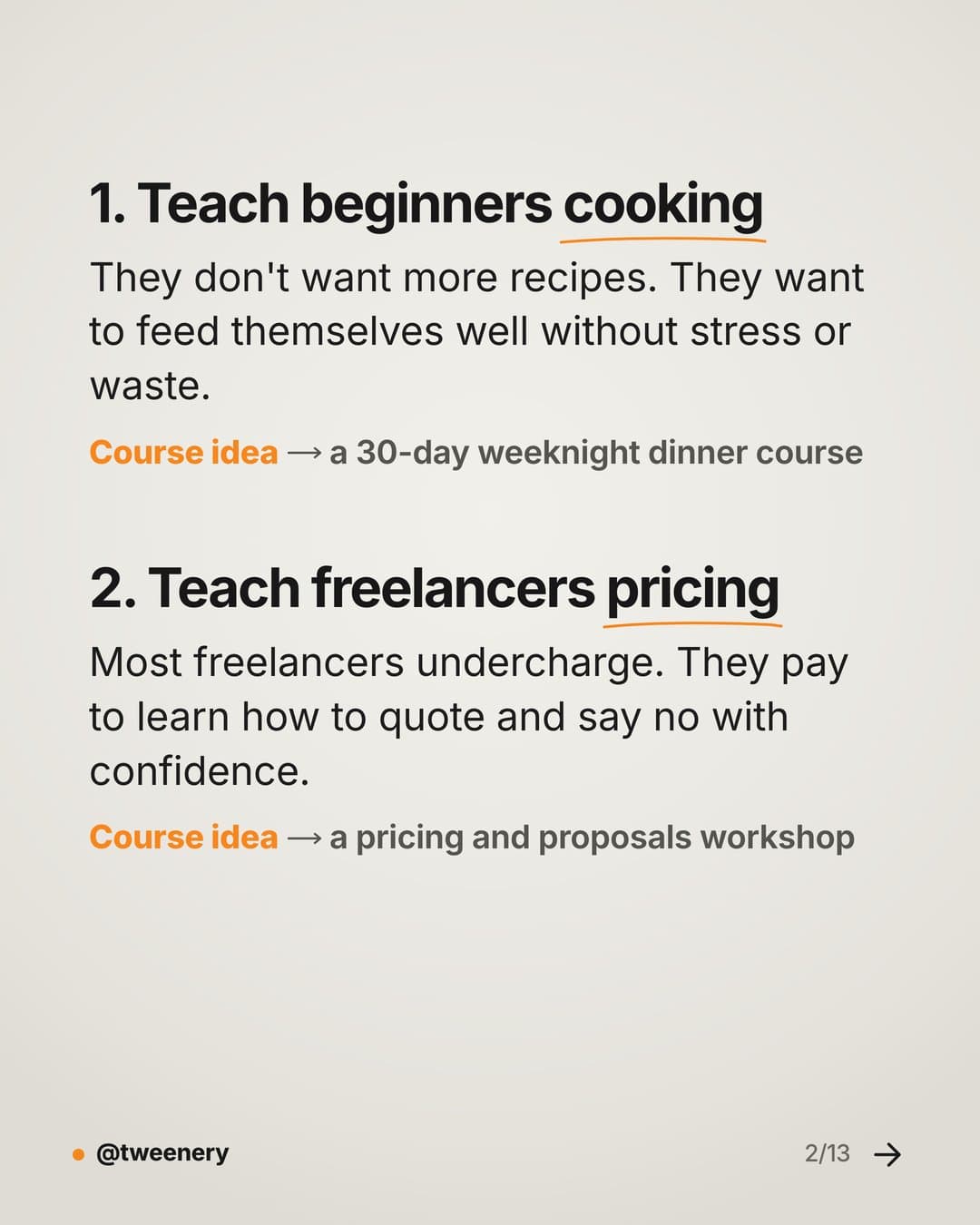
Ideas 1–2
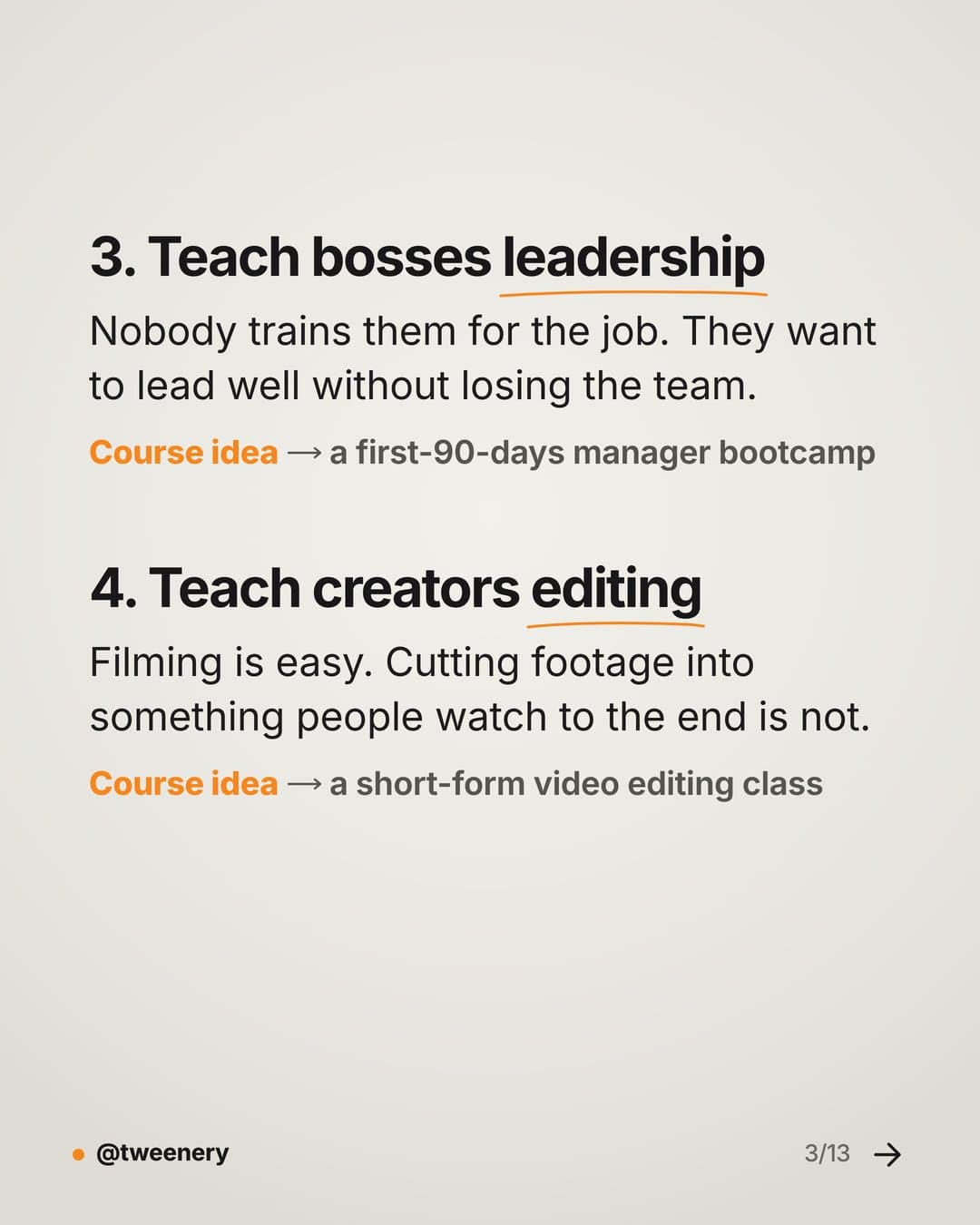
Ideas 3–4
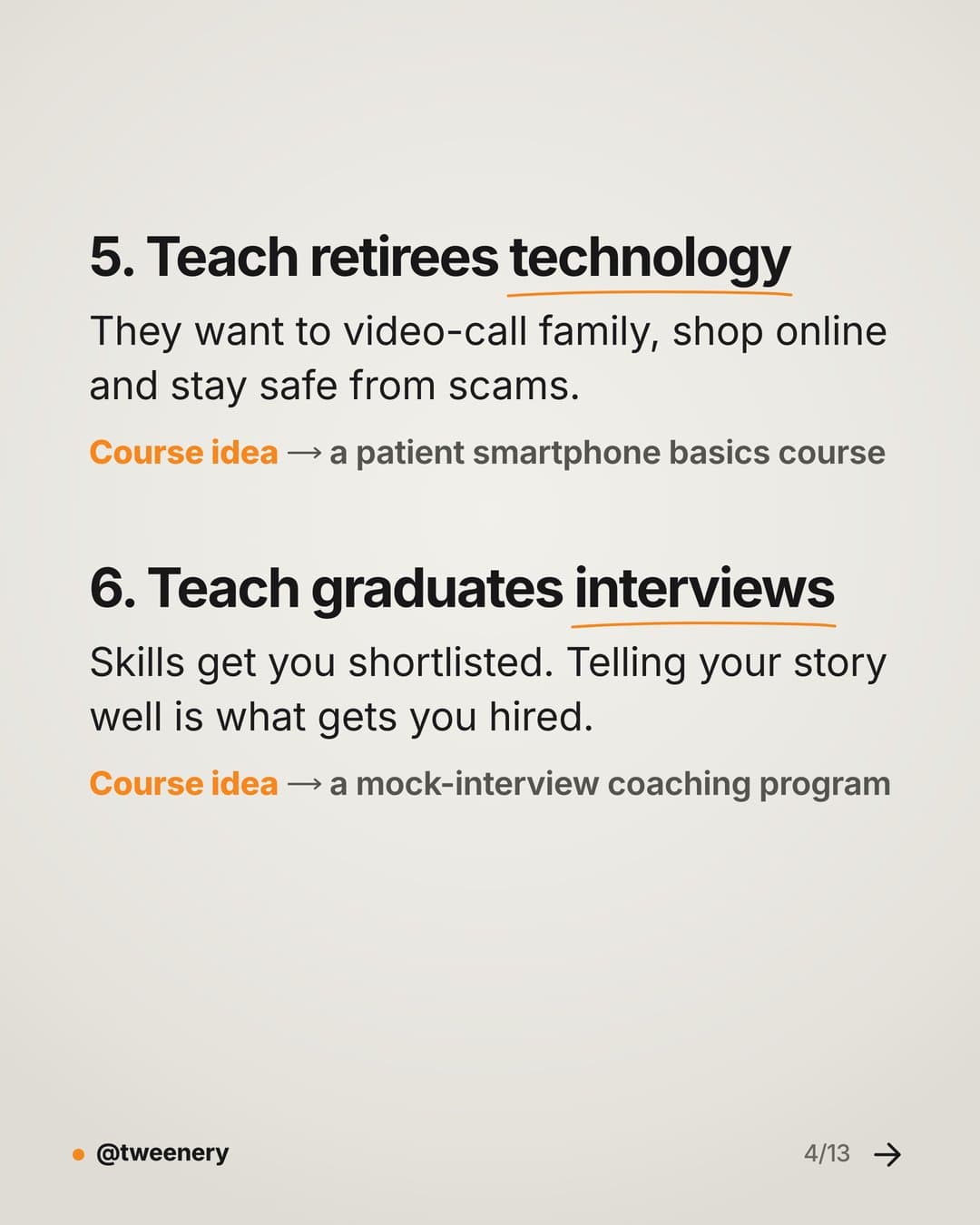
Ideas 5–6
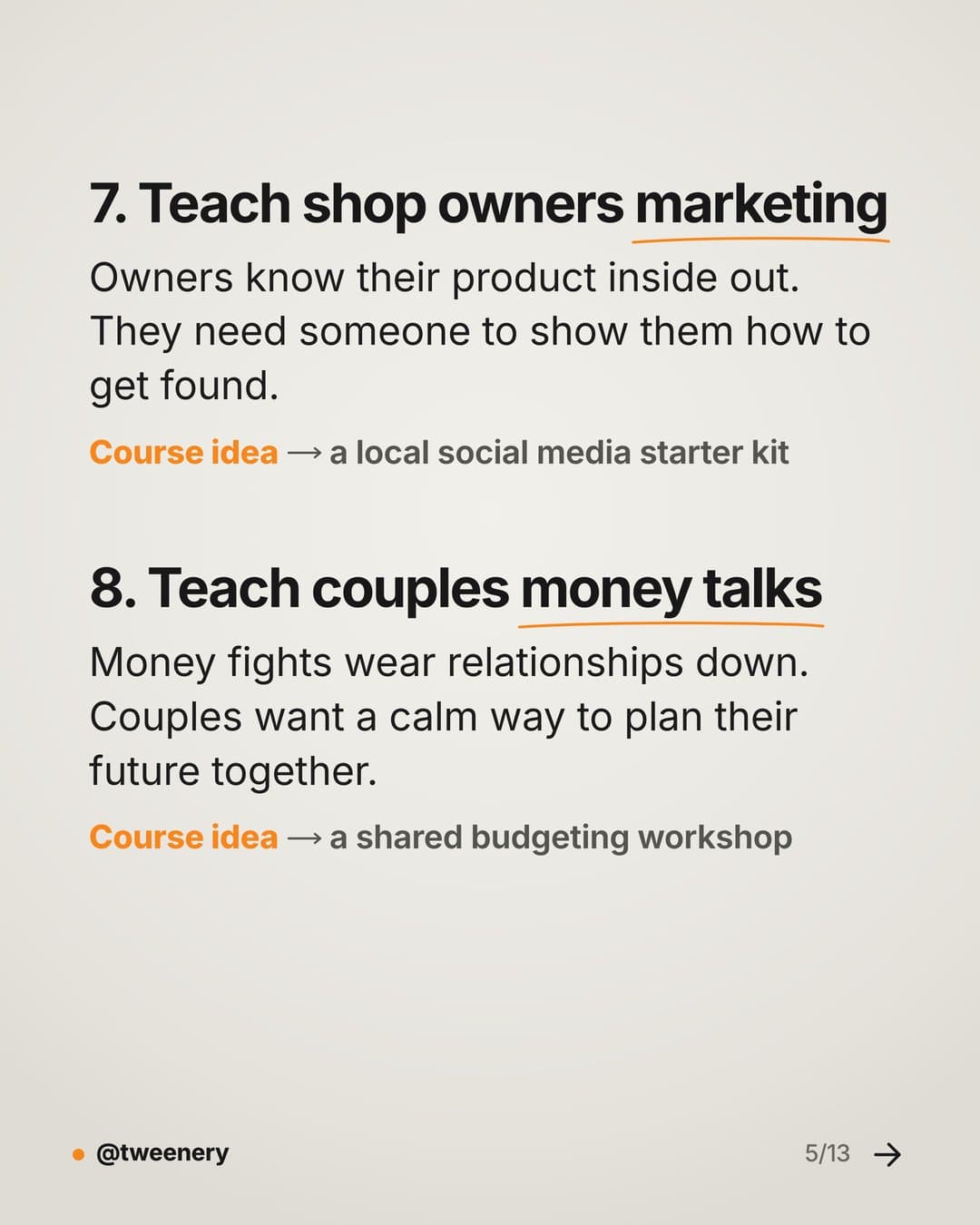
Ideas 7–8
Font size
Design at 1080 pixels wide and check on your phone. Headlines should read at a glance, body text without zooming.
Fonts and contrast
Use one or two fonts: one for headlines, one for body. Clean sans serif fonts are easiest to read on a phone; save decorative styling for a single word or phrase. Use dark text on light or light on dark, and avoid busy photos unless you add a solid or darkened area behind the text.
Hook
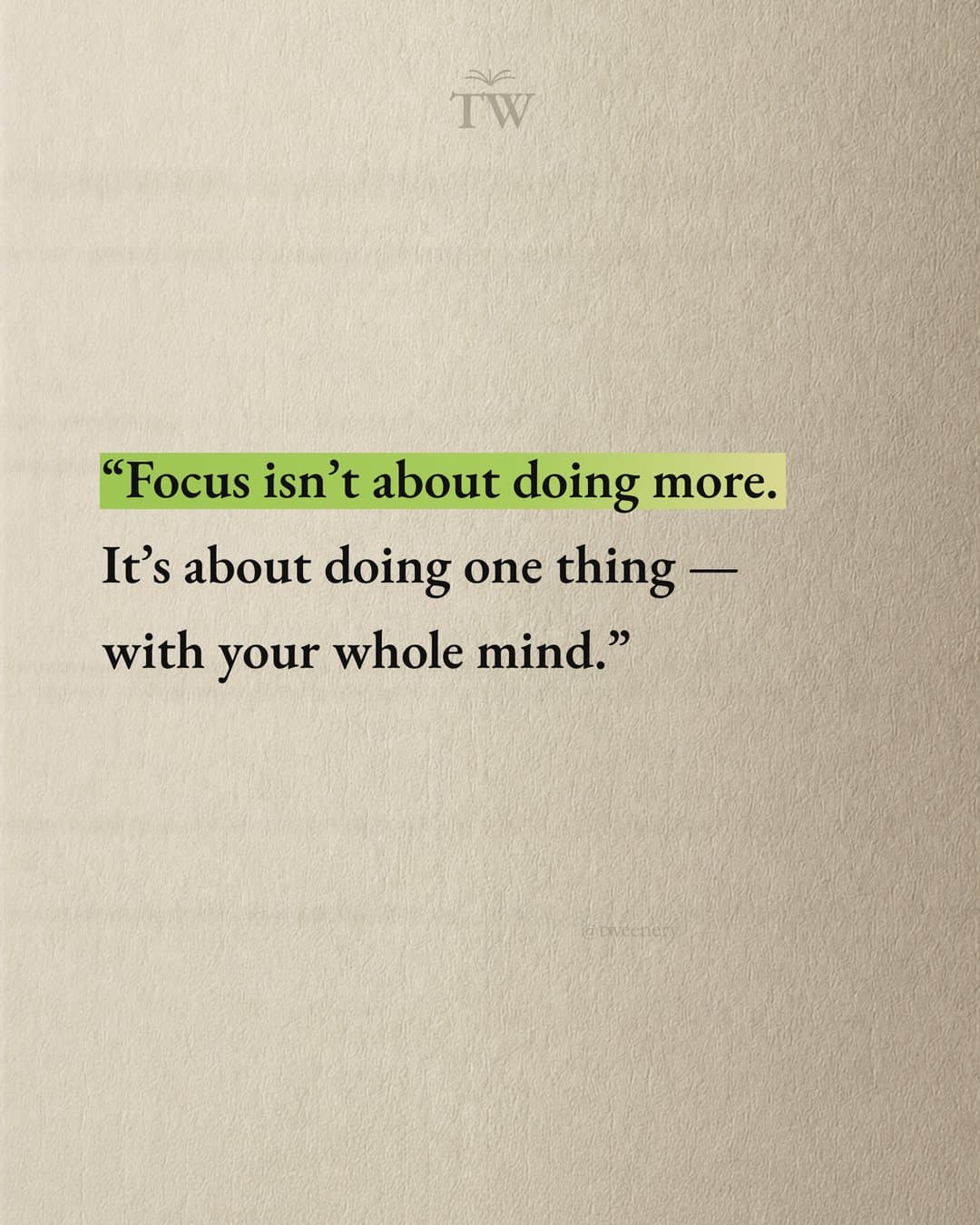
Quote
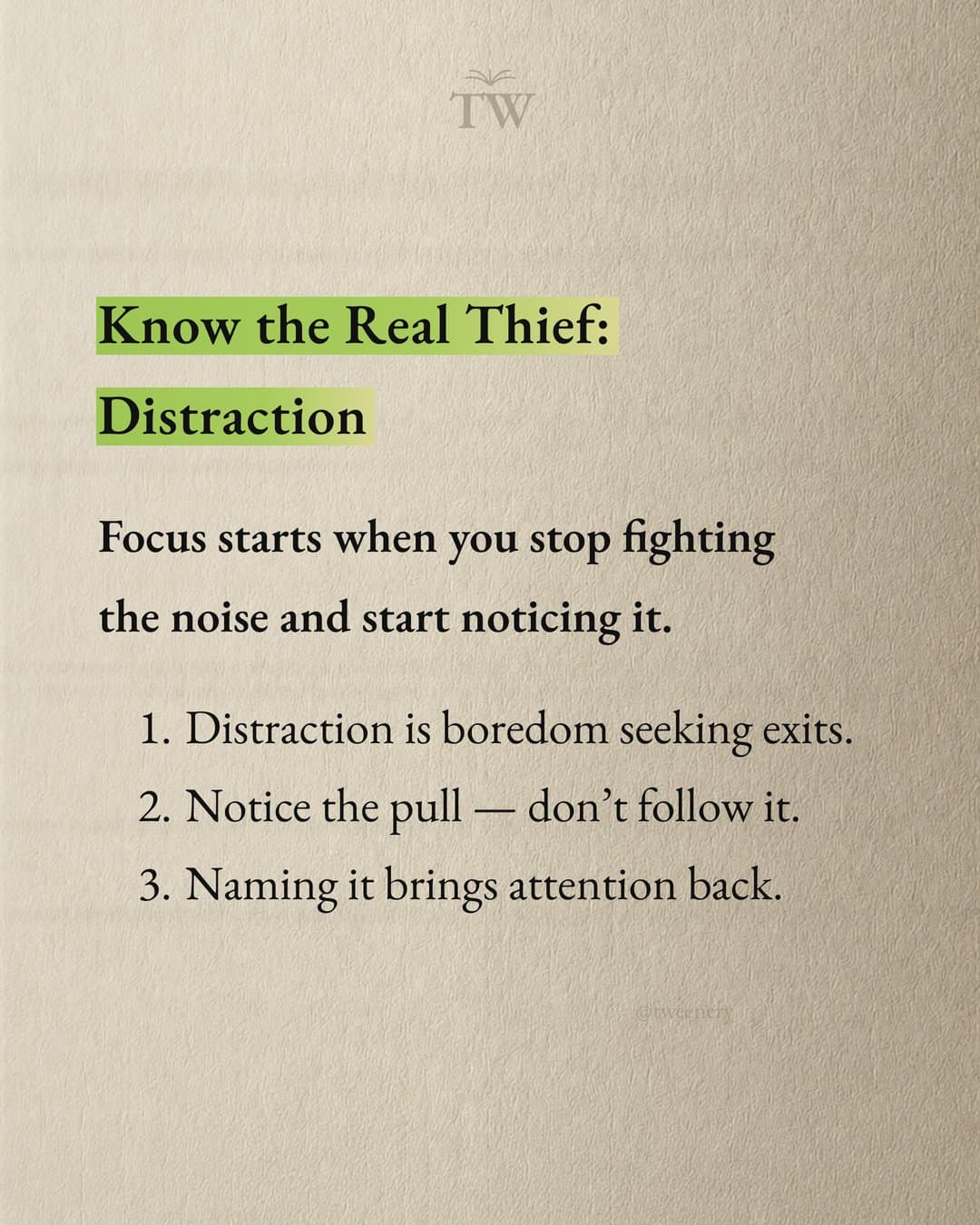
Lesson
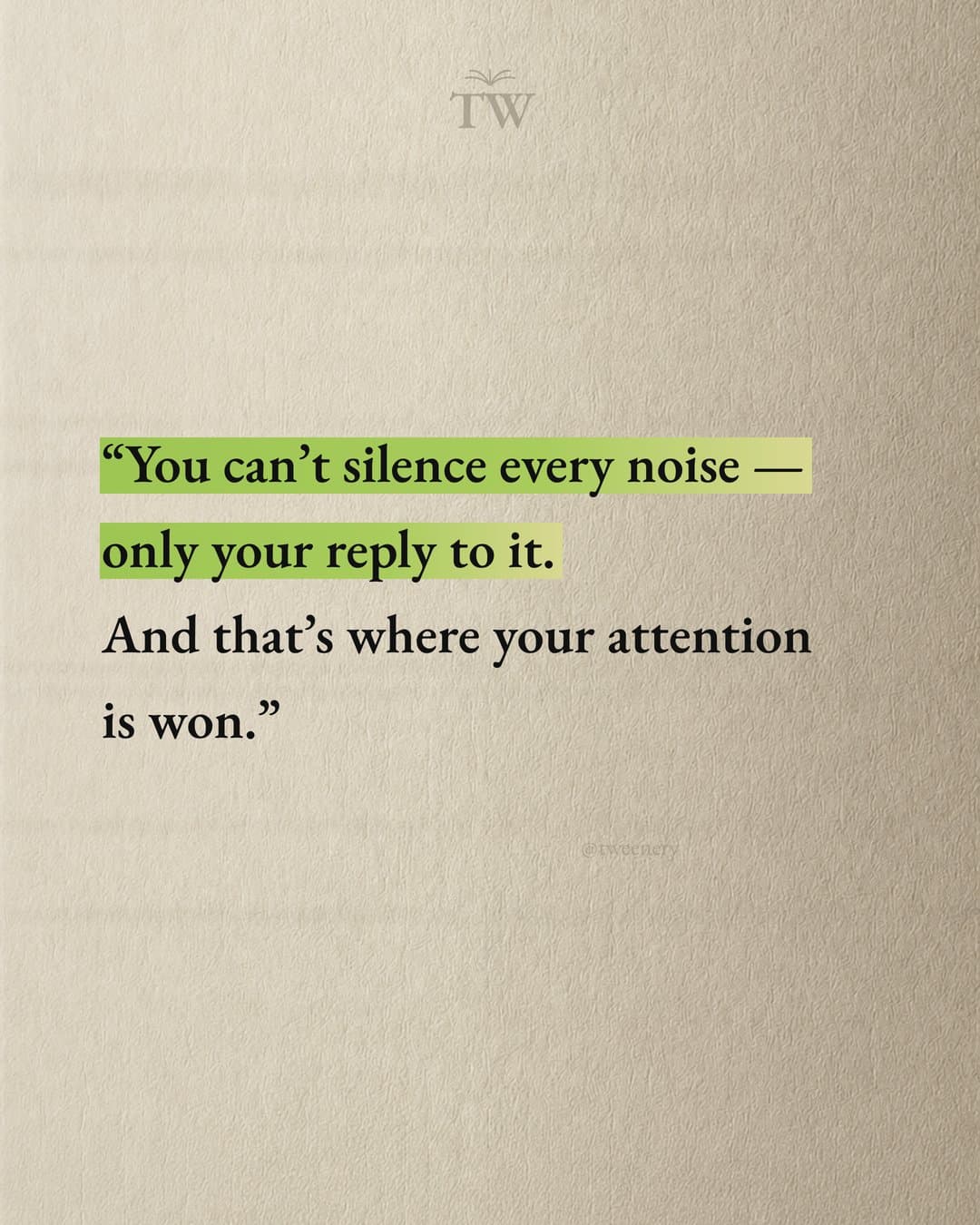
Quote
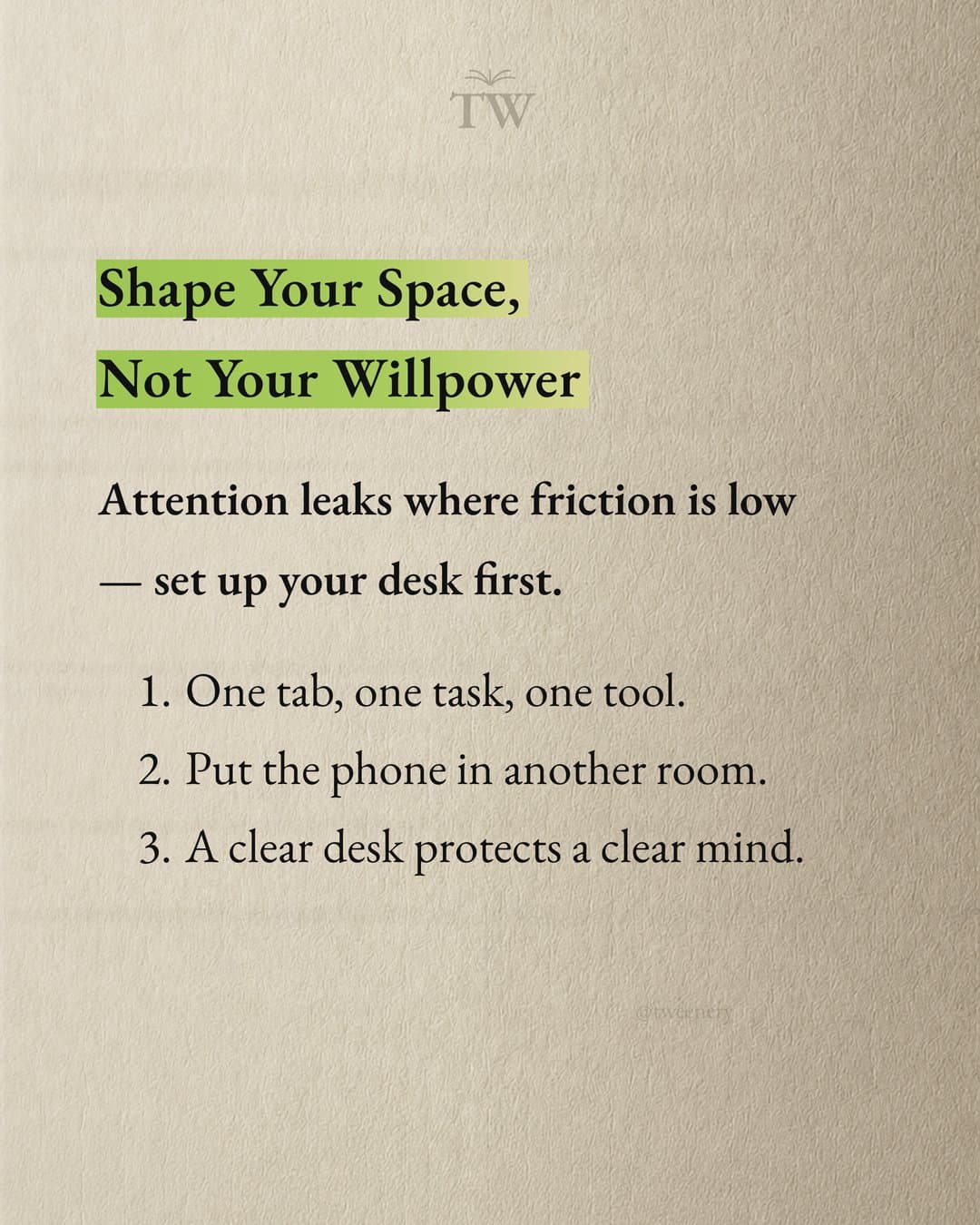
Lesson
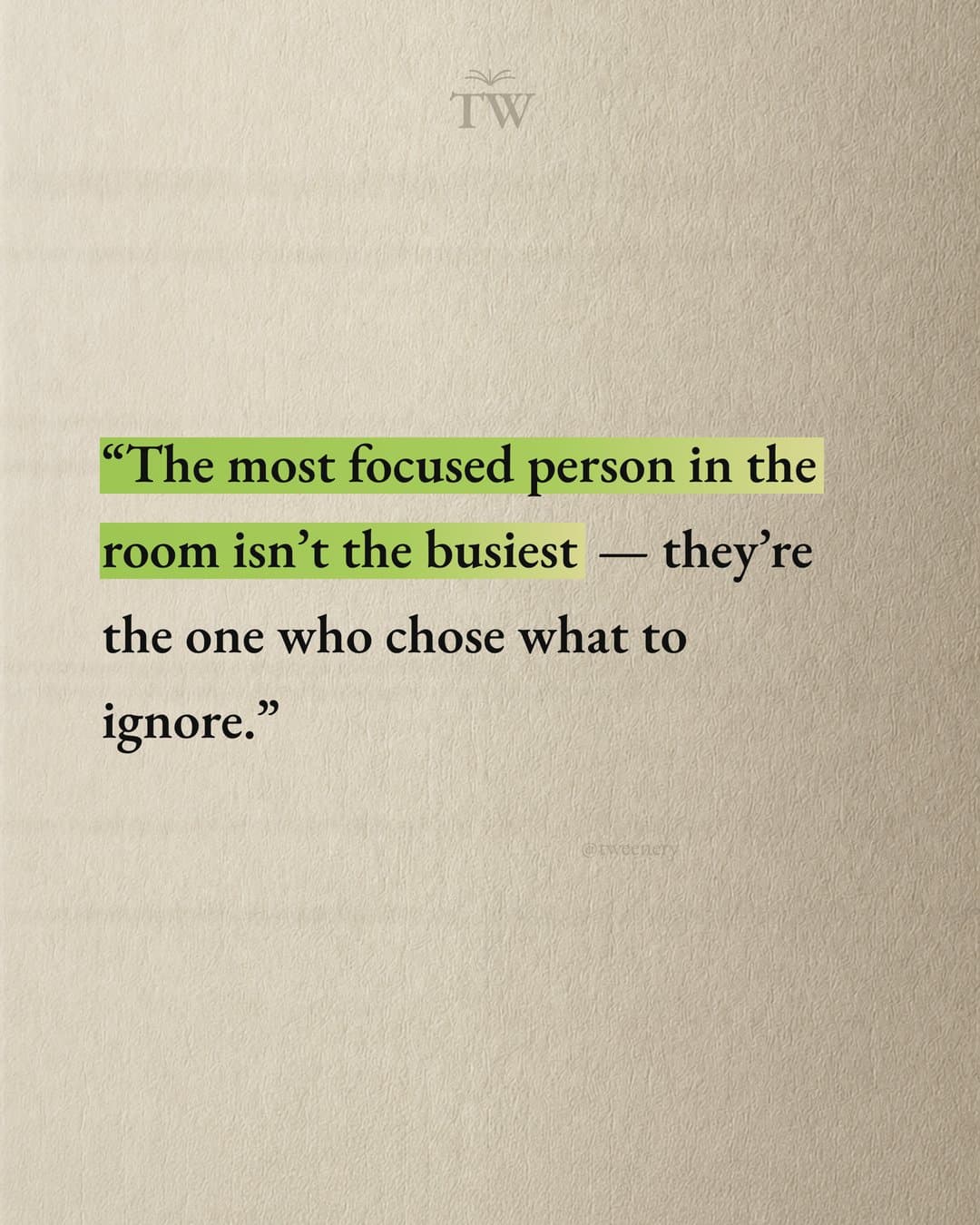
Quote
Margins and consistency
Keep generous space around the edges, and keep slide one's main text near the center so it survives the grid crop. Use the same font, sizes, colors and text position on every slide; slide one can be bolder, since it's the hook.
Small signals
A slide number ("3/8") or an arrow on slide one says there's more; a handle in a corner helps when it's shared.
How to structure the text across slides
A simple structure:
- Hook (slide 1). A specific promise or a question. "7 words that make your emails sound unsure."
- Context (slide 2). Why it matters, in one or two lines.
- Body (slides 3 to N-1). One point per slide, in a logical order. Number them if it's a list.
- Summary (optional). All the points on one slide. People save these.
- Call to action (last slide). One ask: save, share, follow or comment.
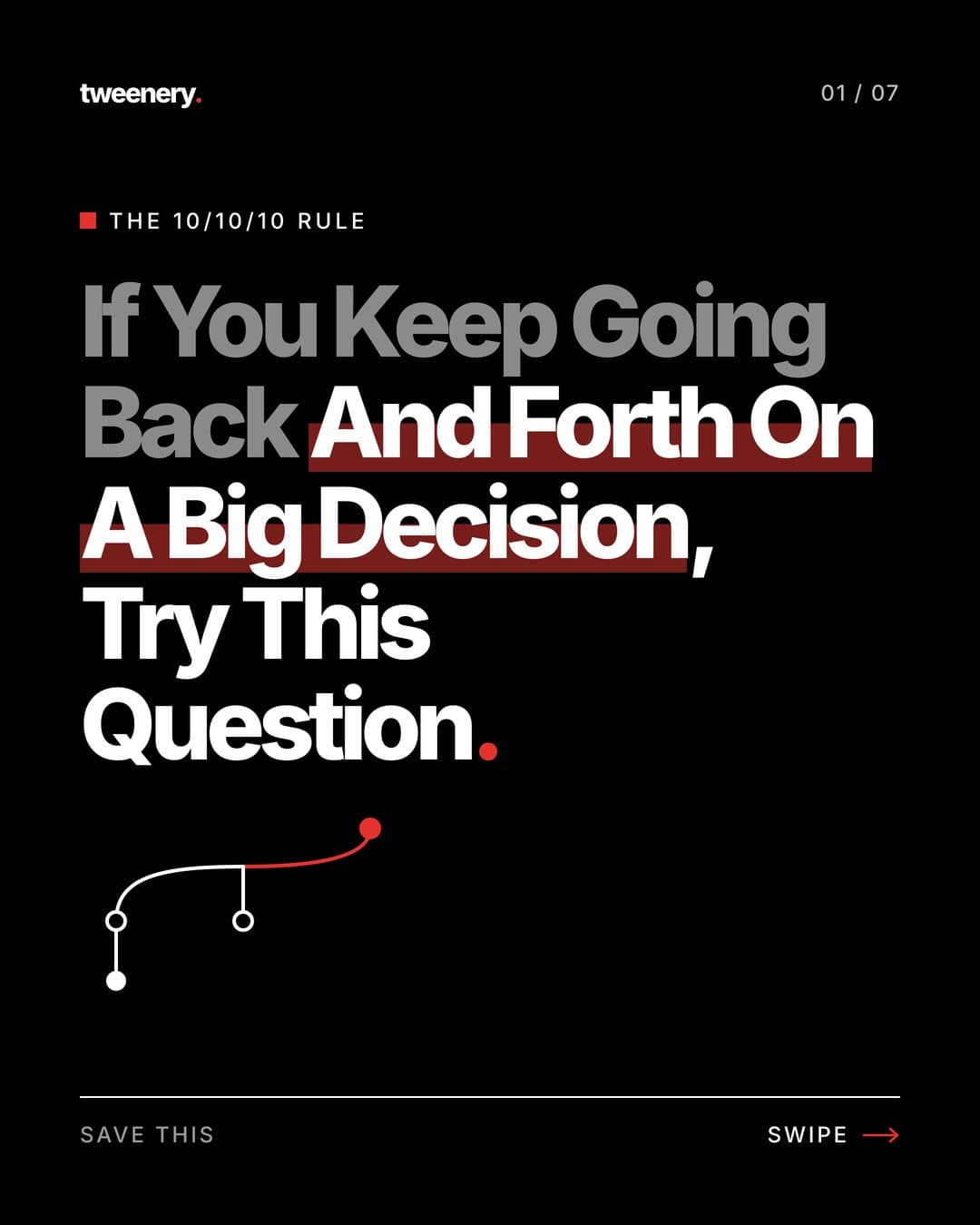
Hook
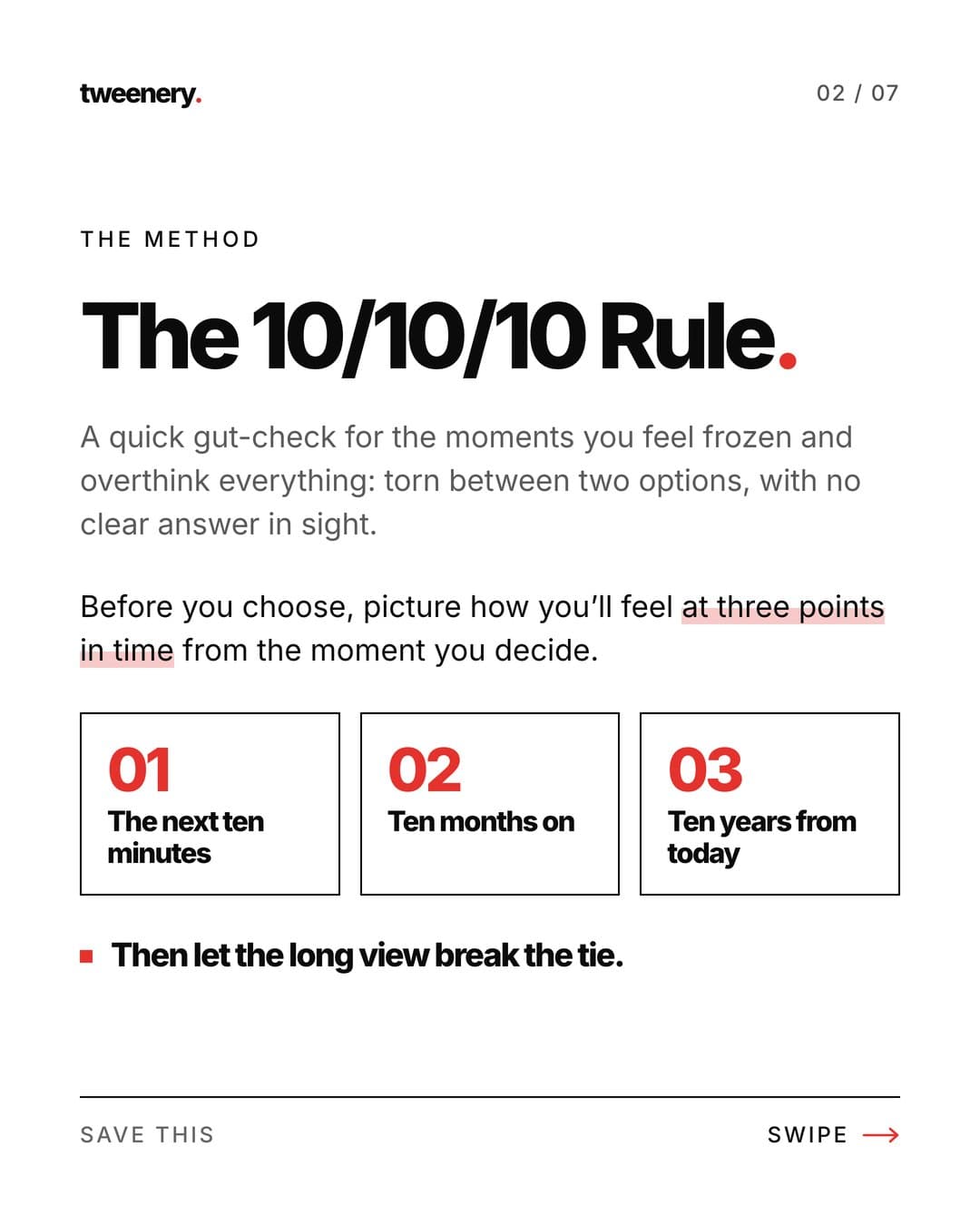
Method
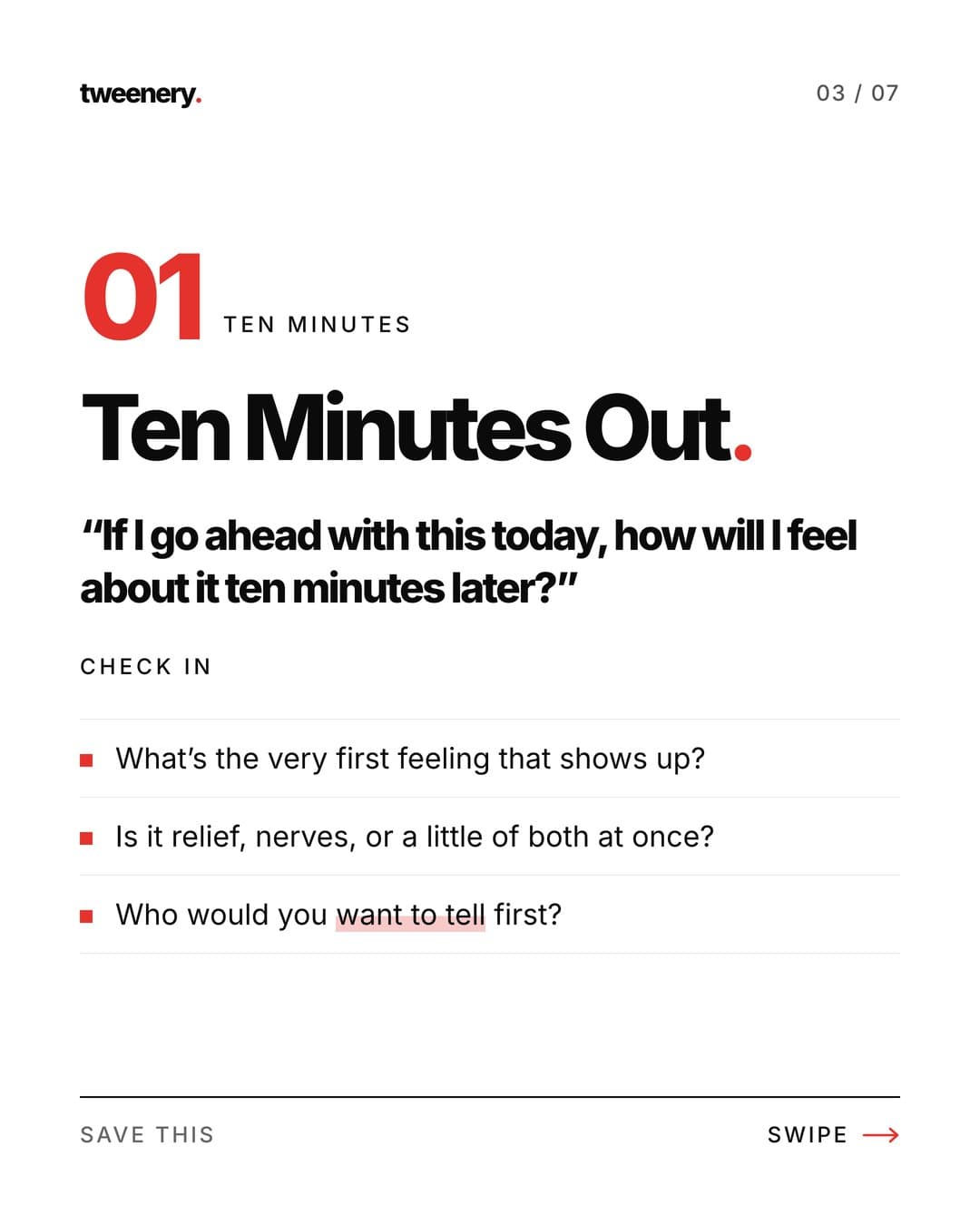
Step 1
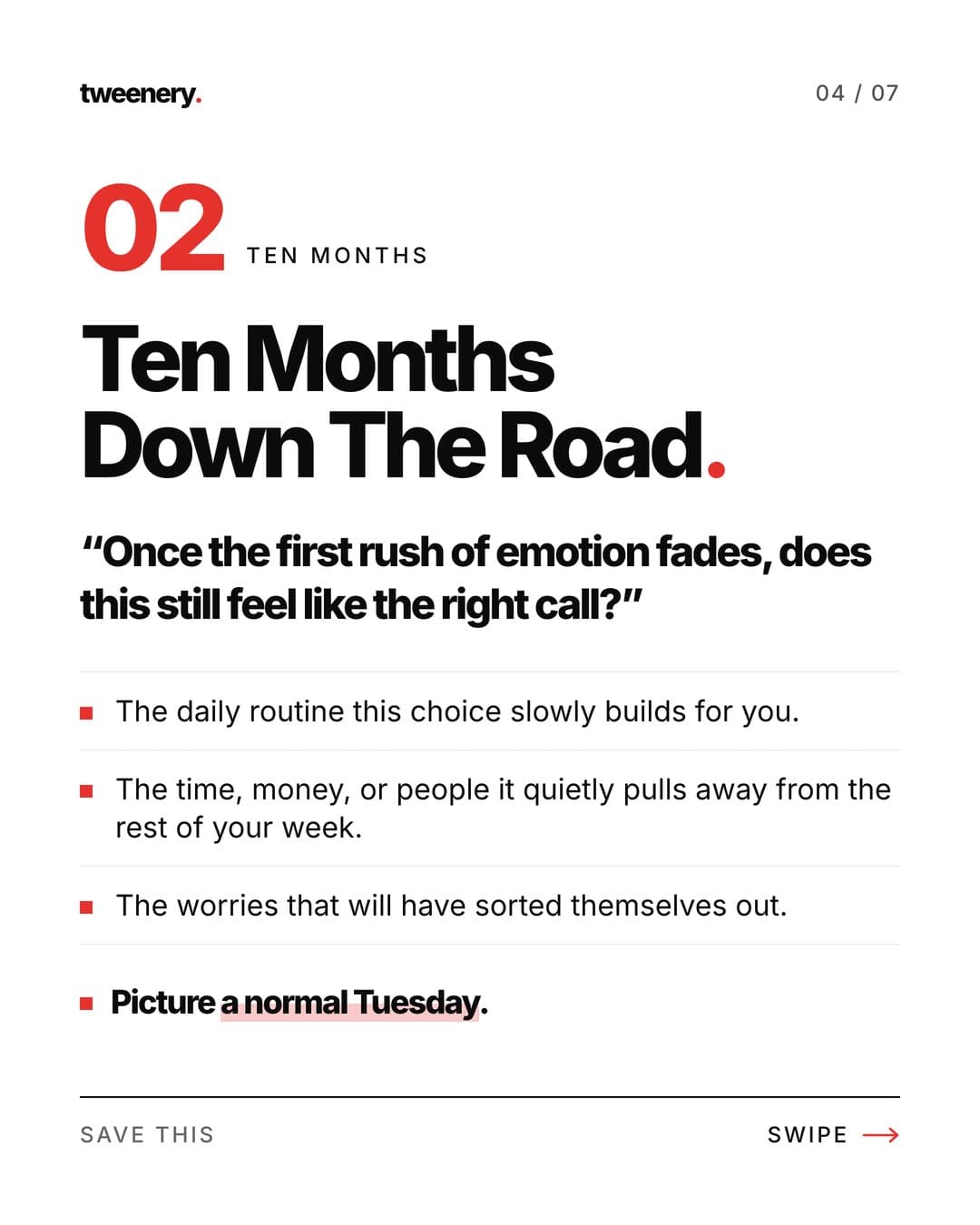
Step 2
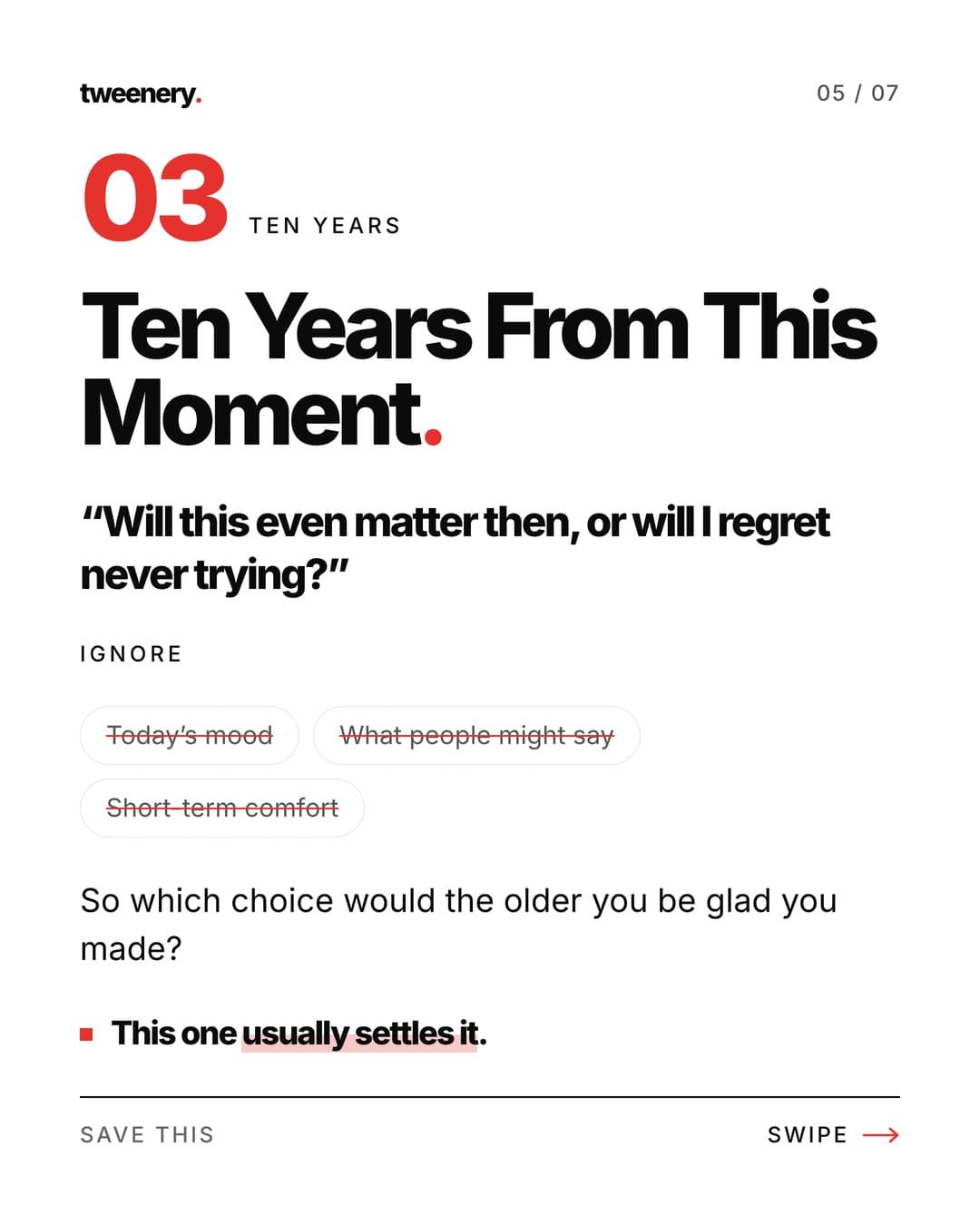
Step 3
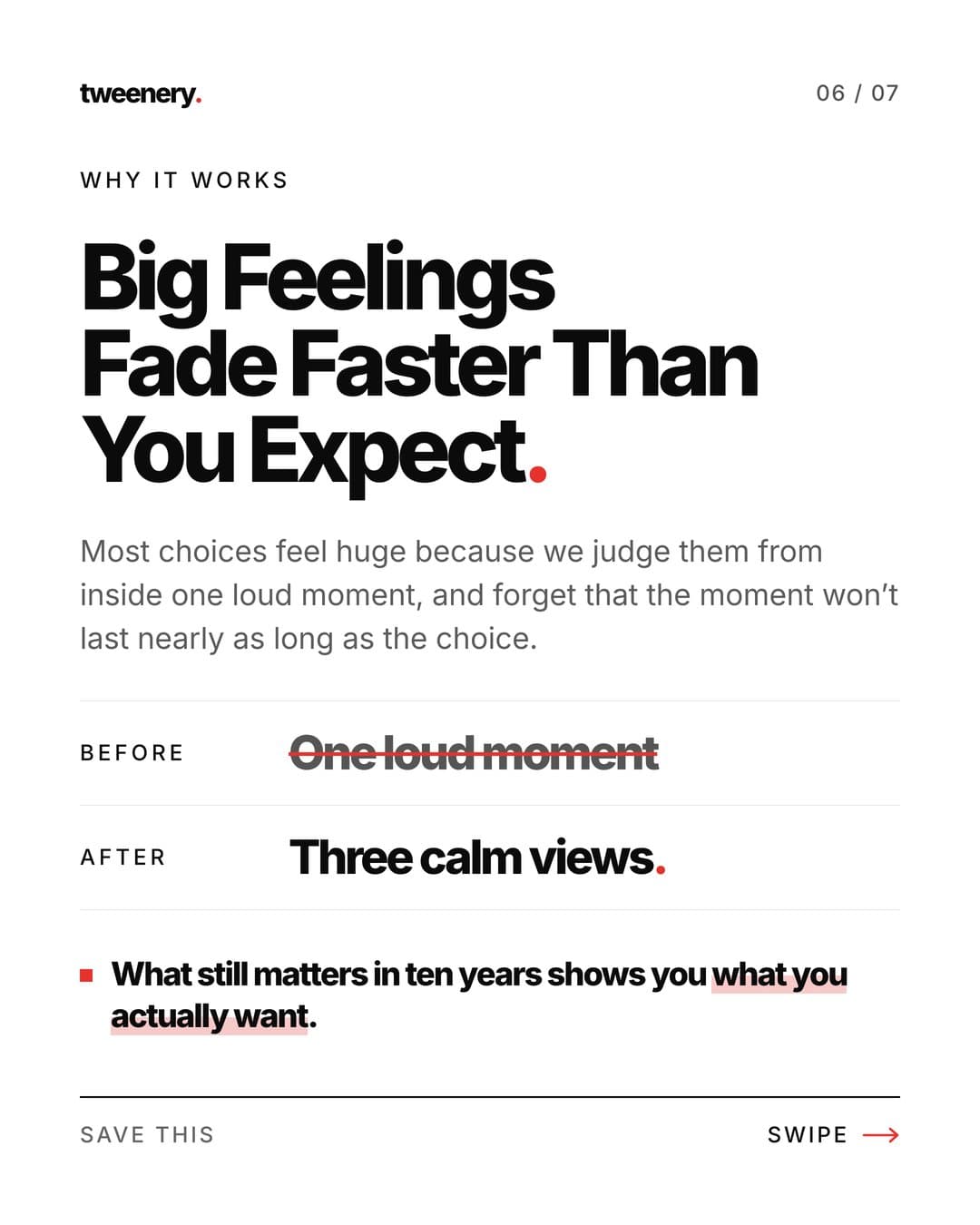
Why it works
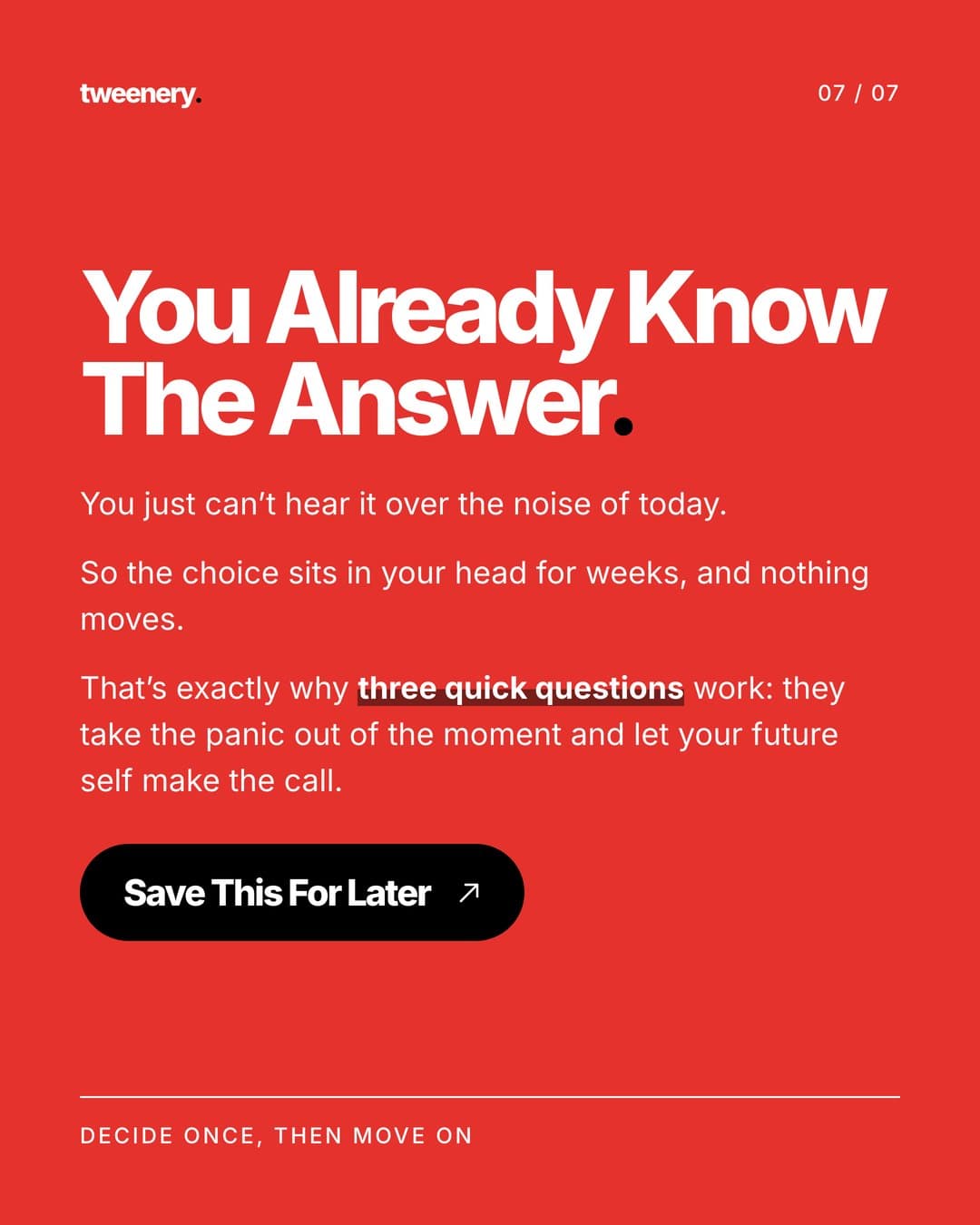
Call to action
For hook formulas, see our list of Instagram carousel hooks. For ordering slides so people reach the end, read our guide to viral carousel structure.
How to export and upload your carousel
- Export every slide as PNG or JPEG at the same size (1080x1350 for 4:5). PNG keeps text edges sharp.
- Name files in order (01, 02, 03) so they land in the right sequence.
- Move them to your phone if needed. Instagram doesn't accept a ZIP or PDF, so unzip first.
- In Instagram, tap the plus button, choose Post, tap the multiple-select option, and pick the slides in order.
- Check the crop in the preview.
- Add alt text per slide (advanced settings) for screen reader users.
- Write the caption with context and keywords people might search for, then post.
FAQ
How do you put text on Instagram carousel photos?
Design each slide with the text on it in Edits, a design tool like Canva or an AI tool like Tweenery, then upload the images as one carousel.
How many slides can an Instagram carousel have?
Up to 20 photos or videos.
What is the best size for an Instagram carousel with text?
1080x1350 pixels (4:5 portrait), the same for every slide.
Why does Instagram crop my carousel slides?
The carousel takes its shape from the first slide and crops the rest to match, unless you choose a mixed or original size option. Export every slide at the same aspect ratio.
Can I make an Instagram text carousel on my computer?
Yes. Design in a browser tool such as Canva or Tweenery, then post from your phone or Instagram on the web.