Best AI carousel generator for Instagram (2026): 7 tools tested
By Martin Babak, founder of Tweenery ·
In this guide ›
- The results at a glance
- How I tested
- Tweenery: copy a post that already worked (13/14)
- aiCarousels: fast and clean, but nothing to download for free (13/14)
- Contentdrips: free download and a working AI edit (12/14)
- Mirr (formerly Mirra): AI photos and scheduling in one (11/14)
- PostNitro: a good editor behind a tight free plan (11/14)
- Canva: the best images, but the AI ran out (9/14)
- Adobe Express: no real carousel generator (8/14)
- Predis.ai: not tested
- What "free" actually gets you
- Copy a carousel that already went viral
- What the viral data says a good carousel needs
- How to pick the right AI carousel generator
- FAQ
There's no single best AI carousel generator for Instagram. It depends on what you need: a free download, good images, scheduling, or copying a post that already worked. So I gave 7 tools the same prompt, scored every carousel on a scorecard built from 1,013 viral carousels and slideshows, and put every tool's slides below so you can judge them yourself.
The results at a glance
Prices are the cheapest paid plan billed monthly, as of November 2026.
| Tool | Score | Free download | Watermark | From | Time |
|---|---|---|---|---|---|
| Tweenery | 13/14 | Yes | No | $20/mo | 1m 45s |
| aiCarousels | 13/14 | No | n/a | $15/mo | Fast |
| Contentdrips | 12/14 | Yes | No | $19/mo | 25s |
| Mirr | 11/14 | First only | Yes | $19/mo | 95s |
| PostNitro | 11/14 | No | Yes | $15/mo | 25s |
| Canva | 9/14 | Yes | No | $18/mo | n/a |
| Adobe Express | 8/14 | Yes | No | $9.99/mo | 50s |
Predis.ai is missing from the scores because its 3-day trial needs a card. Its pricing is further down.
How I tested
Every tool got the same prompt, typed in exactly:
Make a 7-slide carousel: "5 habits that quietly ruin your sleep". Strong hook on slide 1, one habit per slide, save CTA on the last slide.
I picked Instagram's 4:5 shape wherever a tool offered it, used free or trial accounts without a card, and checked every price on the tool's own page. Everything happened on November 10, 2026.
One caveat: aiCarousels and Canva had already used their free generation earlier that day on a run of the same prompt, so their slides come from that run and I couldn't time them. Templates and styles stayed on each tool's defaults.
Then I scored each carousel on 7 criteria, 0 to 2 points each. The criteria come from what 280 viral Instagram carousels in our research set have in common:
| Criterion | 2 points if |
|---|---|
| 1. Hook | Slide 1 makes one clear promise (a number, a how-to, a bold claim) in 13 words or fewer |
| 2. Slide count | 6 to 10 slides |
| 3. Text per slide | 19 to 48 words on a body slide, readable on a phone |
| 4. One idea per slide | Every body slide is one point, plus a closing slide |
| 5. Call to action | One clear ask on the last slide |
| 6. Format and look | 4:5, at most 2 fonts, one background style on every slide |
| 7. Handle and swipe cue | Your handle on the slides plus an arrow or page counter |
One point means close (5 slides, a 3:4 shape, one slide with two ideas). Zero means missing. More on the data further down.
Tweenery: copy a post that already worked (13/14)
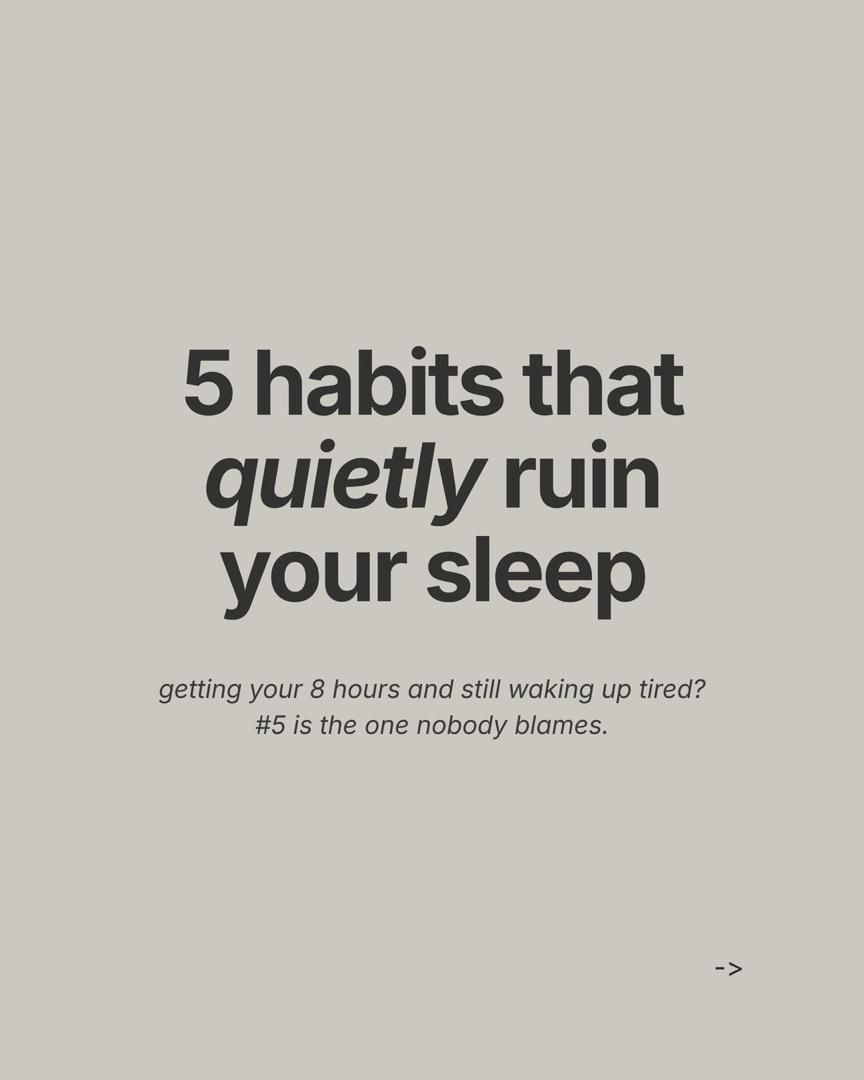
Cover
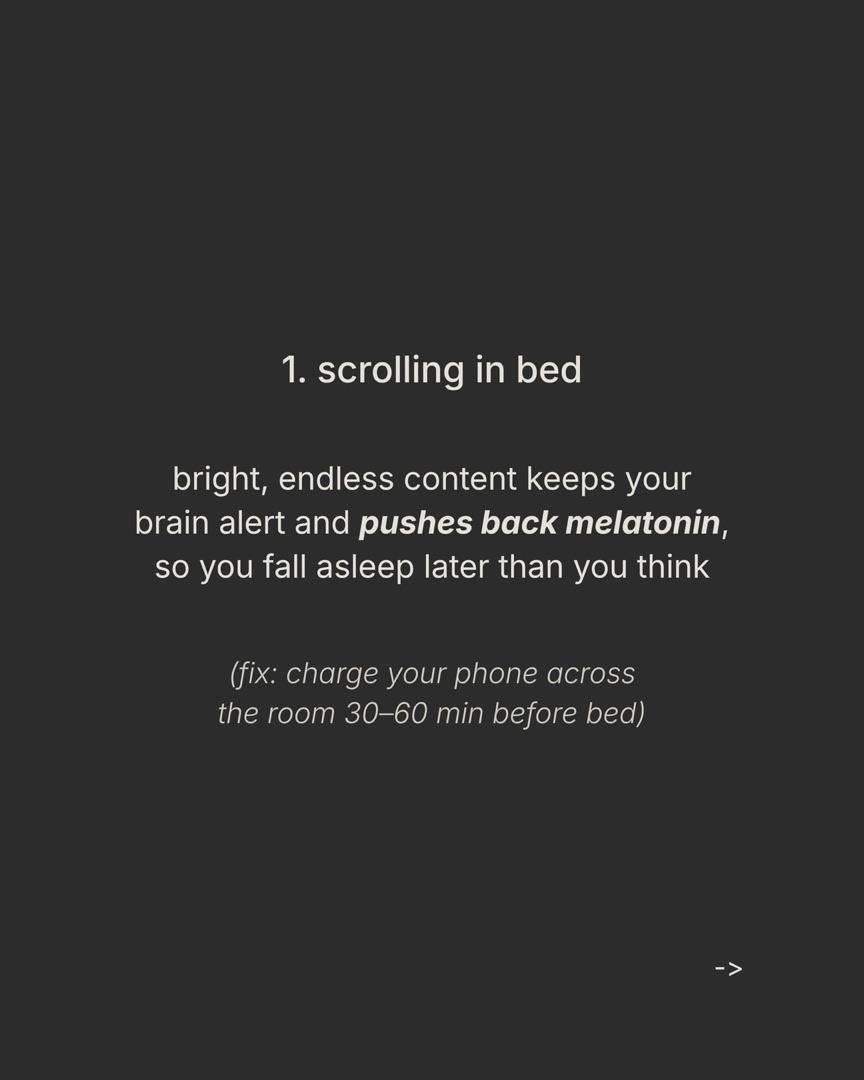
Habit 1
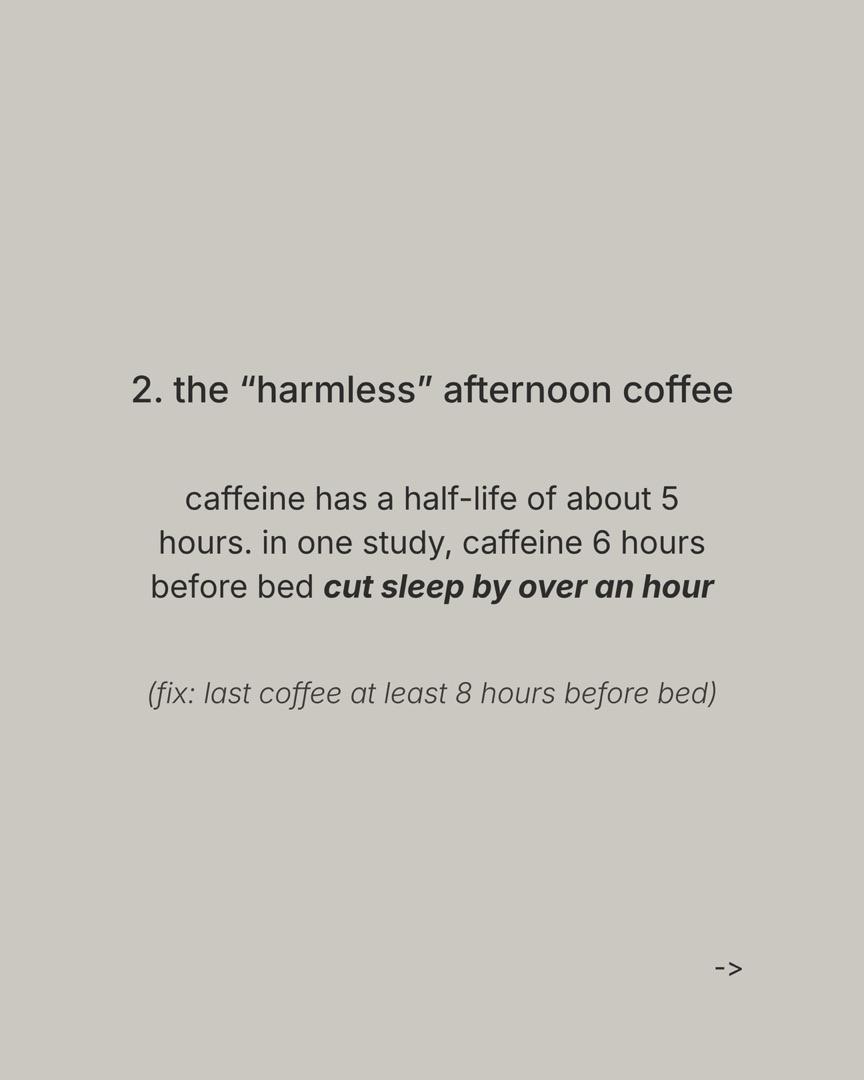
Habit 2
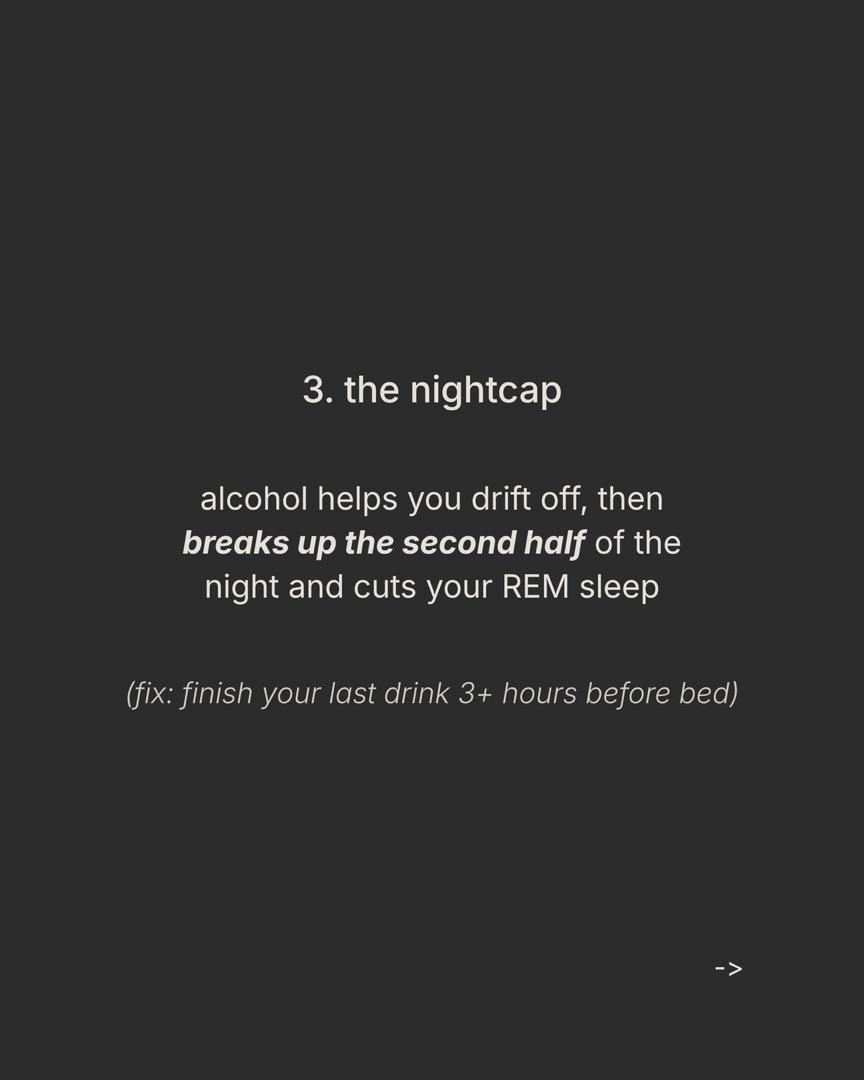
Habit 3
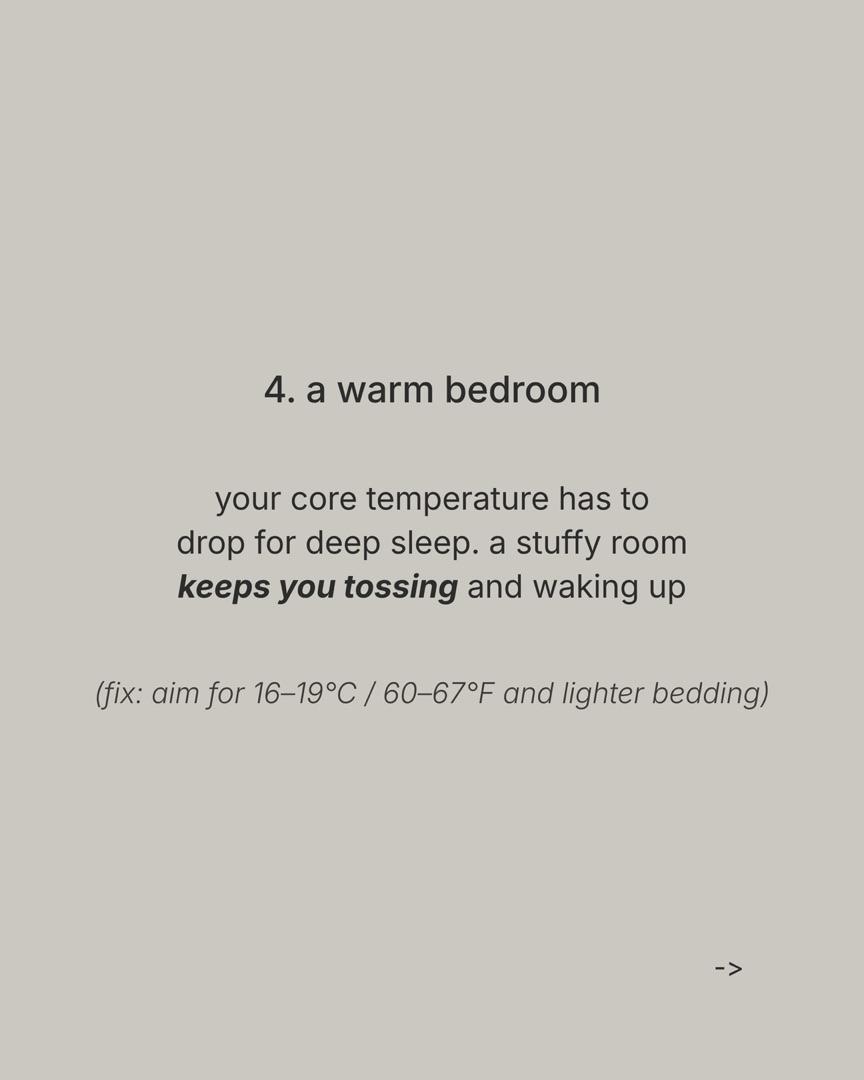
Habit 4
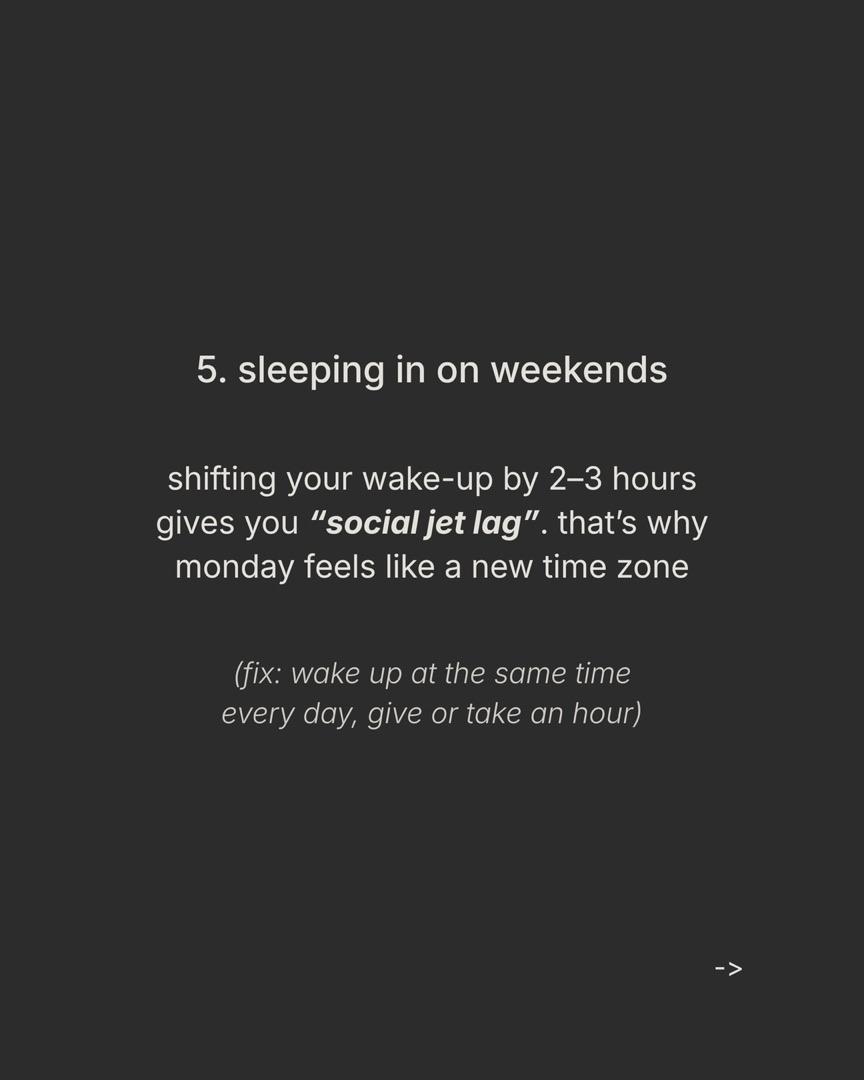
Habit 5
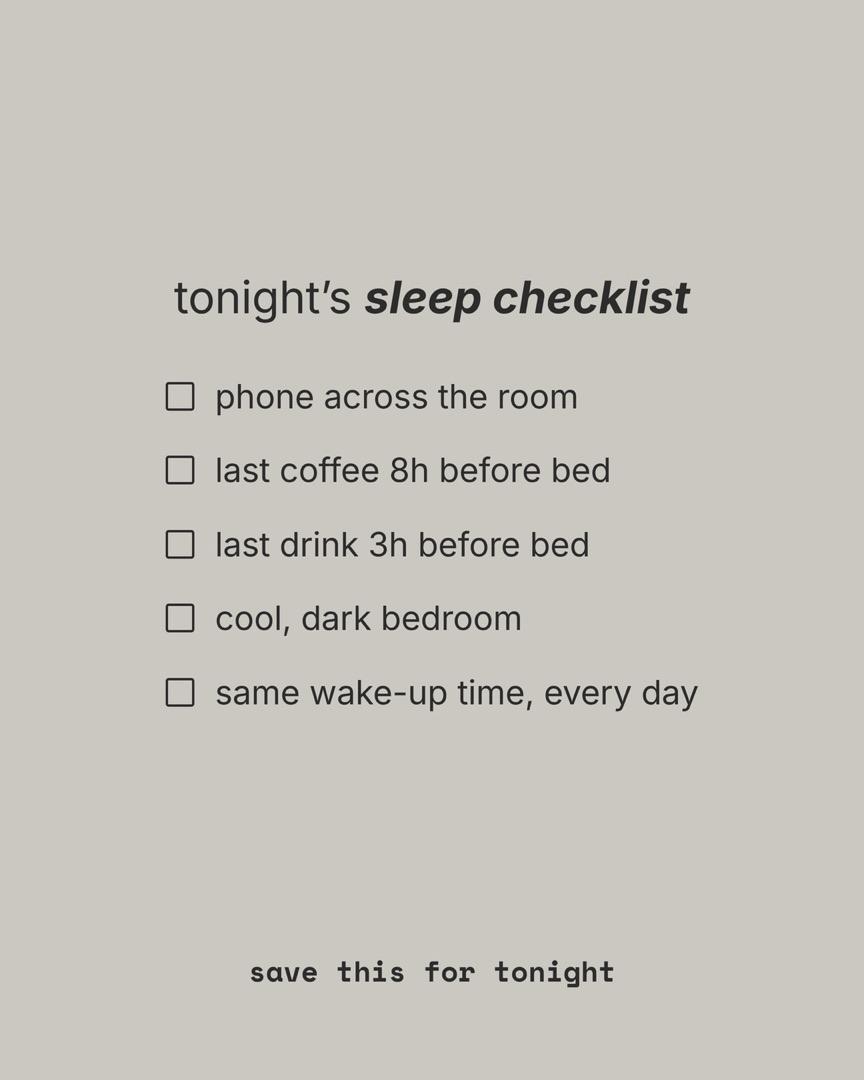
Save CTA
Best for: anyone who wants a postable carousel and the file, free, and anyone who wants to copy the look of a post that already went viral.
You type what you want in a chat, and an AI agent writes, designs and renders the slides. It asked no questions and finished in about 1 minute 45 seconds.
What it did well. The cover is a short number hook with a re-hook under it: "#5 is the one nobody blames." Each habit slide has one idea, a reason, and a fix in brackets. The last slide turns all five fixes into a checklist and asks for one thing, the save. Body slides land at 30 to 35 words, in the range viral Instagram carousels use. Downloads are free on every plan, as PNGs or a ZIP, with no watermark. It does 4:5, 3:4, 1:1 and 9:16, and you can change one slide by saying what to change without touching the rest.
What went wrong. No handle on the slides, so I lost a point on criterion 7. It's also plain: text on two alternating background colors, no images. That's a valid style (28.6% of viral Instagram carousels are text-only), but Canva and Mirr gave you more to look at. It was slower than Contentdrips and PostNitro, has no template library to browse, and doesn't schedule or post to Instagram.
Pricing, as of November 2026. 300 free credits when you sign up, no card. Creator is $20 a month for 2,000 credits, or $200 a year. Pro is $45 for 5,000, Agency $200 for 25,000. Every plan gets every feature; the plans only differ in credits, and credits never expire. How many credits a carousel uses depends on the AI model you pick and whether it makes images.
Score: hook 2 · slide count 2 · text 2 · one idea per slide 2 · CTA 2 · format 2 · handle and swipe cue 1 = 13/14.
aiCarousels: fast and clean, but nothing to download for free (13/14)
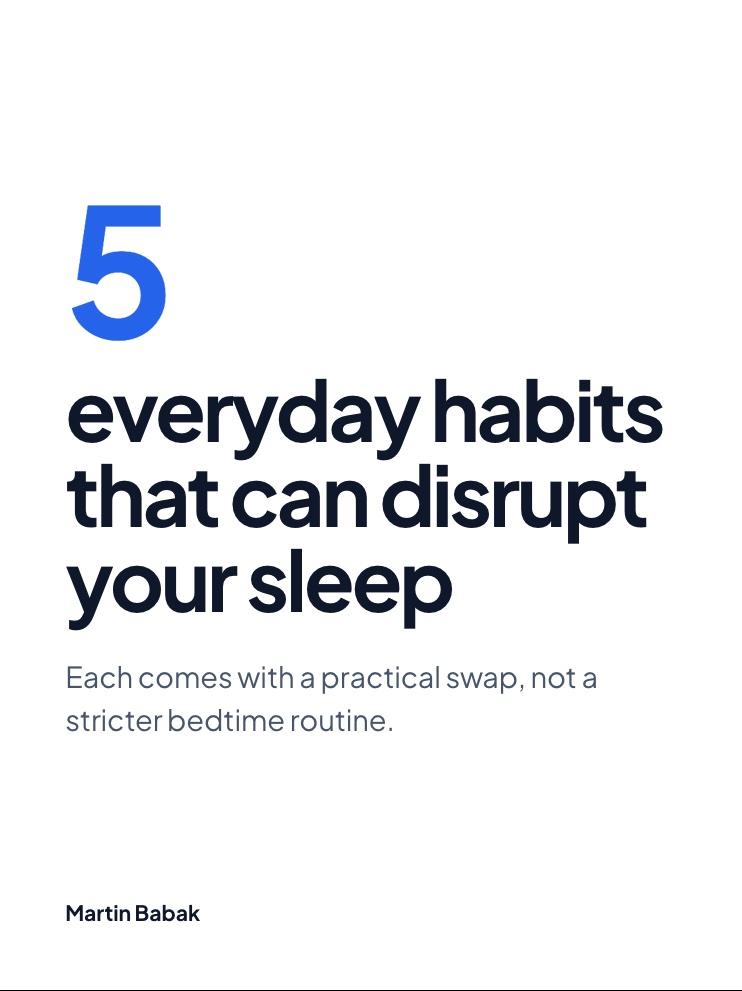
Cover
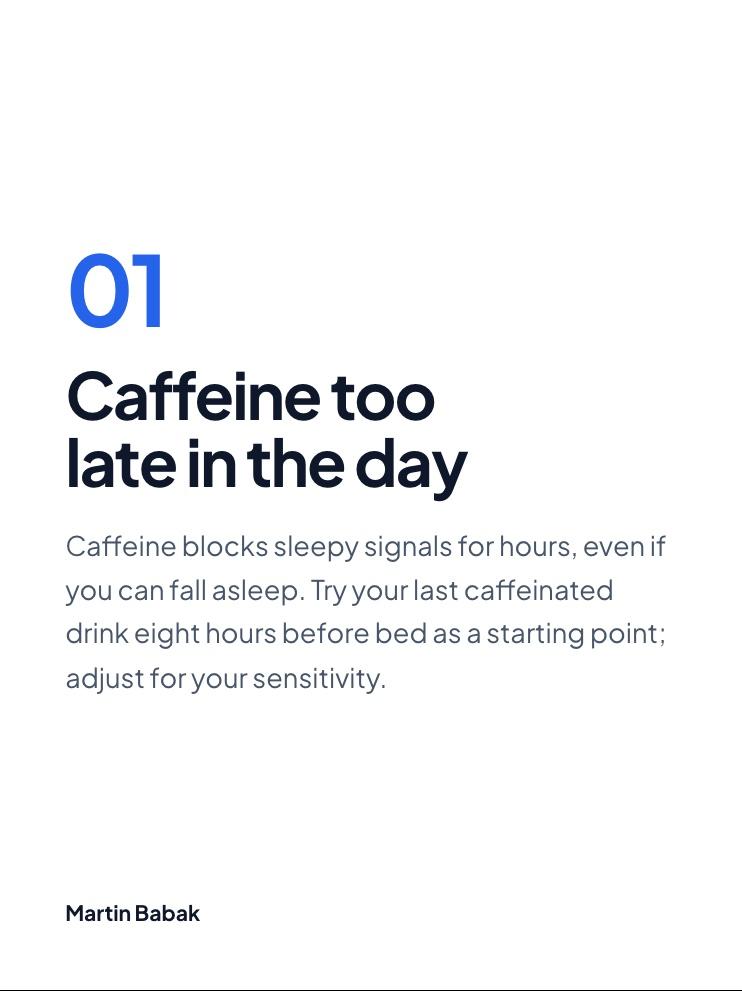
Habit 1
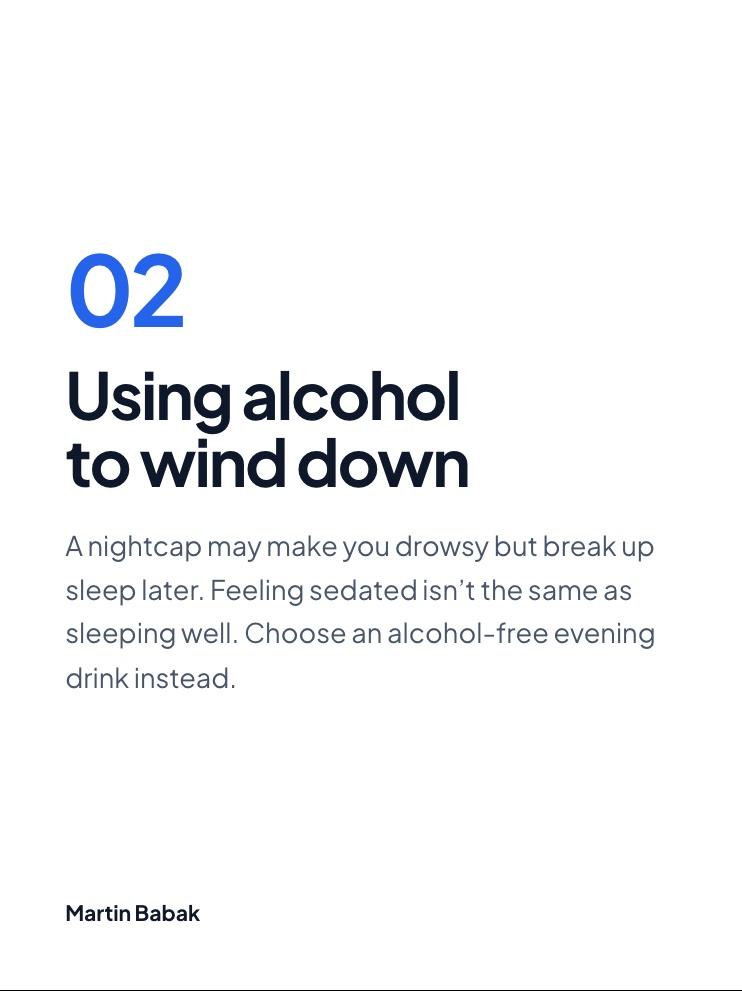
Habit 2
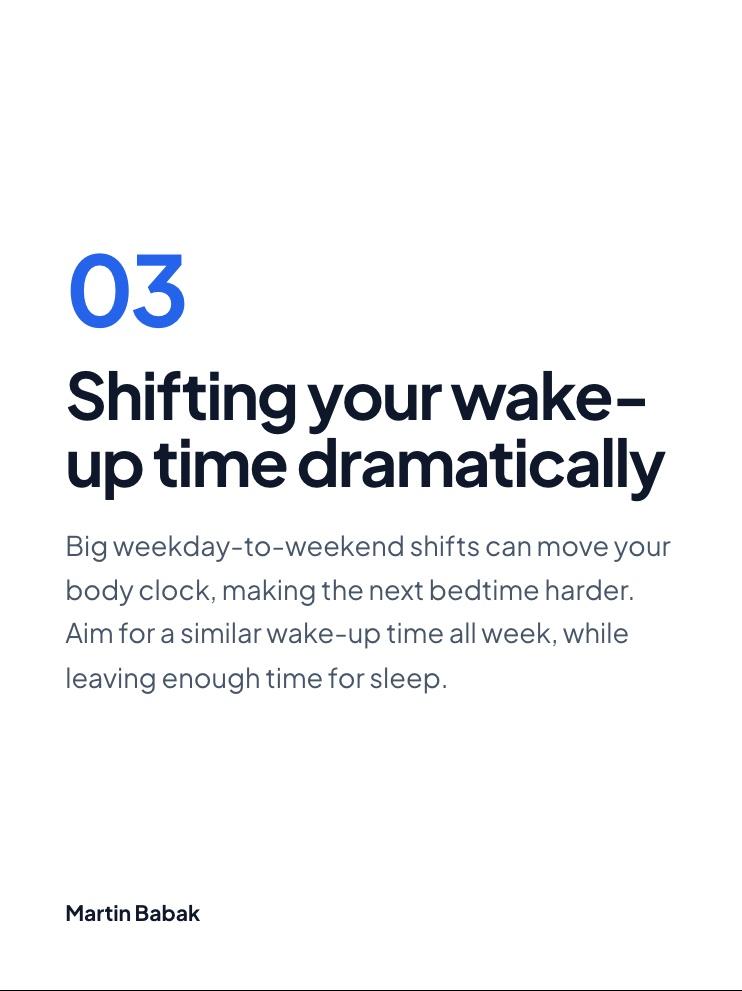
Habit 3
Habit 4
Habit 5
Recap
Best for: people who'll pay from day one and want quick, tidy text carousels for Instagram and LinkedIn.
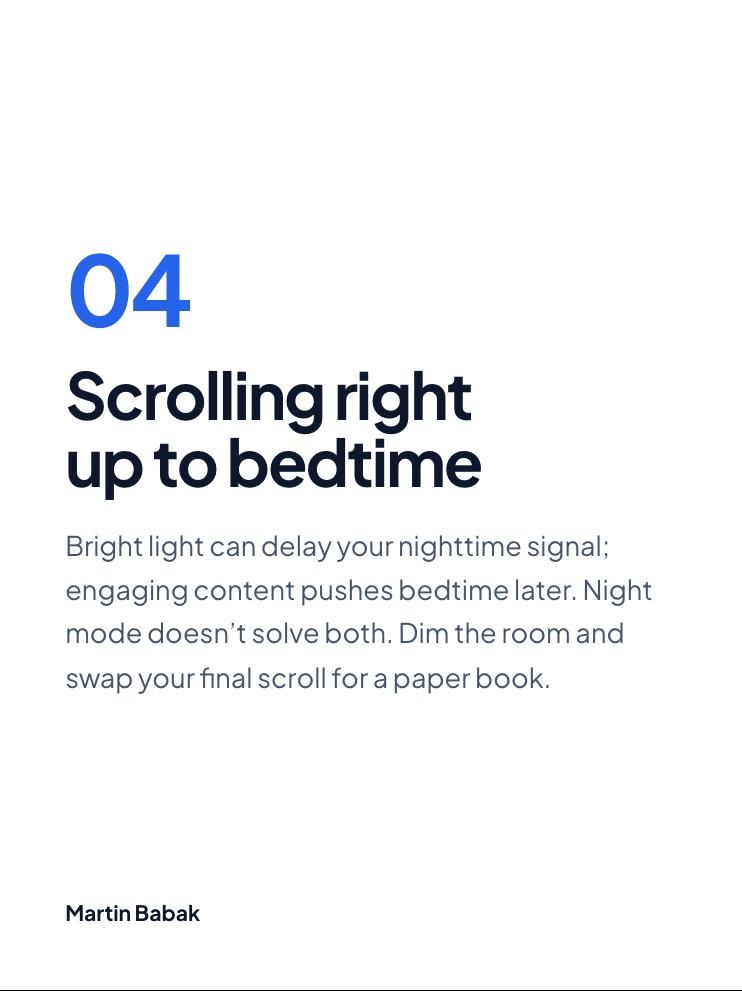
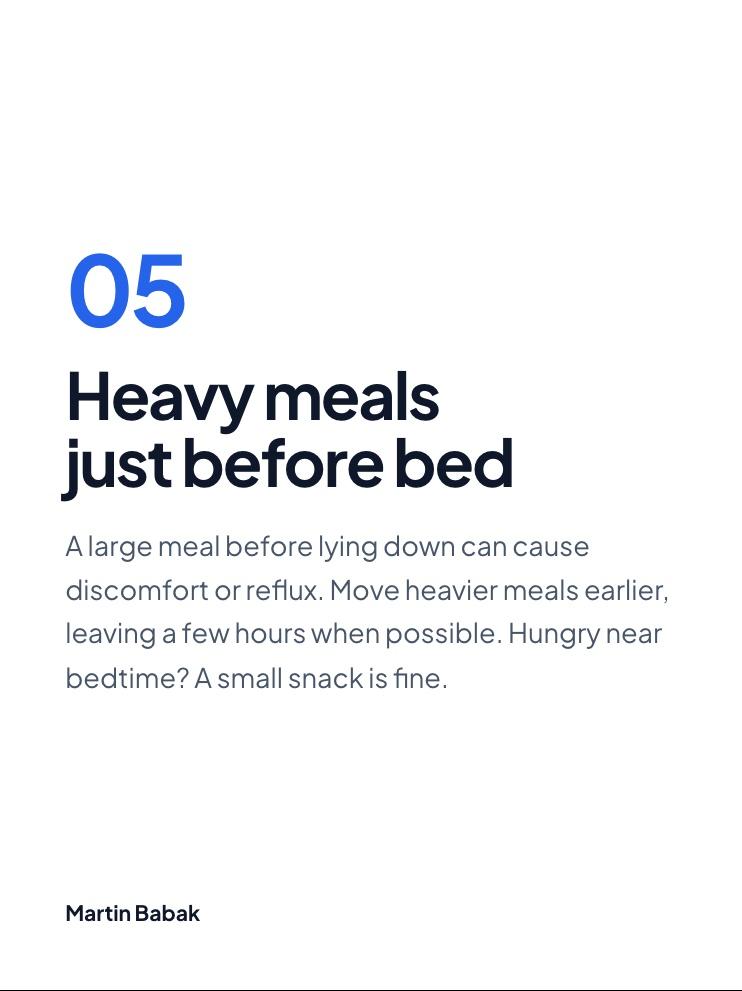
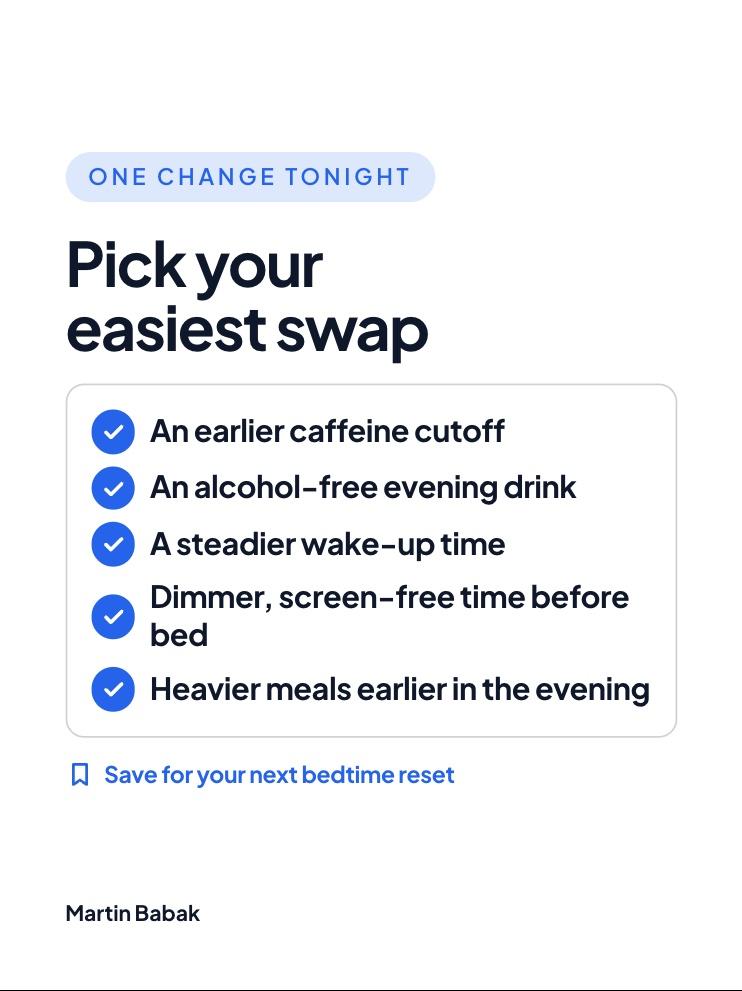
What it did well. It's fast, and it doesn't ask questions. A "How it was built" panel shows the topic, audience, angle and a per-slide plan, and it offers several cover versions. The Instagram preview is the best in the test: a phone mockup, a written caption and a pre-post checklist that checks slide count, ratio, hook length and readability. It put a signature on every slide and numbered the habits, which is why it got full marks on criterion 7. It also exports for TikTok, X and Threads.
What went wrong. The free try is one carousel you can edit but not download. The Download button opens a Pro upgrade, and so does the AI edit bar. The default shape was 3:4 rather than 4:5, which cost a point. The design is minimal, with no images, and the save ask is a small line under the recap. Its own checker flagged the cover as 19 words, over its 12-word advice; I scored the headline, and by that count Tweenery's cover would be flagged too. "Post" to Instagram gives you instructions, not real posting.
Pricing, as of November 2026. Pro is $15 a month or $10 a month billed yearly, with 60 AI carousels a month. There's also a $99 lifetime plan where you bring your own OpenAI key.
Score: hook 2 · slide count 2 · text 2 · one idea per slide 2 · CTA 2 · format 1 · handle and swipe cue 2 = 13/14.
Contentdrips: free download and a working AI edit (12/14)
Cover (after AI edit)
Habit 1
Habit 2
Habit 3
Habit 4
Habit 5
Save CTA
Best for: a free carousel you can download today, and creators who want a scheduler for Instagram, LinkedIn and TikTok.
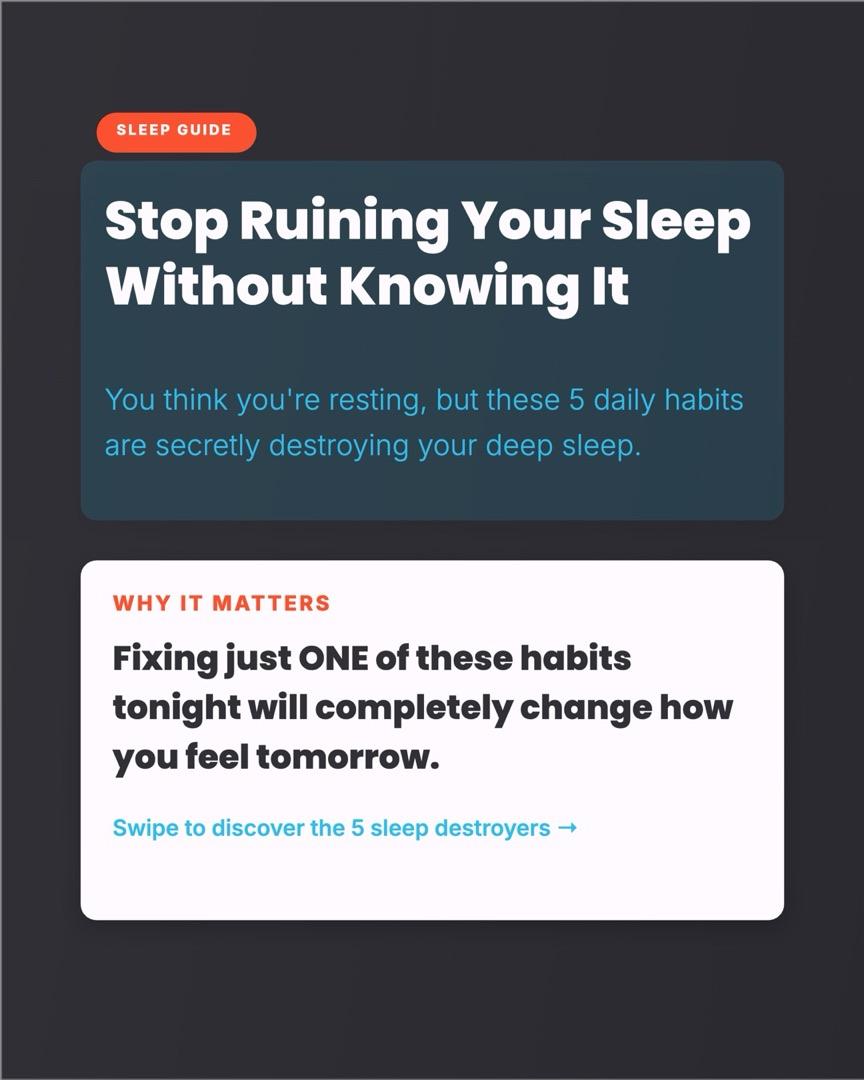
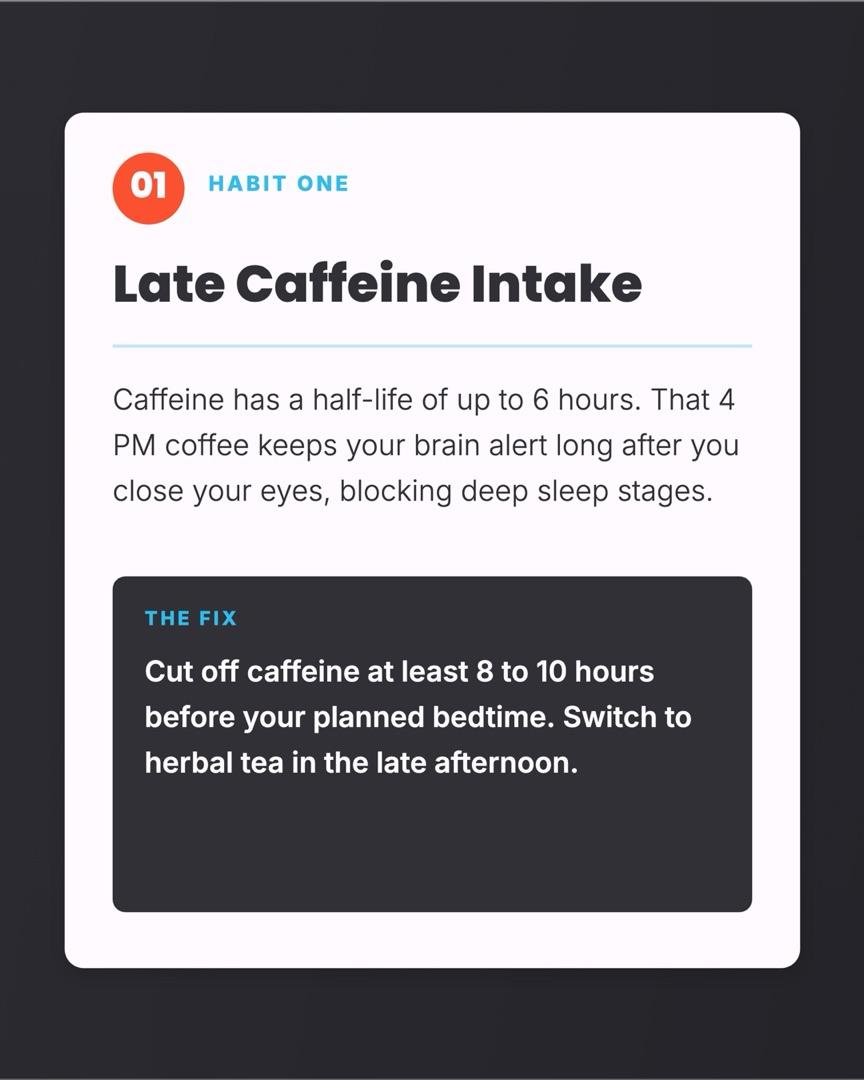
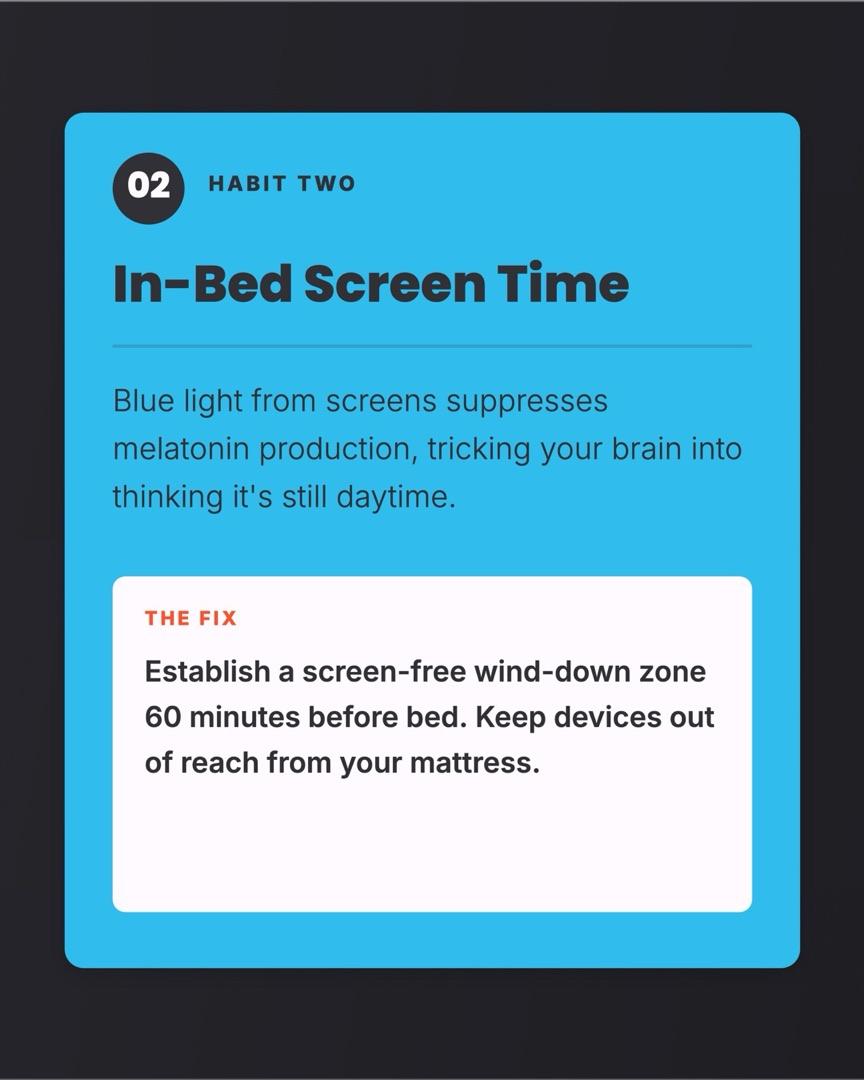
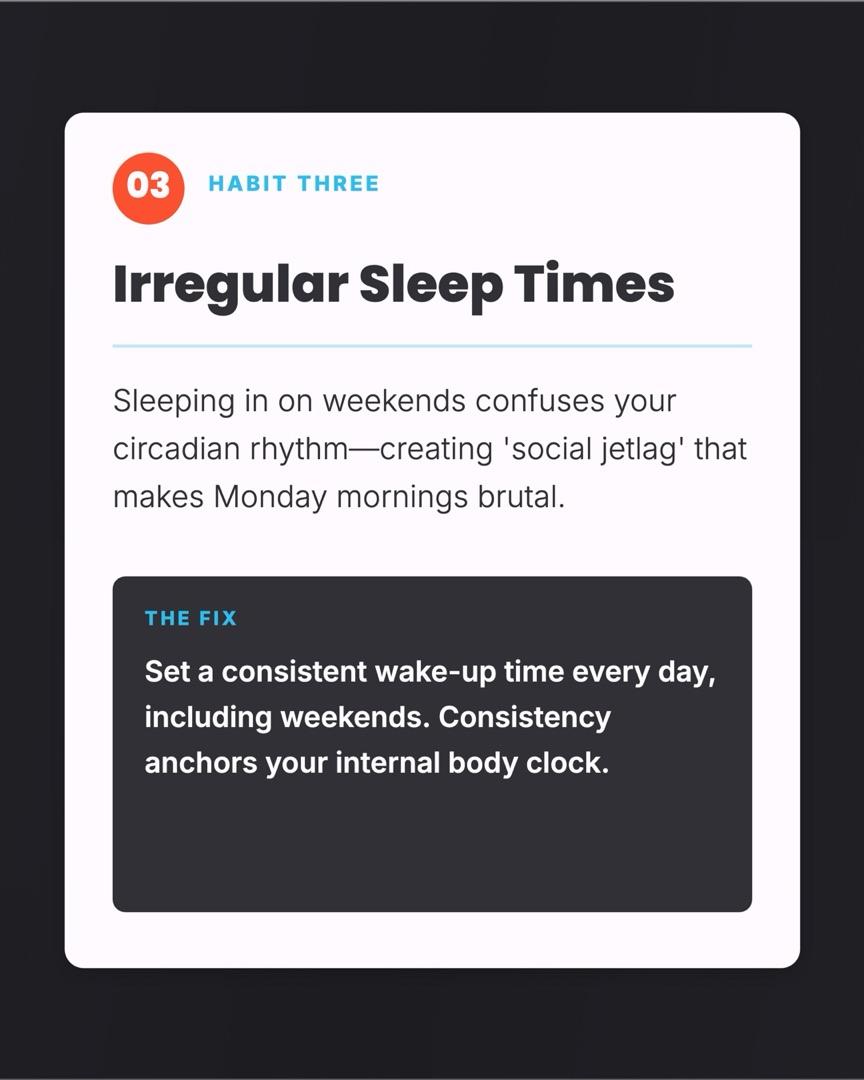
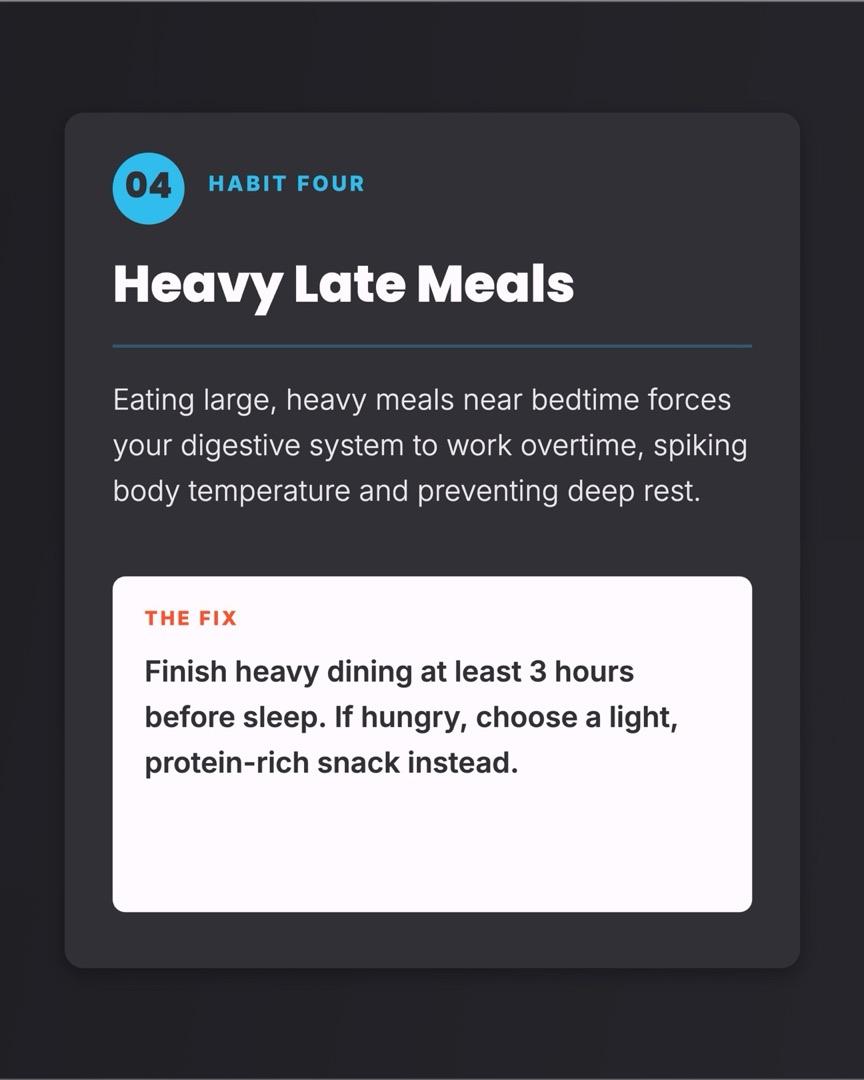
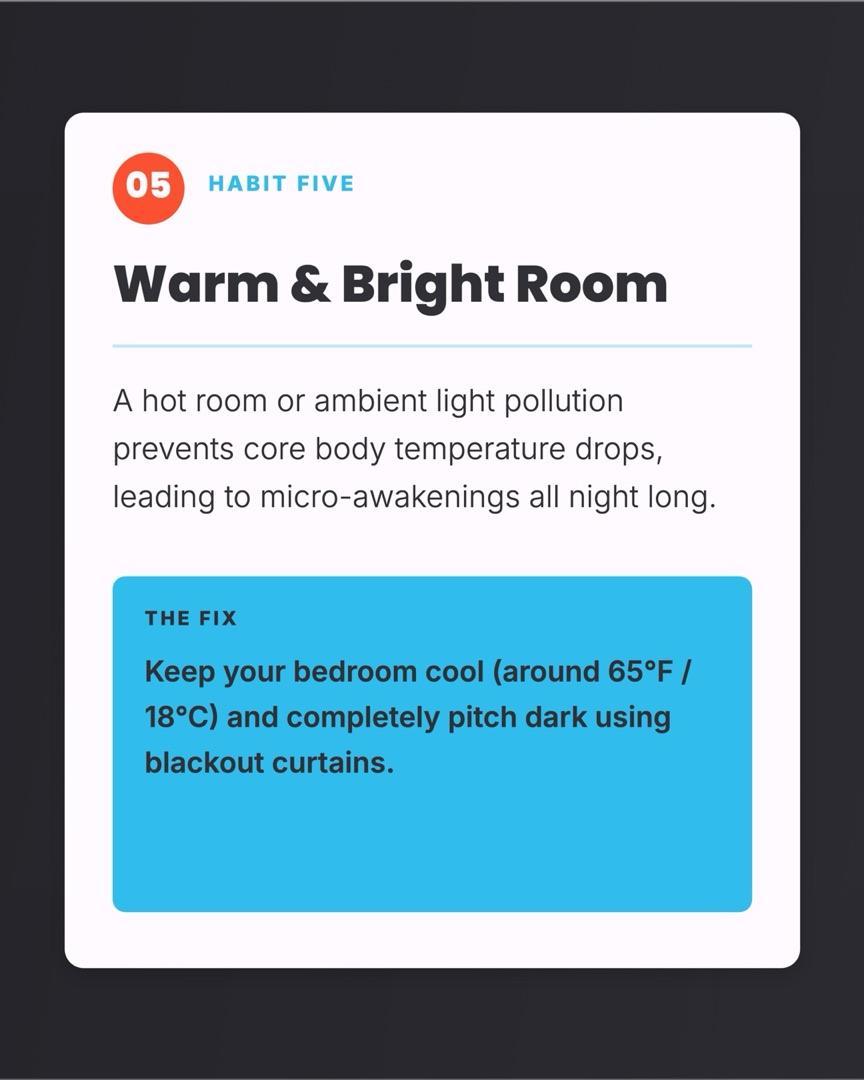
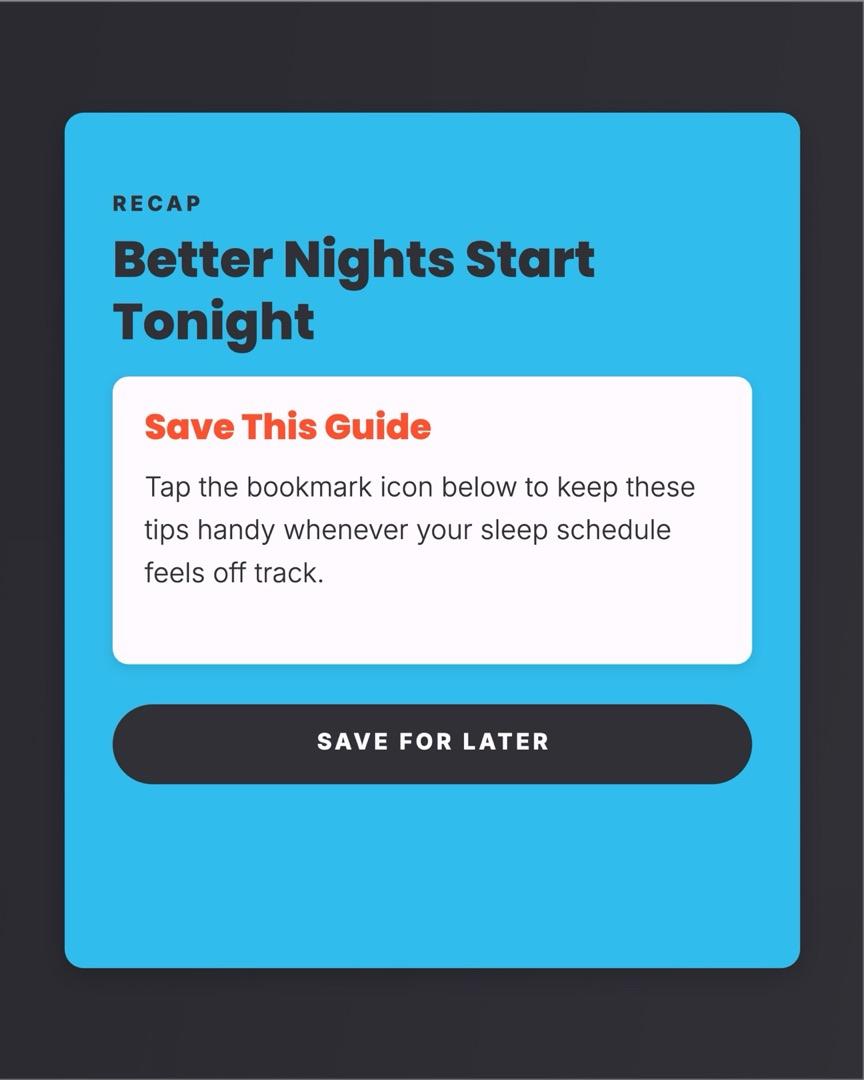
What it did well. It followed the brief: a hook, one habit per slide with a "the fix" box, and a recap slide that asks for the save. The AI agent asked one sensible question first (use the template on the canvas, or start a new design), then finished in about 20 to 25 seconds. Its AI edit worked on the trial. I asked it to make the slide 1 hook stronger, and in under 10 seconds "5 Silent Habits Ruining Your Sleep" became "Stop Ruining Your Sleep Without Knowing It". The free download gave me 7 PNGs at 2x with no watermark, and it also exports PDF, MP4 and GIF.
What went wrong. The slides are text-heavy. A typical habit slide runs about 50 words between the card and the fix box, just past the range that viral carousels use, and the cover is crowded. The colored cards look like a template. The Create button opened the editor without sending my prompt, and the slide count defaulted to 5. Its site calls the offer both a free plan and a 7-day trial with 50 credits; one design plus one edit used 30.
Pricing, as of November 2026. Starter is $19 a month ($15 billed yearly) with 1,500 AI credits. Pro, which adds the API, MCP and all social channels, is $35 ($29 yearly).
Score: hook 2 · slide count 2 · text 1 · one idea per slide 2 · CTA 2 · format 2 · handle and swipe cue 1 = 12/14.
Mirr (formerly Mirra): AI photos and scheduling in one (11/14)
Cover
Habit 1
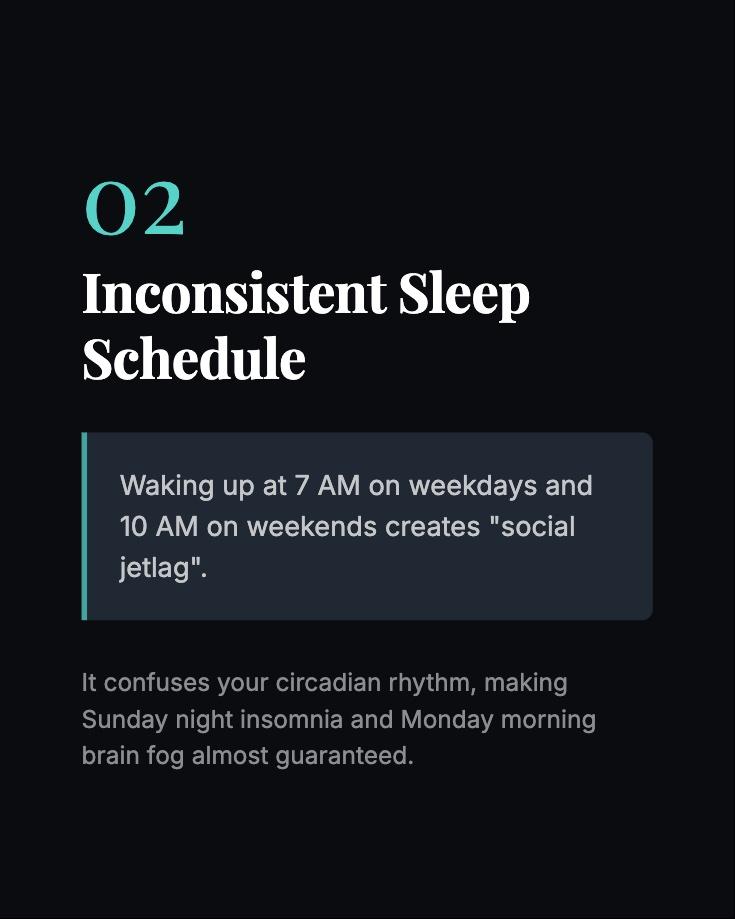
Habit 2
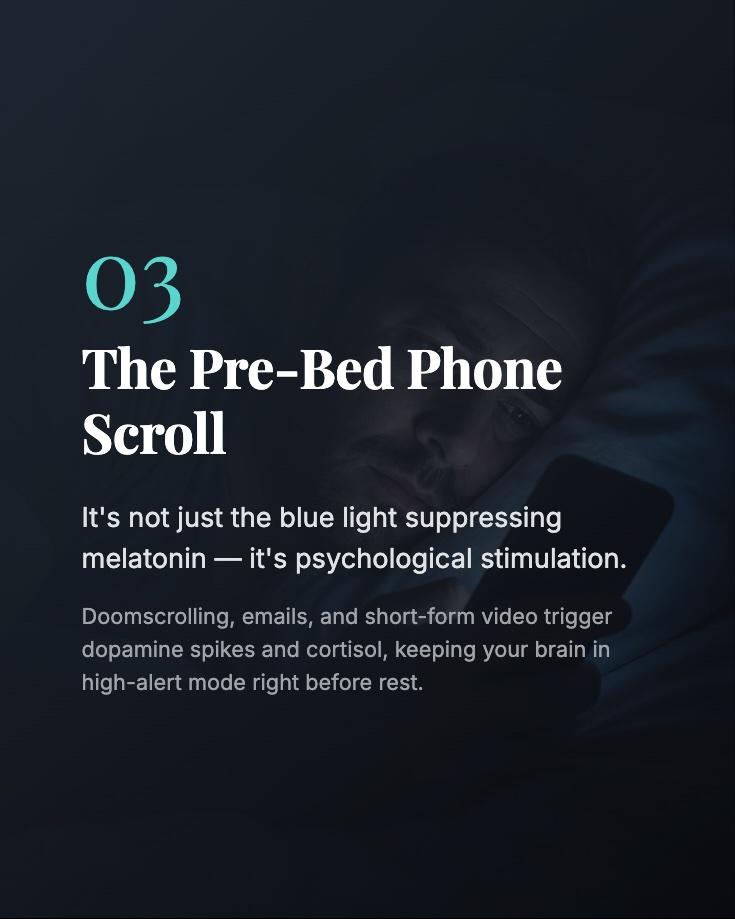
Habit 3
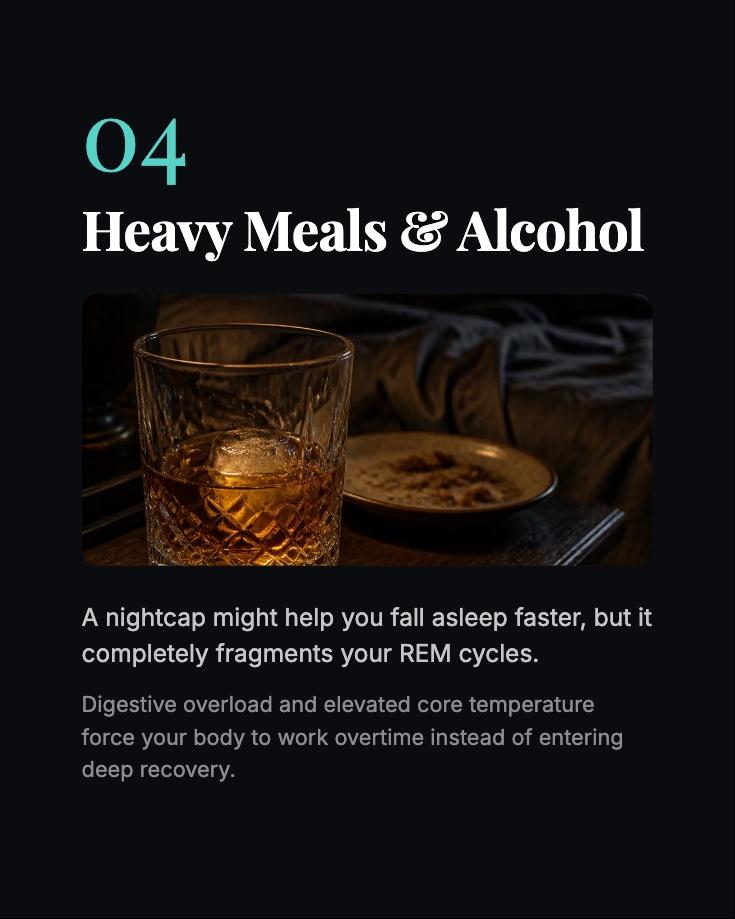
Habit 4
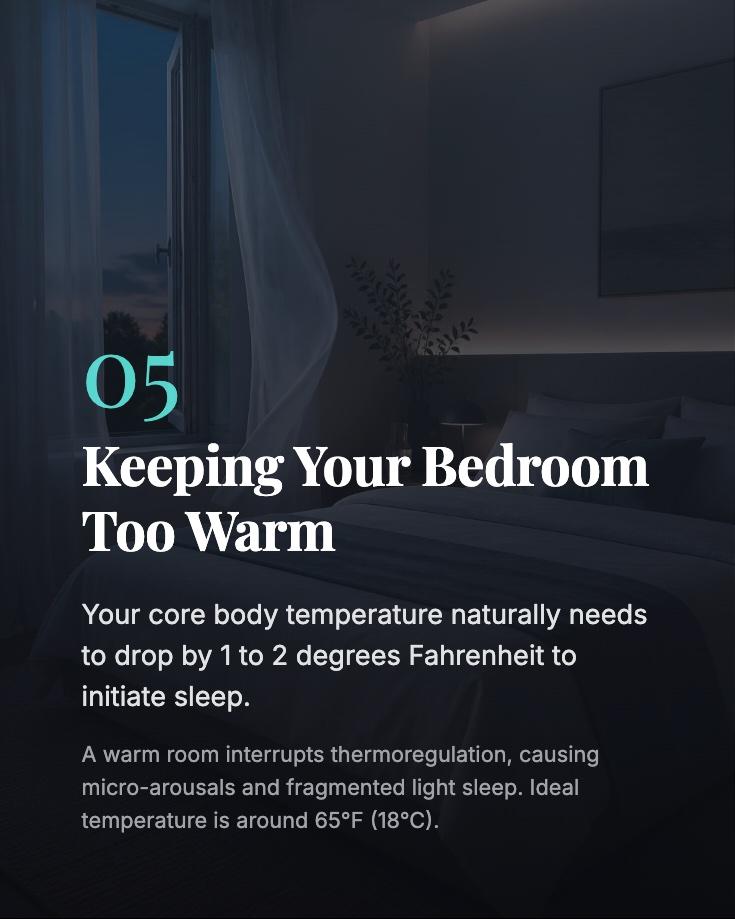
Habit 5

Save CTA
Best for: people who want carousels, short videos, scheduling and comment-to-DM automation in one app.
The product now calls itself Mirr; the site is still mirra.my.
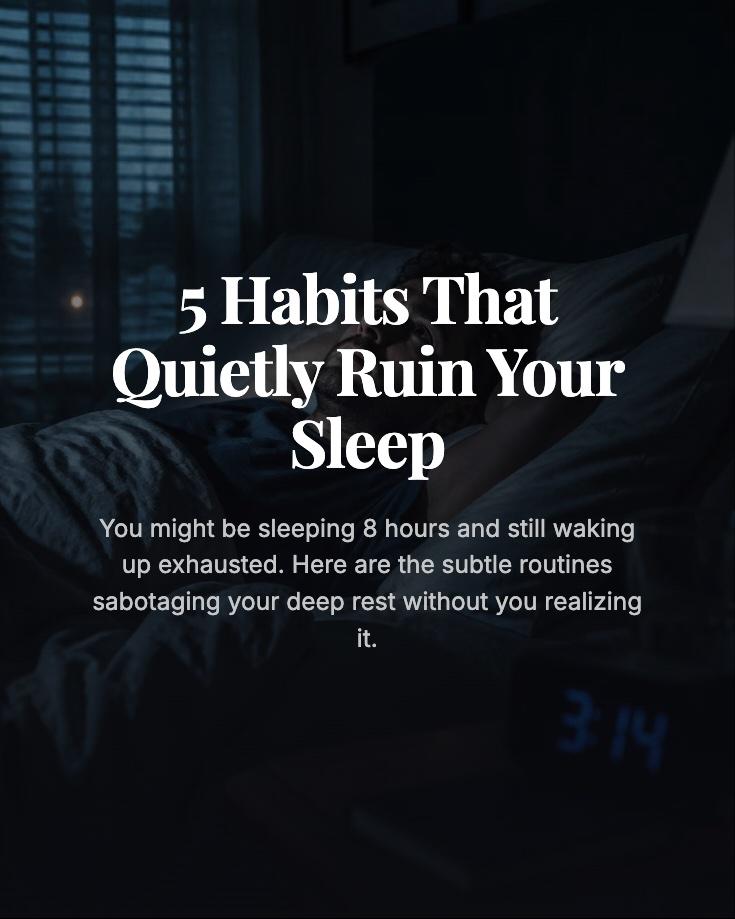
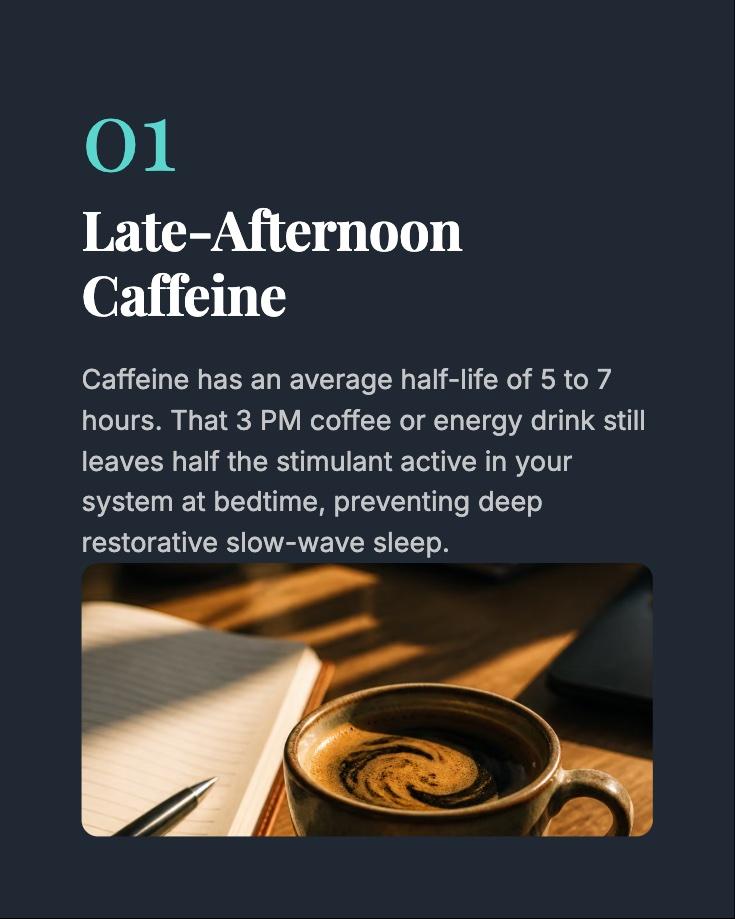
What it did well. The copy was the most specific of the test: caffeine's 5 to 7 hour half-life, "social jetlag", a bedroom around 65°F. The serif headings and dark photos look like a real creator's feed. Its AI edit is the best I used: before applying, it shows a preview, a short plan, what it keeps and the cost (5 credits).
What went wrong. It was the slowest, up to about 95 seconds. Habit 4 merges heavy meals and alcohol into one slide. One slide has no image while the others do, and the last slide puts white text on a bright, sunny photo, so the CTA headline is hard to read. Credits go fast: one carousel with AI images cost 30 of the trial's 50. And the trial only lets you download or publish your first result. For the next one it asks you to subscribe or invite a friend.
Pricing, as of November 2026. Launch is $19 a month ($15 billed yearly) with 500 credits and one social account.
Score: hook 2 · slide count 2 · text 2 · one idea per slide 1 · CTA 2 · format 1 · handle and swipe cue 1 = 11/14.
PostNitro: a good editor behind a tight free plan (11/14)
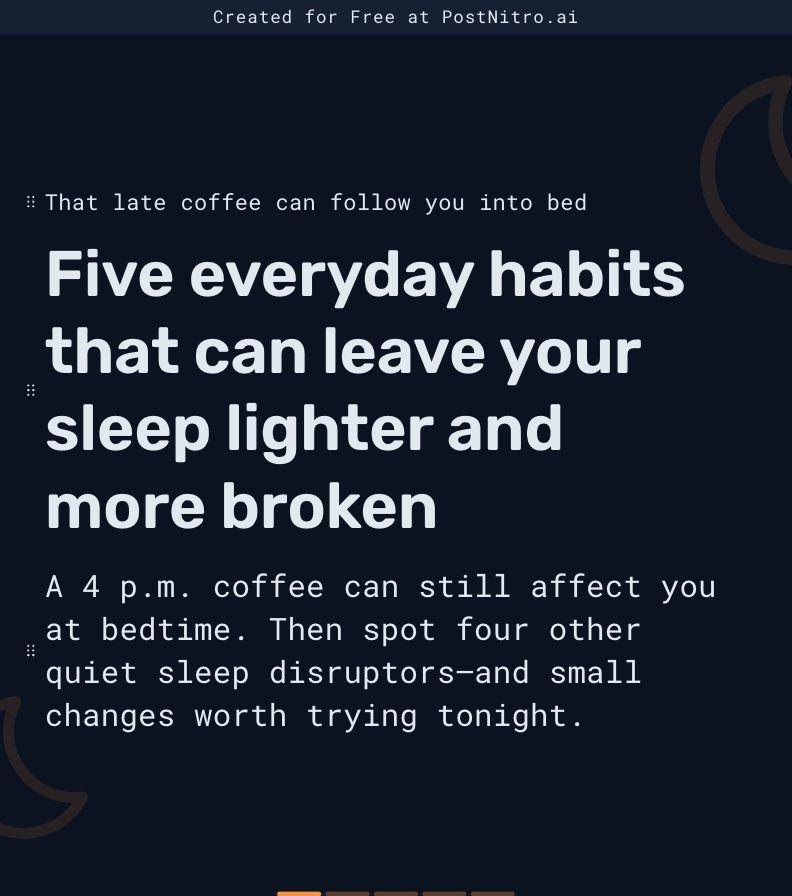
Cover
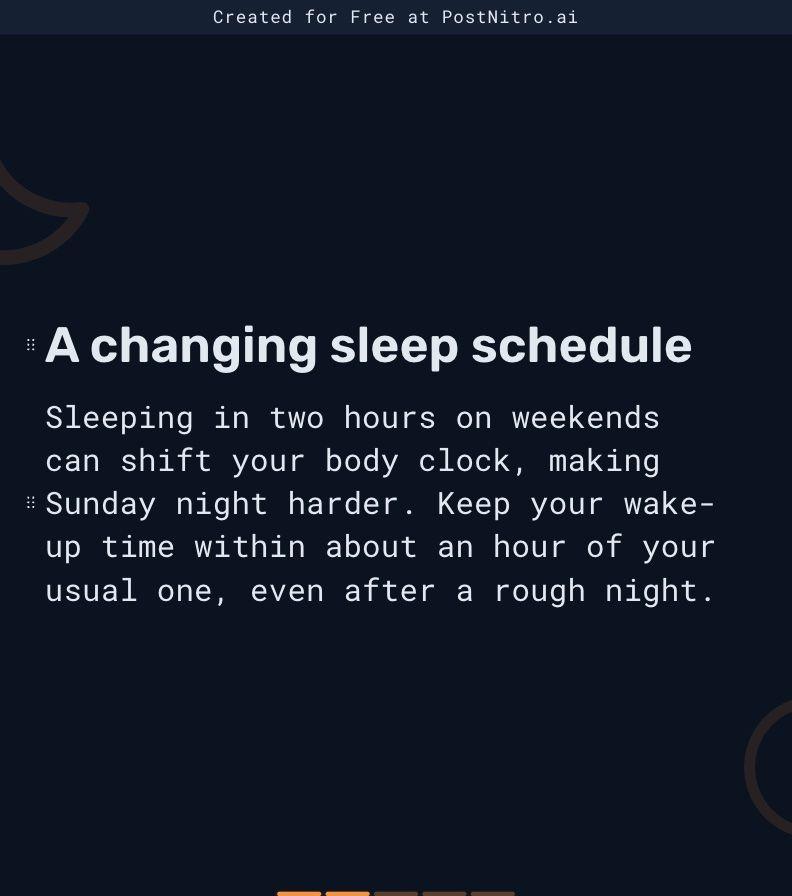
Habit 2
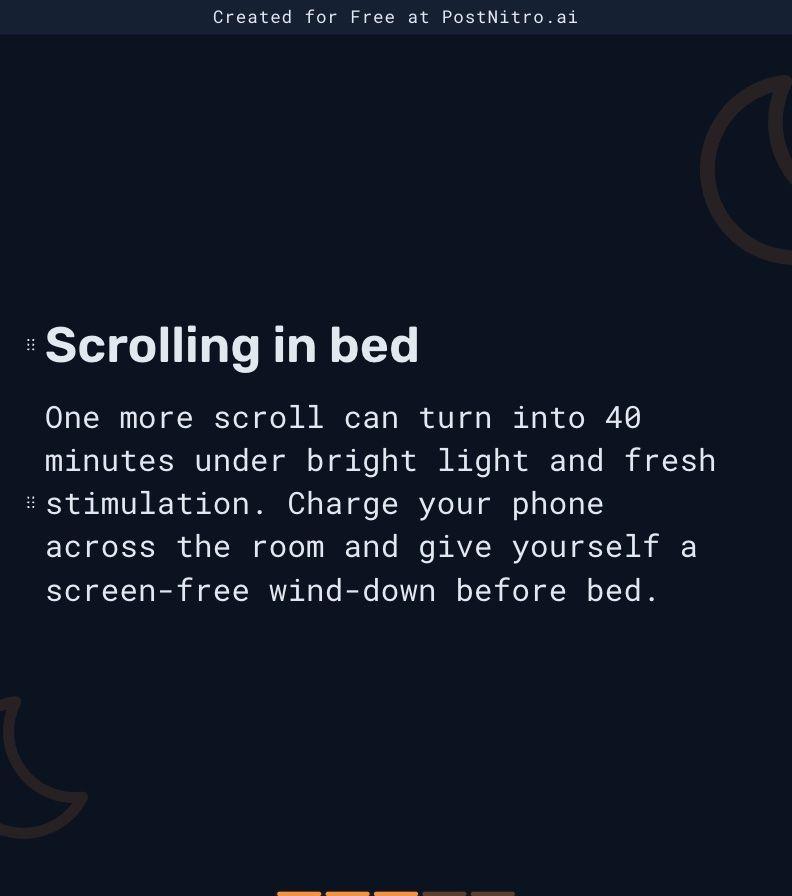
Habit 3
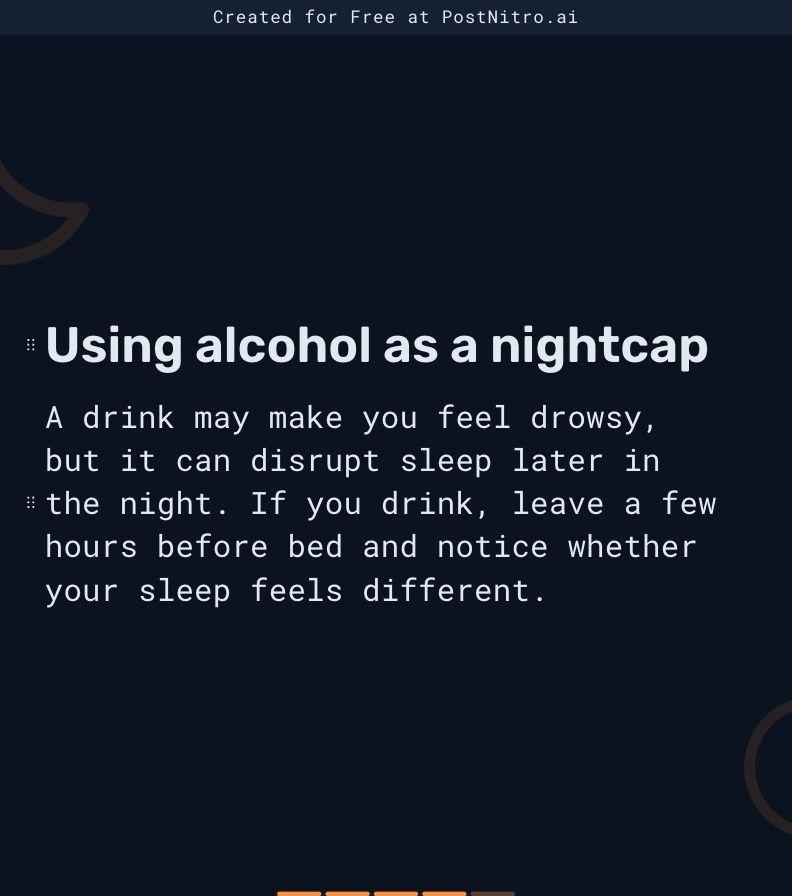
Habit 4
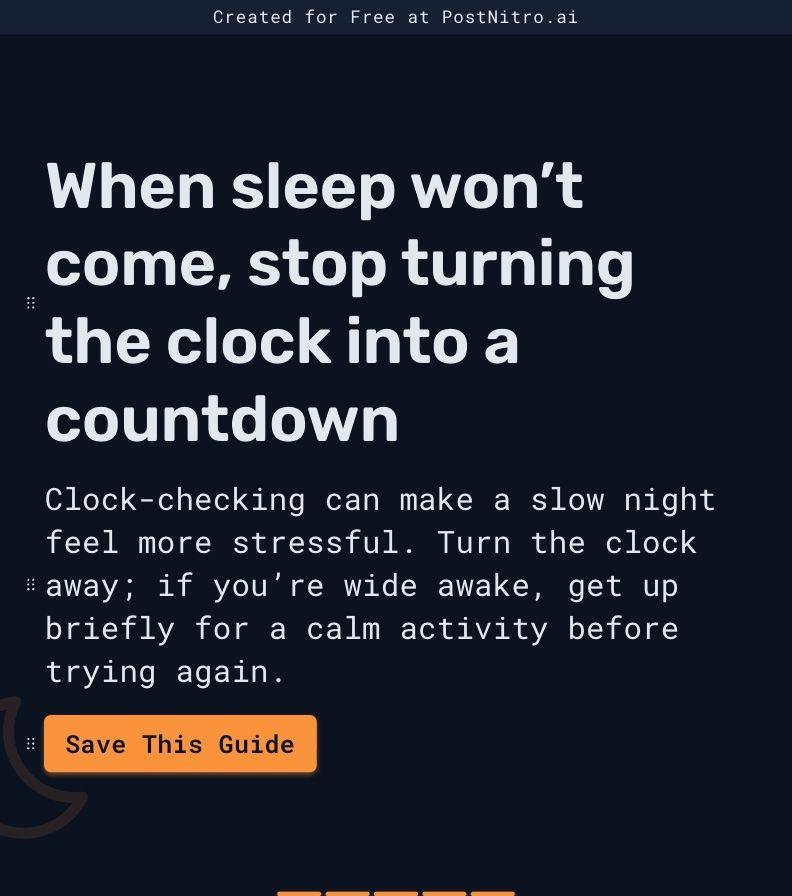
Habit 5 + CTA
Best for: people who want a real slide editor, lots of layouts and an API, and who'll pay for scheduling.
What it did well. It was quick, about 25 seconds, with no questions. The editor is the most flexible of the dedicated tools: per-slide layouts, padding and backgrounds, a freeform mode, and a template picker that re-renders your own content in each of its 15 templates so you can compare. It also has an API, MCP and Zapier and Make exports. Paid plans can schedule to Instagram, LinkedIn, TikTok, Threads, Facebook and Pinterest.
What went wrong. The free plan capped the carousel at 5 slides without warning, so habit 1 got squeezed into the cover and habit 5 shares the last slide with the CTA. Every slide carries a "Created for Free at PostNitro.ai" bar. After one generation it said I'd used 5,384 of my 5,000 monthly AI tokens, so the free plan is about one carousel a month. Download was blocked in the app ("Downloading designs is not available on the Free plan"), even though its pricing FAQ promised 5 watermarked downloads a month.
Pricing, as of November 2026. Starter is $15 a month ($12.50 billed yearly), with 30 downloads and no watermark, but no scheduling. Scheduling starts at Creator+, listed at $30 a month and on a Black Friday price of $24.99 until November 30.
Score: hook 2 · slide count 1 · text 2 · one idea per slide 1 · CTA 2 · format 2 · handle and swipe cue 1 = 11/14.
Canva: the best images, but the AI ran out (9/14)
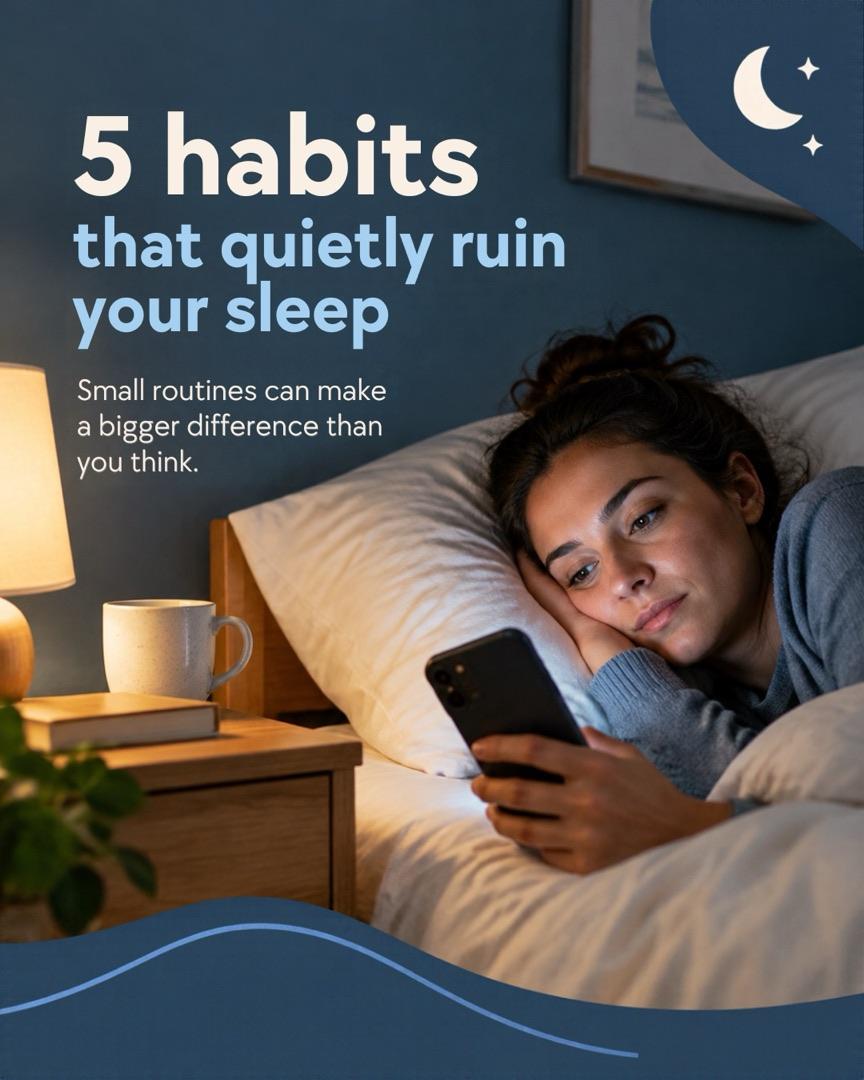
Cover
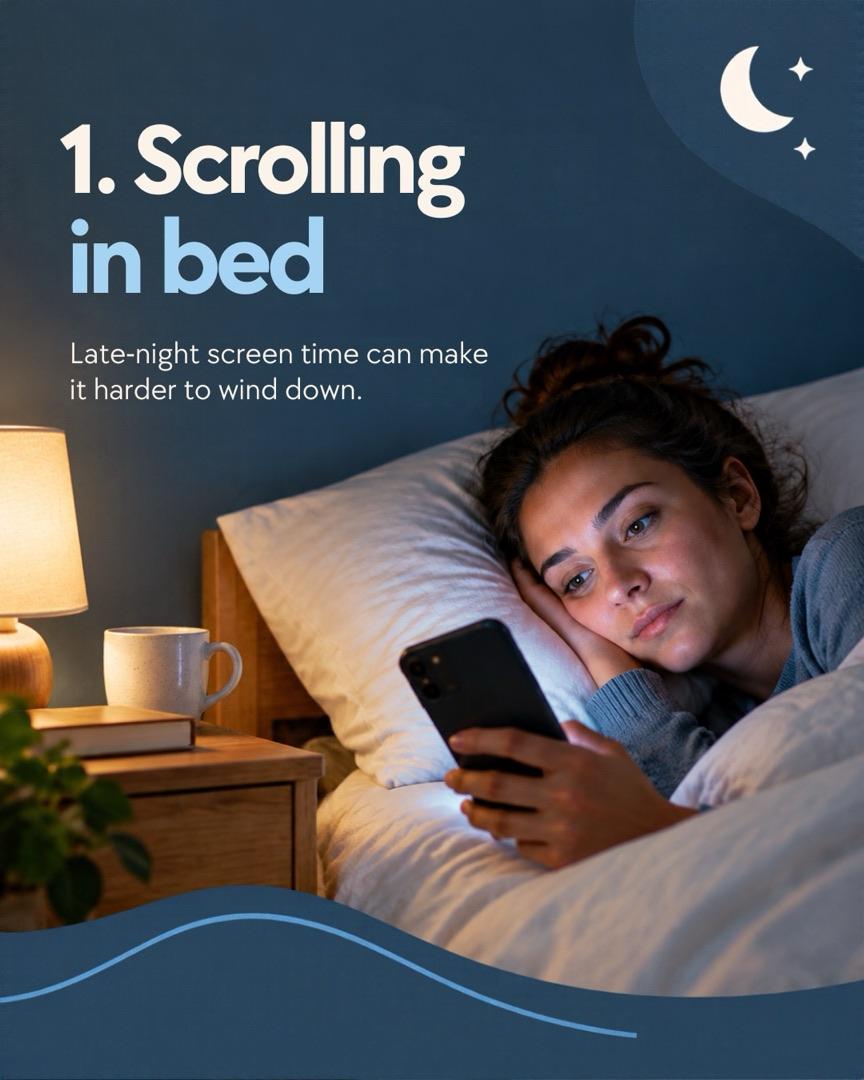
Habit 1

Habit 2
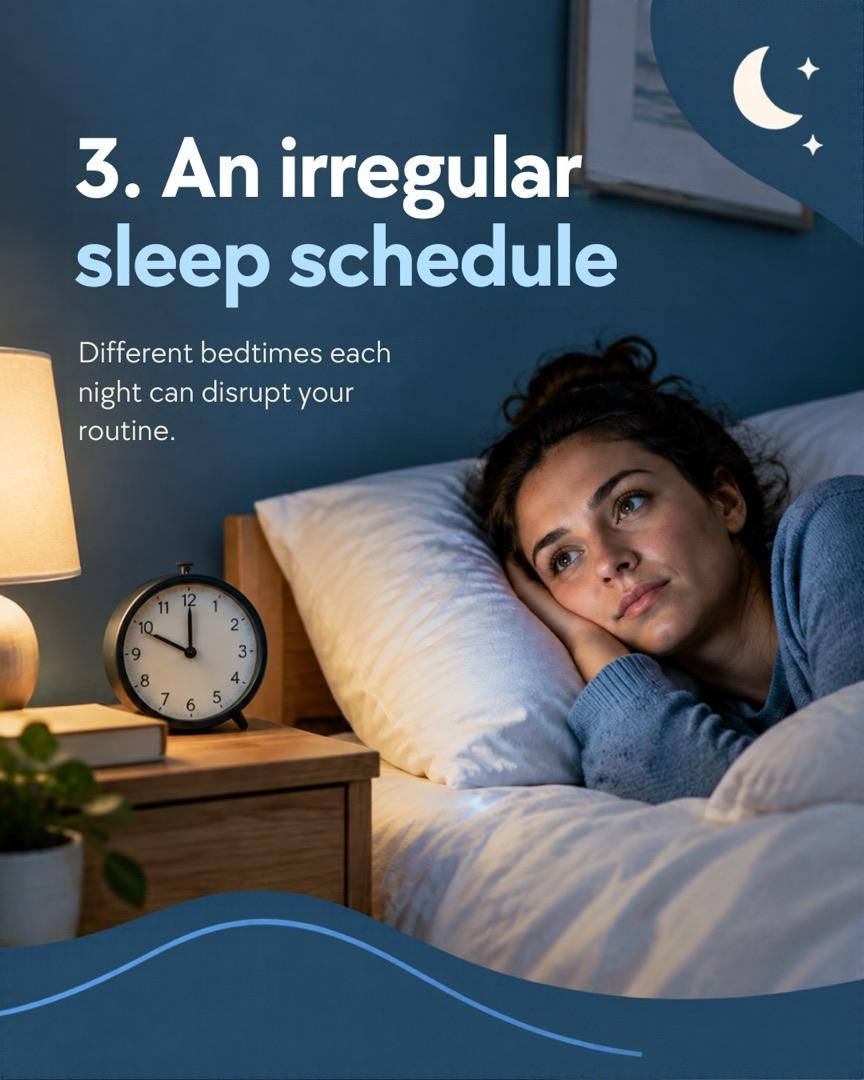
Habit 3

Habit 4

Habit 5
Best for: people who already use Canva and want strong images and a full editor.
What it did well. These are the best-looking images in the test: the same AI-generated woman on every slide, a navy and moon theme carried all the way through, and big numbered titles. Canva AI was also the only tool that asked who the carousel was for, with three suggested audiences. The free download worked: 6 PNGs at 1080x1350, no watermark. And you get Canva's full editor and template library to finish the job.
What went wrong. The free AI allowance ran out mid-carousel. Canva AI made 6 pages and said it could make the last one, the save CTA, next, but the limit was hit. Canva doesn't publish how much of the allowance a carousel uses. The text is very short, 10 to 14 words per slide. The Carousel Studio app inside Canva wrote a good 7-slide outline, but rendering it needs that app's own paid credits.
Pricing, as of November 2026. Pro is $18 a month after a 30-day trial, or $144 a year. Business is $25 a month per person.
Score: hook 2 · slide count 2 · text 1 · one idea per slide 1 · CTA 0 · format 2 · handle and swipe cue 1 = 9/14.
Adobe Express: no real carousel generator (8/14)
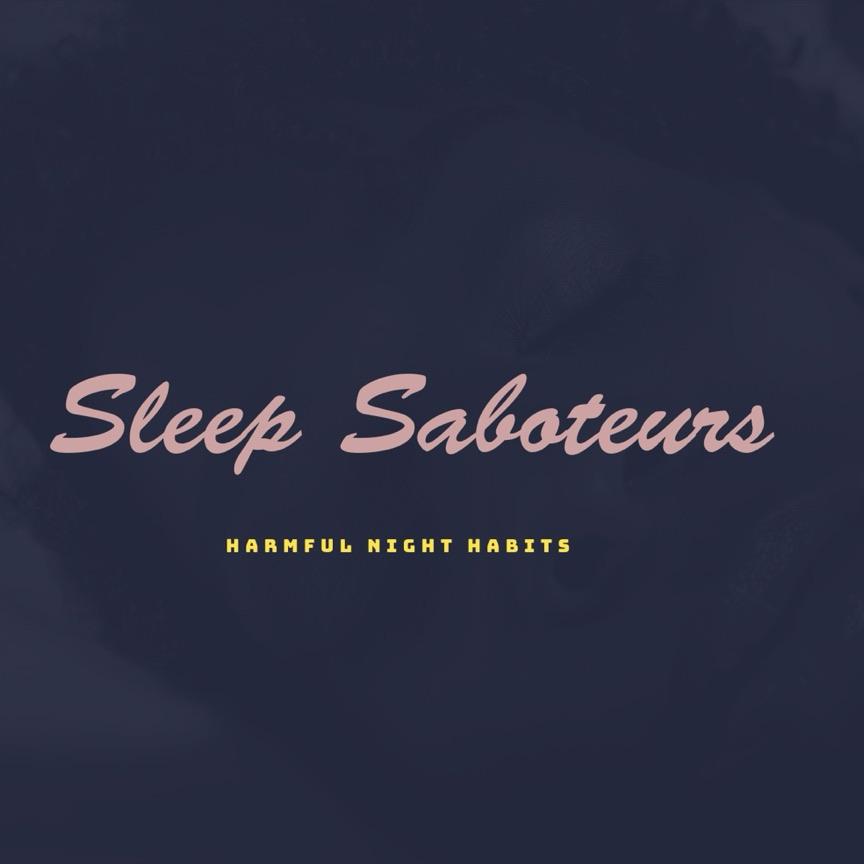
Generate template (1:1)
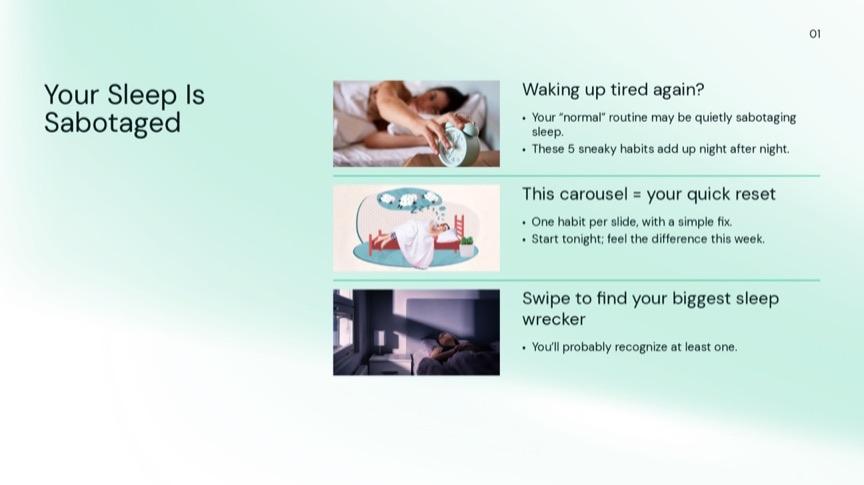
Deck page 1 (after AI refine)
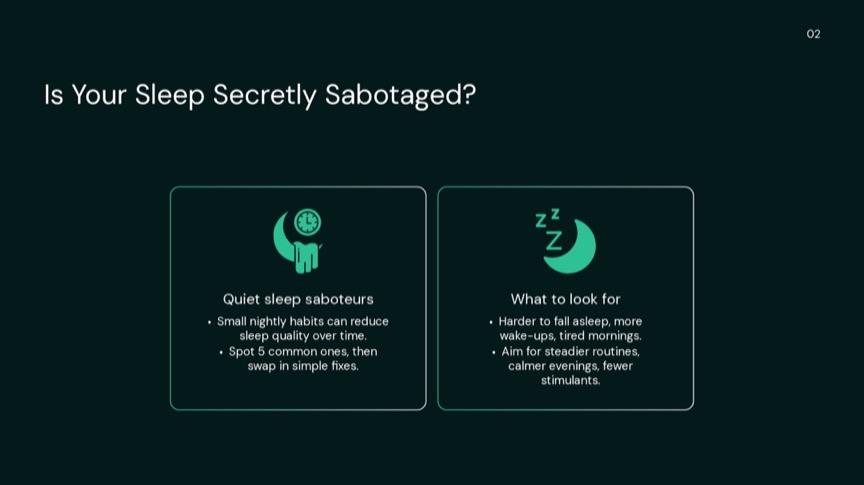
Deck page 2
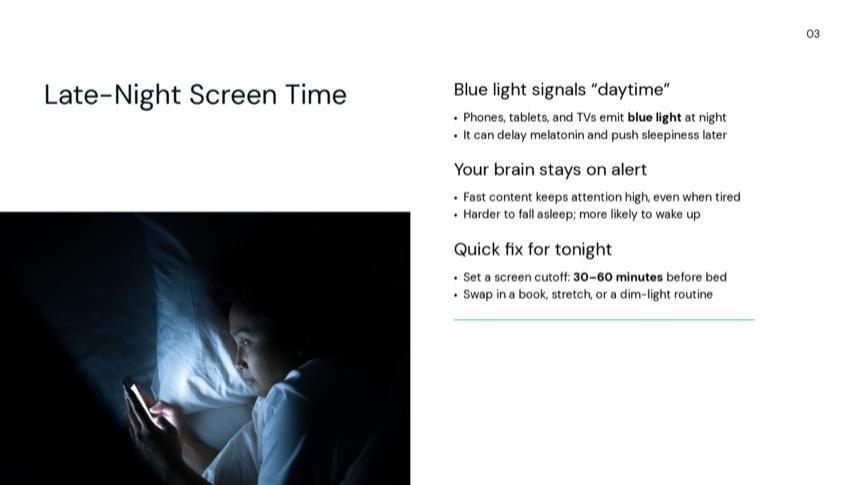
Deck page 3
Best for: single posts and slide decks. Not Instagram carousels.
Adobe Express has no AI carousel generator, so I tried both AI routes it has. "Generate template" rejected my exact prompt for breaking its guidelines (probably the word "ruin"). A reworded prompt gave four single-page square designs in about 20 seconds. "Generate presentation" took the prompt as written and made an 8-page deck in about 50 seconds, with one habit per page and a save line at the end.
What it did well. The deck's content is fine, and the downloads are free with no watermark, in PNG, JPG, PDF or PPTX. It has thousands of carousel templates to fill by hand, and the free plan can schedule to one account per network.
What went wrong. The deck is 16:9, which Instagram would crop, and resizing to 4:5 is a Premium feature. The square cover is a label ("Sleep Saboteurs"), not a promise. When I asked the AI to make page 1's hook stronger, it replaced my cover with a busy new layout. The text rewrite tool only offers presets, so you can't type an instruction.
Pricing, as of November 2026. Premium is $9.99 a month or $99.99 a year.
Score (the deck): hook 0 · slide count 2 · text 1 · one idea per slide 2 · CTA 2 · format 0 · handle and swipe cue 1 = 8/14.
Predis.ai: not tested
Predis.ai calls itself an AI ad platform now, and carousels are one format among ads, videos and AI presenter videos. There's no free plan: every plan starts with a 3-day trial that needs a card and charges it when the trial ends, so I didn't test it. As of November 2026, Core costs $32 a month, or $19 a month billed yearly. Its pricing page doesn't say how many credits a carousel uses.
What "free" actually gets you
Almost every tool says "free". Here's what that meant when I tried to get a finished carousel out of each one.
| Tool | Free plan | Download | Watermark | Card |
|---|---|---|---|---|
| Tweenery | 300 credits | Yes | No | No |
| aiCarousels | 1 carousel | No | n/a | No |
| PostNitro | ~1 a month, 5 slides | No | Yes | No |
| Contentdrips | 7-day trial | Yes | No | No |
| Mirr | 7-day trial | First only | Yes | No |
| Canva | Small AI allowance | Yes | No | No |
| Adobe Express | Daily generations | Yes | No | No |
| Predis.ai | None | n/a | n/a | Yes |
The pattern: you can usually generate once for free, and the paywall sits at the download, the second generation or the AI edit. If you want a free carousel you can post today, Tweenery, Contentdrips and Canva got me there. Canva's was one slide short.
What one carousel costs on a paid plan
Using the cheapest monthly price, as of November 2026:
- aiCarousels Pro: $15 for 60 carousels, so $0.25 each, or about $0.17 on the yearly plan.
- Contentdrips Starter: $19 for 1,500 credits. My design used 20 credits, so about 75 carousels, or $0.25 each. Its pricing table lists the carousel maker at 10 credits, which would halve that.
- PostNitro Starter: $15 for 30 downloads a month, so $0.50 per carousel you can export.
- Mirr Launch: $19 for 500 credits. At 30 credits per carousel with AI images that's about $1.14 each, or about $0.57 with web images (15 credits).
- Canva Pro: can't be worked out, because Canva doesn't publish the AI allowance per task.
- Tweenery Creator: $20 for 2,000 credits that never expire. A carousel's cost depends on the model and on whether it makes images, so I can't give one fair number.
Copy a carousel that already went viral
This is the one test only Tweenery took: none of the other tools could start from a link to someone else's post. Most AI carousels look like they came from the same template, because they did. A faster route to something that works is to start from a post that already went viral in your niche and keep its look and structure, with your own topic and words.
I gave Tweenery a link to a viral TikTok slideshow, "7 days of easy dinners", and asked for the same post about breakfasts.
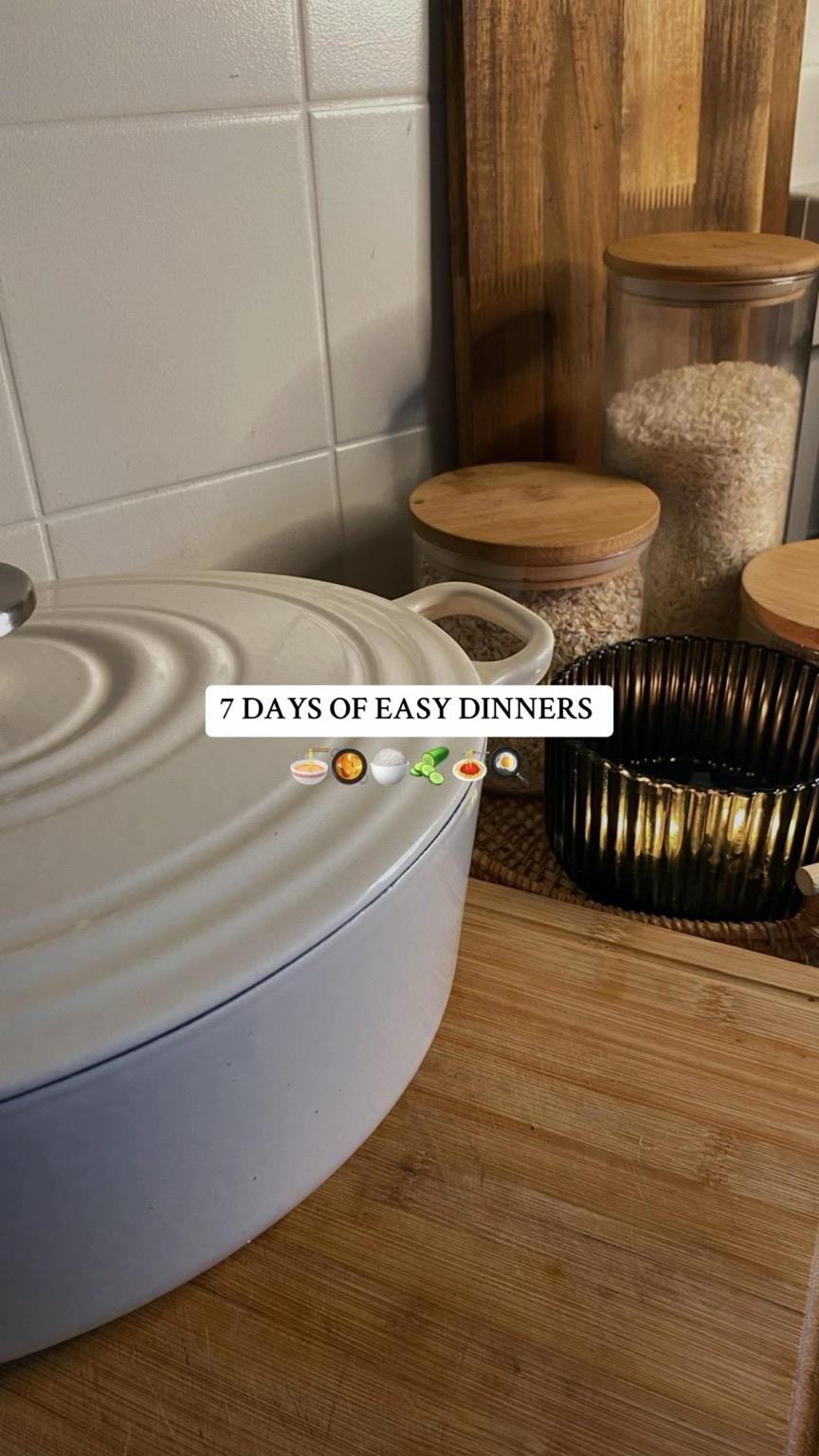
Cover
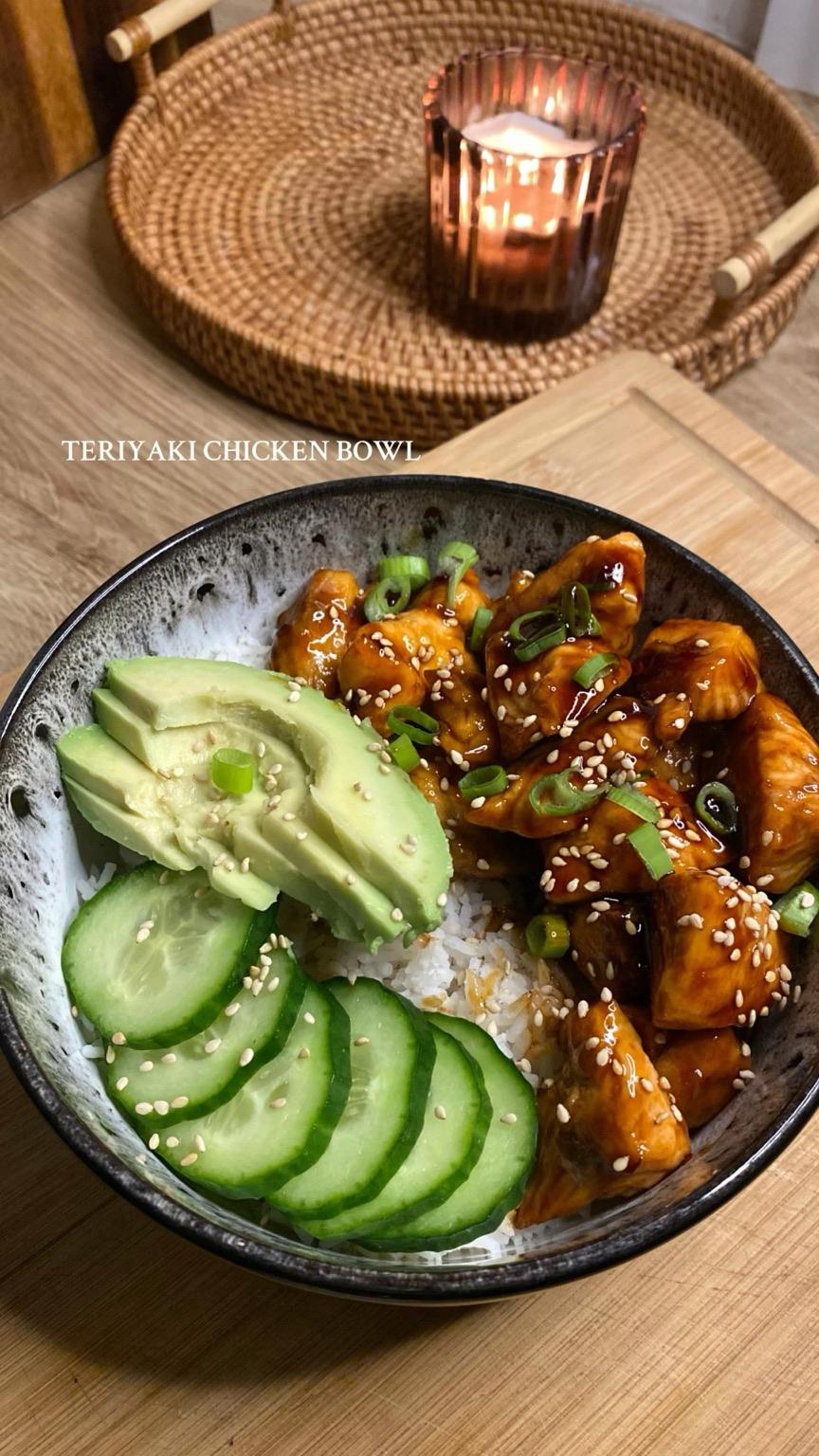
Day 1
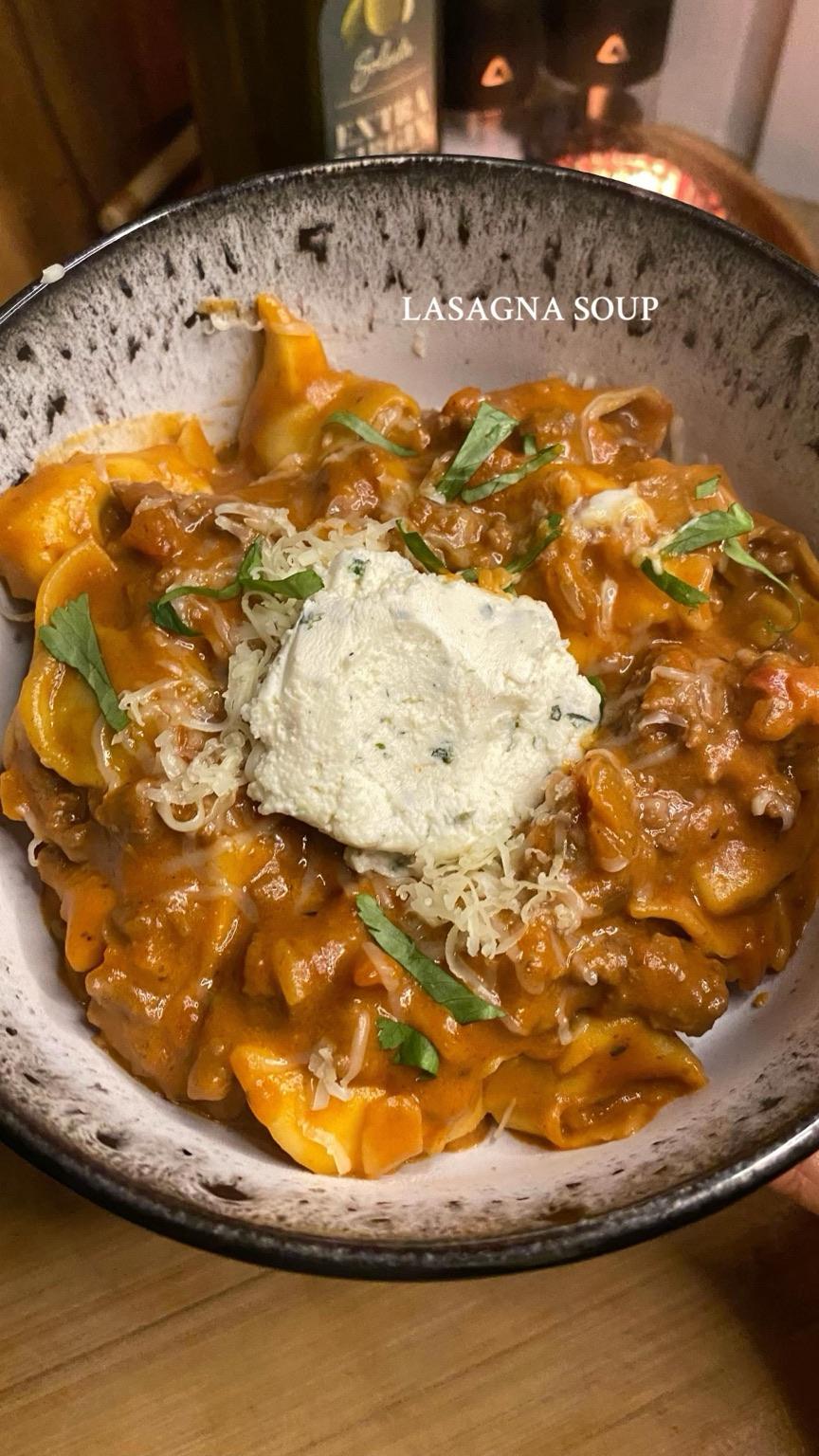
Day 2
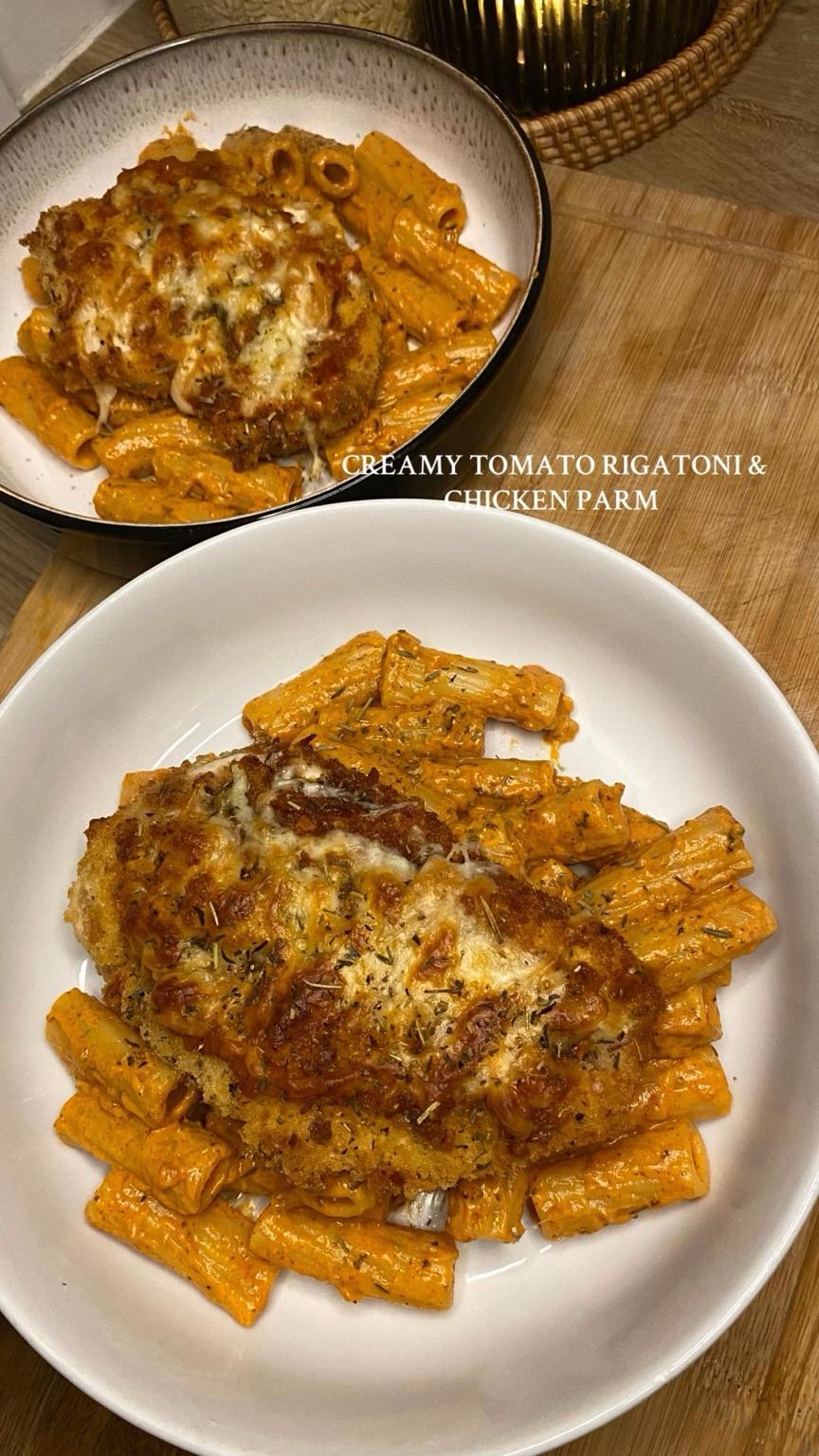
Day 3
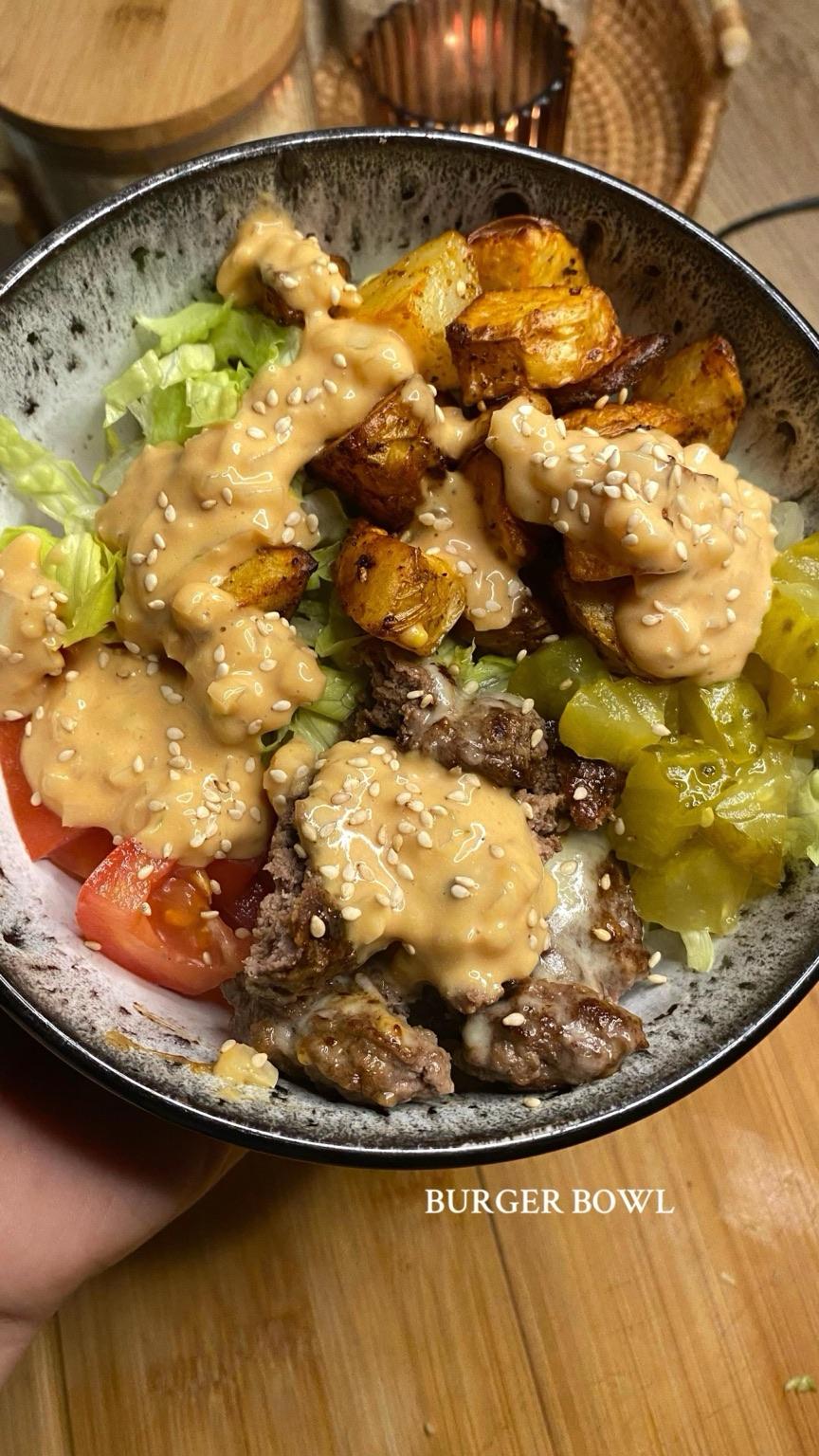
Day 4
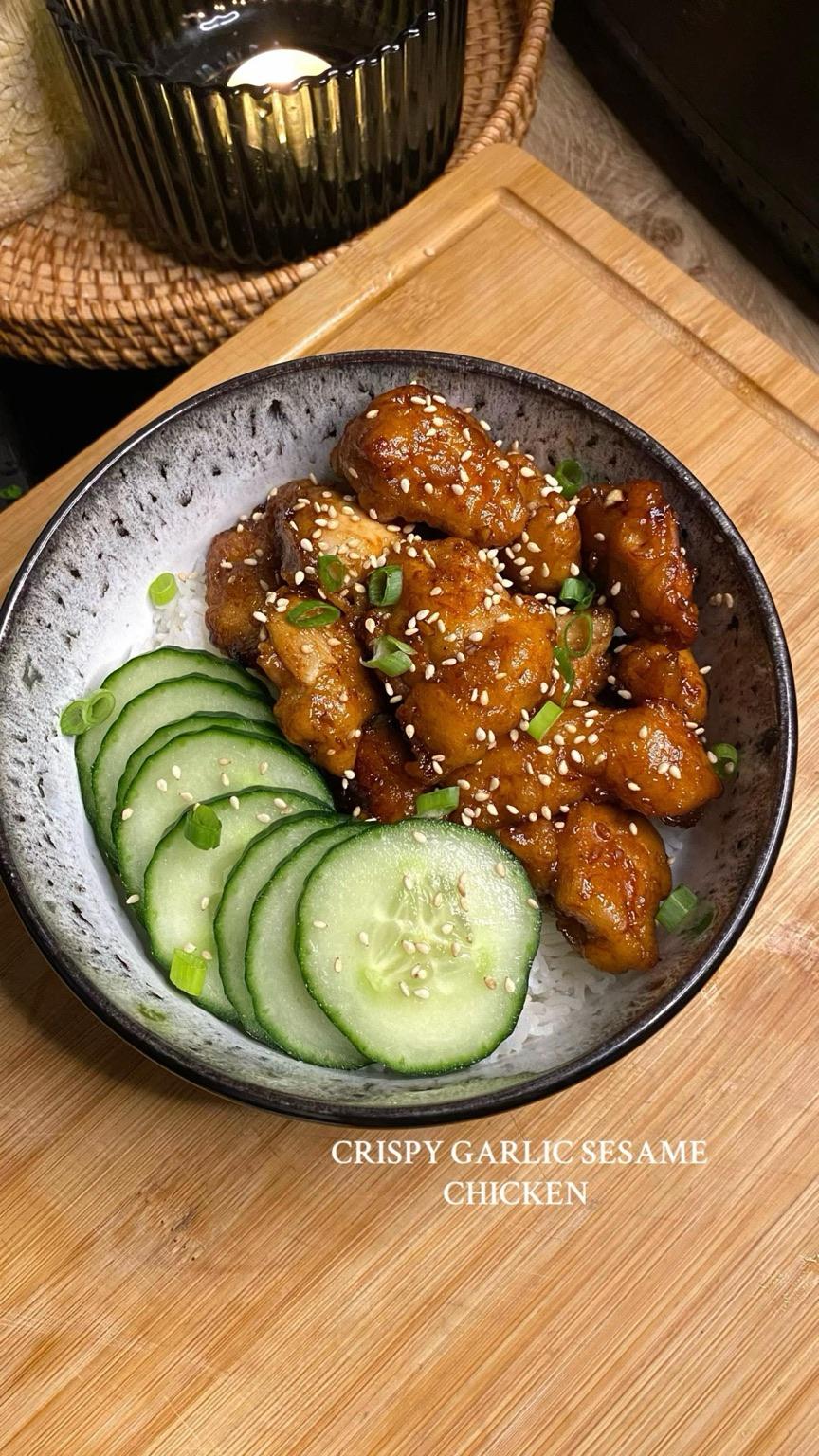
Day 5
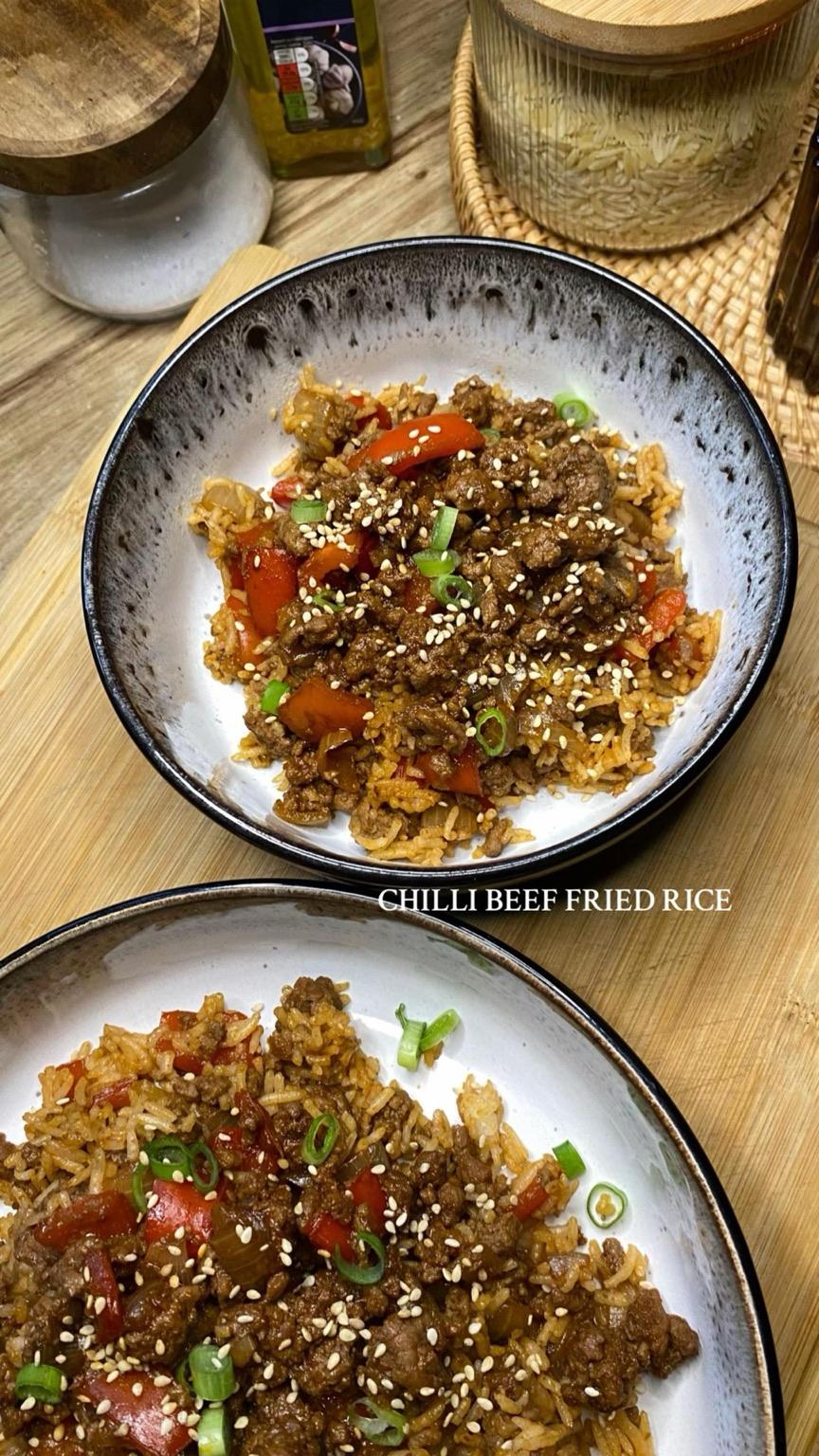
Day 6
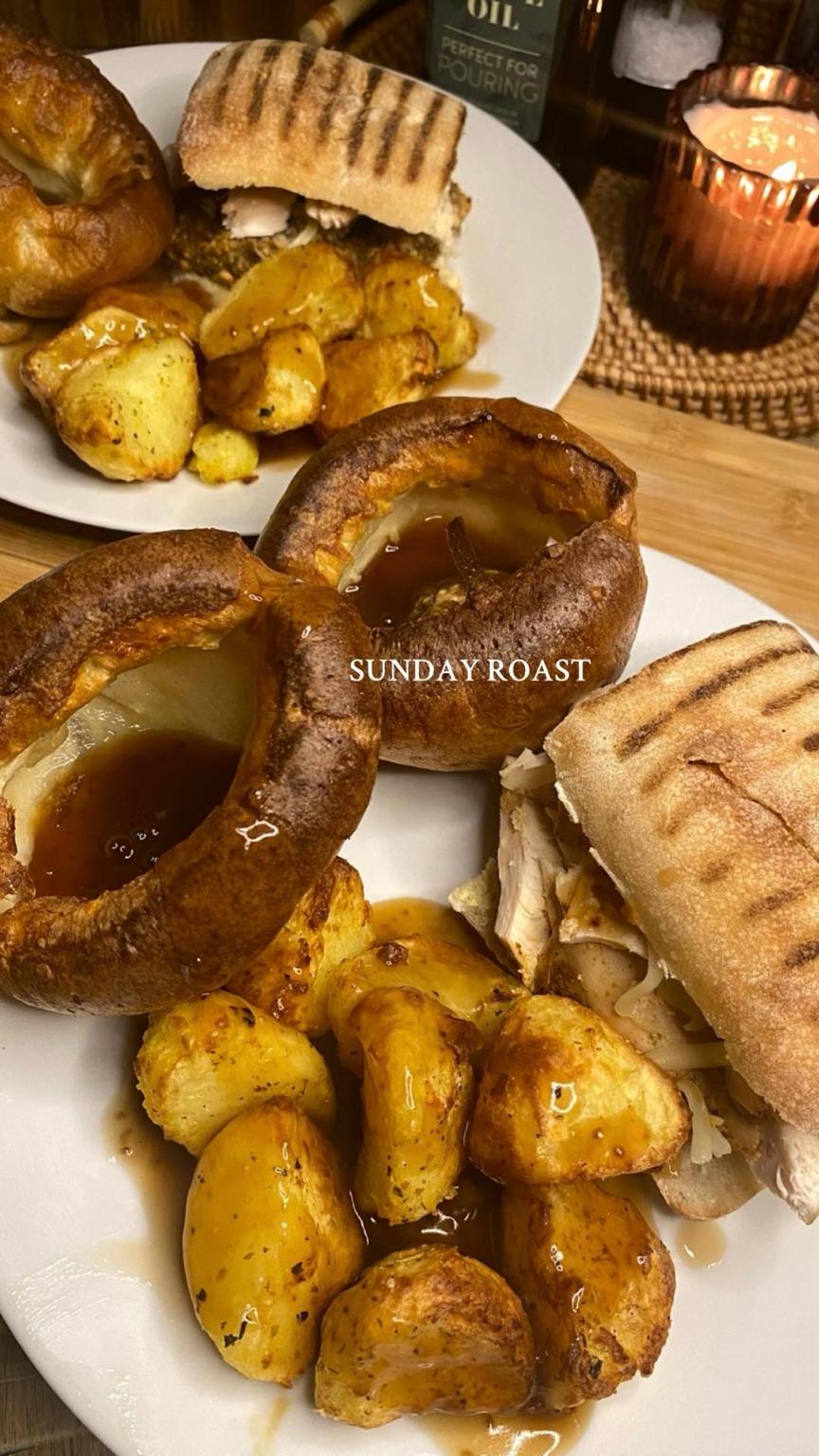
Day 7
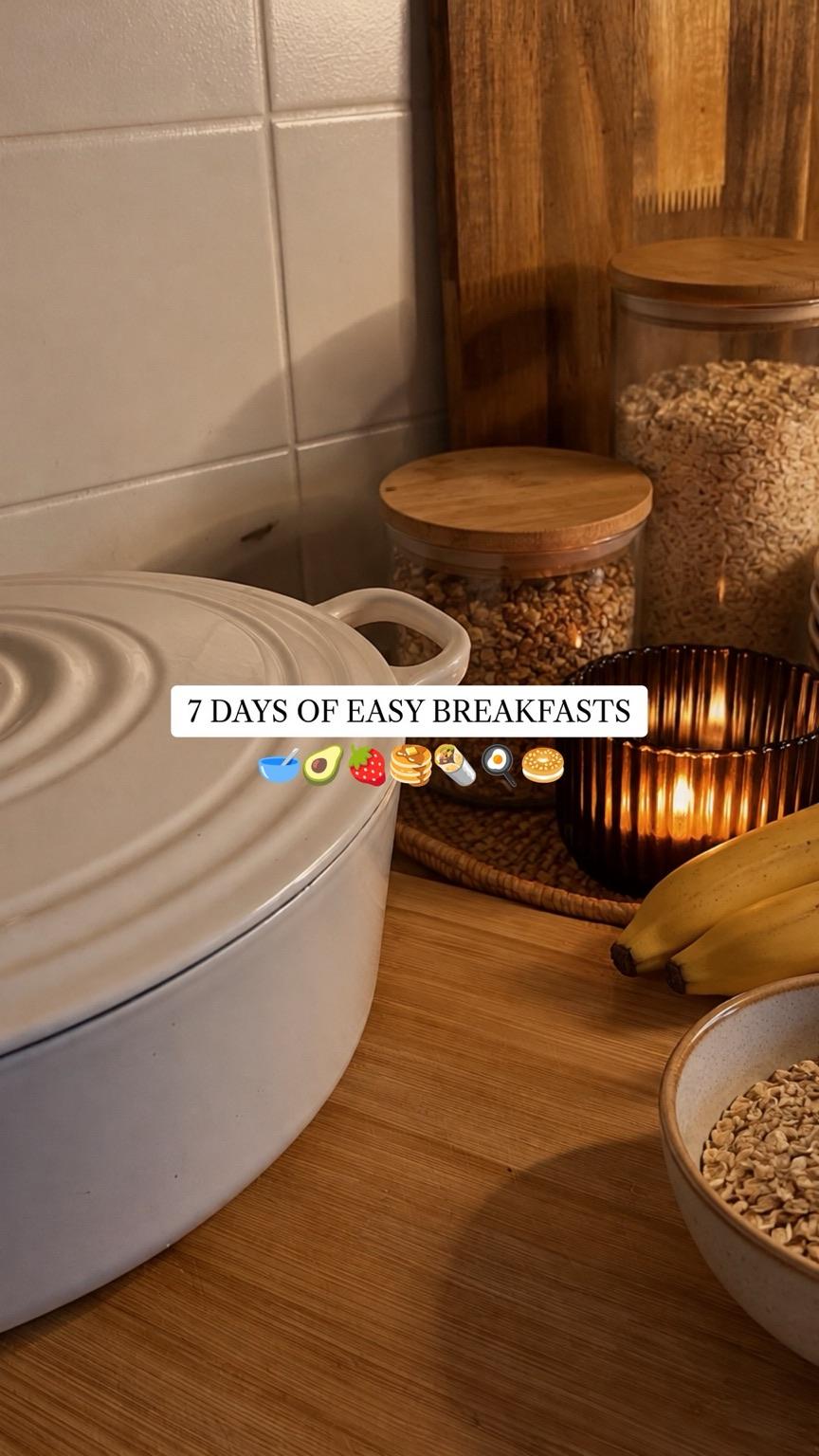
Cover
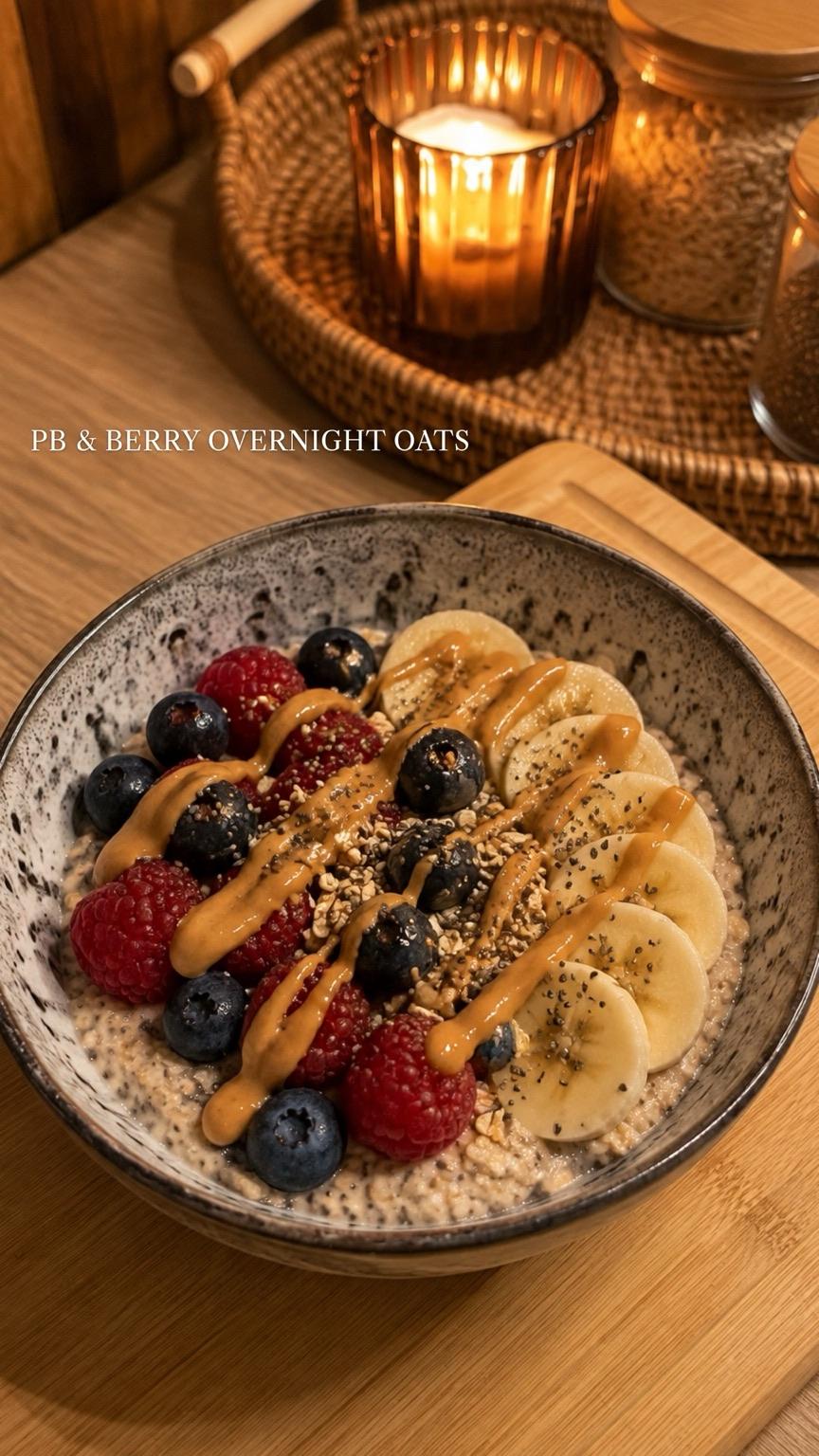
Day 1
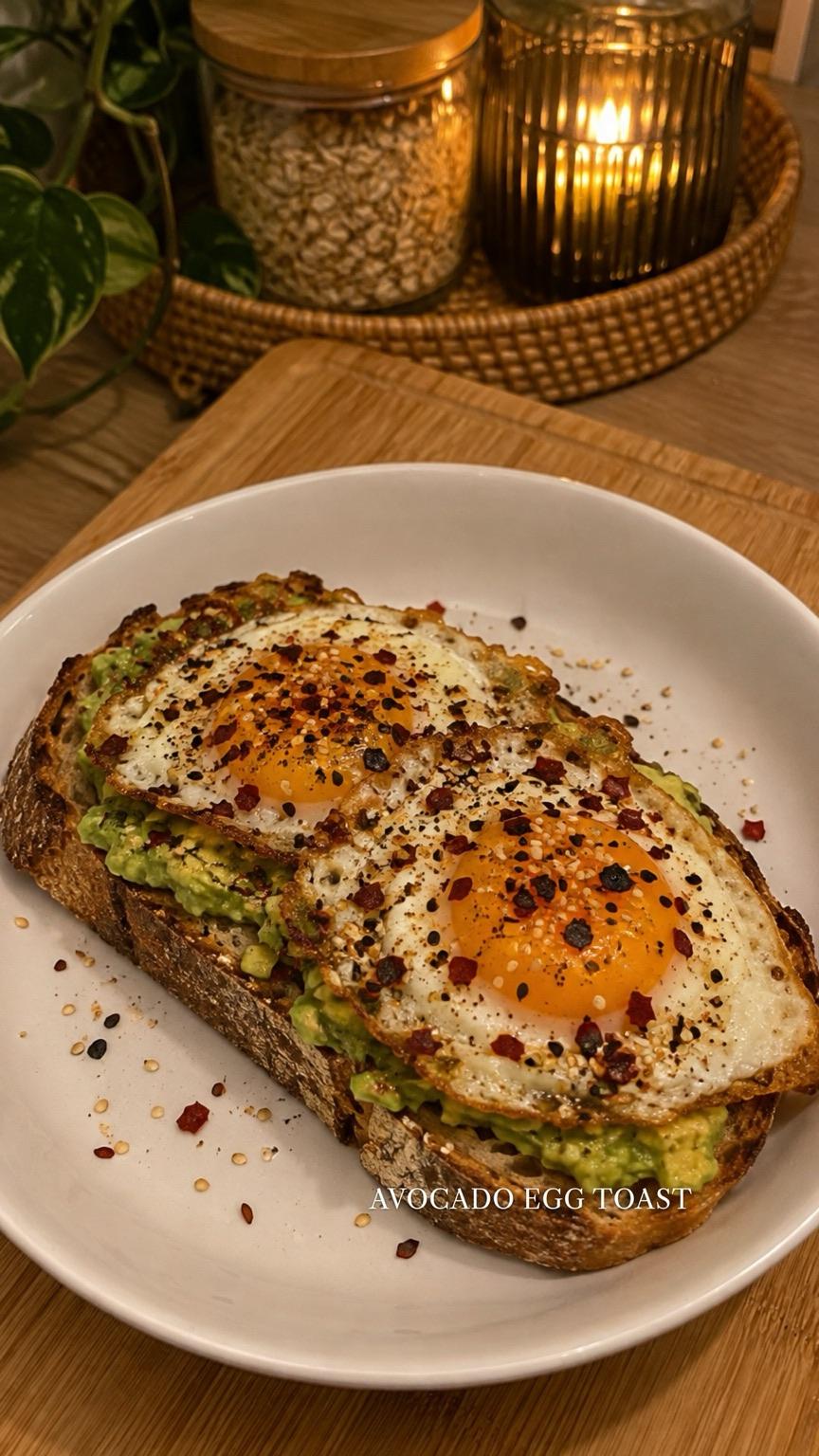
Day 2
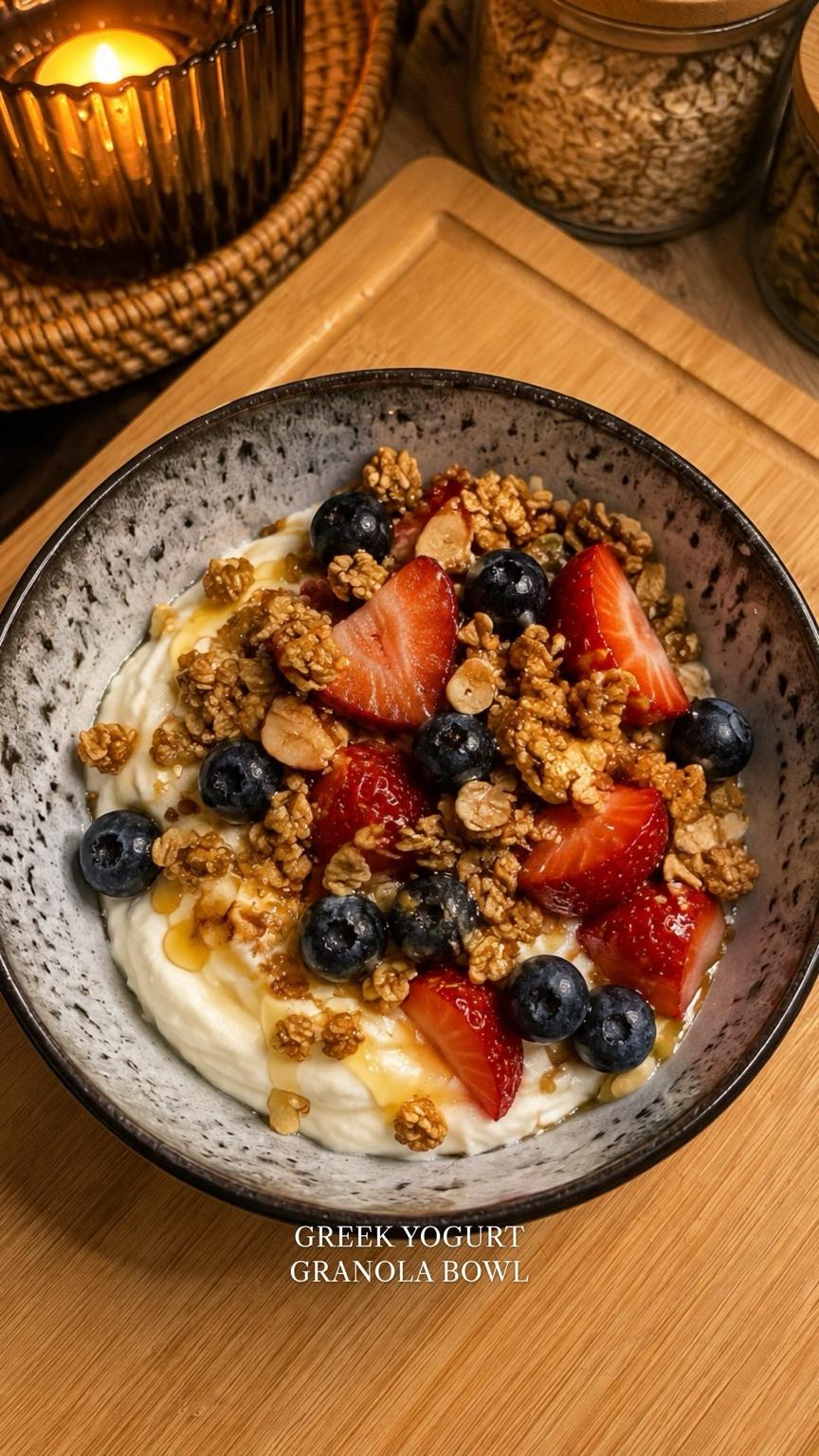
Day 3
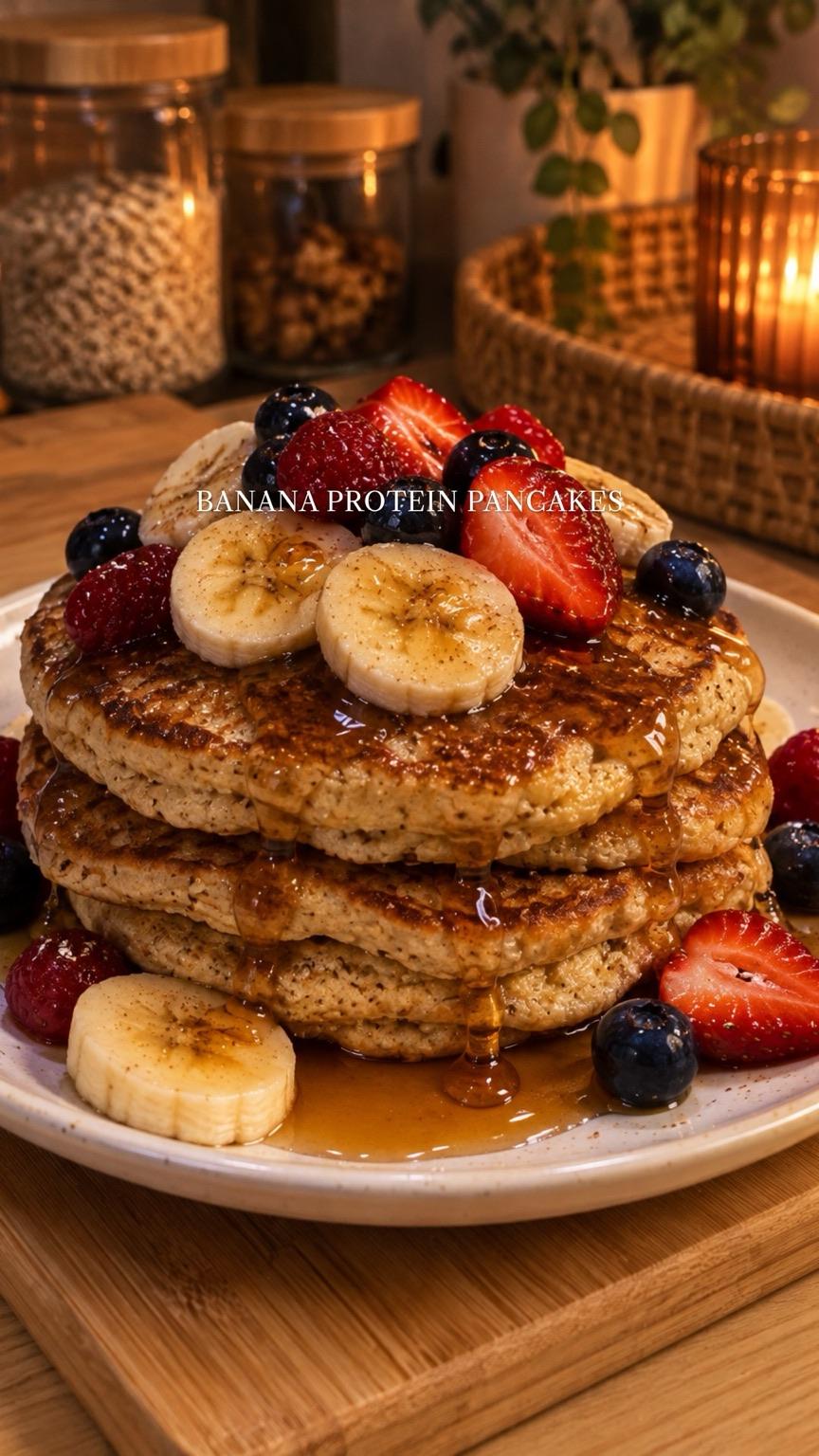
Day 4
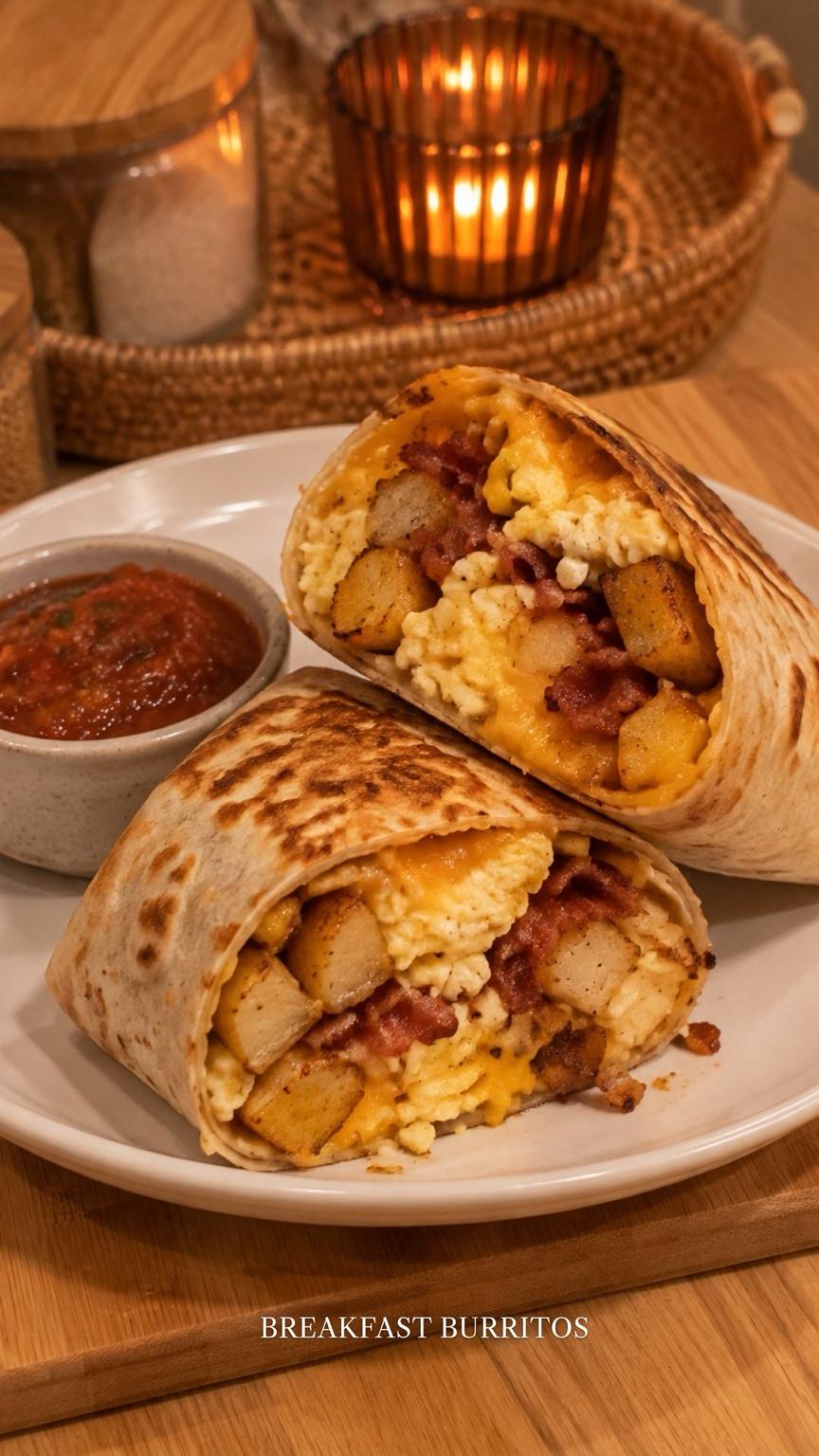
Day 5
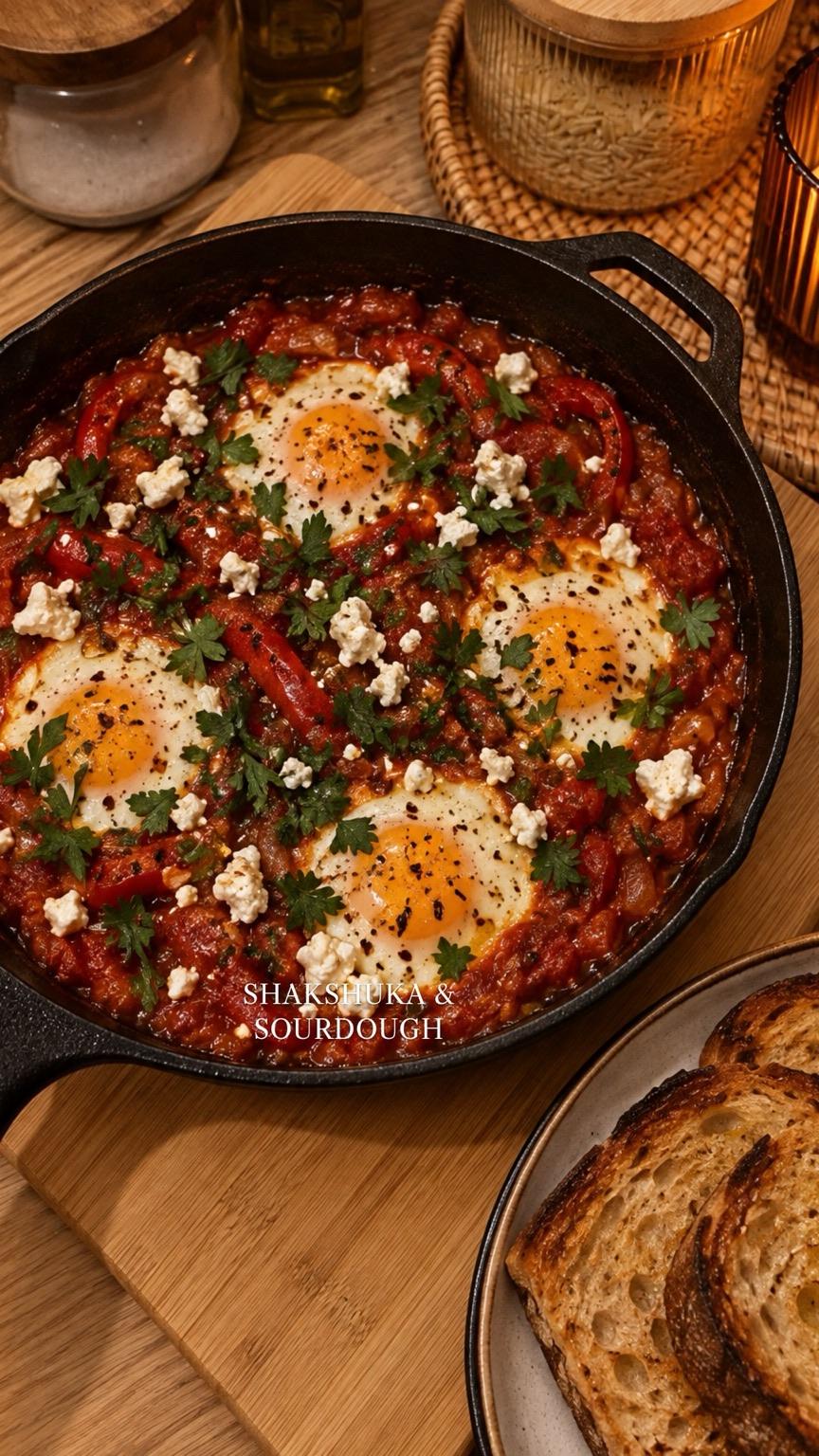
Day 6
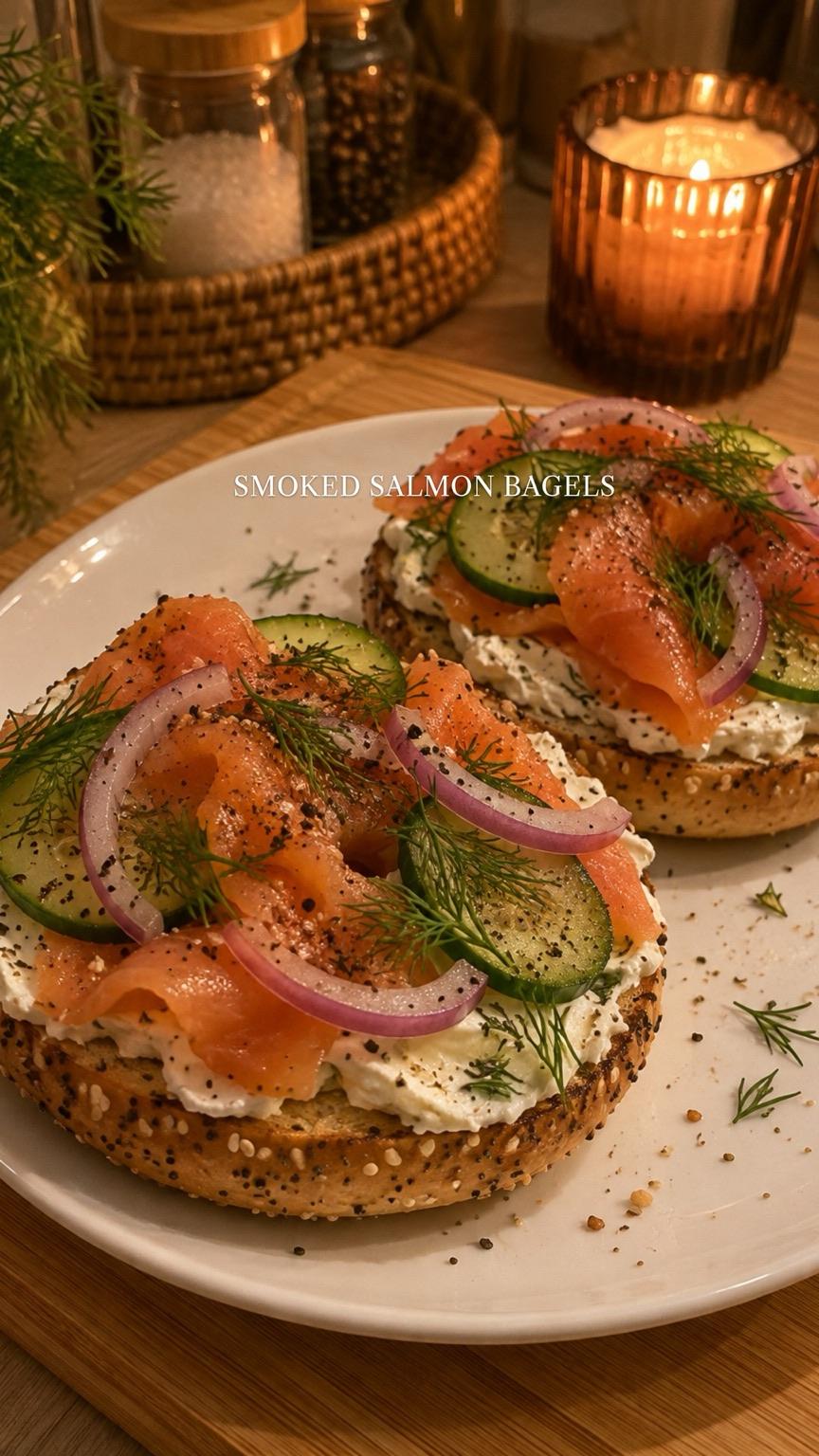
Day 7
It read every slide, measured the colors and text positions, and rebuilt the post at 9:16: the white label and emoji row on the cover, the small serif labels, the candles and wooden boards. The breakfast photos are new AI images made to match the original's light and framing.
For comparison, aiCarousels has a "copy their style" option for inspiration posts you save with its browser extension, and Mirr can learn the style of your own posts. I didn't test either, so I won't score them.
What the viral data says a good carousel needs
The rubric comes from 1,013 viral carousels and slideshows we collected in November 2026: 280 Instagram carousels and 733 TikTok photo slideshows. Every post had already gone viral, so these numbers compare winners with winners. They show what viral carousels have in common, not what causes reach.
- Short covers. The median viral Instagram cover had 9 words, and 61.4% used 10 or fewer. Number and how-to hooks opened 43.6% of them. Our Instagram carousel hooks has 90 to copy, and our free carousel hook generator writes covers like these for your topic.
- 6 to 10 slides. The median was 9, and the middle half ran 6 to 10. More on that in how many slides an Instagram carousel should have.
- Real reading. About 34 words per slide was typical on Instagram, twice the 16 on TikTok. See how to make an Instagram carousel with text.
- One idea per slide. 63.2% of viral Instagram carousels were one-item-per-slide formats like lists, how-tos and checklists. The viral carousel structure guide has outlines.
- One ask at the end. 75.7% of viral Instagram carousels had a call to action, and the most common was "comment": 38.2%. Carousels with a comment CTA had 11 times the median comments of those with none (880 against 80), with similar likes.
- 4:5 and a simple system. 71.1% were 4:5. Photos are optional: 28.6% were text-only designs and 36.1% sat on a plain solid color.
- Handle and swipe cue. 41.1% put a handle on the slides and 38.9% had a swipe cue or arrow. That's a convention, not a proven lift, so it counts lightly.
Our test prompt asked for a save CTA, and every tool that made a last slide used one. If you want comments instead, ask for a "comment a keyword" ending.
How to pick the right AI carousel generator
- You want a free carousel you can post today: Tweenery or Contentdrips. Canva works too if you add the last slide yourself.
- You want your carousel to look like a post that already worked: Tweenery. Paste the link.
- You want TikTok slideshows at 9:16: Tweenery or aiCarousels.
- You want the best images: Canva, then Mirr.
- You want to schedule straight to Instagram from the same app: Contentdrips, PostNitro (Creator+) or Mirr. Tweenery doesn't post or schedule.
- You want the most control over layouts by hand: PostNitro or Canva.
- You'll pay anyway and want the lowest cost per carousel: aiCarousels on the yearly plan, about $0.17 each.
- You make LinkedIn carousels mostly: aiCarousels and Contentdrips both started on LinkedIn and export PDFs for it.
FAQ
What is the best AI carousel generator for Instagram?
It depends on what you need. Tweenery and aiCarousels tied for the top score (13/14), with Contentdrips close behind (12/14). If you want a free download, look at Tweenery, Contentdrips or Canva. For images, Canva. For scheduling, Contentdrips, PostNitro or Mirr. Every tool's slides are above, so you can judge them yourself.
Is there a free AI carousel generator?
Yes, but most free plans cover about one carousel. In my test, Tweenery, Contentdrips and Canva let me download a finished carousel free with no watermark. aiCarousels lets you make one carousel but not download it, and PostNitro cut it to 5 slides with a watermark and then blocked the download.
Can AI write the carousel copy, not just design it?
Yes. Every tool here wrote the hook, the habits and the CTA from one prompt. Check the facts, and expect to sharpen the hook: Contentdrips and Mirr both made a better one when I asked.
What size should an Instagram carousel be?
1080x1350 pixels (4:5). 71.1% of the viral Instagram carousels we studied used it. A carousel can have up to 20 slides, and every slide takes the first slide's shape, so keep them all the same size.
Can an AI carousel generator post directly to Instagram?
Some can, through a built-in scheduler: Contentdrips, PostNitro on Creator+ and up, Mirr, Canva on Pro and Adobe Express. aiCarousels' "Post" button gives you instructions instead. Tweenery doesn't post or schedule; you download the slides and post them yourself.
Can ChatGPT make a carousel for free?
It can write the slide copy for free. I didn't test its image generation here, so I haven't scored it. You'd still need to design the slides at 4:5, for example in Canva's free editor.
Is there an AI TikTok slideshow generator?
Yes. Tweenery and aiCarousels both export 9:16 for TikTok. The copied "7 days of easy breakfasts" post above is a 9:16 slideshow made in Tweenery.
Do free AI carousel plans add a watermark?
PostNitro's does, on every slide. Mirr's FAQ says its free plan is "watermark-gated". Tweenery, Contentdrips, Canva and Adobe Express gave me files with no watermark.
How do I stop AI carousels looking generic?
Start from a post that already worked in your niche instead of a default template, and keep its look with your own words. Then fix the hook yourself: short, specific, 13 words or fewer.