Free quote maker for posts and carousels.
Make a quote image on a photo or a plain background, or turn 5 quotes into a carousel. Pick a style, add your handle, and download a PNG for Instagram or every slide as a ZIP for a TikTok slideshow.
How to make a quote image or carousel
- 01
Add your quotes
Type a quote and its author, or paste several quotes split by a blank line. Each one becomes its own slide.
- 02
Pick a style and size
Choose one of 20 styles, from a notes-app screenshot to a newspaper clipping, then a size: 4:5 for an Instagram carousel, 1:1 for a square post, 9:16 for a TikTok slideshow or story, 2:3 for Pinterest or 16:9 for a landscape image.
- 03
Make it yours
Put the quotes on a free Unsplash photo or your own, pick from 29 fonts and change the colors. Drag the text anywhere and resize it, on every slide or just one.
- 04
Download
Save one slide, or every slide at once as a ZIP, numbered so they upload in the right order. PNG keeps text sharpest; JPG keeps photo slides small.
Quote carousels made with this tool
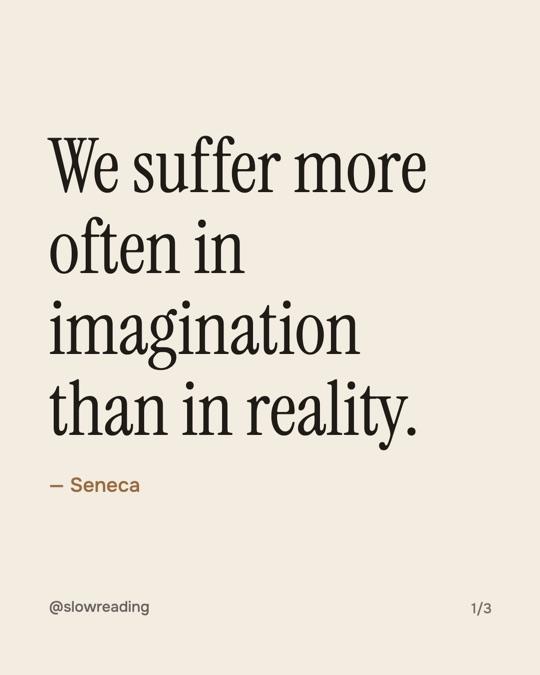
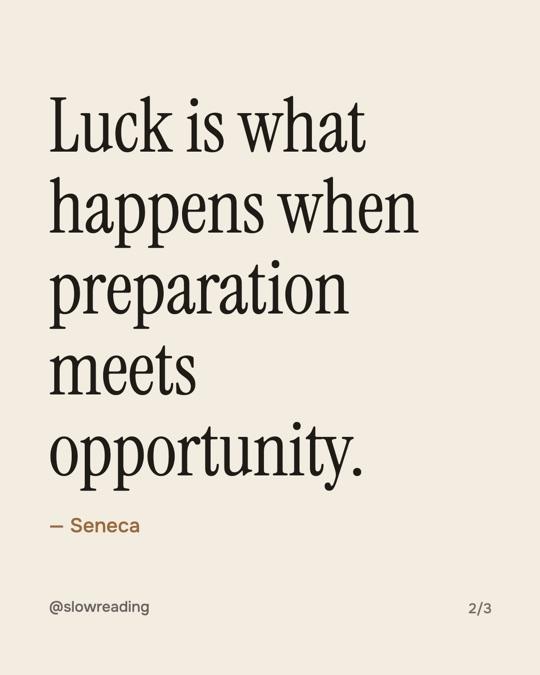
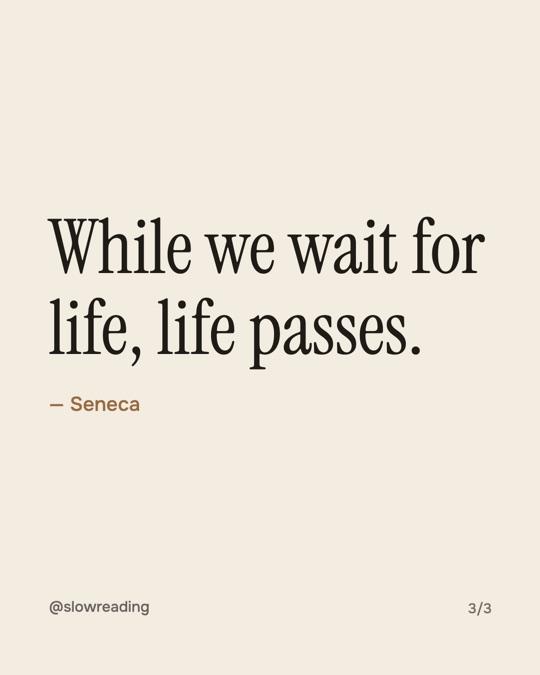
Serif on cream
Quiet and bookish. Good for stoic, literary and slow-living quotes.
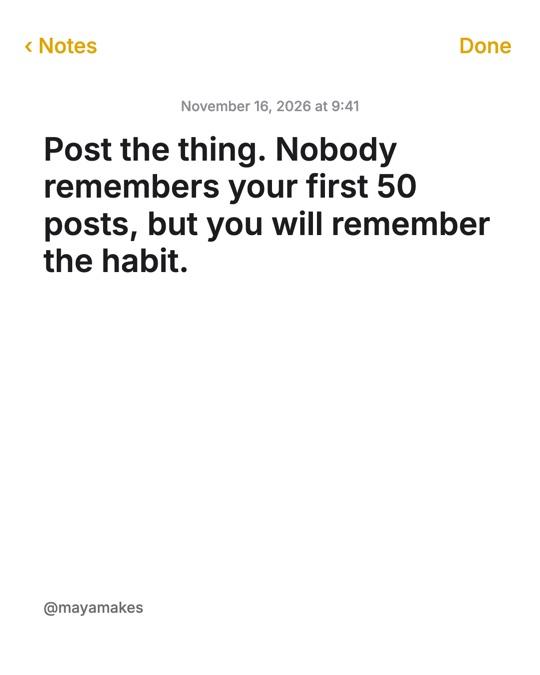
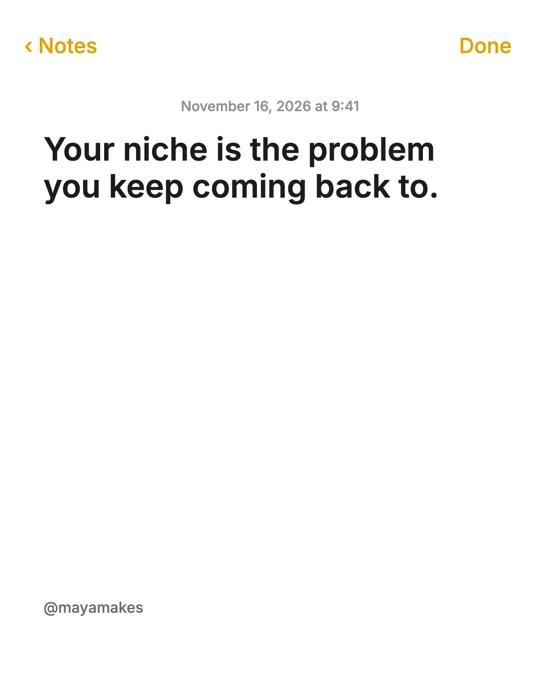
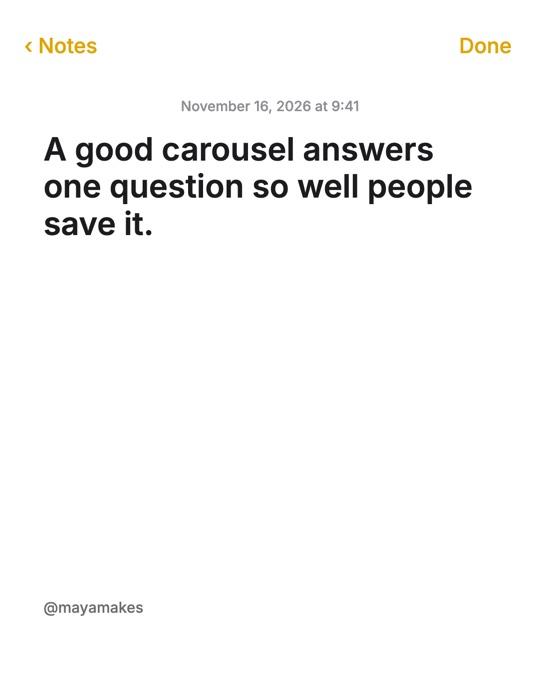
Notes app
Looks like a note from your phone. Personal, honest, and very easy to read.

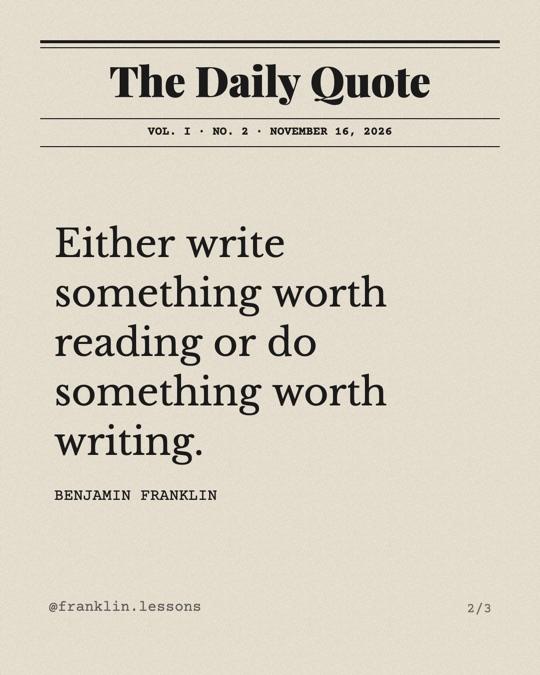
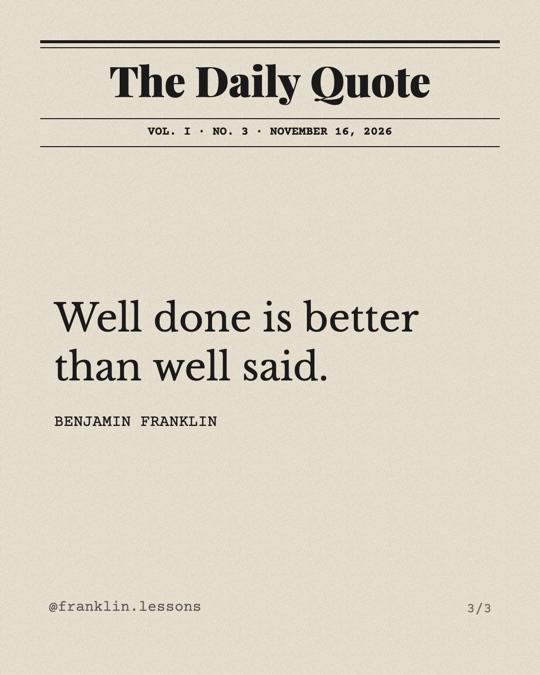
Newspaper clipping
A masthead, rules and a classic serif, like a quote cut out of the morning paper.
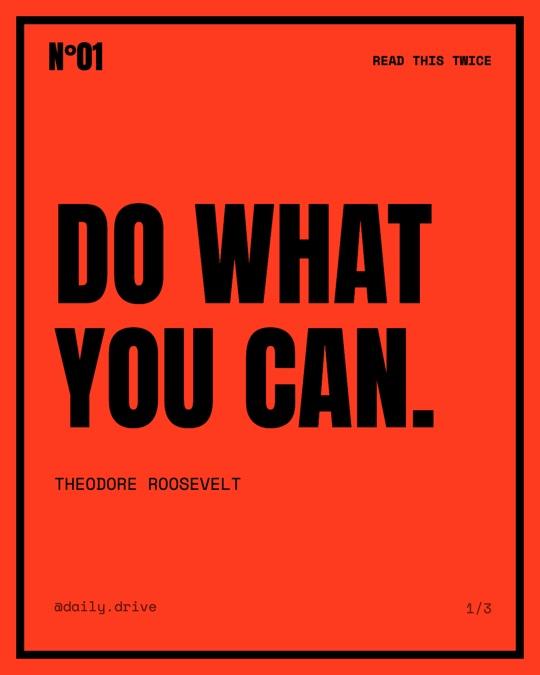
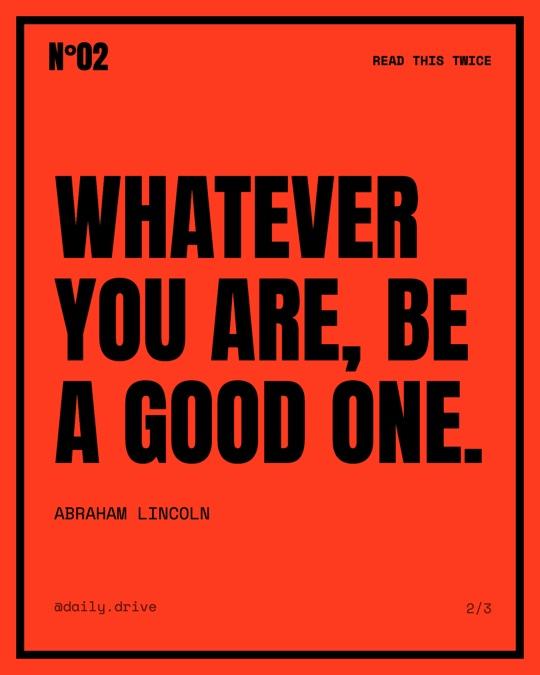
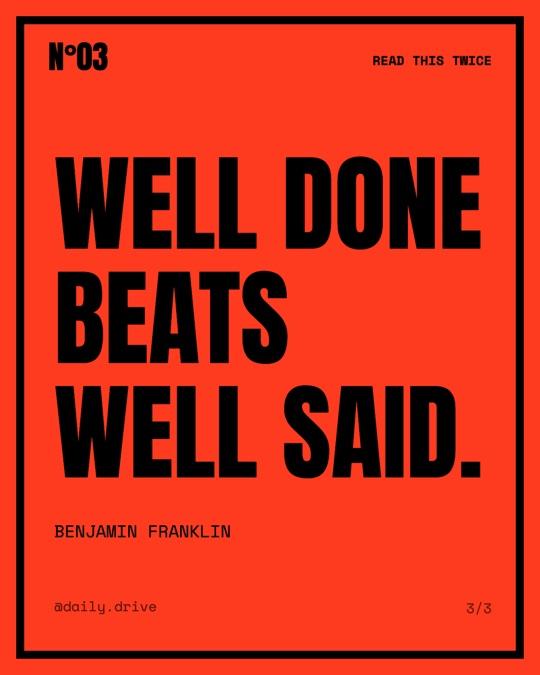
Brutalist poster
Huge condensed capitals in a heavy frame. For short lines that should hit hard.
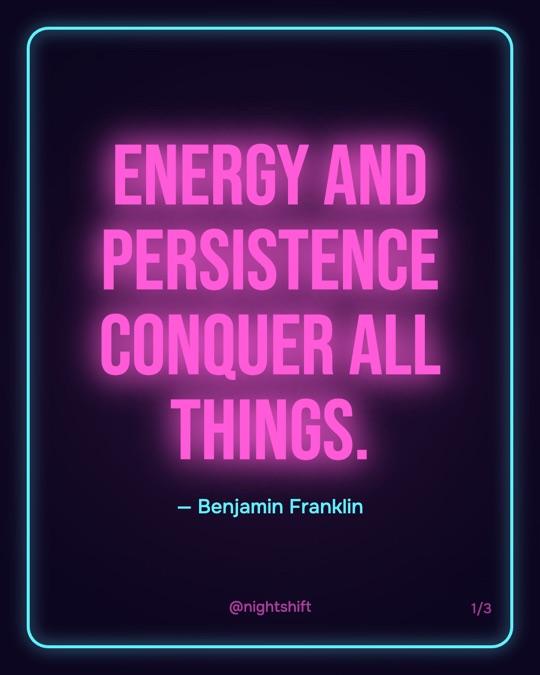
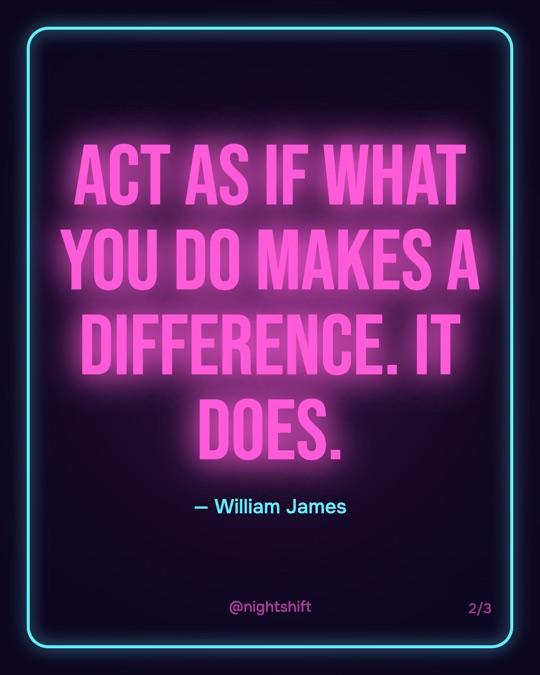
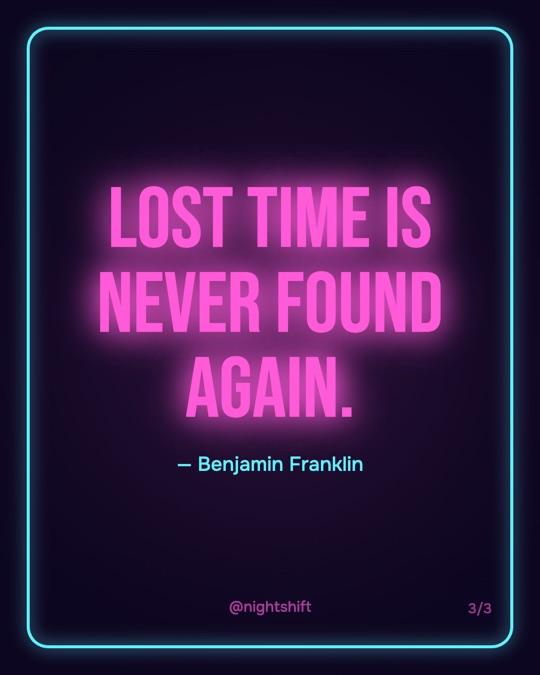
Neon on dark
Glowing sign letters on a dark wall. Made for late-night motivation.
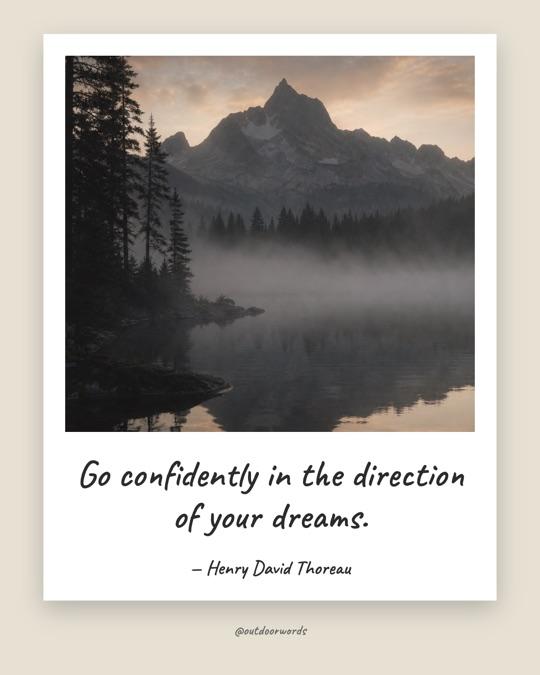
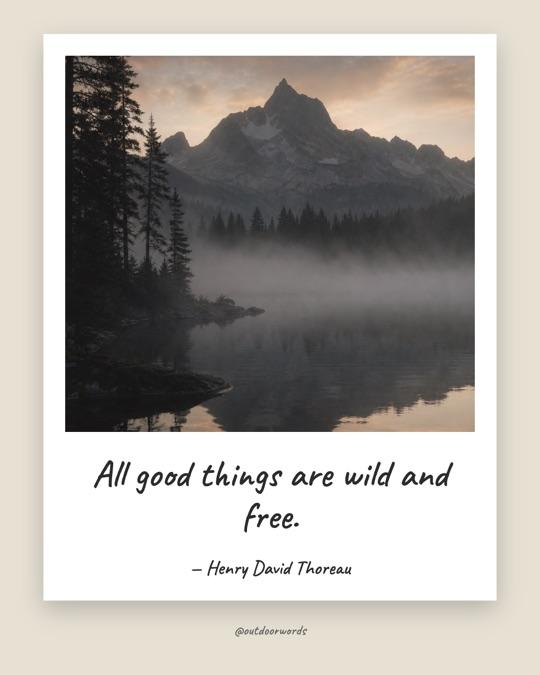
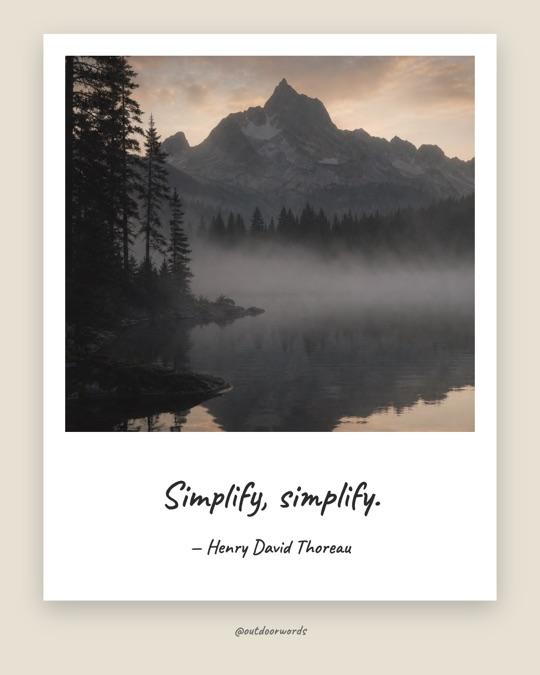
Polaroid
Your photo in an instant-camera frame, with the quote handwritten underneath.
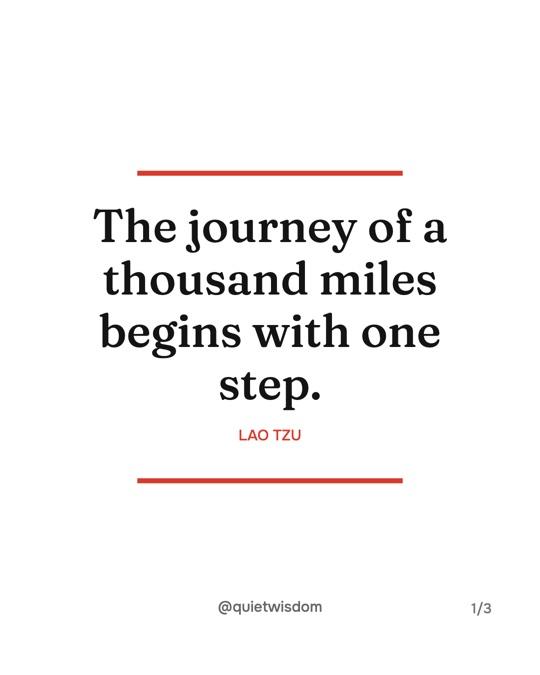
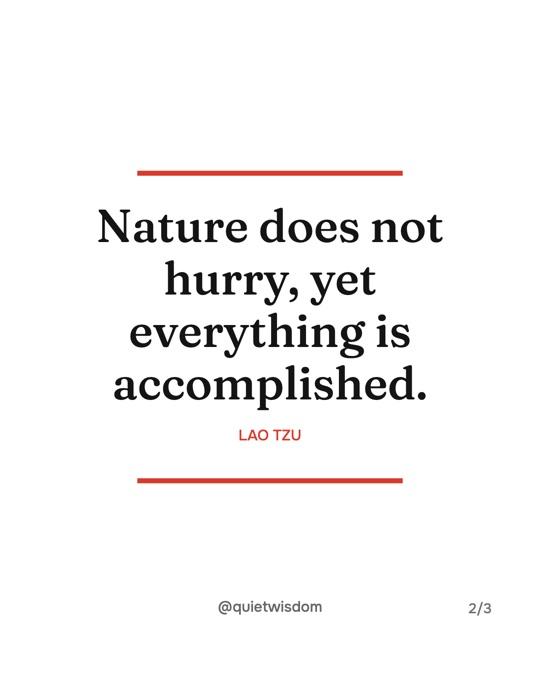
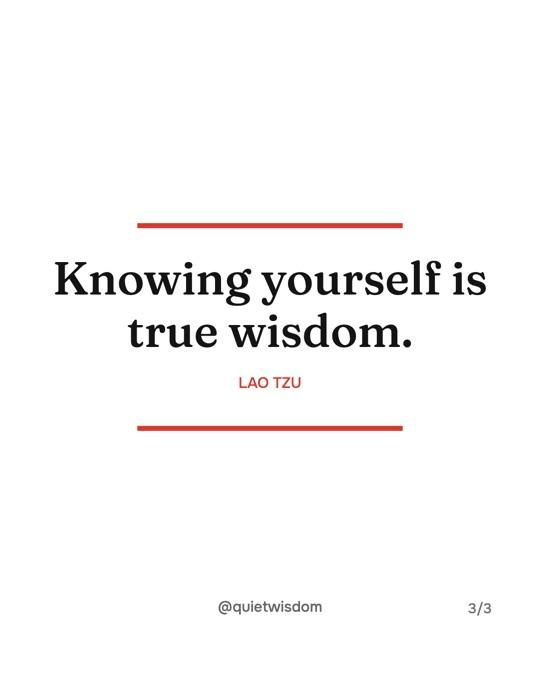
Magazine pull quote
Centered serif between two red rules, like a quote lifted from a feature article.
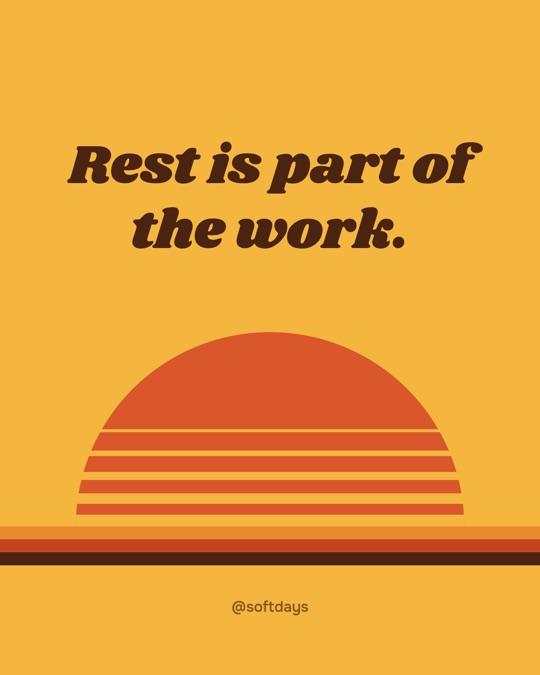
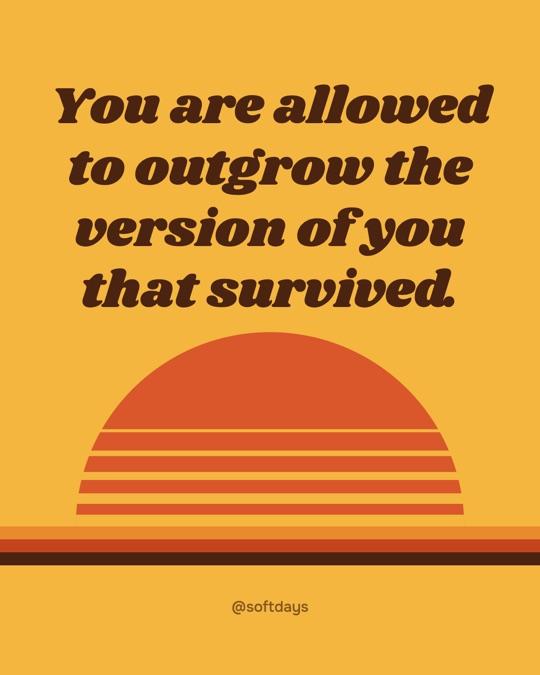
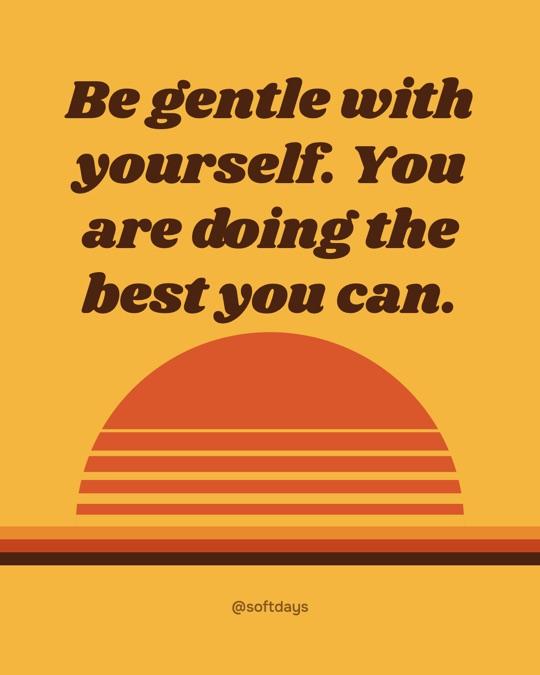
Retro 70s
A striped sunset and chunky script in warm colours. Soft, nostalgic lines.
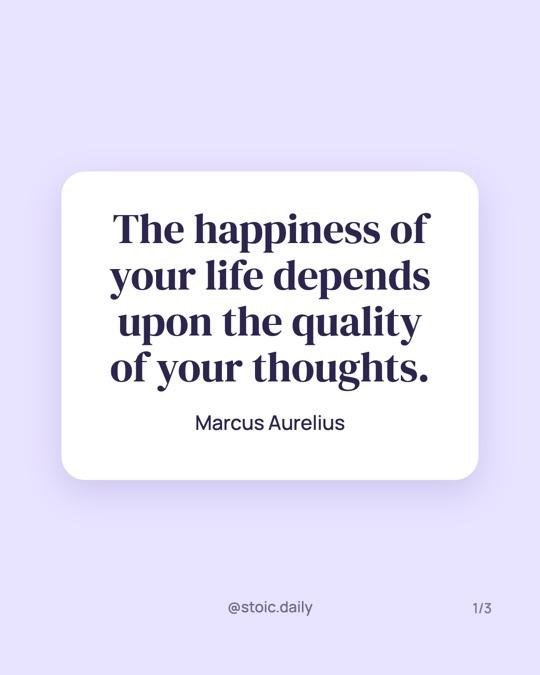
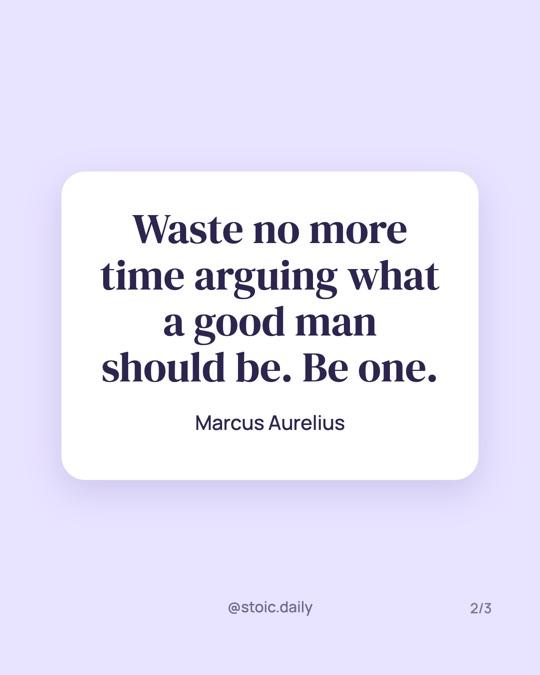
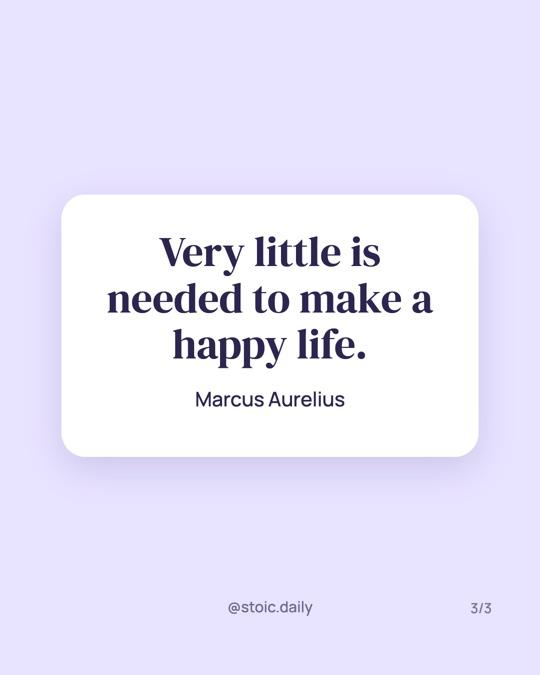
Pastel card
A floating white card on a pastel background. Calm and clean.
Make a quote picture for Instagram
Most people searching for a quote maker want one thing: a good-looking image of a quote they can post today. Type the quote, add the author, pick a style and download it. One slide is a finished quote post.
To put a quote on a picture, choose the Photo or Polaroid style, then search Unsplash for a free photo or upload your own. The photo is darkened behind the text so it stays readable, and you can drag the quote off a face or a busy spot. Unsplash photos are free to use, and the photographer is credited in the tool.
For a quote card without a photo, try Serif on cream, Notes app or Tweet card. Plain backgrounds read faster on a small screen and suit longer quotes (more on text slides for Instagram). Use 4:5 for the feed, 1:1 for a square post on Instagram, Facebook or LinkedIn, and 2:3 for Pinterest.
Turn several quotes into a carousel or slideshow
One quote makes a nice post. Five quotes on one theme make a carousel people swipe through and save. Most quote makers stop at a single image, so you end up designing each slide by hand and hoping they match. Here every slide shares one style, font and layout, so the set looks like it belongs together.
For an Instagram carousel, pick the 4:5 size, paste your quotes into “Add many quotes at once” with a blank line between them, and download all slides as a ZIP. The files are numbered (quote-01, quote-02…), so they upload in the right order. Put the strongest quote first: it is the cover, and it decides whether anyone swipes. Stuck on the first slide? The carousel hook generator shows hooks from viral carousels.
For a TikTok quote slideshow, switch to 9:16. The text sits above the bottom of the screen, where TikTok puts its caption and buttons (see how to add text to a TikTok slideshow). Upload the slides as a photo post and add a sound. Short quotes of one or two lines work best, because viewers get a few seconds per slide. For video ideas instead, browse these viral video hooks.
Add your @handle once and it appears on every slide, so reposts still lead back to you. If one slide needs different spacing, pick “Only slide” in Text layout and move its text: the rest stay as they are.
If you want the quotes written and designed for you, Tweenery is an AI agent that turns an idea into a ready-to-post carousel. See the other free tools too, like the AI carousel generator.
What size should a quote post be?
| Where you post | Size in pixels | Ratio |
|---|---|---|
| Instagram post or carousel | 1080×1350 | 4:5 |
| Square post (Instagram, Facebook, LinkedIn) | 1080×1080 | 1:1 |
| TikTok slideshow, Reels cover, Story | 1080×1920 | 9:16 |
| Pinterest pin | 1000×1500 | 2:3 |
| Blog header, YouTube, X (landscape) | 1920×1080 | 16:9 |
4:5 is the safe default for Instagram: it fills more of the feed than a square, and all slides of a carousel must share one size anyway.
Which quote style fits your account?
Calm and literary
Serif on cream, Magazine pull quote, Newspaper clipping
For philosophy, books and slow-living accounts. A serif on a quiet background lets the words do the work.
Personal and honest
Notes app, Handwritten note, Tweet card, Typewriter
For lessons, confessions and advice in your own words. They look like something you wrote, not something you designed.
Loud and motivational
Bold on black, Brutalist poster, Neon on dark, Bold outline
For gym, business and hustle content. Big, heavy type that reads in the half second before someone scrolls.
Soft and warm
Pastel card, Soft gradient, Retro 70s, Warm grain
For self-care, relationships and wellness. Soft colours and rounded shapes keep the tone gentle.
Photo-led
Photo, Polaroid
For travel, nature and lifestyle feeds. Pick a free Unsplash photo or upload your own and the quote sits on top.
Quote maker questions, answered.
How do I make a quote post for Instagram?
Type your quote and the author into the quote maker, pick a style and the 4:5 size, and download the image. Upload it to Instagram as a post. To make a quote carousel, add one quote per slide, download all slides as a ZIP and upload them together in order.
Can I make a single quote image?
Yes. Keep one slide and download it as a PNG. That's a finished quote picture for an Instagram post, a story or a Pinterest pin. Add more slides only when you want a carousel.
What size is a quote post?
For Instagram, use 1080×1350 pixels (4:5). It takes up the most space in the feed and is the size most carousels use. 1080×1080 (1:1) works for a square post, 1080×1920 (9:16) for a TikTok photo slideshow, Reels cover or story, and 1000×1500 (2:3) for a Pinterest pin.
Is it free? Is there a watermark?
Yes, it's free, with no signup and no watermark. Everything is made in your browser, and your quotes and photos are never uploaded to our servers.
Can I turn several quotes into a carousel?
Yes. That's what this quote maker is built for. Add one quote per slide (or paste them all at once, split by a blank line), and the preview shows them side by side like a real carousel. Download all slides as a ZIP and post them in order on Instagram, or as a TikTok photo slideshow.
Can I move the text or change the font?
Yes. Drag the quote, the author or your handle anywhere on a slide and drag the corner to resize it. Changes apply to every slide so the carousel stays consistent, or switch on "Only slide" to adjust just one. Pick from 29 fonts: serif, sans, display, handwritten and mono.
Can I put a quote on my own photo?
Yes. Pick a free photo from Unsplash (or search for one), or upload your own picture. It goes behind the quote on every slide. The photo is darkened so white text stays readable, and a slider lets you choose how much.
Can I use quotes from famous people?
Short quotes with the author named are widely shared on social media. Always credit the author, and check the quote is real: many famous quotes online are misattributed.
How do I make a TikTok quote slideshow?
Pick the 9:16 size, add one quote per slide and download all slides as a ZIP. In TikTok, tap +, choose Photo, select the images in order and add a sound. The text stays above the bottom of the screen, where TikTok shows its caption and buttons.
How many slides can I make?
Up to 30 at once. Instagram carousels allow up to 20 photos and TikTok photo posts up to 35, so 5 to 10 quotes is the sweet spot for most posts.
What's the best font for quote posts?
A serif such as Instrument Serif or Playfair Display feels literary and calm. A bold sans or a condensed display font like Anton reads fastest on a small screen. Handwritten fonts like Caveat feel personal but work best for short quotes.
How should I credit a quote?
Put the author's name under the quote, after a dash. If you're not sure who said it, search the exact wording first. When nobody can be found, leave the author empty rather than guess.
Want the quotes written for you, in your brand?
Tweenery makes the whole carousel: the words, the design and every slide.
Try Tweenery free