Put a picture inside text in seconds.
Add a photo or a video, type a word, and the letters fill with it. Pop the subject out in front, or animate a still photo. Download a PNG, MP4 or GIF.
Your photo stays on your device. No signup, no watermark.Making a carousel cover? Tweenery writes and designs the whole carousel
How to put a picture inside text
- 01Add your photo or videoUpload it, drag it onto the preview, or copy an image and paste it with Ctrl+V or ⌘V. A video plays inside the letters; Animate turns a still photo into a slow zoom.
- 02Pick a look and type your textStart from a finished look like Travel cover or Bold 3D, then change anything. Short words work best. Thick letters show the most of the picture, so every font here is a heavy one. Add more text, like a caption in a plain color, with "Add text".
- 03Place itDrag any text to move it, a corner to resize it, the dot above it to rotate it and the diamond below it to curve it. Undo anything with Ctrl+Z or ⌘Z. Drag an empty spot to move the photo inside the letters, and zoom in to fill them with one part of it.
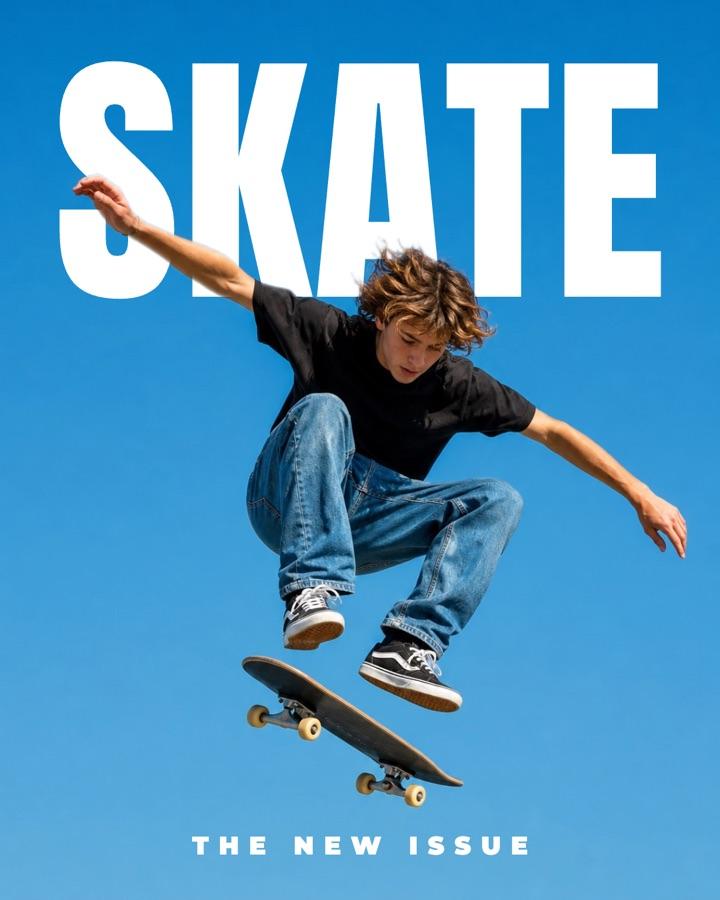
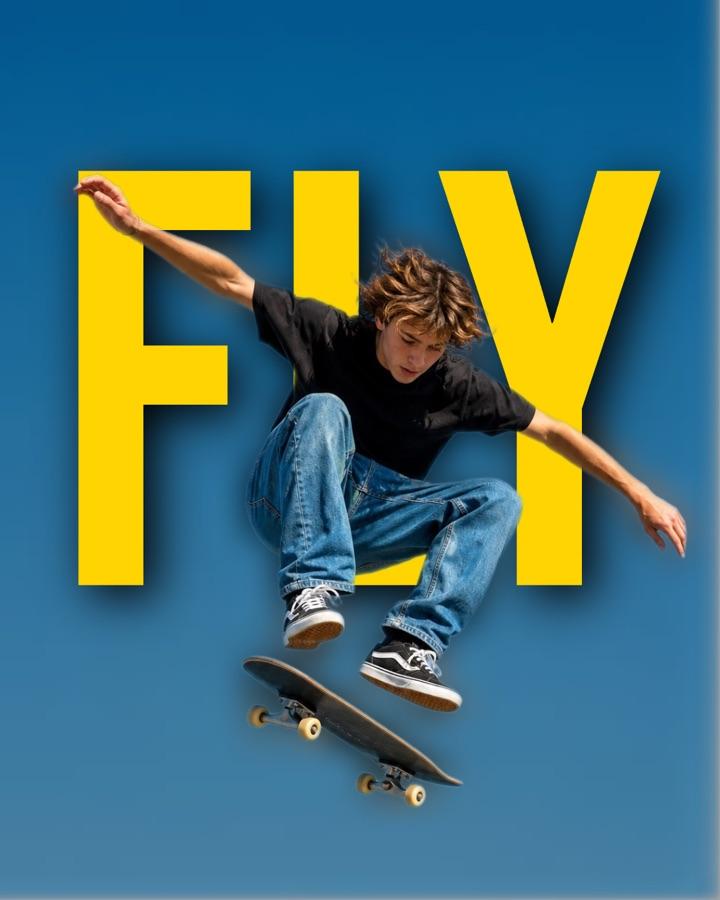
- 04Pop it outPress "Pop out subject" and the person or object in your photo moves in front of the text, like a magazine cover. It runs on your device. Brush away or bring back parts if the edge needs help.
- 05Pick a size and downloadChoose 4:5 for a carousel cover, 1:1 for a post, 9:16 for a story or 16:9 for a thumbnail, then download a PNG, JPG or WebP, or an MP4 or GIF for video.
Picture in text examples
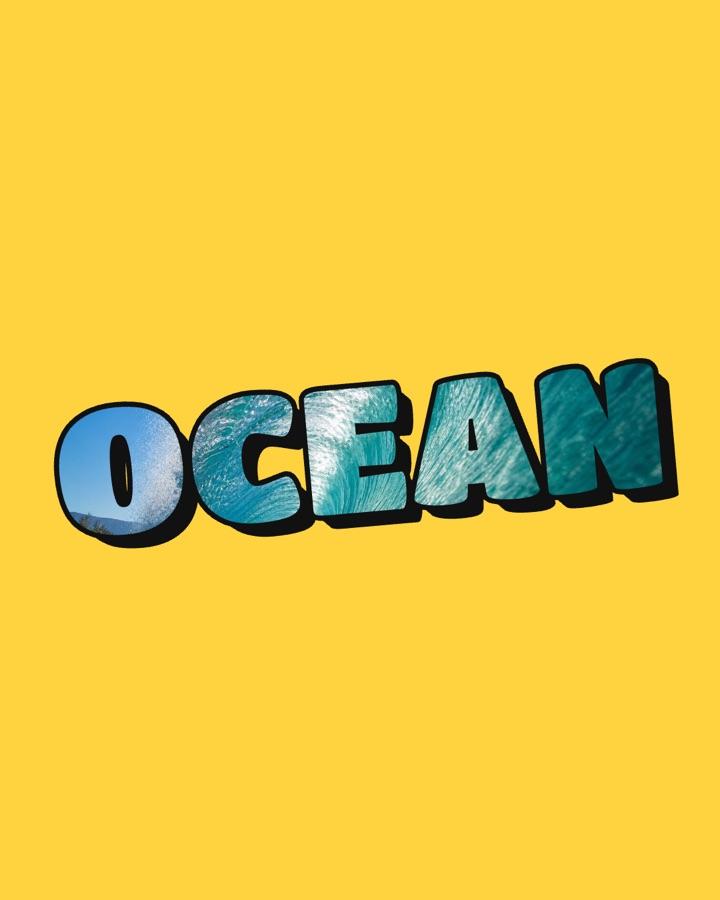
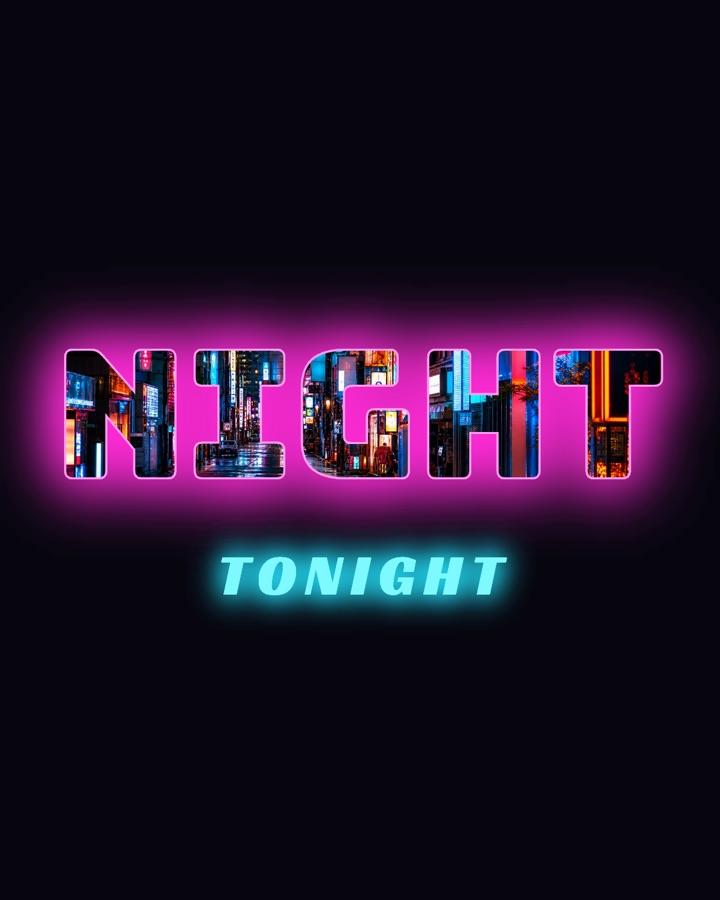
Every one of these was made with the tool above in a few seconds.



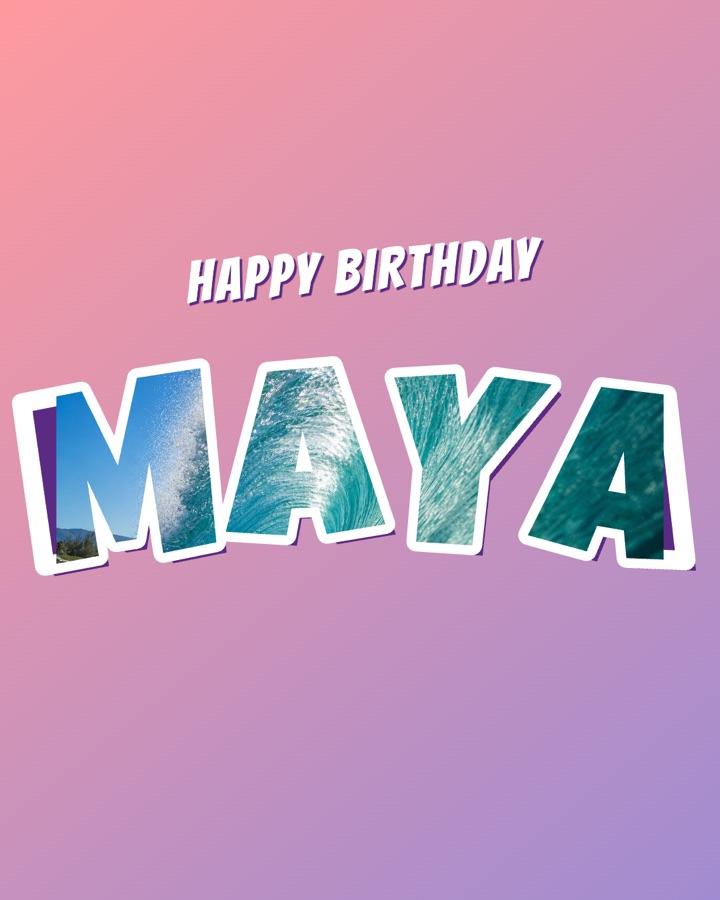
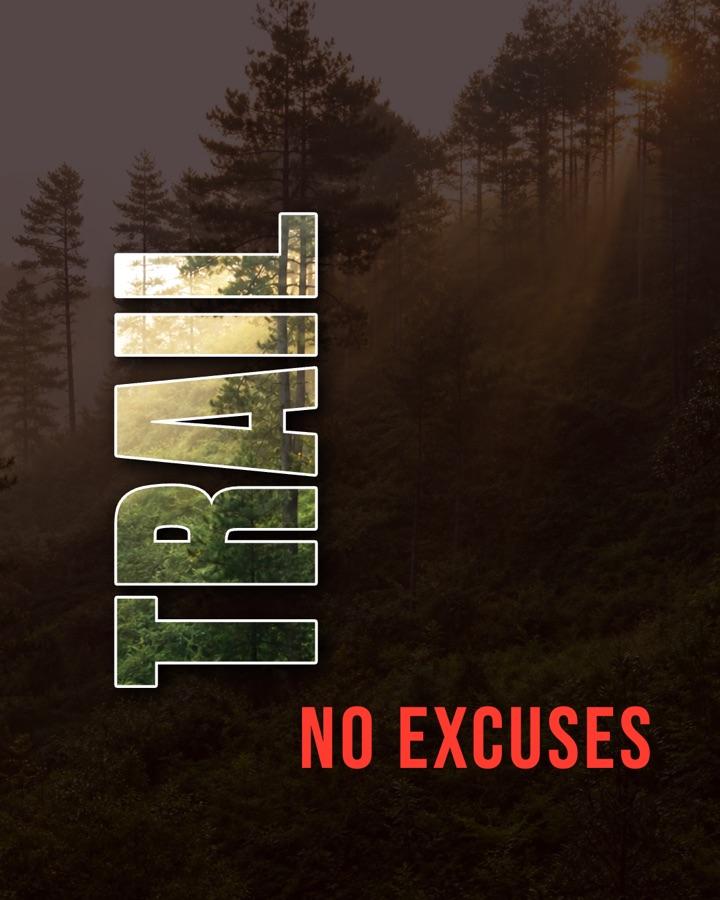

Picture in text, answered.
How do I put a picture inside text?
Add a photo to the tool above, type your word, and the letters fill with your picture right away. Drag the preview to choose which part of the photo shows through, pick a font and background, then download the PNG. No Photoshop, clipping masks or layers needed.
Can I put a video inside text?
Yes. Drop an MP4, MOV or WebM onto the editor (or pick Video in the Photo panel) and it plays inside the letters. Download it as an MP4 with the original sound, up to 60 seconds, or as a looping GIF. The video is made on your device, with no watermark.
How do I make the subject pop out of the text?
Press "Pop out subject" in the Photo panel. The tool finds the person, animal or object in your photo and puts it in front of the letters, so the word sits behind them like on a magazine cover. Use Erase and Restore to fix the edge, and Softness to blend it.
Can I animate a photo inside text?
Yes. Pick Animate in the Photo panel and your photo slowly zooms and drifts inside the letters. Download it as an 8 second MP4 for Reels and TikTok, or a GIF.
Is this image inside text tool free?
Yes. It's free, there's no signup and the PNG has no watermark. Download as many images as you like.
Does it work on iPhone and Android?
Yes. It runs in the browser on iPhone, iPad and Android phones. Tap "Upload a photo" to pick one from your camera roll, and the download saves the PNG to your phone.
Is my photo uploaded anywhere?
No. The picture or video is put inside the text right in your browser, and the subject cut-out runs on your device too. Your files never leave it.
Can I get a transparent background?
Yes. Choose "Transparent" as the background and the PNG keeps only the letters filled with your photo, so you can place them on any design in Canva, Figma, CapCut or Instagram stories.
What size should a picture-in-text image be for Instagram?
Use 4:5 (1080×1350) for feed posts and carousel covers, since it takes up the most room in the feed. Use 1:1 (1080×1080) for square posts, 9:16 (1080×1920) for stories and reels covers, and 16:9 (1920×1080) for YouTube thumbnails and slides.
Can I rotate or curve the text and add 3D, outlines or a glow?
Yes. Drag the dot above any text to rotate it, use the Curve slider to bend it into an arc, and add an outline, drop shadow, 3D depth or glow from the Effects panel. All of it works on photo-filled text too, and every look above is just a starting point you can change.
Which fonts work best for text with an image inside?
Heavy, wide fonts like Archivo Black, Anton or Bowlby One. All 25 fonts in the tool are thick on purpose. The thicker the letters, the more of the photo shows through them. Short words in capitals work best: one to eight letters per line.
Making a carousel cover?
Tweenery is an AI agent that writes and designs the whole carousel, from the cover to the last slide.
Try Tweenery free